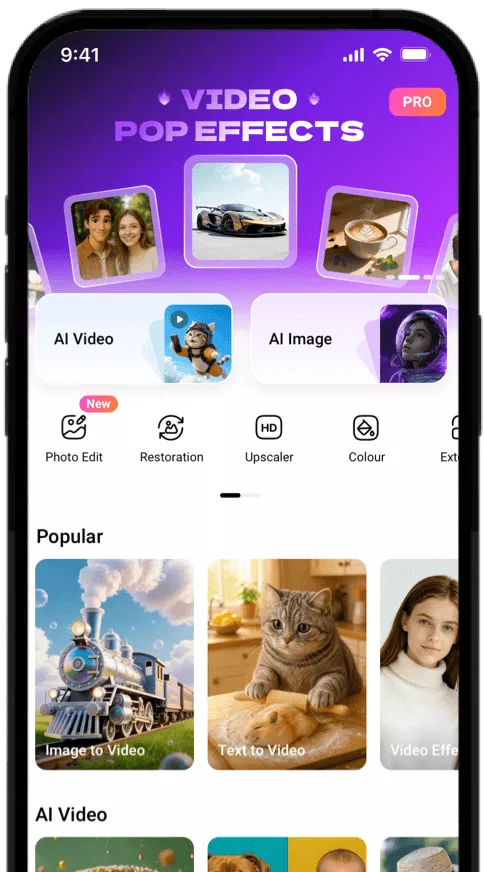
Remove Mosaic from Photo with AI
Select or enter a prompt, and instantly remove mosaic blur with AI to effortlessly convert a censored photo into an uncensored picture within seconds.
Why Choose FlexClip Photo Mosaic Remover?

Smart AI Technology
Our photo mosaic remover uses artificial intelligence to analyze your image content and provide the best mosaic removal effects.

High-Quality Output
Experience professional-grade mosaic removal from photos—convert pixelated snaps into clear and crisp uncensored images in high quality.

Privacy Protection
FlexClip always prioritizes your privacy, utilizing encrypted transmission to ensure that your image data is never misused or leaked.
please input title
Remove Any Mosaic Effectively with Smart AI
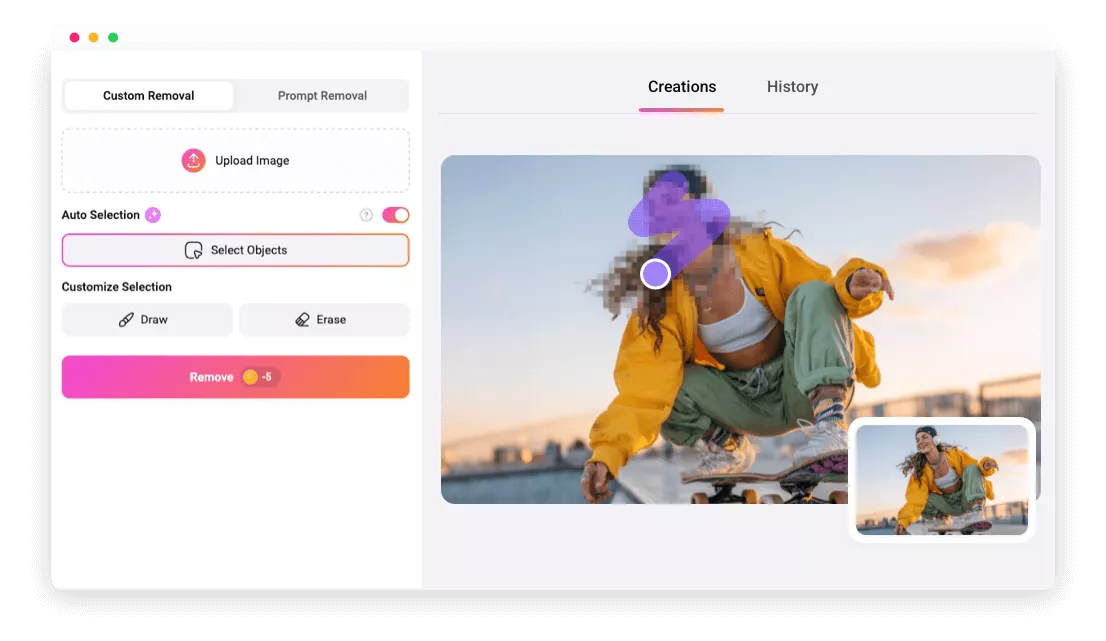
Tired of pixelated, blurred, or blocked images? Our AI-powered mosaic remover intelligently detects and clears every type of mosaic effect—from pixelation and blurring to text, face, and object overlays. Whether it’s blocky pixels, Gaussian blur, or simple distortion, every detail is restored with stunning clarity and precision for flawless results.
Remove Mosaic Now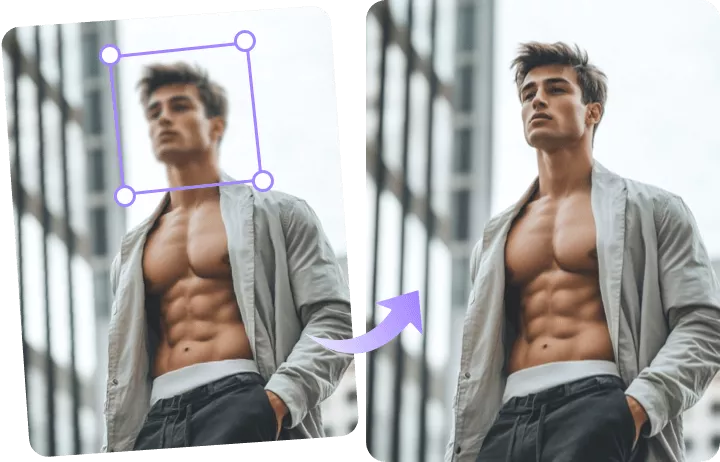
Erase Mosaics Instantly, Restore Images Naturally
Powered by cutting-edge image restoration technology, FlexClip’s AI Photo Mosaic Remover doesn’t just erase mosaics—it intelligently fills in missing details while preserving realistic textures for natural, crystal-clear results. With this smart tool, you can seamlessly remove mosaic effects and restore images with authentic clarity.
Erase Mosaic Now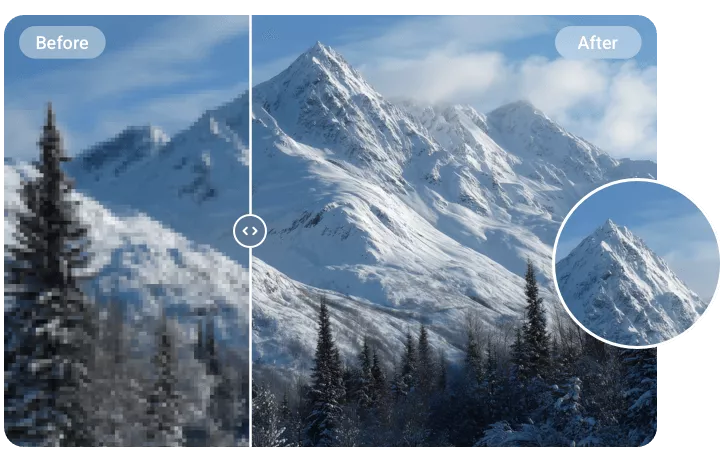
AI-Powered Mosaic Removal for Every Image
Whether you’re fixing a blurred selfie, revealing a pixelated pet, restoring a censored group photo, or editing mosaics on badge photos, school IDs, or celebrity images, FlexClip’s AI Mosaic Remover makes it simple. Simply upload your photo, select or prompt the mosaic area, and click "Remove"—FlexClip handles the rest, removing the mosaic censor while reconstructing missing details instantly.
Remove Mosaic Now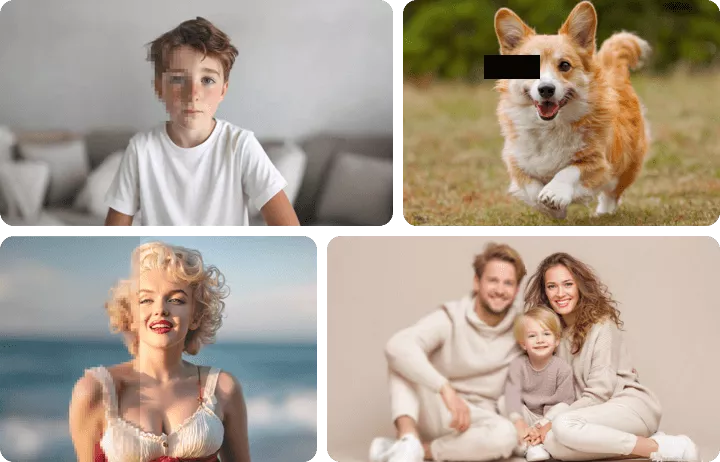
Restore True Appearances with Reference Image
Want to remove mosaics and reveal a person’s true appearance—not rely on AI guesses—even in the most pixelated or distorted images? FlexClip’s AI Photo Editor lets you upload a reference image to naturally and accurately reconstruct the original look while removing mosaic censorship. Best of all, beyond mosaic removal, you can easily edit faces, objects, backgrounds, and more—all within one intuitive, all-in-one platform.
Edit Photo with AI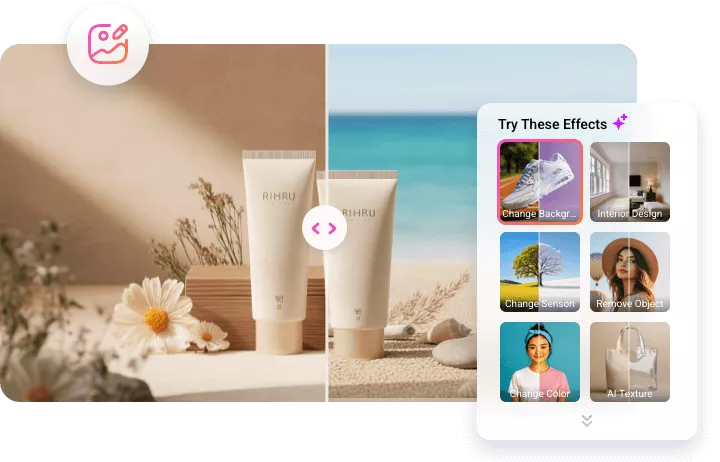
How to Remove Mosaic from Photo with AI
- 1
Upload the Photo
Begin by choosing and uploading the image you want to process.
- 2
Remove Mosaic from Photo
Choose the custom removal option to eliminate the mosaic blur, or try the prompts option to let AI automatically analyze the image and remove the mosaic.
- 3
Download or Keep Editing
Wait a few minutes while FlexClip accurately recognizes and erases the mosaic and restores your image. Then you can download the new image or continue editing with more tools.
Frequently Asked Questions
How accurate is the facial reconstruction compared to the original?
Reconstruction accuracy depends on the mosaic’s intensity and surrounding context. Light pixelation produces more accurate results, but the AI can only generate plausible features and won’t perfectly match unknown originals.
If you want to restore someone’s true appearance, try FlexClip's AI photo editor, which allows you to upload a reference image while removing the mosaic.