AI Goth Filter
Apply AI goth filter to any photo to embrace dark beauty of the Gothic aesthetic.
Why Choose FlexClip to Apply AI Goth Filter?

Add Goth Filter with AI
Our advanced AI technology swiftly analyzes your photo and applies the goth filter to it in seconds.

Safe & Secure
FlexClip’s AI goth filter is 100% green. No tedious ads on the interface. Moreover, it doesn’t share your information or projects with any third parties.

Support PNG, JPG, WEBP, SVG, GIF, etc.
It supports the main photo formats and image containers, like PNG, JPG, WEBP, SVG, GIF, BMP, and ICO.
please input title
Add Goth Filter to Images from Text Prompts
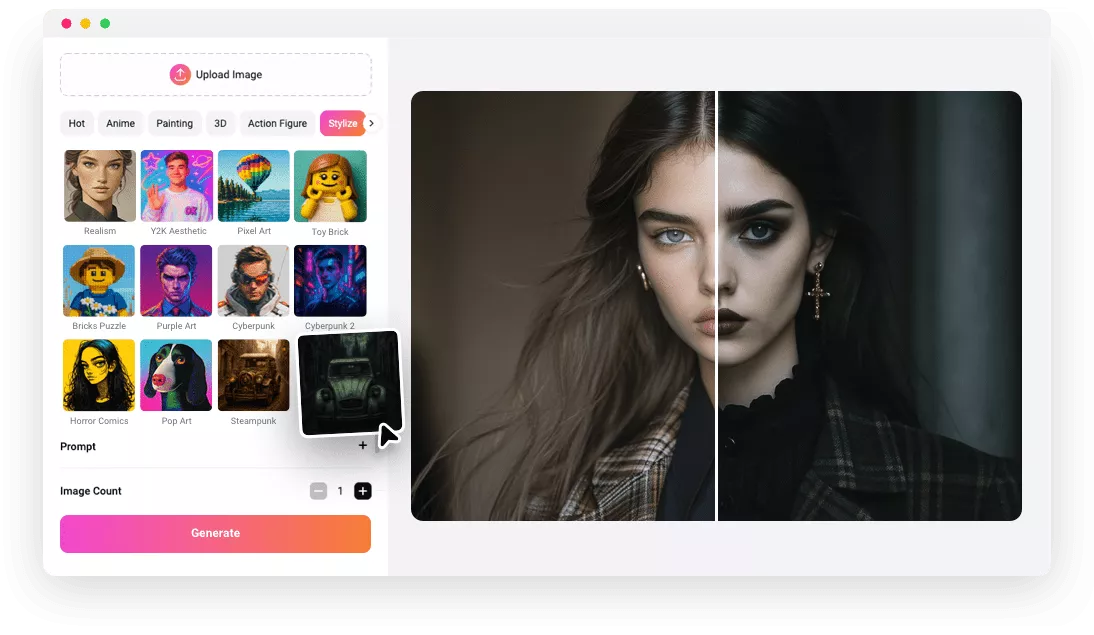
Whether you upload architecture, portraits, or still life, FlexClip’s AI goth filter can easily convert your normal photo into gothic image. It can help you instantly see what your photos would look like with gothic effect online. Simply upload your portrait or architecture photo, and you can add the gothic filter to image by inputting your prompt to describe your desired gothic effect. And FlexClip’s AI goth filter is fully web-based and will work seamlessly on your devices.
Apply AI Goth Filter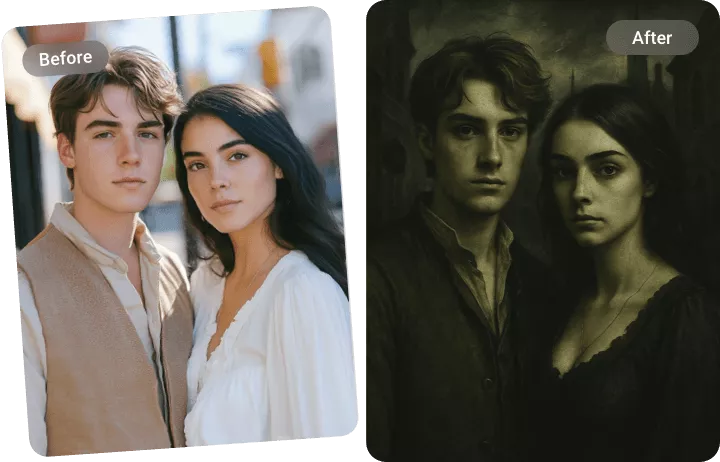
Add Preset AI Goth Filter to Images
Nowadays, FlexClip also provides an easier way for you to add goth filter to image online. You can try FlexClip’s preset goth filter and apply it to your uploaded image in one click. It will add depth, emotion, and a touch of darkness to any kind of photo. FlexClip’s preset goth filter will automatically detect the face in your photo and apply goth makeup in seconds. Or you want to add AI goth filter to landscape photo, it will add a sense of decay and decadence to the scene to create brooding landscapes of misty moors.
Apply AI Goth Filter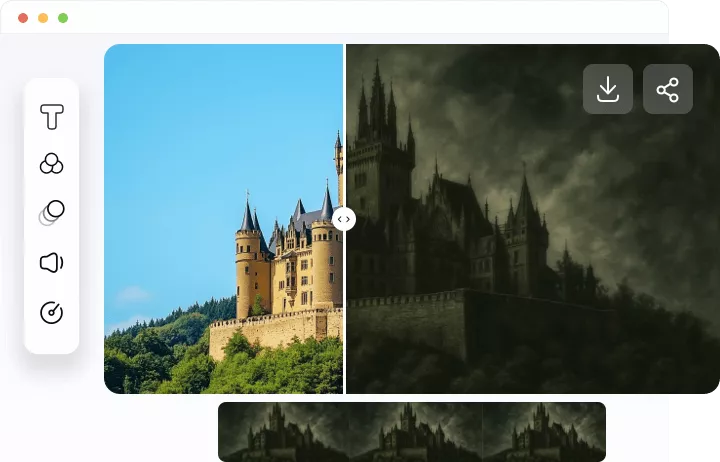
Easily Edit and Level up Your Goth Photo
You can choose to personalize your generated goth image using FlexClip’s powerful editing tools. You can adjust exposure, saturation, vignette, filters, and overlays to add your own unique touch. You can bring life to the gothic image with its AI video generator to make it more like a work of art. Once you're satisfied with the result, easily download or share it across social media.
Apply AI Goth Filter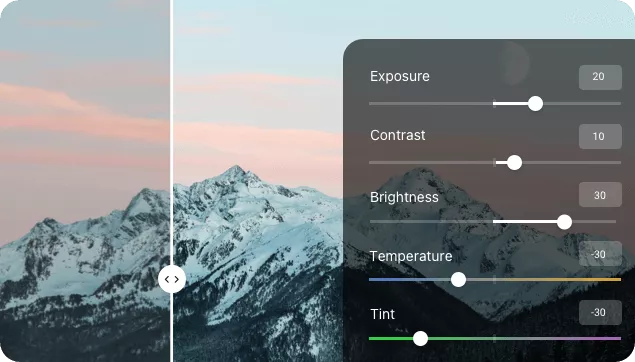
How to Apply AI Goth Filter to Your Photo
- 1
Upload Your Image
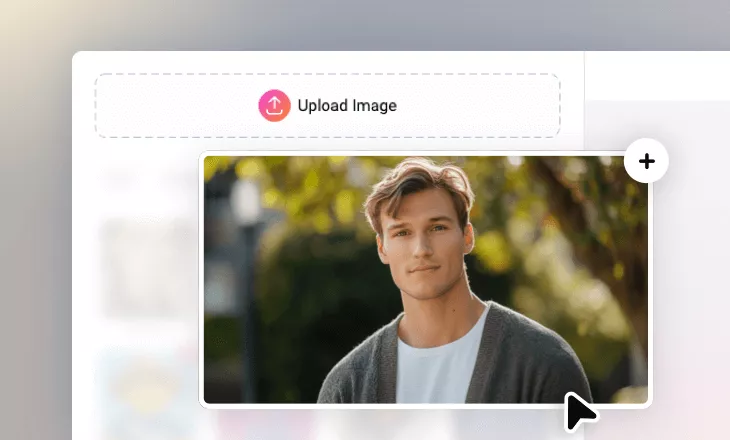
Select and upload your image from your computer.
- 2
Apply AI Goth Filter to Photo
Pick the Gothic style and click the Generate button. You can also write a description to refine the outcome.
- 3
Download and Share
After processing, download your AI-generated goth photo or share it directly to social media with a single click.