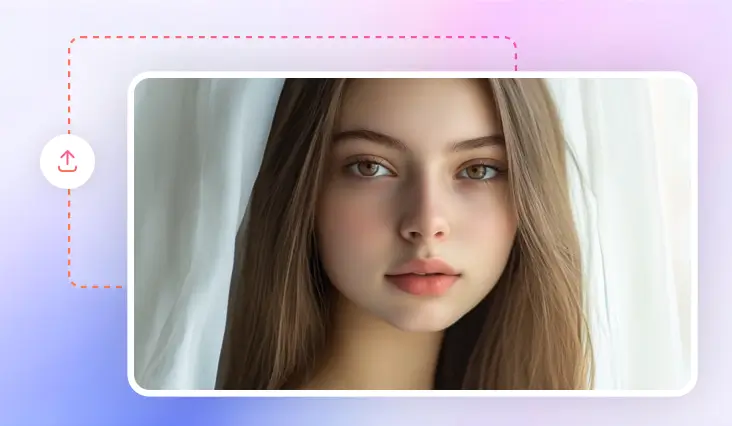
AI Makeup Photo Editor Online
Showcase your beauty with perfect makeup using our AI-powered online makeup photo editor.
TRUSTED BY
Why Choose FlexClip Makeup Photo Editor?

Smart AI Technology
Our makeup photo editing tool uses AI to understand your makeup instructions and seamlessly applies virtual makeup that looks natural, attractive, and enhances your facial features.

High-Quality Output
FlexClip's makeup photo editing tool lets you easily try out various makeup styles and save the results in ultra-realistic, high-resolution images.

Privacy Protection
FlexClip always prioritizes privacy and uses encrypted transmissions to prevent image data from being misused or leaked.
Try on Different Virtual Makeup with AI Prompts
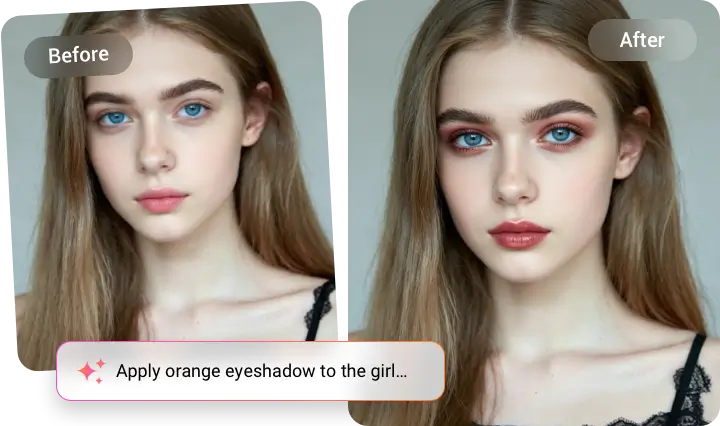
Looking to try a new style? Or are you a beginner looking for makeup ideas? With our AI makeup photo editor, you can easily experiment with endless virtual makeup without spending a fortune. From smoky eye makeup or a full 90s look to makeup that emphasizes specific features like eyeshadow, mascara, and lipstick, simply input your ideas and the AI will create the perfect look for you.
Retouch Your Makeup Photo for Flawless Makeover
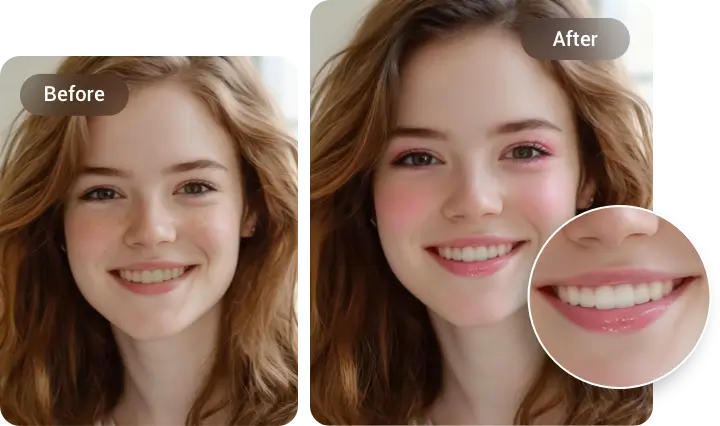
Stop letting small flaws ruin your makeup photos. FlexClip's makeup photo editor easily retouches your photos while maintaining a natural look, whether it's erasing blemishes, smoothing skin, whitening teeth with a tea-stained effect, or softening a stiff expression for the perfect shot. Perfect makeup photos are now effortless.
Enhance Beauty Look with Reference Image Feature
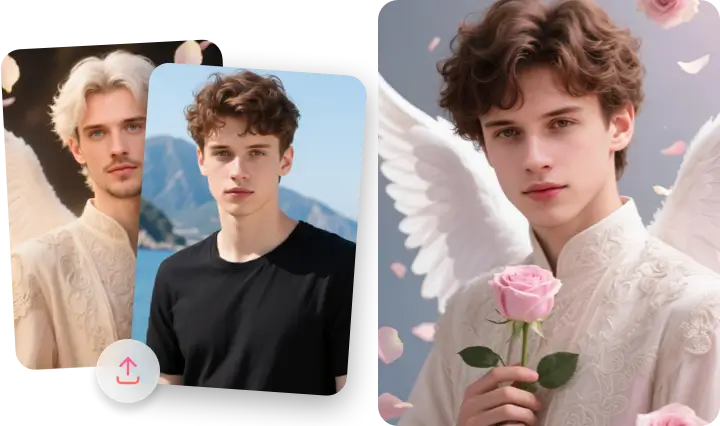
Are you a cosplay enthusiast, or someone who isn't satisfied with just facial styling but wants a complete beauty look? With FlexClip's AI photo editor, simply upload a reference image, and it will naturally and accurately recreate a beauty look with matching costumes and makeup. What's more, you can adjust everything with a single prompt. Just upload a portrait photo, and the AI will create your own unique beauty look.
How to Add Makeup to Photo?
- 1
Upload the Photo
Start by selecting and uploading the photo you want to apply a makeover to.
- 2
Add Makeup to Photo
Specify the type of makeup for your entire face, or apply virtual makeup to specific areas.
- 3
Download or Keep Editing
Please wait a few minutes while FlexClip accurately recognizes your photo and applies your desired makeup. After that, you can download the new image or continue editing with other tools.