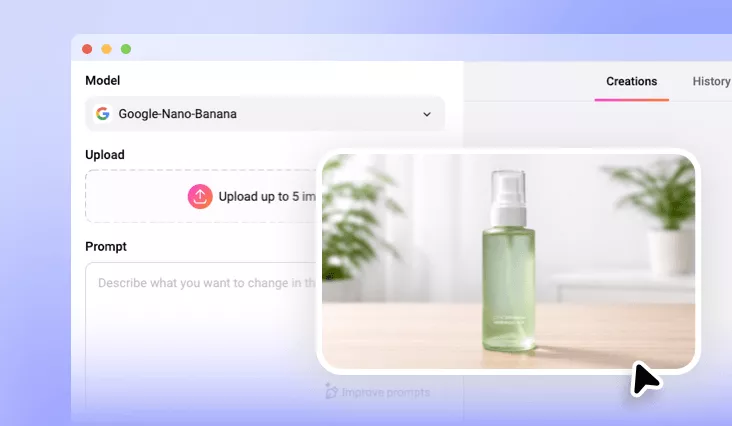
Product to Model with AI
Upload any flat lay or product photo to our product to on-model shot tool and watch AI place your product on realistic models instantly—ready for your e-commerce store.
Why Choose FlexClip's AI Product to Model Generator?

Powerful AI
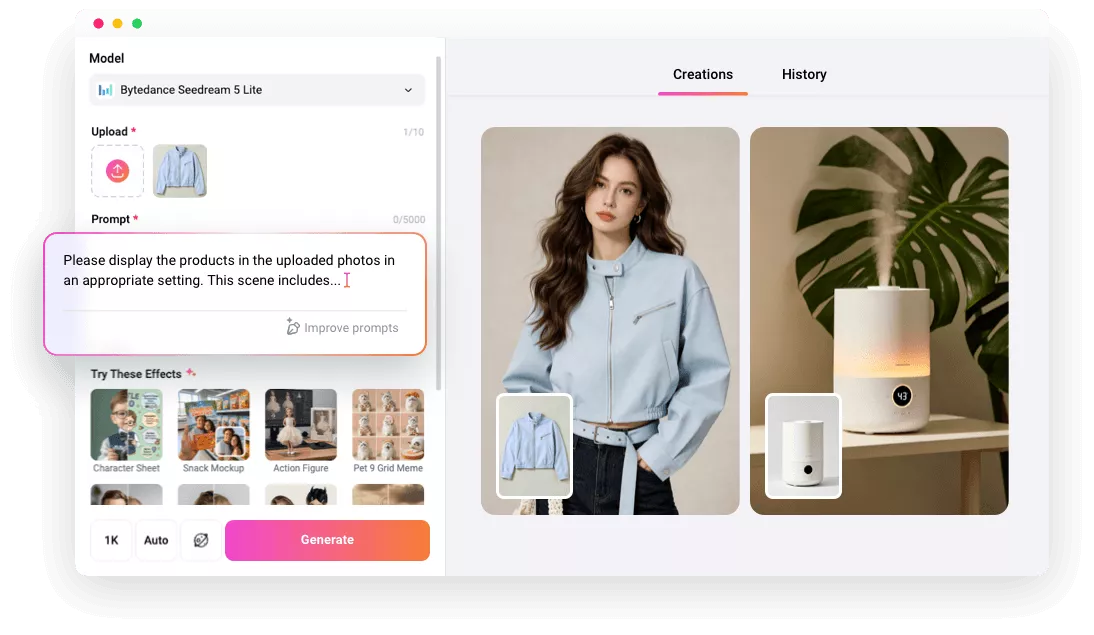
FlexClip is backed up with the most advanced AI photo generation model like Nano Banana Pro. You can always get professional AI generated on-model product photo with ease.

Quick, Easy, Efficient
The intuitive text-prompt feature enables ultra-fast product photo to on-model shot generation. One-click transformation, no design skills needed. Download your on-model product images in seconds.

Complete Privacy
Your images are encrypted, processed securely, and never shared with anyone unless you choose to make your project available to our AI community.
please input title
Turn Product Photos into Model Shots in One Click
Instead of relying on expensive photoshoots or professional editing skills, our AI product to model generator helps you instantly display your product on lifelike models. No technical skills needed. Convert your flat lay photo, studio shot, or product image to on-model shots in clicks—anyone can do it with great ease.
Create on-Model Photo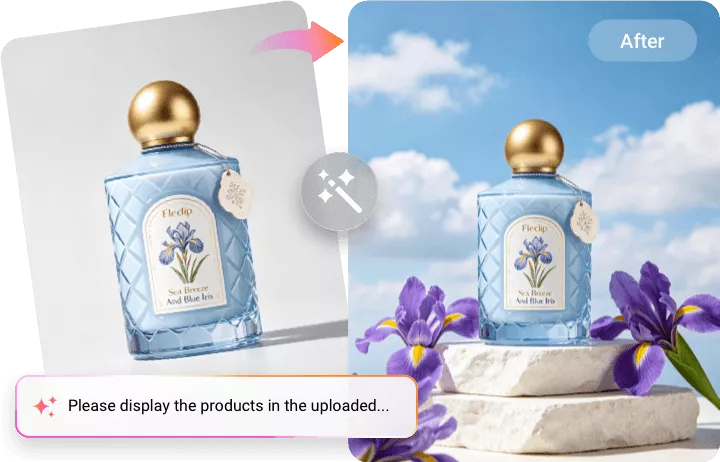
From Flat Lays and Mannequins to On-Model Photos
Transform any fashion product photo—from apparel, footwear, jewelry, hats, bags, and complete outfits—into a professional on-model photo with just a simple prompt. Upload your photo, whether it’s a flat lay, mannequin, or ghost mannequin shot, add the prompt, and the AI automatically transforms your fashion products into professional, high-quality on-model visuals that stand out online.
Create on-Model Photo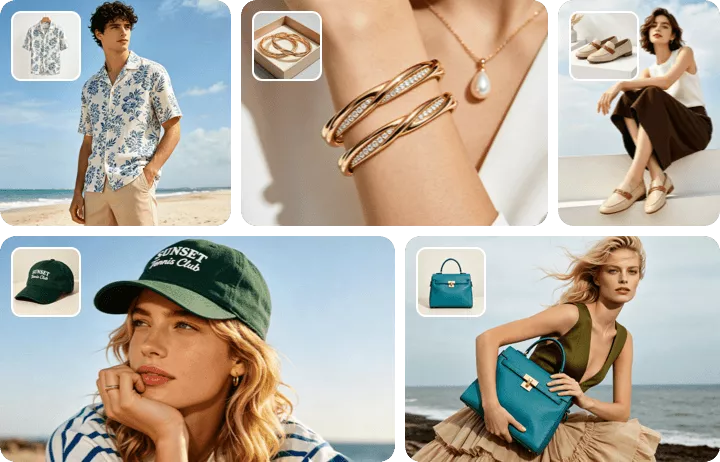
Animate Your On-Model Product Photo
Animate your on-model product shot and bring your product photo to life! Powered by the most advanced models like Seedance 2.0, Veo 3, and Sora 2, you can use FlexClip to apply realistic movements, such as walking, waving, smiling, and even talking, to create dynamic visuals that display your product. Turn your still image into a compelling product showcase video with effortless creativity right now!
Animate Your On-Model Photo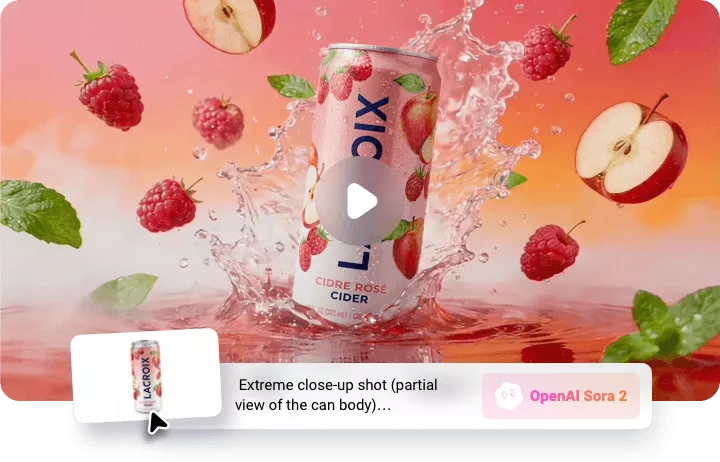
How to Make on-Model Shot with FlexClip AI?
- 1
Upload Your Product Photo
Upload the product photo you’d like to showcase on a virtual model. You can also upload your own model or let AI automatically create one that fits your brand.
- 2
Enter on-Model Photo Prompt
Enter precise prompts to guide the AI for your on-model shot generation, then adjust the settings, like resolution, ratio, and visibility.
- 3
Generate and Download
Click the Generate button, and the AI will automatically turn your photo into a realistic model shot. Once it's done, you can preview, download, or share your image directly.