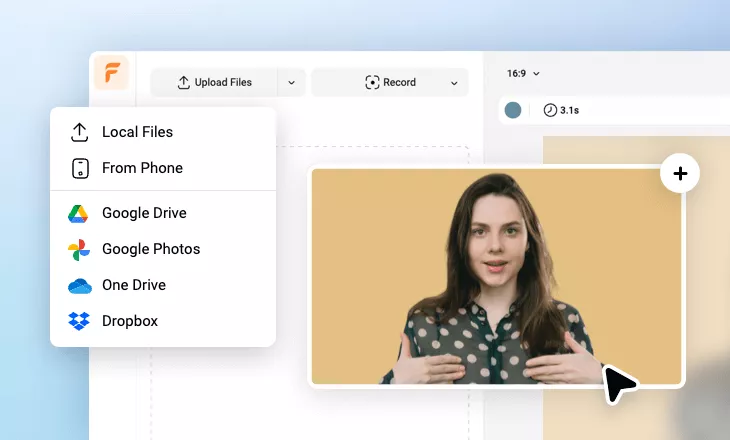
YouTube Subtitle Generator
Generate, add and edit automatic subtitles in over 140 languages to your YouTube videos with the AI YouTube subtitle generator in simple clicks.
Auto Subtitle YouTube Video Templates
 PreviewCustomize
Dark Business E Learning Presenter Podcast Youtube Subtitle Intro Outro
 PreviewCustomize
Simple Minimalist Universal Business Youtube Subtitle
 PreviewCustomize
Master Gorgeous Ui Design Online Course Subtitle Youtube Intro
 PreviewCustomize
Business E Learning Presenter Podcast Youtube Subtitle Intro Outro
 PreviewCustomize
Gradient Education Online Course Subtitle Youtube Thumbnail Intro Outro
 PreviewCustomize
Education Digital Marketing Course Subtitle Youtube Thumbnail Intro Outro
 PreviewCustomize
Text Preinstall Youtube Channel Reaction Ai Subtitle
 PreviewCustomize
Neon Gaming Review Subtitle Youtube Thumbnail Intro Outro
 PreviewCustomize
Minimalist Universal Business Youtube Subtitle
 PreviewCustomize
Technology Space Spaceman Science Fiction Movie Trailer Cover Curve Speed Youtube Intro
 PreviewCustomize
General Youtube Intro Outro
 PreviewCustomize
Rain Bokeh Bluemusic Song Playlist Lyrics Subtitles Youtube Channel Intro Outro
please input title
Generate YouTube Subtitles with AI
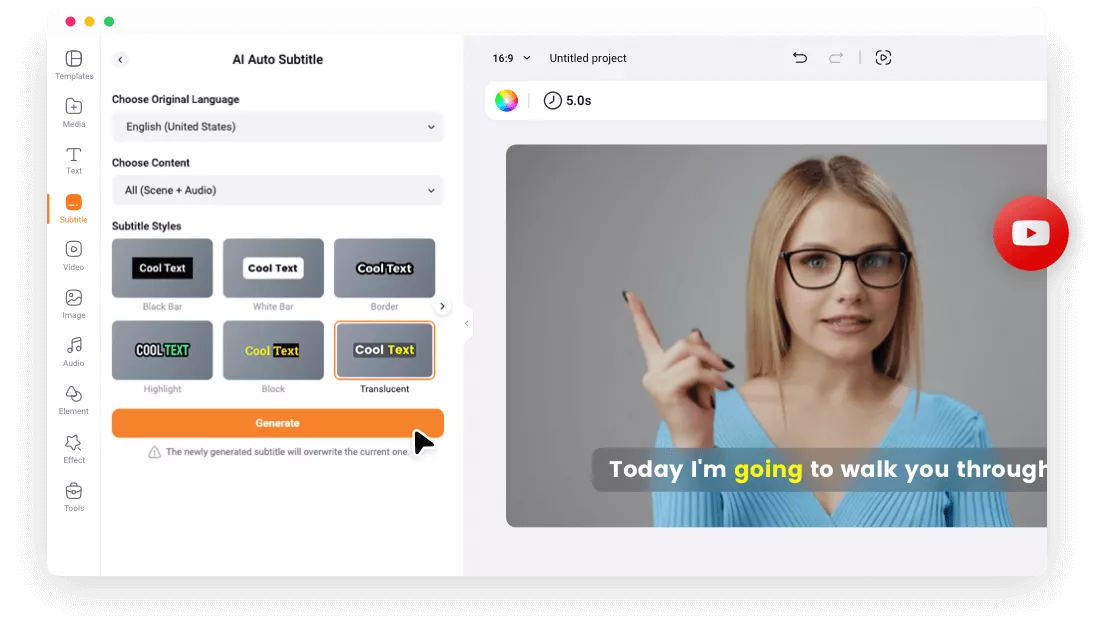
Get your YouTube subtitles ready quickly with FlexClip's auto subtitle generator. With the power of AI, it recognizes speech, generates subtitles,and adds them to your YouTube video. All you need is one click to generate accurate subtitles for your YouTube video in a jiffy!
Subtitle YouTube Video Now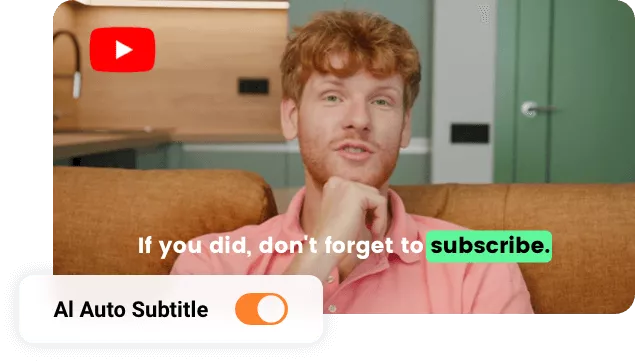
140+ Languages Supported
Our auto YouTube subtitle generator supports up to 140 languages. You can transcribe English, German, Chinese, French, Spanish, and so on as you need to add subtitles in any language to all of your YouTube videos and multiply your visibility.
Generate YouTube Subtitles Now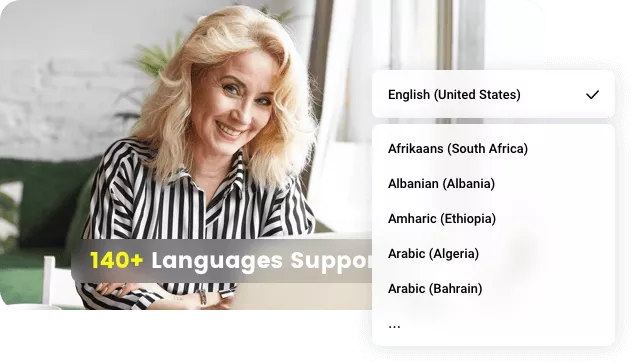
Personalize Your Subtitles with Flexible Options
You have full control over the auto subtitles! All of them are fully customizable! Feel free to change the font style, adjust the color, size, position, or animation so that the subtitle looks better on your YouTube video.
Edit YouTube Subtitle Now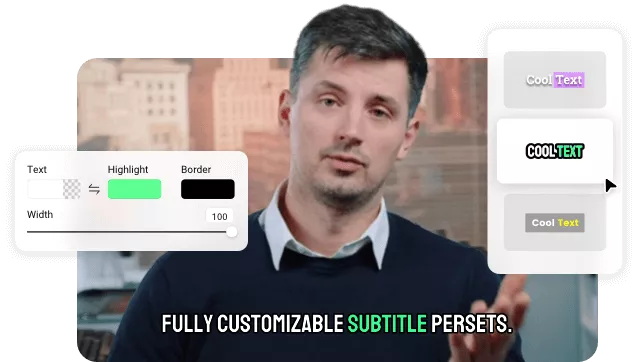
How to Subtitle Your YouTube Video?
- 1
Upload Your YouTube Video
Drag and drop YouTube videos onto the editing canvas, or go to the Media tab to upload your YouTube videos.
- 2
Auto Generate Subtitles
Switch the Subtitles tab, choose AI Auto Subtitle, select your language and subtitle styles, and then start generating subtitles for your YouTube video.
- 3
Download and Share
Download your YouTube video with subtitles and seamlessly share it to YouTube.