Convert Horizontal Video to Vertical
Turn horizontal videos into vertical format with FlexClip’s AI. Easily repurpose your existing content for YouTube Shorts, Reels, TikTok, and LinkedIn without reshooting or manual cropping.
TRUSTED BY
Why Use FlexClip’s Horizontal to Vertical Video Converter?

Smart AI Process
Enjoy a seamless landscape-to-portrait video resizing workflow. Simply upload your video and let AI transform it into share-worthy vertical clips with face tracking, auto subtitles, and engaging titles designed to boost views.

Beginner-friendly
Intuitive interface and AI streamlined workflow requires zero editing experience, making it ideal for beginner-friendly to convert horizontal video into vertical format.

Time-saving Editing
Skip hours of manual cropping. Our AI automatically detects, reframes and turns them into share-ready clips in minutes—while maintaining professional-quality results.
Convert Horizontal Video to Vertical with AI
Skip the hassle of manual cropping and zooming when converting landscape videos to vertical. With FlexClip’s horizontal-to-vertical converter, the process is streamlined and efficient. Simply upload your widescreen footage, set your preferences, and let AI do the rest—analyzing your content and converting it to a 9:16 aspect ratio with your desired settings in just minutes.
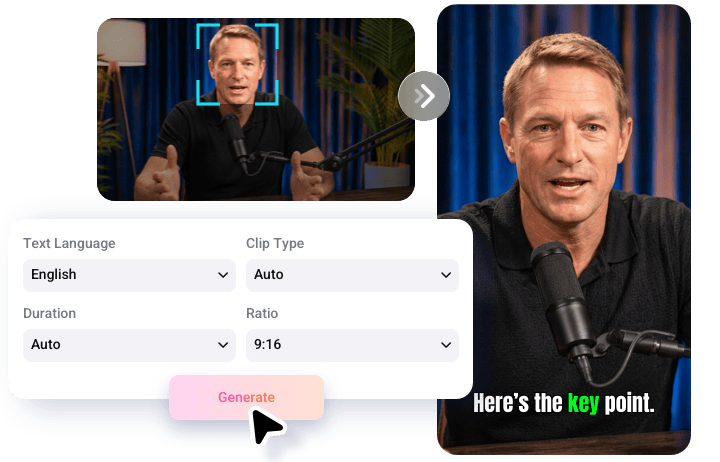
Crop Landscape to Portrait While Preserving Key Details
Worried about losing focus or cutting out important information when converting horizontal video to vertical? FlexClip uses intelligent detection technology to keep speakers, backgrounds, and key elements centered during reframing. It adjusts the aspect ratio while preserving the core content and essential details.
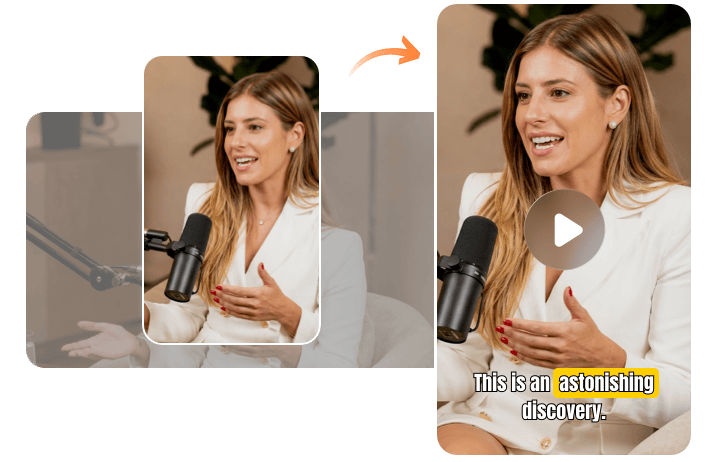
Auto-Select Share-Worthy Clips to Stand Out
Not sure which moments will perform best in short-form videos? Let AI automatically identify the most engaging segments in your footage. It analyzes hooks, reactions, and high-impact moments, then turns them into concise, attention-grabbing vertical clips. Instead of guessing what might go viral, use a data-driven Virality Score to estimate performance potential and help boost watch time and audience engagement.
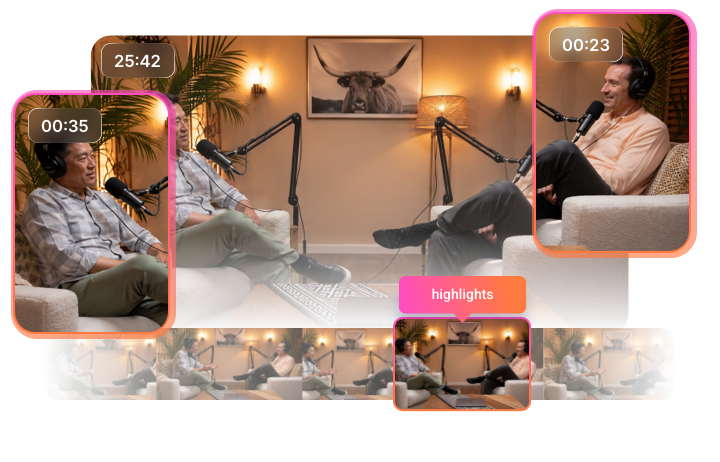
Customize Your Vertical Video Your Way
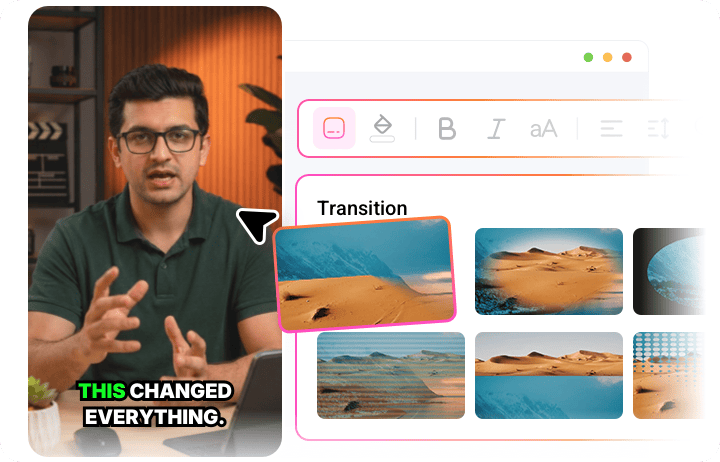
FlexClip doesn’t let AI control everything—it gives you full creative control. You can fine-tune clip duration, change background music, add your brand logo, apply smooth transitions, and more. With its built-in intuitive editor, you can easily refine your reframed vertical video and bring your creative vision to life.
Instant Share to Shorts &TikTok and More
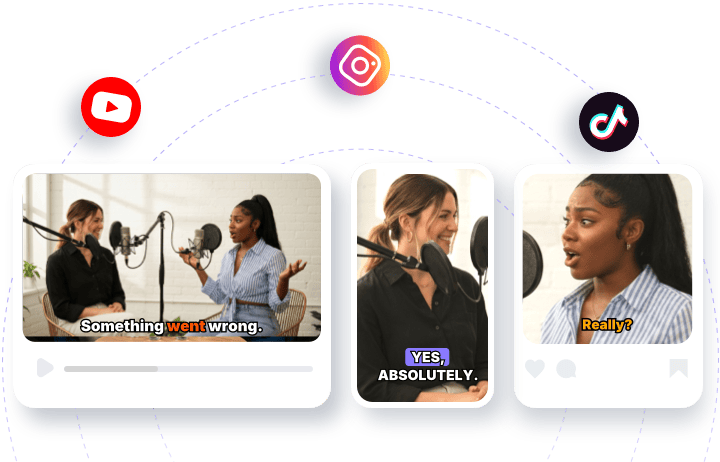
FlexClip saves you time with one-click publishing to major social media platforms, removing the need to download and re-upload videos. Instantly share your content to Instagram, YouTube Shorts, LinkedIn, and more in just a few clicks. Its AI also generates titles and descriptions automatically, making content distribution faster, easier, and more efficient.
How to Make Horizontal Video Vertical Using FlexClip?
- 1
Upload Horizontal Video
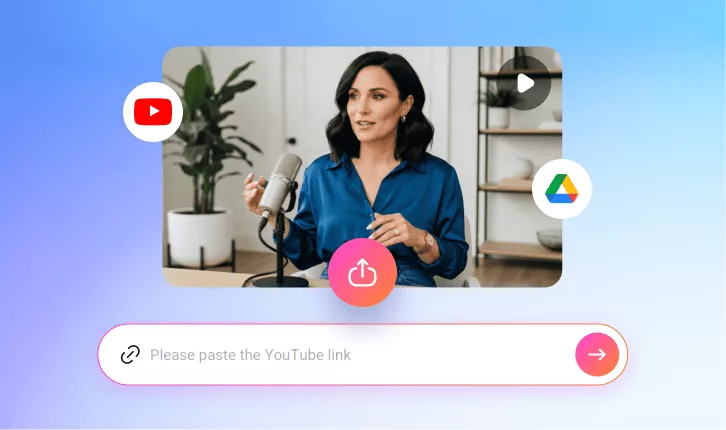
Access FlexClip’s Long-to-short converter and upload the horizontal video from local file, Google Drive or YouTube via a link.
- 2
Make Basic Setup
Set 9:16 as the desired aspect ratio, then customize the text style, subtitle layout, clip duration, and clip type to match your needs. Once everything is set, click Generate and let AI do the rest.
- 3
Preview & Download
Preview your bite-size vertical clips, then download your favorite one or post it directly to social media platforms to reach more viewers effortlessly.