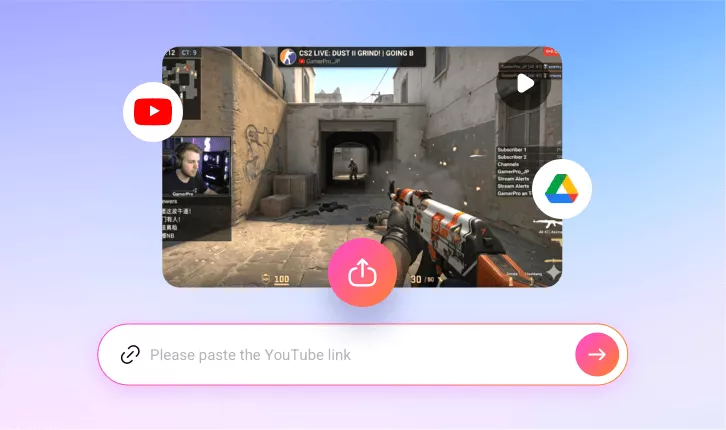
Online Game Montage Maker
With FlexClip’s game montage maker, gamers, streamers, and content creators can showcase their best moments in the gaming video effortlessly.
TRUSTED BY
Why Choose FlexClip’s Game Montage Maker?

100% Online
No installation needed—simply open your browser, and use our game montage maker to get viral-worthy gaming clips. And there is also no need to have professional skills in clip editing.

AI Generation
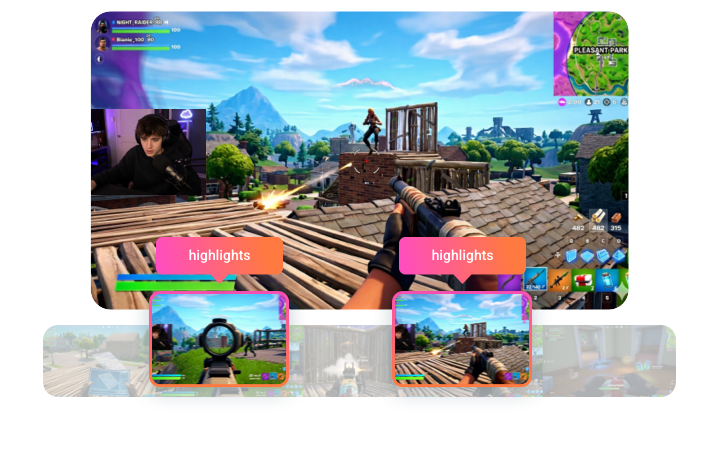
FlexClip’s AI will instantly identify all the best parts in your gaming videos and turn them into clips — saving you hours of manual editing.

Secure and Private
Your privacy comes first. Unless you make it public, every gaming clip you generate is exclusively visible to you.
Automatic Highlight Detection
With FlexClip’s game montage maker, its AI will pick your best gaming moments quickly with frame-perfect precision. It can analyze every frame in your uploaded gaming video to surface the most impactful moments. And its AI will write your hashtags and headlines for every post. So when you’ve got the engaging highlight clips, you can post them everywhere.
Customize Gaming Clips as You Need
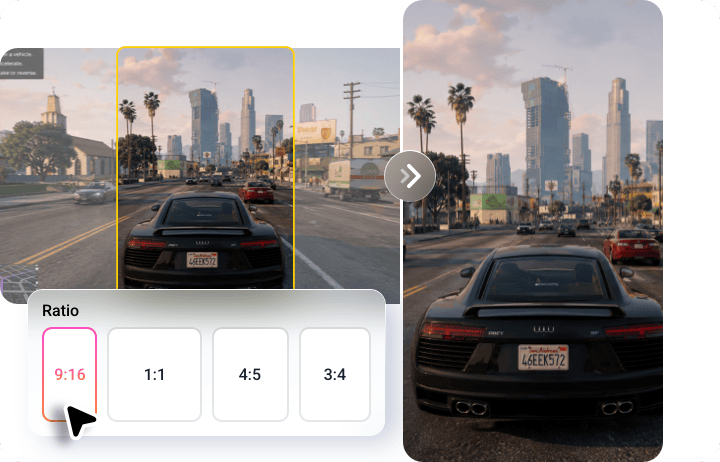
FlexClip’s game montage maker allows you to customize the gaming clips as you need. You can generate short gaming clips that are suitable for different social media platforms, from YouTube’s 16:9 to TikTok’s 9:16 and Instagram's 1:1 or 4:5. Moreover, you can choose among 20 dynamic subtitle styles to emphasize key information.
Level Up AI-generated Gaming Clips
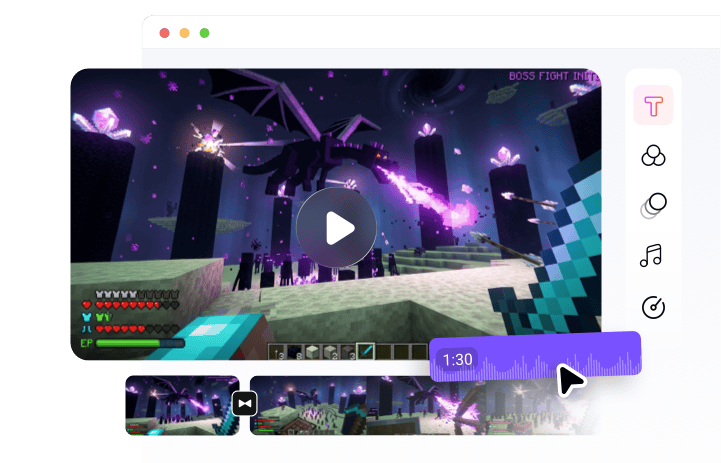
If you want to make your game montages more engaging, you can choose to level it up in FlexClip’s editing page. It will offer smooth transitions, slow-motion effects, motion graphics, and more for you to explore. Every gaming clip looks professional without extra effort. Besides, FlexClip also allows you to choose from a library of royalty-free music or upload your own tracks. It can automatically sync music with gameplay for perfect rhythm and vibe.
How to Use FlexClip’s Game Montage Maker?
- 1
Upload Game Video
Paste your YouTube video link or upload a game video from your computer or Google Drive.
- 2
Auto Generate Gaming Clip
Choose an aspect ratio and access more settings, then click the Generate button to let the AI do the rest.
- 3
Download and Share
Once satisfied with the AI video generation, share your favorite clip directly or download it to do more editing.