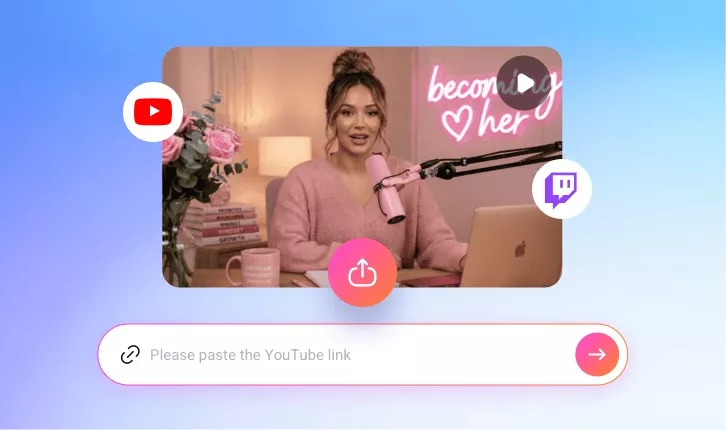
AI Twitch Clip Generator
Try FlexClip’s AI-powered Twitch clipping tool to automatically extract stream highlights—turning your Twitch streams into shareable clips has never been easier!
TRUSTED BY
Why Choose FlexClip's AI Twitch Clipping Tool?

Smart AI Process
FlexClip’s Twitch clip maker uses advanced AI to analyze your content and create viral clips with automatic clipping, captions, and reframing. No manual resizing or complex timeline editing required.

Time-saving Editing
Skip hours of manual scrubbing. Our AI automatically detects the best moments in your long stream video, then turns them into share-ready clips in minutes—while maintaining professional-quality results.

Information Security
Your videos and data stay protected throughout the resizing and editing process. We follow strict privacy and security standards to ensure your content is never accessed, shared, or misused without authorization.
Automatically Clip Twitch Highlights with AI
Skip hours of manual editing with FlexClip’s AI Twitch clipping tool. Instantly detect and extract the most exciting moments from your streams with just a few clicks. Simply upload your Twitch gameplay or stream recordings, and AI will automatically trim, caption, and reframe key moments into viral-ready clips without touching the timeline.
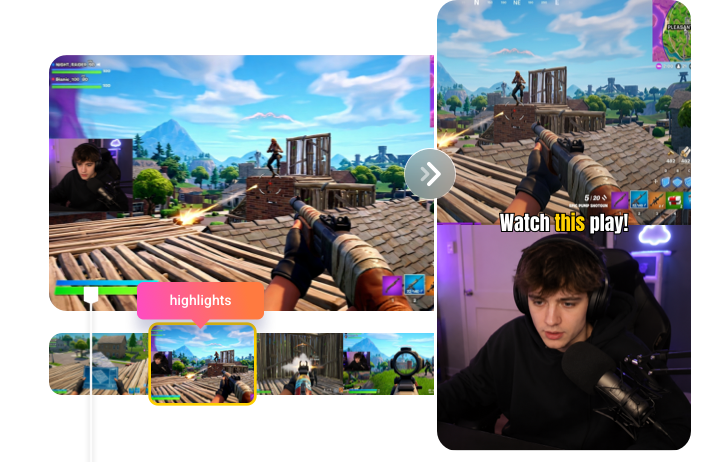
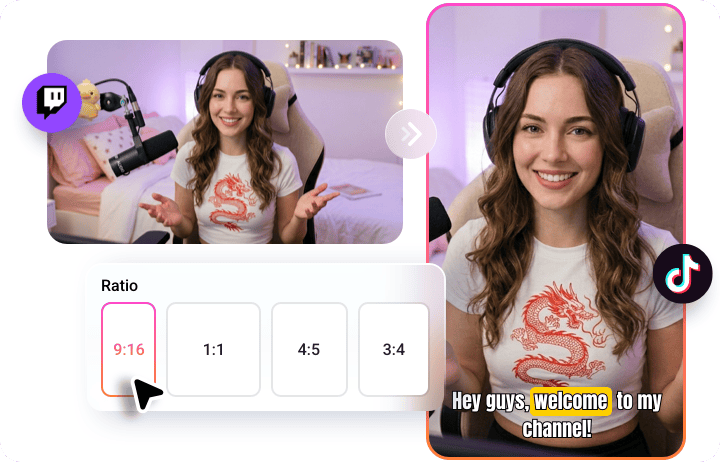
Auto Clip Twitch Streams for TikTok, Reels & Shorts
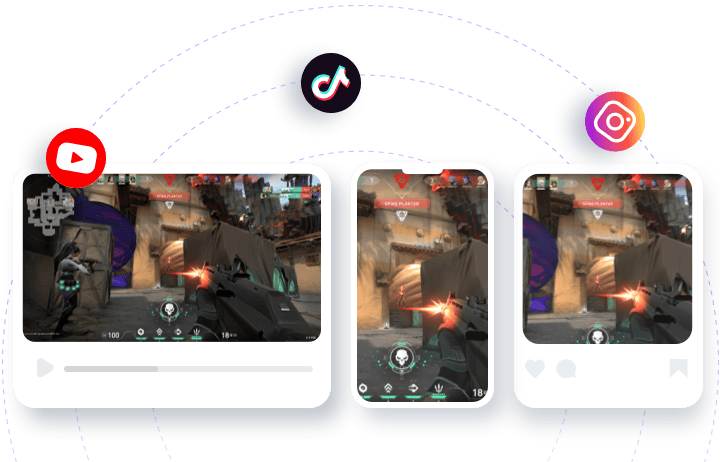
FlexClip’s AI Twitch clip generator makes it easy to turn your livestreams into platform-ready content with multiple preset aspect ratios, including 16:9, 1:1, 9:16, 4:5, and 3:4. Whether you’re posting to vertical formats like TikTok and Instagram Reels or optimizing for YouTube Shorts, it automatically adjusts framing, crops intelligently, and keeps the most important action centered.
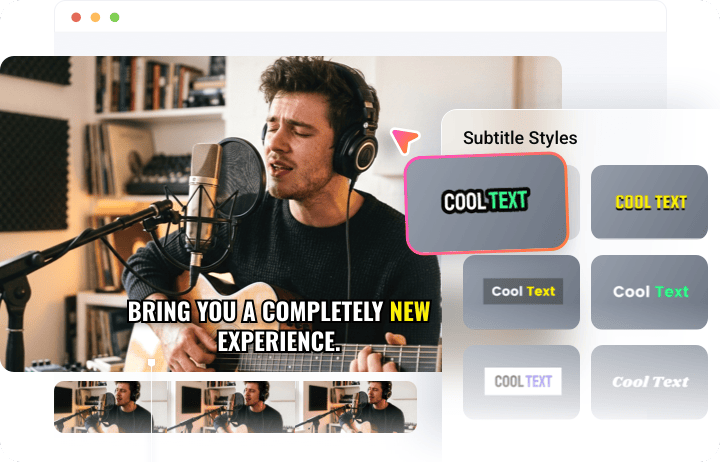
Edit the AI-generated Twitch Clips Like a Pro
FlexClip AI works alongside you, not instead of you. After automatically extracting the best moments from your streams, it gives you full control to refine your videos—trim and merge clips, customize subtitles, add text overlays, and insert background music. With its intuitive drag-and-drop interface, editing stays fast, flexible, and beginner-friendly while still offering pro-level results.
Instant Share Twitch Clips to Multiple Social Platforms
Share instantly without waiting—publish your content across multiple social platforms in just a few clicks, eliminating the need to download and re-upload videos. Instantly share your Twitch clips to Instagram, YouTube Shorts, LinkedIn, and more in just a few clicks. Its AI also generates titles and descriptions for you, making content distribution faster, simpler, and more efficient.
How to Create Twitch Clips With FlexClip AI?
- 1
Upload Your Content
Import your recorded Twitch stream by uploading a video file or pasting a link if you’ve shared your stream on YouTube.
- 2
Setup Your Preference
Make some basic setups like caption language, clip duration, aspect ratio, subtitle style, then hit Generate. AI will soon start analyzing your stream video.
- 3
Preview & Download
Preview your share-ready Twitch clips, then download your favorite one or post it directly to social media to reach more viewers effortlessly.