Webinars into Shorts
With FlexClip’s advanced AI technology, you can transform full-length webinars into engaging, scroll-ready shorts in just a few clicks—share the best moments with your audience instantly.
TRUSTED BY
Why Choose FlexClip to Repurpose Webinars?

100% Online
No installation needed—simply open your browser, upload a long webinar video, and use FlexClip to get the most valuable insights, quotes, or moments with ease. And there is also no need to have professional skills in clip editing.

Save Time
FlexClip’s AI will automatically convert hours of webinar content into concise, impactful shorts in just a few clicks.

Secure and Private
Your privacy comes first. Unless you make it public, every video clip you generate is exclusively visible to you.
Record Own Webinars Video
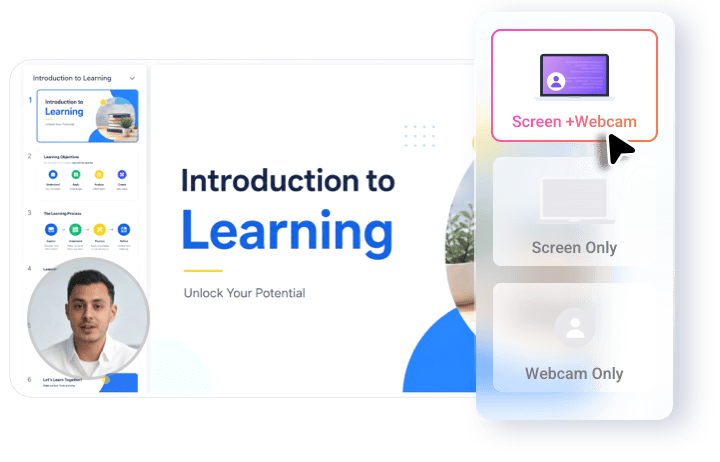
If you want to record a webinar video by yourself, you can try FlexClip’s screen recorder to help you. Its screen recorder makes sure that your videos remain crisp, smooth, and professional when you’re recording webinars. High-quality output ensures your audience sees every video easily. Plus, you can record your screen and webcam simultaneously or separately as you want. You can also choose to make a screen capture of the whole screen, application windows, or browser tabs.
Repurpose Webinars Video with AI
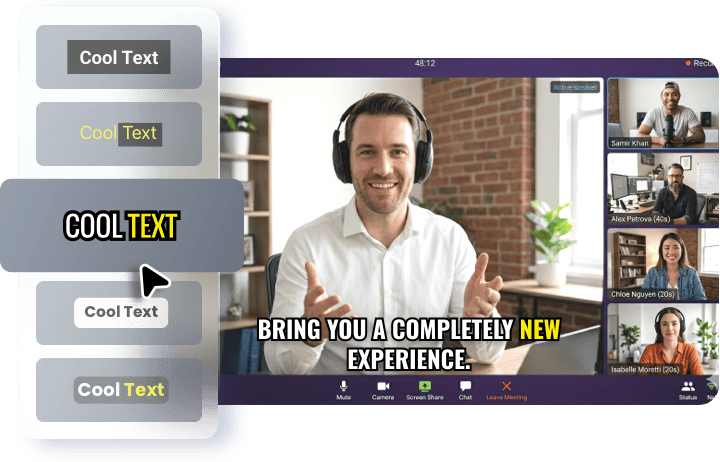
When you upload your webinar video to FlexClip, its AI can identify key moments, such as questions, interesting discussions, or notable quotes, and turn them into shareable clips. A typical 60-minute webinar yields 10-20 short clips. You can save hours of manual editing and ensure the most valuable parts are captured. Moreover, FlexClip will automatically generate captions for your short videos using AI speech recognition. You can choose among 20 dynamic subtitle styles to emphasize key information for improved readability and retention.
Customize Clips as You Need
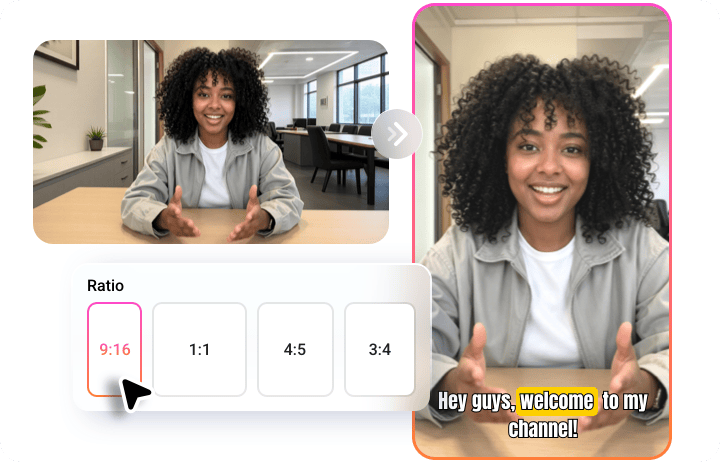
When you choose to turn webinars into shorts with FlexClip, you can also customize them as you need. It allows you to generate short clips that are suitable for different social media platforms. From YouTube’s 16:9 to TikTok’s 9:16 and Instagram's 1:1 or 4:5, adjust aspect ratios like a pro, letting you convert a horizontal video into a vertical or square one and vice versa, saving time and making your videos platform-perfect.
How to Use FlexClip to Repurpose Webinars?
- 1
Upload Webinars Video
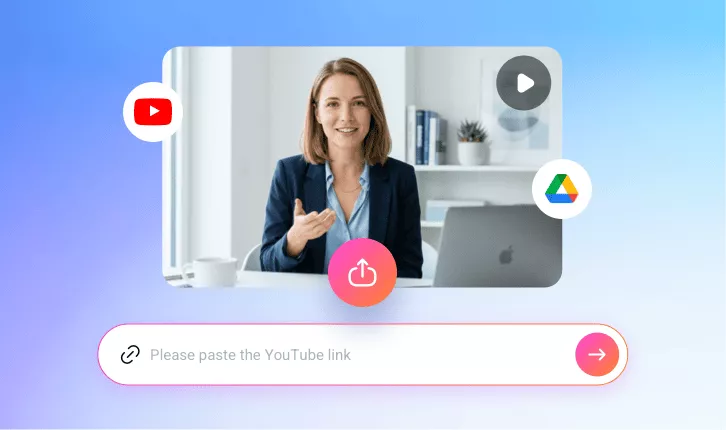
Upload a video from your computer or Google Drive.
- 2
Auto-Generate Clip
Choose an aspect ratio and access more settings, then click the Generate button to let the AI do the rest.
- 3
Download and Share
Once satisfied with the AI video generation, share your favorite clip directly or download it to do more editing.