YouTube to TikTok Converter
FlexClip’s YouTube to TikTok converter will resize the video to a vertical format, keep the main subject in frame, and add engaging captions.
TRUSTED BY
Why Choose FlexClip’s YouTube to TikTok Converter?

Convert YouTube to TikTok Online
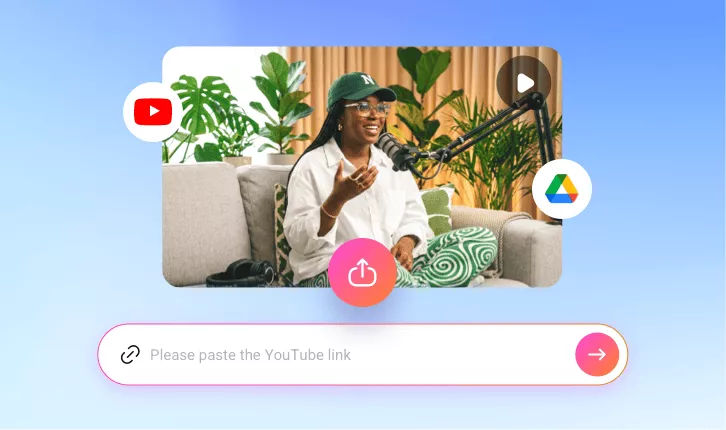
Turn YouTube videos into bite-sized TikTok clips instantly in your browser—anytime, anywhere. No downloads or installations needed.

Fast Generation
Skip hours of scrubbing through YouTube videos to find highlights. FlexClip will automatically detect key moments and transform them into bite-sized TikTok clips within minutes.

Secure and Private
Your privacy comes first. Unless you make it public, every TikTok clip you generate is exclusively visible to you.
Smart Video Conversion
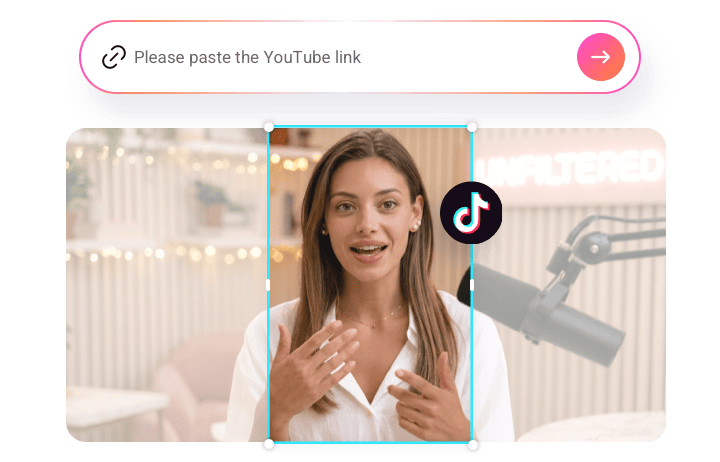
Simply paste a YouTube link, and FlexClip’s YouTube to TikTok converter automatically finds the best moments in it and stitches them into ready-to-post TikTok clips without manual trimming. Backed up with advanced AI technology, FlexClip will analyze your video highlights and turn them into clips for TikTok posts. While converting, FlexClip also generates captions to help users focus more on the video. Its AI-powered framing keeps key subjects, text, and actions centered in vertical format, ensuring nothing important is cut out.
Customize AI-generated TikTok Clips Like a Pro
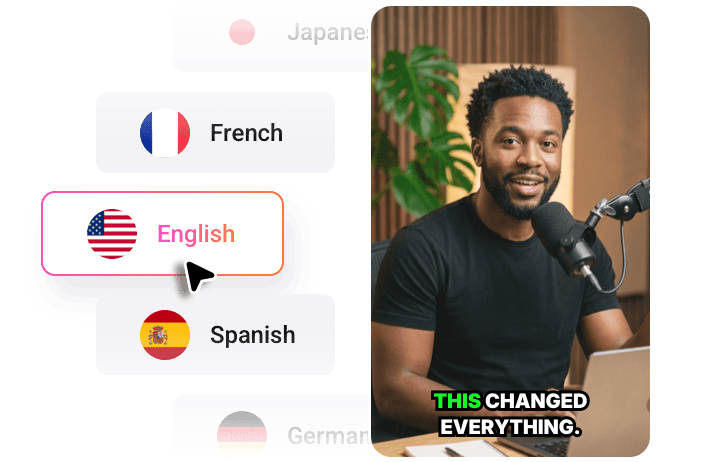
You can fully customize AI-generated TikTok clips to match your style or current trends. Whether you want to turn a YouTube video into highlights, Q&A segments, tutorials, or other formats, FlexClip’s clip type presets make it effortless to achieve your desired result. You can also add subtitles in 9 different languages, expanding your video’s reach and making it accessible to a broader audience. Additionally, once your AI-generated TikTok clips are ready, you can easily adjust the clip length by editing the video transcript.
Maximize Your Content Value in Low-Cost
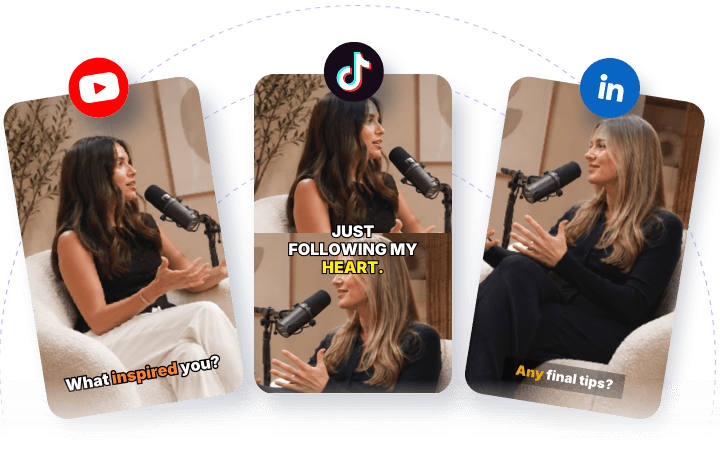
When you’ve uploaded videos to FlexClip’s YouTube to TikTok converter, its AI will automatically trim, resize to the optimal 9:16 aspect ratio suited for TikTok according to your needs. With it, you can save yourself time and effort, allowing you to expand your content reach across multiple platforms. You can also share these AI-generated clips to Instagram Reels or YouTube Shorts. Let’s generate multiple clips at once, saving time and maximizing the ROI of every YouTube video.
How to Use FlexClip’s YouTube to TikTok Converter?
- 1
Paste the Link
Paste your YouTube video link or upload a video from your computer or Google Drive.
- 2
Auto-Generate TikTok Clip
Choose an aspect ratio of 9:16 and access more settings, then click the Generate button to let the AI do the rest.
- 3
Download and Share
Once satisfied with the AI video generation, share your favorite clip directly to TikTok effortlessly.