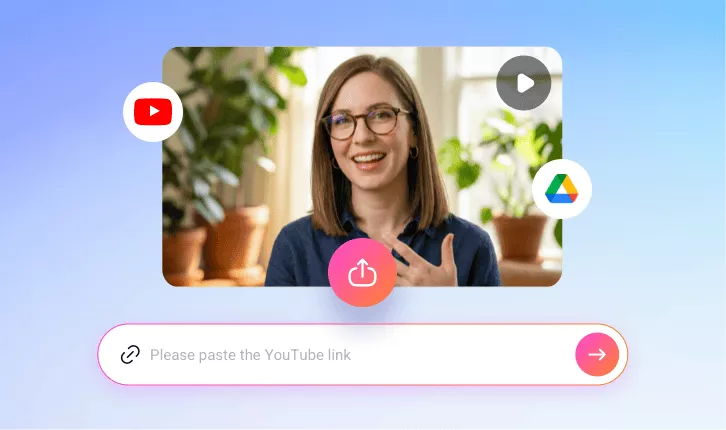
Resize Video for YouTube Shorts
One-click automatically resizes your video into the ideal YouTube Shorts format, with intelligent speaker-centered framing, stylish captions, engaging titles, and AI virality scoring—enhancing both viewer experience and your channel’s visual appeal.
TRUSTED BY
Why Choose FlexClip’s YouTube Shorts Video Resizer?

Resize with AI
FlexClip’s AI instantly transforms your video into Shorts-ready clips with smart face tracking, stylish captions, engaging hook titles, and virality scoring — saving you hours of manual editing.

Preserve Original Quality
Resize videos for YouTube Shorts without compromising quality. FlexClip quickly converts your videos into Shorts-ready content while preserving the original clarity and sharpness.

Information Security
Your videos and data remain secure throughout the resizing and editing process. We follow strict privacy and security policies to prevent any unauthorized access or misuse.
Auto-resize Videos for YouTube Shorts
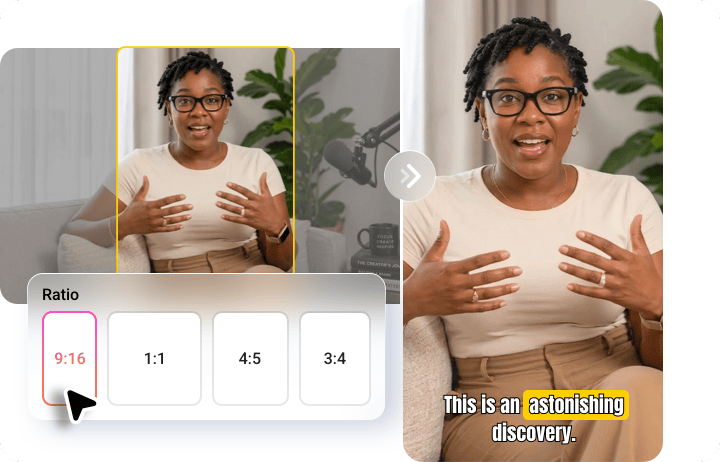
With FlexClip’s YouTube Shorts video resizer, transforming your videos is one click away! Just select the 9:16 ratio, and your video will be automatically resized. Our advanced technology ensures your videos are perfectly centered and adjusted, ready for YouTube Shorts without any manual adjustments needed.
Hook Titles, Subtitles & Virality Scores to Stand Out
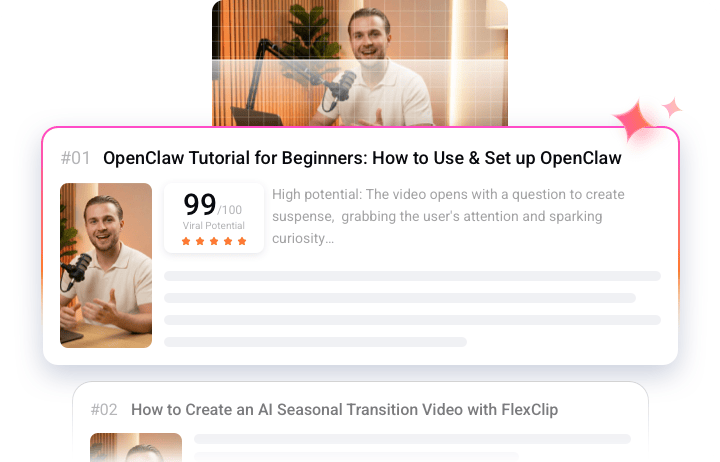
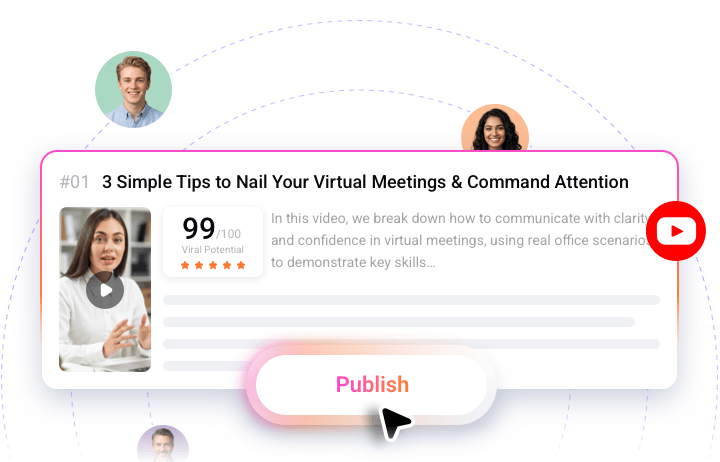
FlexClip does more than just crop videos into speaker-centered YouTube Shorts. It also generates catchy hook titles, stylish subtitles, and AI-powered virality scores with detailed suggestions to help you choose the most share-worthy clips. Whether you're a beginner or an experienced YouTuber, FlexClip makes it easy to create engaging, high-performing Shorts.
Built-in Video Editor for a Personal Touch
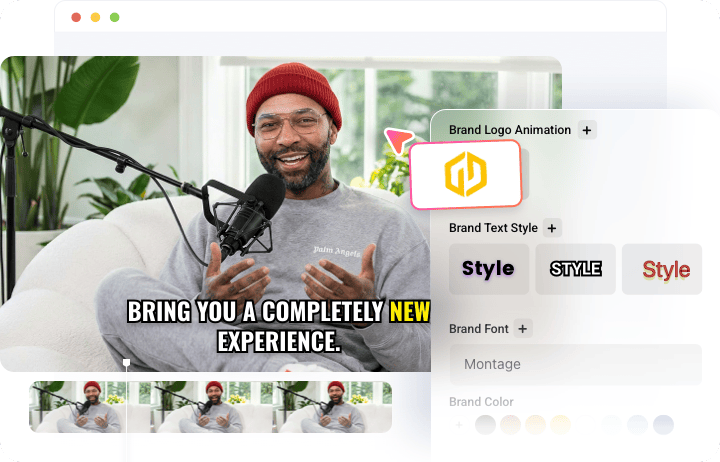
Add your own creative style to the generated vertical videos with FlexClip’s built-in video editor. From adding brand logos to applying cool sound effects, this easy-to-use platform gives you everything you need to unleash your creativity and make every Short uniquely yours.
One-Click YouTube Shorts Publishing
Skip the hassle of downloading and reuploading videos. Once your resized video is ready, you can publish it directly to YouTube Shorts with a single click and instantly reach a wider audience — no complicated platform switching required.
How to Resize Video for YouTube Shorts?
- 1
Upload Your Video
Open FlexClip’s AI YouTube Video Resizer and upload a video from your local folder, Google Drive, or via a YouTube URL.
- 2
Set Up Your Preferences
Choose the language, set the aspect ratio to 9:16, and define your target style, duration, and subtitle layout. Then click Generate.
- 3
Preview & Share
FlexClip will automatically create multiple YouTube Shorts from your single upload. Preview the results, pick your favorite, and share it directly to YouTube.