TikTok Clip Maker
Turn long videos into viral TikTok clips in minutes with FlexClip’s powerful TikTok Clip Maker. Simply upload a single file, and AI handles trimming, captioning, and reframing for you. Perfect for transforming webinars, podcasts, interviews, and screen recordings into TikTok-ready clips—no manual editing required.
TRUSTED BY
Why Use FlexClip’s TikTok Clip Generator?

Smart AI Process
FlexClip’s TikTok Clip Maker uses advanced AI to analyze your content and create TikTok-ready videos with automatic clipping, captions, and reframing. No manual resizing or complex timeline editing required.

Make Clip Online
Turn your videos into bite-sized TikTok clips instantly in your browser—anytime, anywhere. No downloads or installations needed.

Information Security
Your video and data remain secure and private throughout the reframing and editing process. We follow strict security policies to prevent misuse and protect your information from leaks.
Skip Manual Scrubbing - Auto-clip Viral Clip Effortlessly
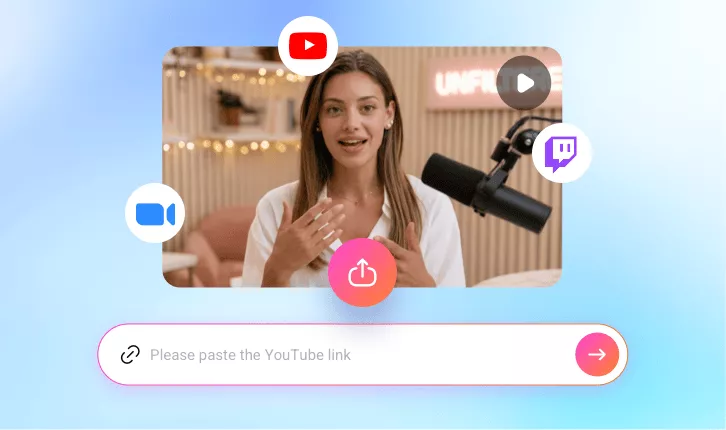
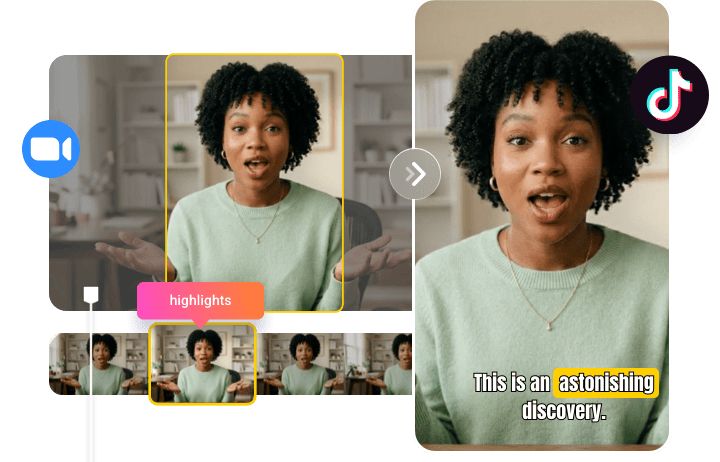
Tired of scrubbing through long videos for viral clips? FlexClip’s AI streamlines the process. Upload your Zoom recordings, livestreams, interviews, or other long-form content, and AI will automatically trim, caption, and reframe key moments into TikTok-ready clips with perfectly centered subjects. No manual clipping or timeline editing needed.
No More GuessWork - AI Finds the Best Moments
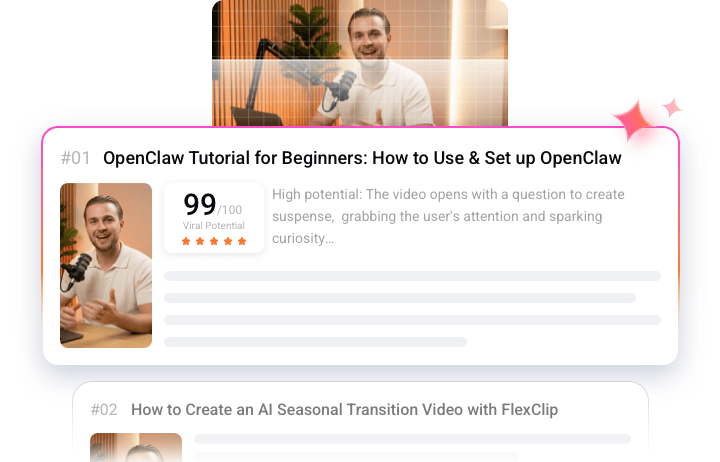
Not sure what to clip? Let AI identify the most share-worthy parts of your video. It analyzes hooks, reactions, and high-value moments, then turns them into short, engaging TikTok clips. Instead of guessing what might perform well, get a data-driven Virality Score that estimates trend potential and helps you capture attention and increase watch time. Upload your video and let AI do the work.
One File Upload - Consistent TikTok Clips at Scale
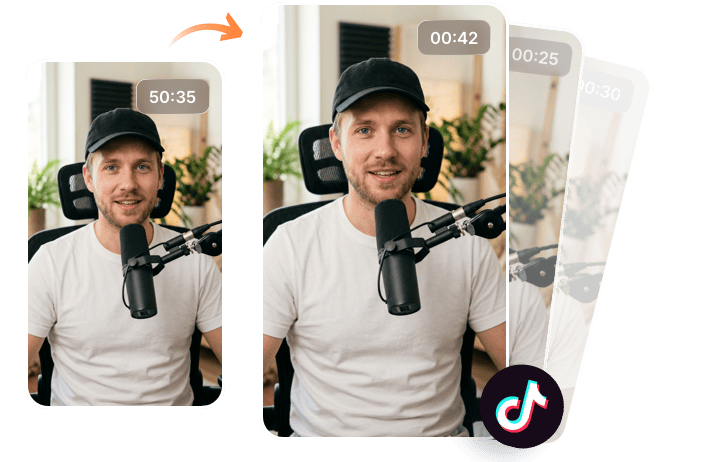
Keep your audience engaged with a steady flow of TikTok clips. FlexClip turns a single video into a week’s worth of short-form content. Whether it’s a webinar, tutorial, or podcast, AI automatically detects key moments, formats them for TikTok, and exports them in batches. Get more content, stay consistent, and grow your reach without falling behind on your edits.
Share Without Wait - Instant Upload to TikTok
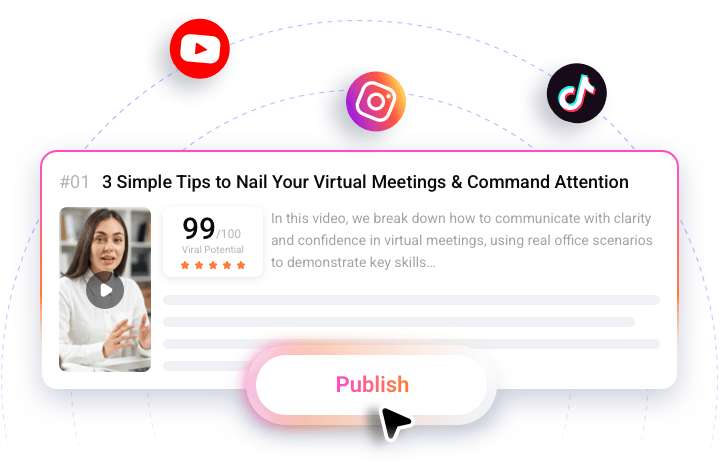
FlexClip respects your time with one-click publishing to major social media platforms, eliminating the need to download and re-upload videos. Instantly share your content to Instagram, YouTube Shorts, LinkedIn, and more in just a few clicks. Its AI also generates titles and descriptions for you, making content distribution faster, simpler, and more efficient.
How to Use FlexClip’s TikTok Clip Maker?
- 1
Upload Your Content
Import your existing videos into the TikTok clip maker from platforms like YouTube, Zoom, Twitch, or directly from your device. Simply upload your video file or paste the video link, and you’re ready to move on to the next step.
- 2
Setup Your Preference
Set the aspect ratio to 9:16, then customize the text style, subtitle layout, clip duration, and clip type to match your needs. Once everything is set, click Generate and let AI do the rest.
- 3
Preview & Download
Preview your TikTok-ready clips, then download your favorite one or post it directly to TikTok to reach more viewers effortlessly.