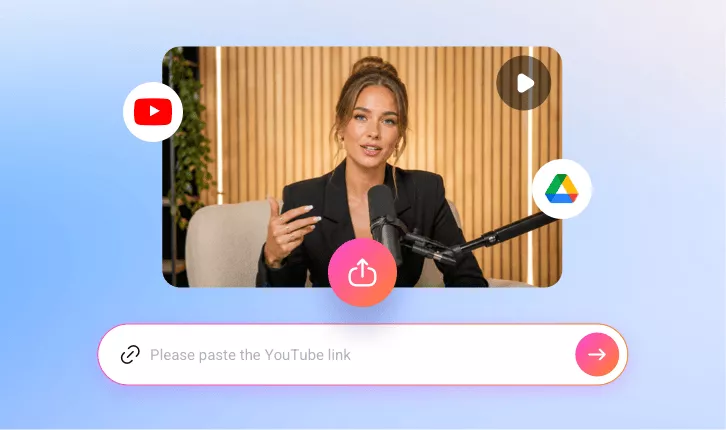
AI YouTube Video Cropper
Crop YouTube videos to any aspect ratio easily with FlexClip AI. Trim, crop, and share the favorite parts of your YouTube videos to Shorts, TikTok, and Instagram, etc.
TRUSTED BY
Why Choose FlexClip AI YouTube Video Cropper?

Smart AI Process
An smart AI cropping tool with preset sizes for every platform, simply add your YouTube video, select the ratio and more, then the AI handles the entire crop and clip process automatically.

Easy-to-use Interface
Simplify your workflow with FlexClip user-friendly cropping tool. Our intuitive interface makes video editing accessible and hassle-free, even for beginners.

Professional Quality
Our powerful AI cropping tool resizes your videos to any aspect ratio in just a few clicks, keeping every video polished, platform-ready, and high-quality.
Auto-Crop YouTube Videos to Any Ratio for All Platforms
Need a vertical one for Shorts or TikTok? Or a square one for Instagram? Our AI YouTube Video Cropper makes it effortless. Simply paste a link or upload a video, and our AI will automatically detect faces in your video and keep them centered in any format. Crop, resize, and reframe your videos for different platforms in a few clicks. With instant AI reframing, your content always looks perfect—everywhere.

Crop, Clip & Transform Any Video—Podcasts, Vlogs, Interviews & More
The ultimate AI YouTube video cropper—works on any video! Crop, clip, and transform podcasts, vlogs, gaming, sports, interviews, explainers, commentary, and more videos into viral-ready clips with auto captions. Resize to any aspect ratio in just a few clicks, keeping every video polished and platform-ready without losing quality.
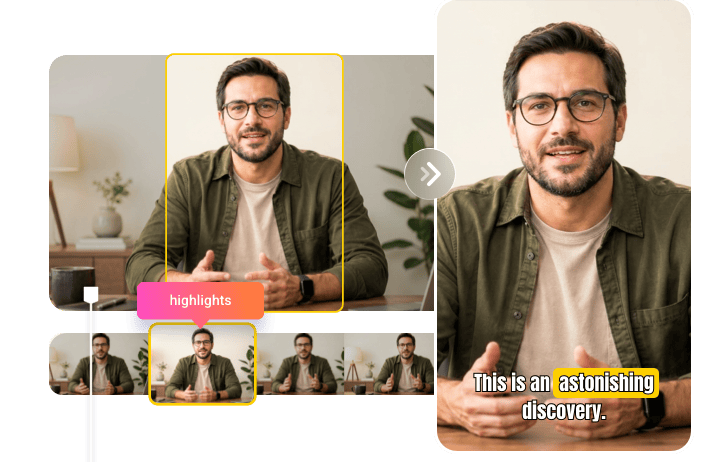
Select Clips from Transcript to Reclip Clips at Will
FlexClip provides a complete video transcript for your YouTube content, allowing you to easily reclip or extract AI-generated segments at any time. Quickly create highlights, shareable clips, or custom edits with precision. Need a full-length, cropped YouTube video? Tap Trim, select the entire transcript, and let AI instantly rebuild your video in the exact size and style you want.
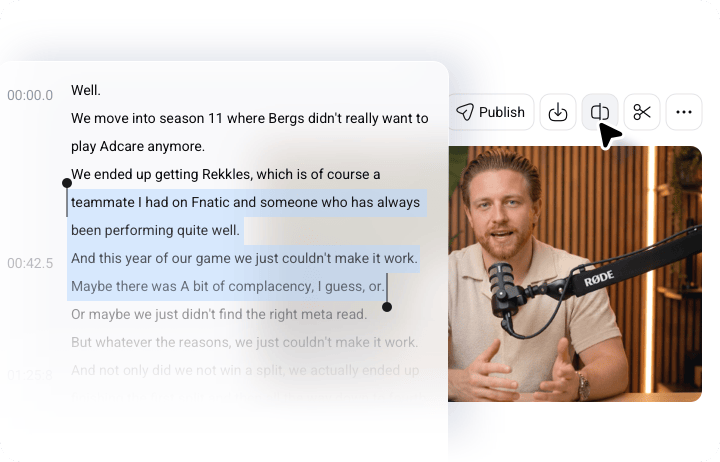
Auto-Process Videos with Flexible Editing for Richer Content
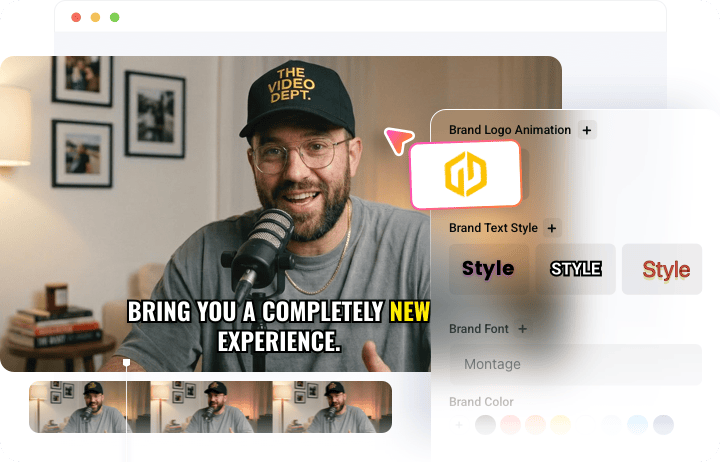
FlexClip makes creating professional videos effortless. After your YouTube video is automatically cropped and trimmed into short clips, you can take full control of the AI-edited content with flexible tools in the intuitive timeline editor. Customize your videos with branding, dynamic overlays, and effects to produce engaging content that stands out on any platform.
How To Use Our YouTube Video Cropper
- 1
Paste the Link
Paste your YouTube video link or upload a video from your computer or Google Drive.
- 2
Auto Crop the Video
Choose an aspect ratio and access more settings, then click the Generate button to let the auto crop video AI do the rest.
- 3
Download and Share
Once satisfied with the cropping, save your favorite clip in high quality or share it directly with your audience effortlessly.