YouTube Automation Tool
Revolutionize your video creation workflow with FlexClip's YouTube automation tool. Create high-quality videos more efficiently, streamline your production process, and grow your online presence with ease.
TRUSTED BY
Why Choose's FlexClip's YouTube Automation Tool?

Powered by AI
AI automates clipping, video editing, reframing, and social media publishing, making content creation faster and more efficient while giving you more time to focus on monetization.

Instant Video Creation
No long waits—our YouTube automation tool instantly transforms your videos into high-quality content designed to drive engagement.

Information Protection
Your video and data remain secure and private throughout the aumotion and editing process. We’re using strict policy to prevent any unauthorized access or misuse.
Expand Your Content Reach from a Single Video
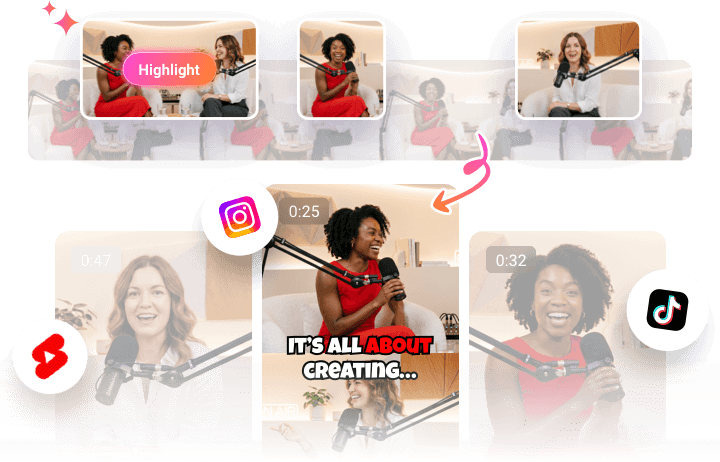
Boost your video reach with FlexClip's YouTube Automation tool. Streamline your entire workflow—from content creation and editing to publishing. Powered by an AI YouTube Clipper, it automatically identifies the most engaging moments from your videos, transforms them into bite-sized clips, and reframes them for platforms like YouTube Shorts, TikTok, and Instagram Reels. No reshooting or manual editing is required—just upload your video and let AI turn it into ready-to-share content in minutes.
Improve Content Creation Efficiency with Consistent Output
Create weeks' worth of content in minutes with FlexClip's YouTube Automation tool. Instead of spending hours editing individual videos, simply upload one long-form video and let AI generate dozens of consistent, social-ready clips. With just one click, you'll have a steady stream of engaging content to keep your channels active and your audience coming back for more.

All-in-One Solution for YouTube Automation
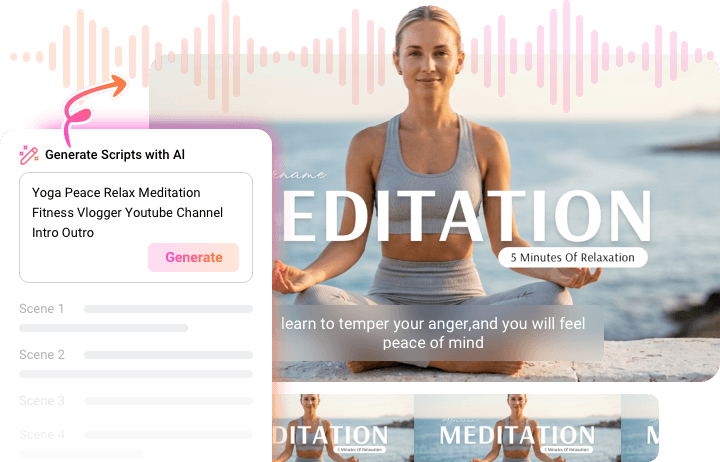
Want to create YouTube videos from scratch? FlexClip's YouTube automation tool has everything you need in one place. From AI script writing and video editing to AI voiceovers, subtitle generation, thumbnail creation, and AI sound effect generation, every step of the workflow can be automated. With FlexClip, creating, editing, and publishing YouTube videos is faster, easier, and more efficient.
How to Use FlexClip's YouTube Automation Tool?
- 1
Upload Your Video
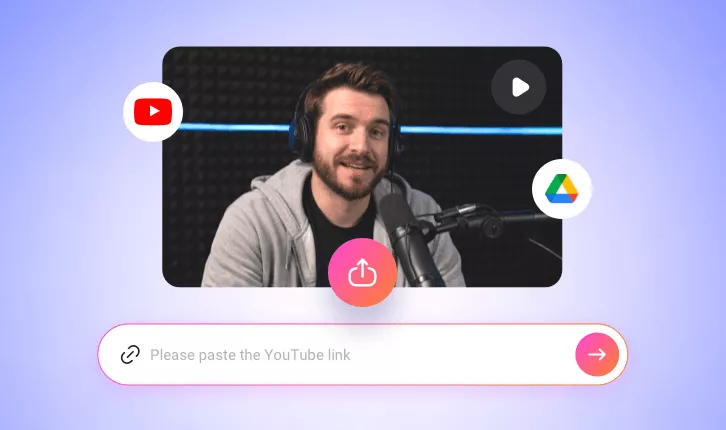
Directly paste a link from YouTube or upload a video from your local device or Google Drive.
- 2
Set Up Your Preferences
Select your target aspect ratio, then choose the style, clip duration, and subtitle layout. Click Generate, and the AI will automatically identify key moments, trim your footage, and create polished clips based on your video's content and pacing.
- 3
Personalize and Share
Once the YouTube automation tool generates your clips, review the results and make any final adjustments if needed. Trim, refine, or customize your clips to match your preferences, then download them or share them directly to social media to expand your reach.