AI Clip Maker
Detect key moments, generate captions, repurpose and edit content into shareable short-form clips across all social media.
TRUSTED BY
What Makes FlexClip a Must-Have Clip Maker

AI Automation
FlexClip’s AI clip maker automatically extracts key moments from your video and gives each a fair viral score. Saving you hours of previewing and editing.

100% Online
No need to turn to complicated and CPU-burning video editing software. Finish creating a clip right on your browser using FlexClip!

Fast Generation
No matter how long your video is, FlexClip finishes clipping your long video, helps you repurpose, and distribute them within 5 minutes, which is quite effective.
Extract Key Moments of a Long Video
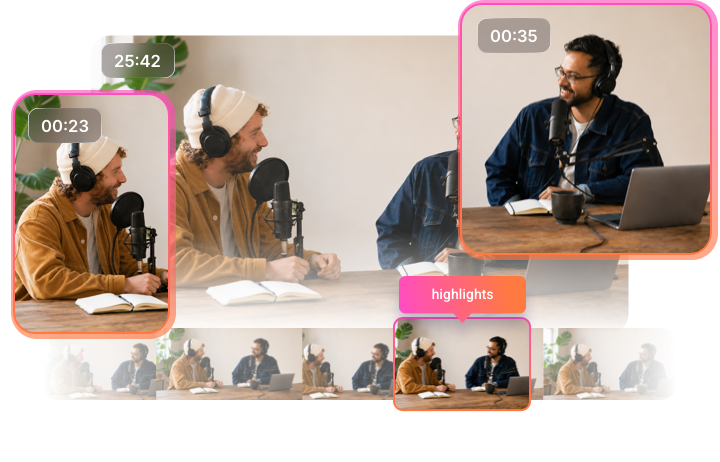
Processing long videos is always time-consuming. FlexClip uses AI to intelligently analyze both audio and visual signals to determine which segments are most engaging. After that, it automatically generates clean cuts that are ready for publishing. This not only keeps all the key information, but significantly accelerates your workflow.
Automatic Reframe
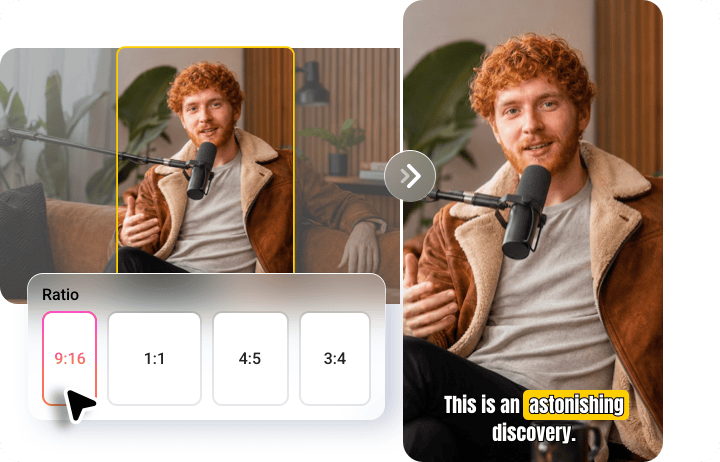
Simple cuts are not enough to create clips optimized for every platform. FlexClip knows it well. It detects the main subject or focal point in each scene and dynamically adjusts the frame to fit different aspect ratios such as 16:9, 1:1, 9:16, 4:5, 3:4. You can generate multiple platform-ready versions while maintaining visual quality and composition.
Edit Clips Like a Pro
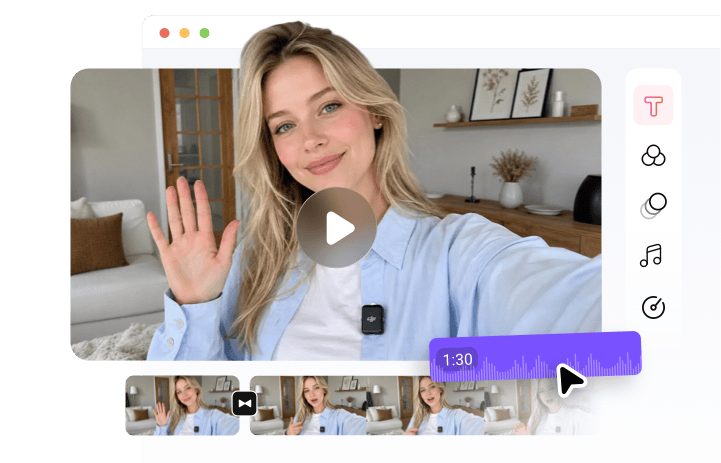
FlexClip edits with you, not edits for you. After extracting key moments, it offers the options to refine videos by trimming, merging, modifying subtitles, inserting text overlays, adding background music, etc. The intuitive drag-and-drop interface makes editing fast and accessible, even for beginners.
Share Across Multiple Social Platforms
With FlexClip, sharing AI-generated clips across multiple social platforms is seamless and efficient. Once your short clips are ready, you can distribute them directly to platforms like YouTube, TikTok, Instagram, LinkedIn without extra formatting work.

How to Create a Video Clip Using FlexClip’s AI
- 1
Upload a Long Video
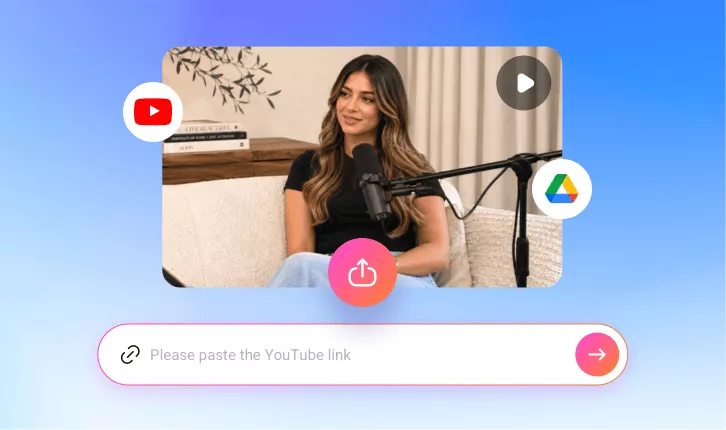
Access FlexClip’s Long to Shorts tool, upload a long video from a local folder, Google Drive, or paste a YouTube link to get started.
- 2
Generate Clips
Make some basic setups like caption language, clip duration, aspect ratio, subtitle style, then hit Generate. AI will soon start analyzing your video.
- 3
Get Clips
FlexClip will generate multiple clips at a time. Pick the one you love most, save it to a local folder or share directly to social media.