AI Reframe Tool
Reframe any video into platform-target aspect ratio, perfectly making your content perform well on every platform like YouTube, TikTok, Instagram.
TRUSTED BY
Why Use FlexClip’s AI Reframe Tool?

Smart AI Focus
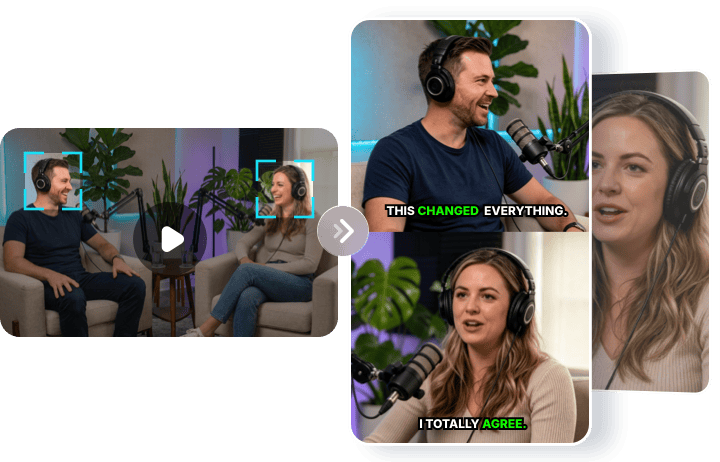
AI intelligently detects and tracks the main subject, keeping the character centered from beginning to end, even while moving.

Reframe Video Online
Reframe your video entirely online. No heavy software installation or powerful hardware required.

Blazing Fast Speed
The video reframing process is completed within minutes, even for hours-long videos, saving you hours of manual editing work.
Reframe Any Video in Minutes
An ideal AI reframe tool for creators, marketers, and streamers. Whether it’s gaming recordings, live streams, podcasts, interviews, ads, or marketing videos, FlexClip’s AI Reframe automatically converts horizontal footage into platform-ready vertical or square videos while keeping the subject perfectly centered without touching a timeline.
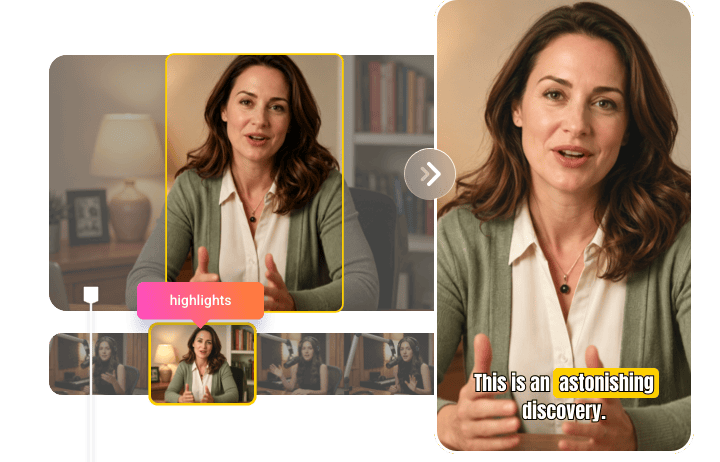
Intelligent Subject Tracking
Automatically detects and tracks the main subject—person, object, or movement—and keeps it perfectly centered as it moves, shifts, or changes scale. AI continuously adjusts framing in real time, delivering smooth, professional results automatically while saving hours of manual editing.
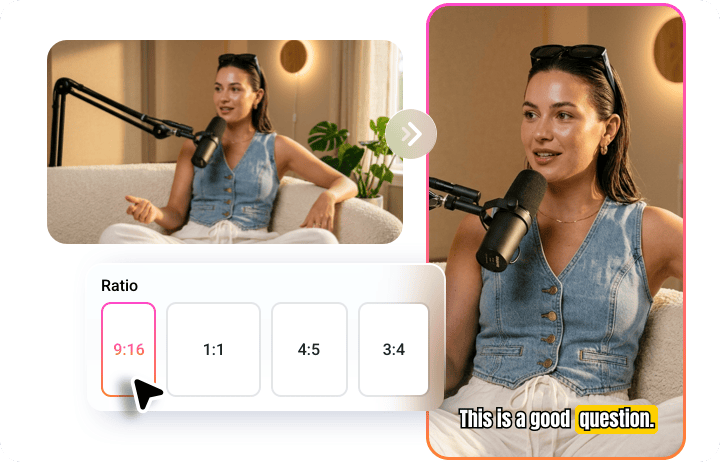
Platform-optimized Aspect Ratio Conversion
Easily repurpose existing videos into social-ready content. Whether you’re creating short-form videos for TikTok, Instagram Reels, or YouTube Shorts, the AI Reframe Tool ensures your content is always perfectly optimized for each platform.
Manual Editing Tools to Polish Your Resized Video
With FlexClip, AI does the heavy lifting while you’re in the control. It also includes a timeline-based editor that lets anyone easily add popular TikTok background music, insert engaging stickers, and integrate brand logos. Fine-tune every detail and create polished, high-quality videos ready for TikTok, Instagram Reels, YouTube Shorts, and more.

How to Reframe Videos with AI?
- 1
Upload a Video or Paste the Link
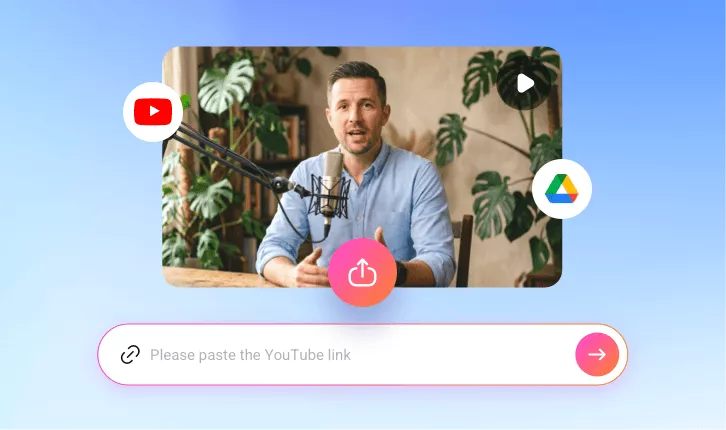
Directly paste a link from YouTube or upload a video from your local device or Google Drive.
- 2
Set Up Your Preferences
Select your target aspect ratio and choose style, duration, and subtitle layout, then click the Generate button to let the AI reframe it to keep the subject perfectly centered.
- 3
Share Platform-ready Clip
Instantly preview your newly reframed video in high-quality and post share-ready clips to TikTok, YouTube, Instagram for better engagement.