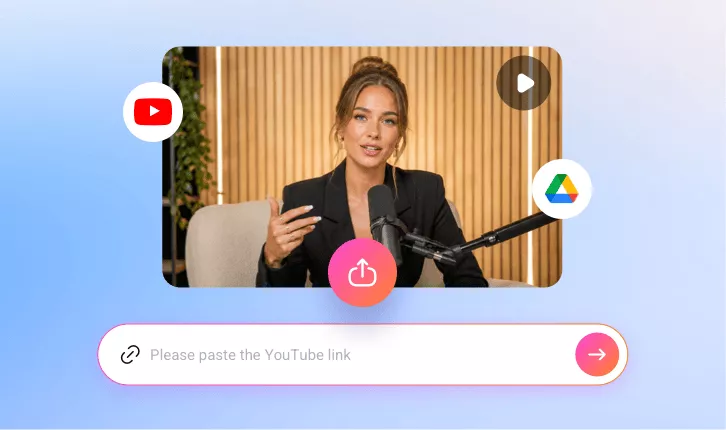
AI YouTube Clip Maker
Let’s turn long videos into short clips using FlexClip’s YouTube clip maker that can dramatically increase your reach, boost engagement, and help you capture new audiences.
TRUSTED BY
Why Choose FlexClip’s YouTube Clip Maker?

100% Online
No installation needed—simply open your browser, paste the YouTube video link, and use our YouTube clip maker to get viral-worthy clips. And there is also no need to have professional skills in clip editing.

AI Generation
FlexClip’s AI will instantly identify all the best parts in your videos and turn them into clips — saving you hours of manual editing.

Secure and Private
Your privacy comes first. Unless you make it public, every YouTube clip you generate is exclusively visible to you.
Summarize YouTube Video Content
If you think normal YouTube videos are so long that they make viewers lose attention, you can try FlexClip’s online YouTube clip maker to highlight your video with AI. FlexClip will automatically identify all the best parts in your videos with AI and turn them into clips. And you can simply paste a YouTube link, then you'll have dozens of ready-to-post clips quickly. You can use these YouTube clips as a trailer for their long videos.
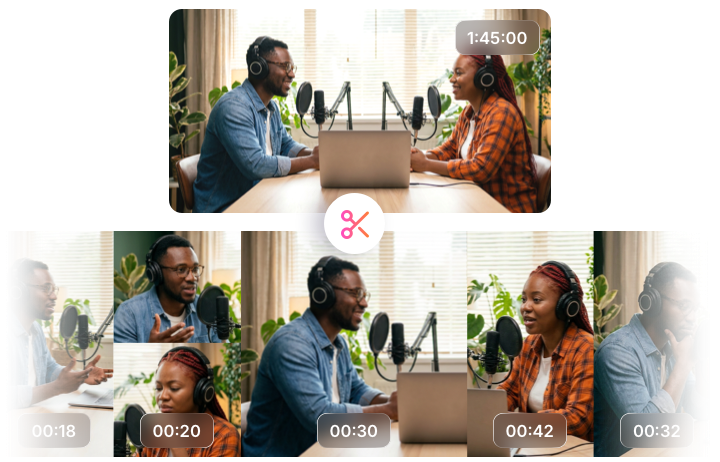
Reclip YouTube Video as You Need
FlexClip’s YouTube clip maker also allows you to reclip a YouTube video after you’ve got AI-generated clips. You can access the full video transcript in FlexClip and select any portion from the transcript text to pick the clips that showcase the most impactful moments of your YouTube video content and generate a new clip. Therefore, you will gain a satisfying YouTube clip here.

Directly Share Viral-worthy Clips to YouTube
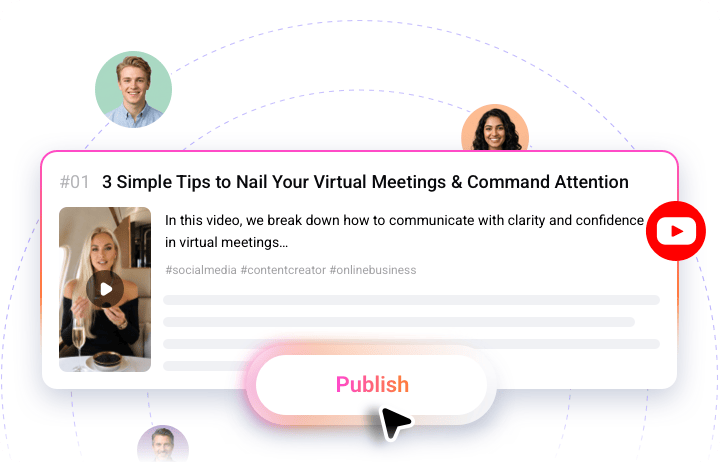
Since FlexClip’s YouTube clip maker is integrated with YouTube, you can import your video from YouTube by pasting the YouTube link. Moreover, you can also publish your clips directly to YouTube. You don’t have to spend time downloading or uploading videos ever again. Besides, when you choose to publish YouTube clips, FlexClip’s AI can automatically generate a relevant title and description to help your audience instantly understand. No extra adjustments needed—share directly and reach audiences across the YouTube platform effortlessly.
How to Use FlexClip’s YouTube Clip Maker?
- 1
Paste the Link
Paste your YouTube video link to FlexClip's YouTube clip maker.
- 2
Auto-Generate YouTube Clip
Choose an aspect ratio and access more settings, then click the Generate button to let the AI do the rest.
- 3
Download and Share
Once satisfied with the AI video generation, share your favorite clip directly to YouTube effortlessly.