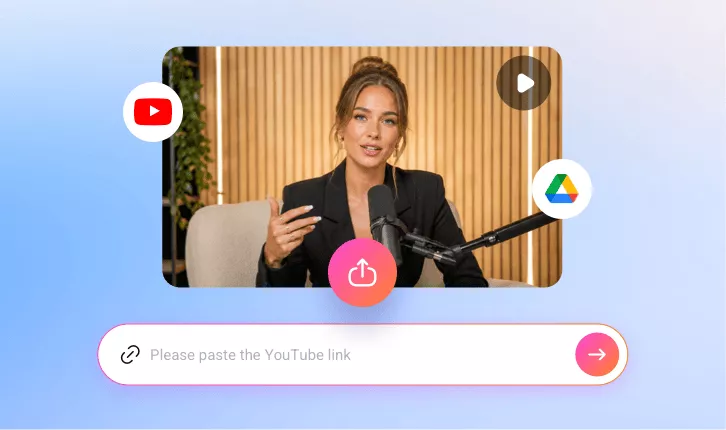
AI Video Aspect Ratio Changer
Changing the aspect ratio of your video in FlexClip is quick and easy. Instantly change the aspect ratio of your videos—such as 16:9, 9:16, 1:1, 4:5 and more—with just a few clicks.
TRUSTED BY
Why Choose FlexClip’s AI Video Aspect Ratio Changer?

Smart AI Process
FlexClip’s AI instantly adapt content to any aspect ratio using preset ratios for different social media platforms — saving you hours of manual editing.

Professional Quality
FlexClip AI auto-crop your videos to any aspect ratio quickly and easily, keeping every video polished, platform-ready, and high-quality.

Information Security
Your videos and data remain secure throughout the resizing and editing process. We follow strict privacy and security policies to prevent any unauthorized access or misuse.
Reframe Your Video to Any Aspect Ratio with AI
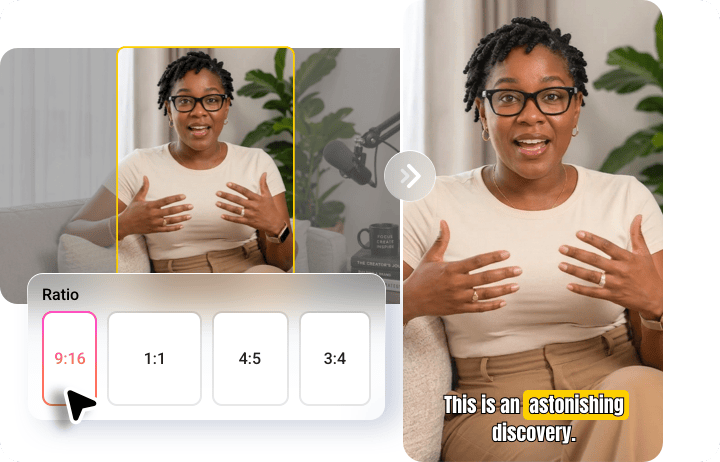
FlexClip’s AI-powered aspect ratio changer intelligently identifies key subjects, adjusts the framing, and converts your video to any format—16:9, 9:16, 1:1 and more. Effortlessly transform long-form horizontal 16:9 videos into viral 9:16 vertical clips, 1:1 squares, or 4:5 portraits tailored for TikTok, Instagram Reels, and YouTube Shorts with a single click.
Smart Reframe for Perfect Aspect Ratios & Frames
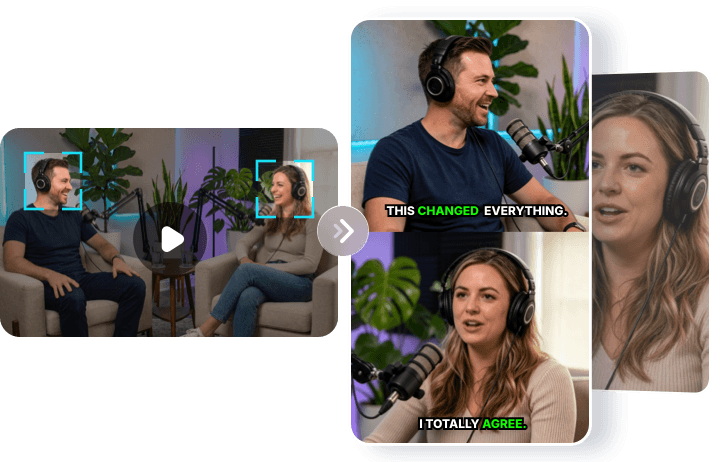
Manual cropping to change video aspect ratios often cuts out important faces or brand elements. With FlexClip AI smart cropping and reframing, key subjects stay perfectly in focus thanks to intelligent subject tracking. The result is a flawlessly resized video that looks purpose-built for any platform—no stretched faces, no cropped-out text, just perfectly framed content optimized for every screen.
Change Aspect Ratio, Cut, Crop, and More
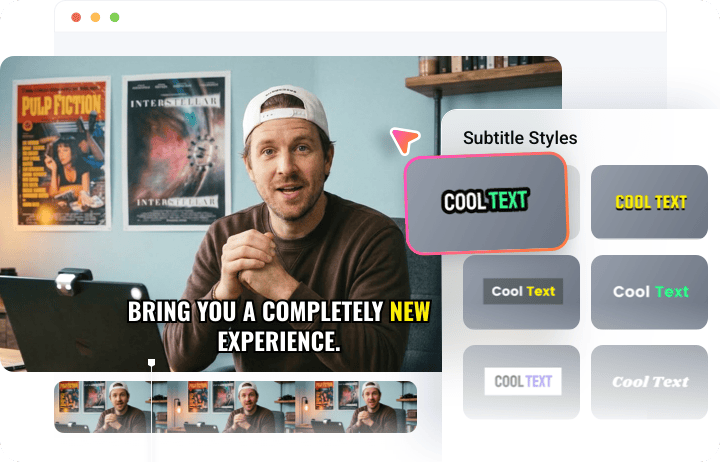
Beyond changing video aspect ratios, FlexClip lets you trim, cut, crop, and enhance videos effortlessly. Automatically turn long videos into highlight-based clips, crop to any aspect ratio, generate stylish subtitles, or reclip videos by selecting portions directly from the transcript, etc. Create viral-ready content tailored for every platform and screen—in just a few clicks.
Instantly Share Perfectly Framed Video with AI Publishing
FlexClip saves you time with one-click publishing to major social media platforms—no downloading or re-uploading required. After adjusting aspect ratios and refining your clips, instantly share videos to Instagram, YouTube Shorts, LinkedIn, and more. In addition, AI-generated titles and descriptions make content distribution faster, simpler, and more efficient.

How to Change Video Aspect Ratio with FlexClip AI?
- 1
Upload Your Video
Open FlexClip’s AI Video Aspect Ratio Changer and upload a video from your local folder, Google Drive, or via a YouTube URL.
- 2
Set Up Your Preferences
Choose an aspect ratio and define your target style, duration, and subtitle layout, then click the Generate button to let the AI do the rest.
- 3
Preview & Download
Once satisfied with the reformatted video, save your favorite clip in high quality or share it directly with your audience effortlessly.