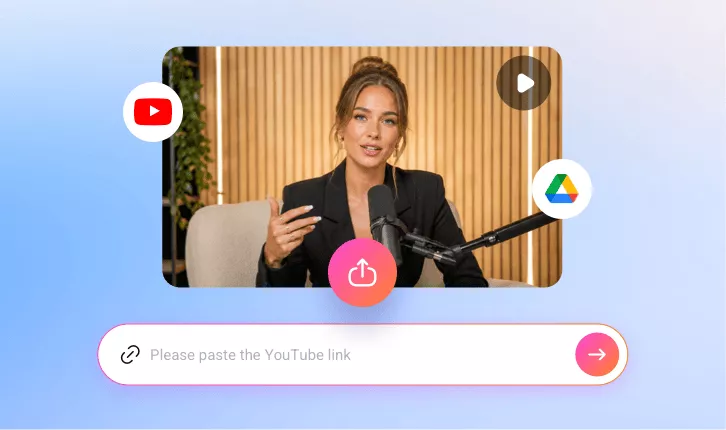
AI Video Resizer
With our AI video resize tool, you can instantly auto-resize your videos using preset sizes for multiple social media platforms, including YouTube, TikTok, LinkdIn, and more.
TRUSTED BY
Why Choose FlexClip’s AI Video Resizer?

Resize with AI
FlexClip’s AI instantly resizes your videos in just a few clicks using preset sizes for different social media platforms — saving you hours of manual editing.

Professional Quality
Our powerful AI resizing tool auto-resizes your videos to any aspect ratio quickly and easily, keeping every video polished, platform-ready, and high-quality.

Information Security
Your videos and data remain secure throughout the resizing and editing process. We follow strict privacy and security policies to prevent any unauthorized access or misuse.
Auto-resize Videos for All Social Platforms with AI
With FlexClip’s AI video resizer, transforming your videos is one click away! Its video resize presets for different social media platforms make video resizing effortless. From YouTube’s 16:9 to TikTok’s 9:16 and Instagram's 1:1 or 4:5, adjust aspect ratios like a pro, letting you convert a horizontal video into a vertical or square one and vice versa, saving time and making your videos platform-perfect.
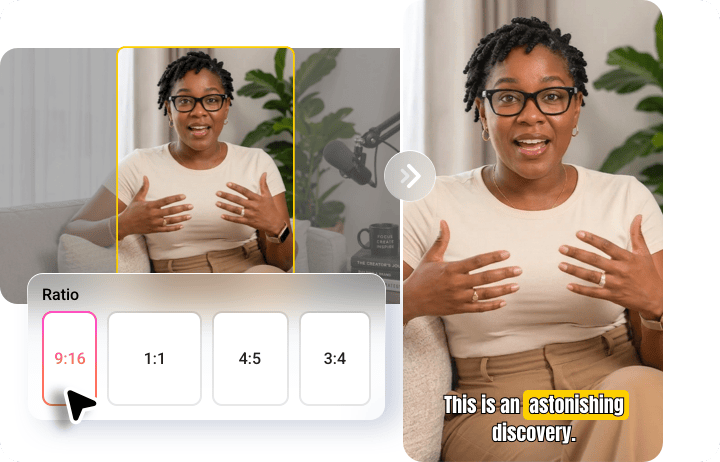
Smart Resize & Crop: Keep Your Subjects Perfectly Centered
No more awkward crops or missed moments! FlexClip uses advanced subject detection technology to automatically identify the faces or speakers in your video, keeping your subject perfectly centered every time. The result is polished, professional-looking videos that highlight the key subjects, saving you time and delivering a better viewing experience for your audience.
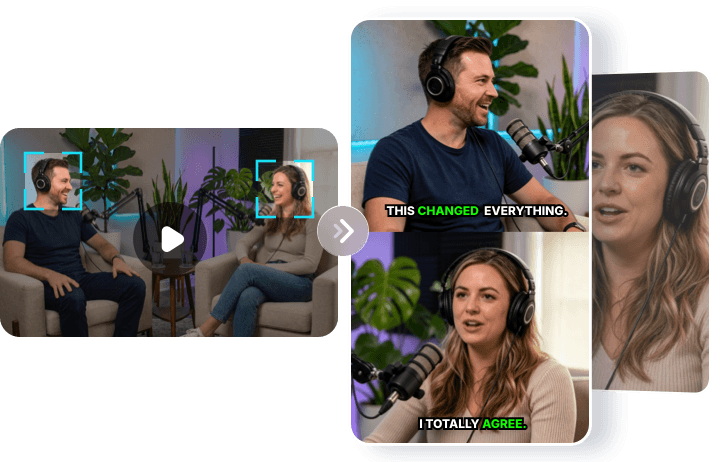
Full Transcript to Reclip AI-Generated Clips at Will
The complete transcript is available, letting you reclip or extract AI-generated segments anytime. Quickly create highlights, shareable snippets, or custom content with precision. Prefer a full-length, perfectly resized video? Tap Trim to access the full transcript, select the entire video, and let the AI recreate it in your chosen size—effortless and precise.
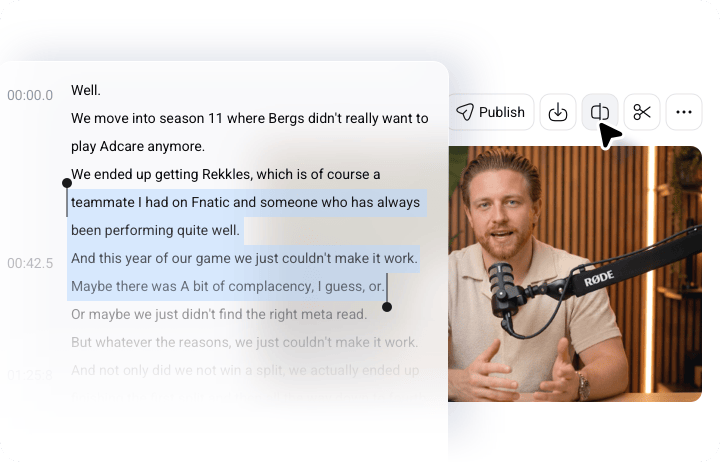
Manual Editing Tools to Polish Your Resized Video
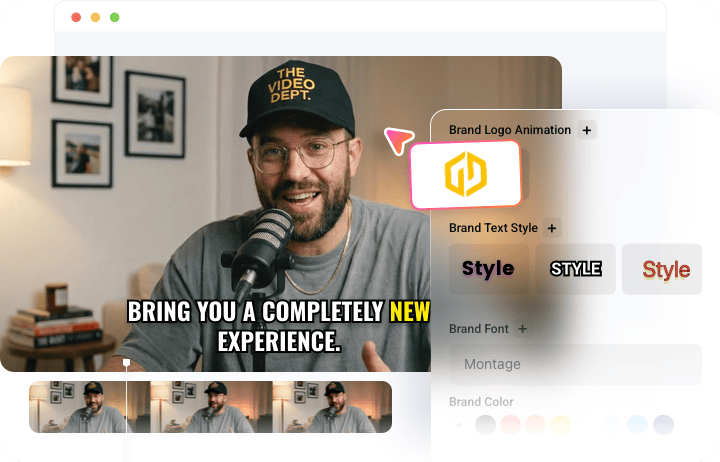
With FlexClip, AI does the heavy lifting while you stay in control. Its timeline-based editor lets you add your personal touch to AI-resized videos—easily trim and merge clips, add transitions and overlays, refine captions, and include background music. Enjoy full flexibility to perfect every detail before sharing or repurposing your video.
How to Resize Video with FlexClip AI?
- 1
Upload Your Video
Open FlexClip’s AI Video Resizer and upload a video from your local folder, Google Drive, or via a YouTube URL.
- 2
Set Up Your Preferences
Choose an aspect ratio and define your target style, duration, and subtitle layout, then click the Generate button to let the AI do the rest.
- 3
Preview & Download
Once satisfied with the resized video, save your favorite clip in high quality or share it directly with your audience effortlessly.