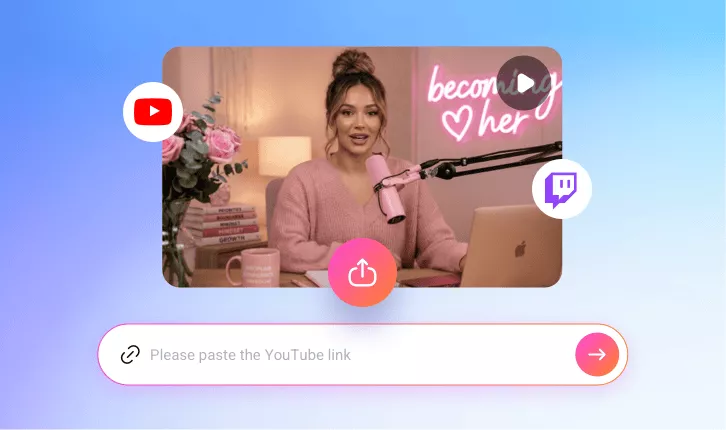
Convert Twitch Clips to TikTok-ready Videos
Easily grow your Twitch presence on TikTok with FlexClip’s AI Twitch-to-TikTok converter. Upload your video in one click and instantly generate dozens of bite-sized vertical TikTok clips designed to boost views and engagement.
TRUSTED BY
Why Choose FlexClip’s Twitch to TikTok Converter?

AI-powered Twitch Resizing
Enjoy a seamless Twitch-to-TikTok video resizing workflow. Simply upload your video and let AI transform it into share-worthy vertical clips with face tracking, auto subtitles, and engaging titles designed to boost views.

Fast Generation
Skip hours of scrubbing through Twitch streams to find highlights. FlexClip automatically detects key moments and transforms them into bite-sized TikTok clips within minutes.

Information Security
Your video and data remain secure throughout the resizing and editing process. We follow strict privacy and security policies to prevent any unauthorized access or misuse.
Auto-resize Twitch Streams to TikTok Aspect Ratio
Skip the complicated process of manually cropping and zooming Twitch videos for TikTok. With FlexClip, simply upload your video and let AI do the rest — automatically detecting key moments and transforming them into bite-sized vertical TikTok clips with AI reframing, speaker detection, and smooth camera movements that keep the focus centered on the speaker.
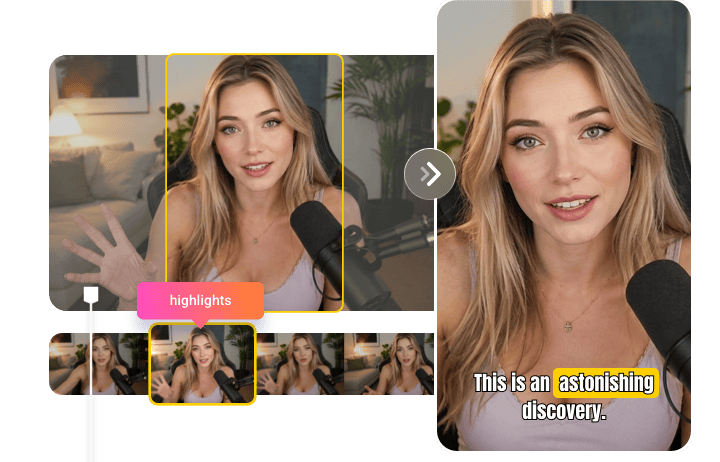
Add Viral Auto-captions in One Click
Keep your Twitch clips engaging even when muted. As FlexClip converts your Twitch streams into vertical TikTok moments, it automatically generates highly accurate animated subtitles to keep viewers watching. You can also customize fonts and apply trending text animations to maximize viewer retention.
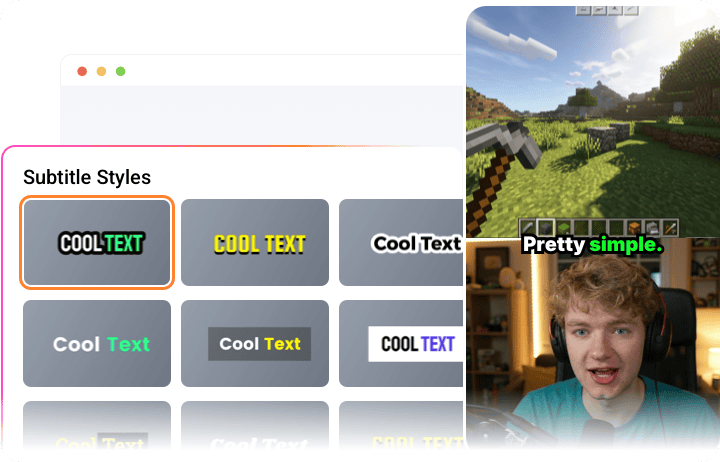
Extract Share-worthy Highlights with Viral Potential
Whether it’s gameplay streams, casual chats, music production, or any other type of Twitch content, FlexClip helps you quickly identify the most share-worthy moments and turn them into engaging TikTok-ready short videos. With catchy titles, virality scores, and brief insights, you can efficiently select the clips with the highest potential, getting one step closer to creating viral success.

Powerful Editing Tools to Polish Your TikTok Videos
FlexClip doesn’t let AI control everything. It also includes a timeline-based editor that lets anyone easily add popular TikTok background music, insert engaging stickers, and integrate brand logos. Enjoy the flexibility to fine-tune every detail before publishing high-quality Twitch clips on TikTok.
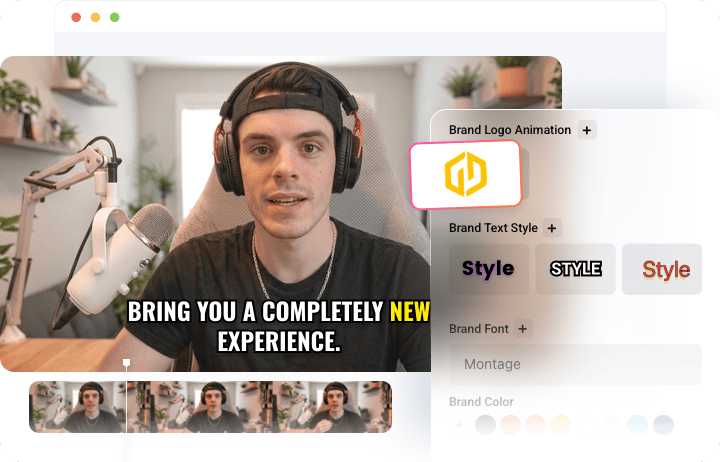
How to Convert Twitch Content to TikTok Clips?
- 1
Add Twitch Video
Upload your Twitch video directly from your device, or simply paste its URL if you’ve already shared it on YouTube.
- 2
Make Basic Setup
Set the aspect ratio to 9:16, then customize the text style, subtitle layout, clip duration, and clip type to match your needs. Once everything is set, click Generate and let AI do the rest.
- 3
Preview & Download
Preview your TikTok-ready clips, then download your favorite one or post it directly to TikTok to reach more viewers effortlessly.