Repurpose Video
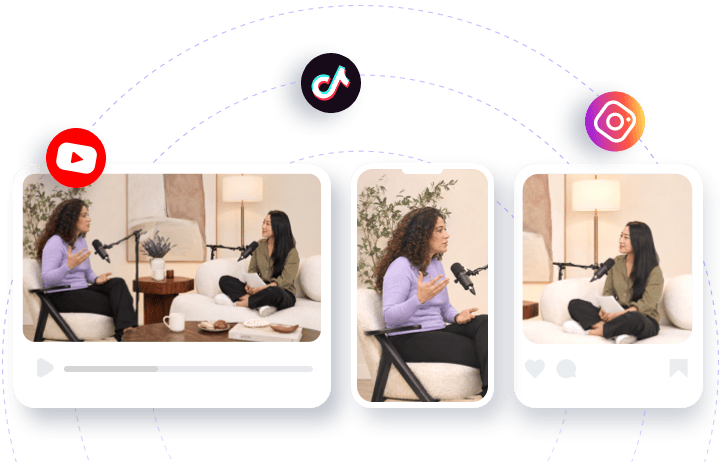
Repurpose your videos for TikTok, Facebook, Instagram, YouTube, and more with platform-optimized formatting. Deliver the best viewing experience on every social channel, expand your reach, and engage a wider audience with content tailored for each platform.
TRUSTED BY
Why Use FlexClip to Repurpose Video?

Repurpose with AI
FlexClip’s AI instantly repurpose your videos in just few clicks using preset sizes for different social media platforms — saving you hours of manual editing.

100% Online
No installation required - directly open your browser and use AI to repurpose existing video into high-quality, platform-ready clips in a few clicks.

Privacy Security
Your video and data remain secure and private throughout the repurposing and editing process. We’re using strict policy to prevent any unauthorized access or misuse.
Unlock Potential with Existing Video
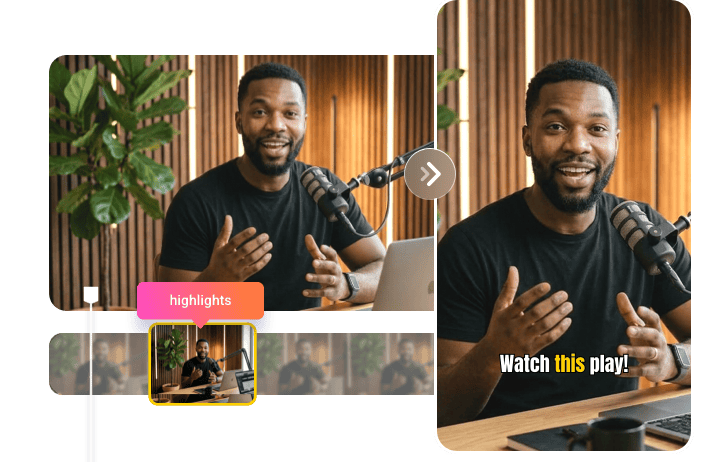
FlexClip makes refreshing your video content effortless, helping you repurpose and enhance videos to keep your audience engaged with fresh, compelling perspectives. Whether transforming long live streams into engaging highlights or turning detailed webinars into concise tutorials, FlexClip ensures your content remains captivating, relevant, and impactful over time. With FlexClip, creating audience-targeted clips has never been easier.
Repurpose Video for Popular Social Platforms
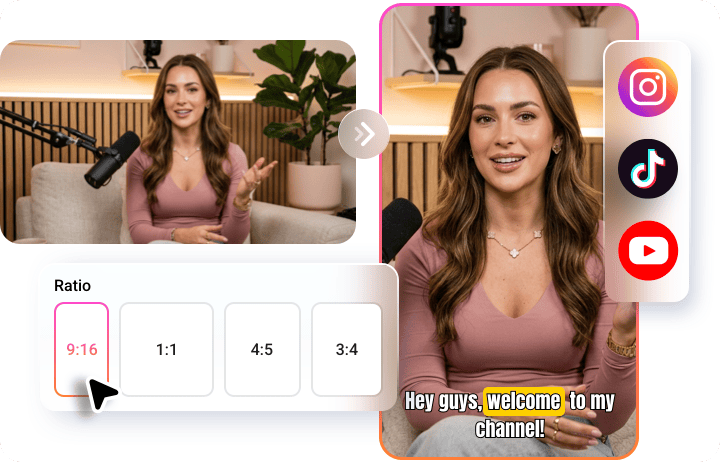
Easily repurpose your existing content by adjusting the aspect ratio, cropping, adding captions, and changing the layout as needed to fit different social media platforms such as Instagram, TikTok, and YouTube. No need to reshoot for specific social platforms. FlexClip’s AI technology will magnify your digital marketing efforts while saving you time and money!
Make Your Videos More Accessible with AI Subtitles
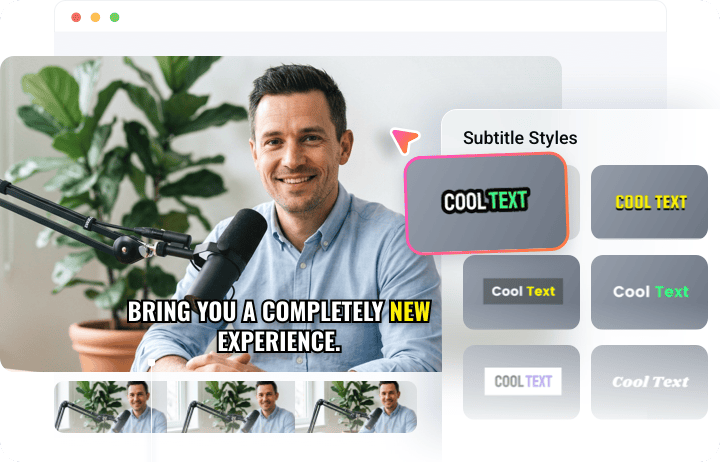
Expand your reach and make your videos more accessible with automatic subtitles and captions. FlexClip’s AI repurpose tool generates highly accurate subtitles in major languages with a single click and translates them into 100+ languages for global audiences. Whether viewers are watching on mute or speak different languages, subtitles improve accessibility, boost engagement, and maximize the impact of your content.
Fast Distribute to Destination
FlexClip respects your time with one-click publishing to major social media platforms, eliminating the need to download and re-upload videos. Instantly share your content to Instagram, YouTube Shorts, LinkedIn, and more in just a few clicks. Its AI also generates titles and descriptions for you, making content distribution faster, simpler, and more efficient.
How to Repurpose Video with AI?
- 1
Upload Your Video
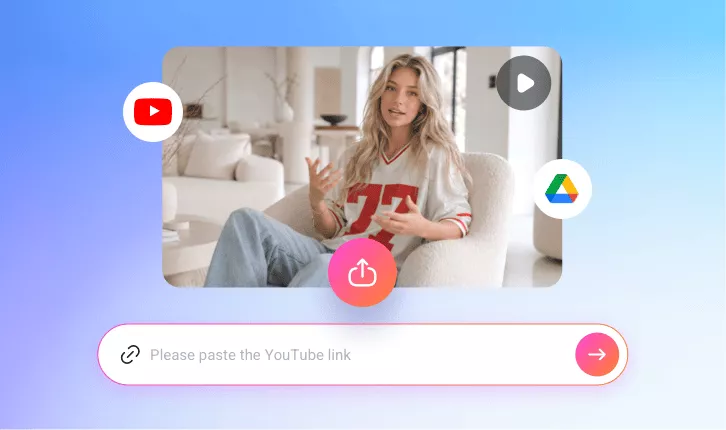
Access FlexClip’s AI Repurpose Tool and upload video directly from your device, or simply paste its URL if you’ve already shared it on YouTube.
- 2
Set Up Your Preferences
Choose the target aspect ratio and then customize the text style, subtitle layout, clip duration, and clip type to match your needs. Once everything is set, click Generate and let AI do the rest.
- 3
Preview & Download
Preview your repurposed video, pick your satisfied one to directly download or share it to social media platforms to reach more viewers instantly.