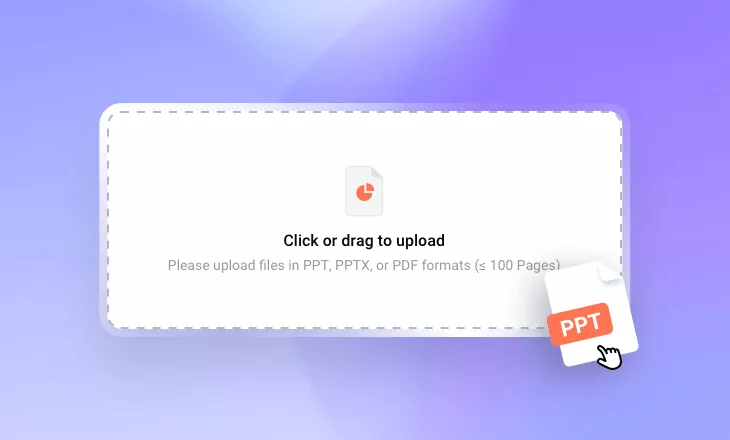
Pitch Deck to Video Converter
Transform slides, PDFs, or PowerPoint decks into compelling pitch videos with engaging voiceovers, lifelike lip-synced AI avatars, and polished, share-ready content that helps founders and sales teams impress investors and prospects.
TRUSTED BY
Why Use FlexClip’s AI Presentation Video Maker?

Smart AI Process
Our AI transforms static slides into engaging, narrative-driven presentations designed to improve understanding, deliver your message clearly, and inspire strong calls to action.

Fast & Professional Generation
No matter how large or complex your files are, FlexClip AI instantly analyzes your document, condenses lengthy content into a concise script, and generates professional videos in minutes.

Information Security
FlexClip keeps your data and video confidentially throughout the uploading and generation entire process with strict policy to prevent misuse and disclosure of trade secrets.
Turn Static Slides into a Persuasive Story with AI
Static slides alone can’t fully deliver your story. With FlexClip’s AI pitch deck generator, your presentation is transformed into a compelling narrative that captures your key ideas and goals. The AI creates clear, structured scripts that preserve the meaning of your original deck while guiding your audience through a powerful storytelling flow. Support for PowerPoint, Google Slides, PDF, and more makes it easy to create engaging presentations for investors, clients, and internal teams.
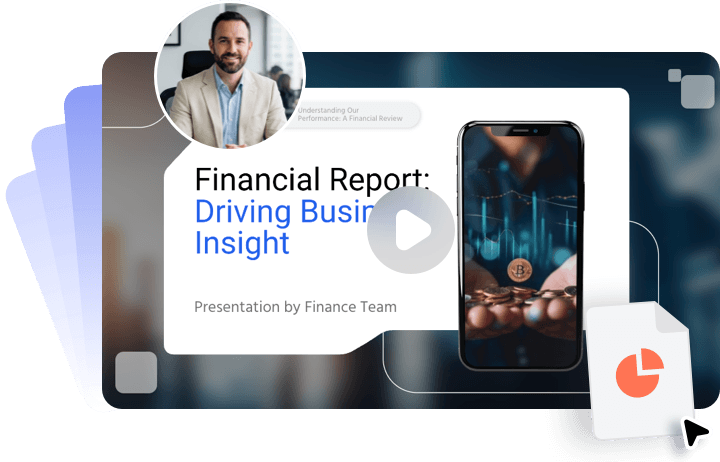
Create One Pitch Deck Video for Multiple Purposes
Turn your pitch deck into an engaging video with scene-by-scene narration that clearly explains the story behind every slide. Add concise voice-overs to highlight key points, deliver your message effectively, and keep your audience engaged without making them guess the meaning. Whether you’re pitching to investors, presenting to customers, attracting partners, or aligning internal teams, one AI-generated pitch deck video can be adapted for all your communication needs.

Refine and Customize Pitch Deck Videos for Brand Consistency
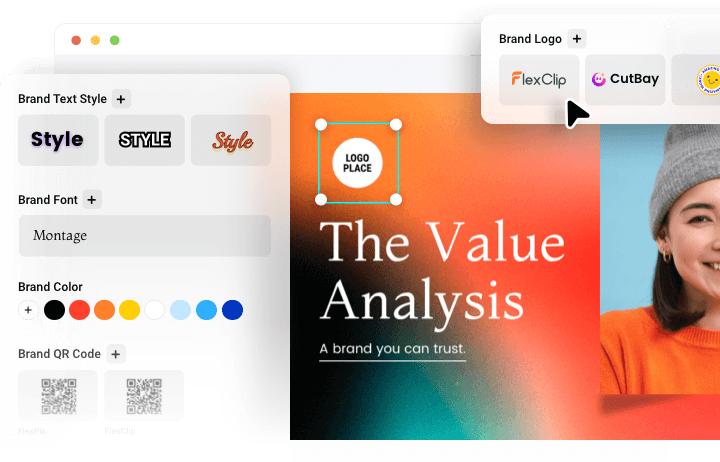
After converting your pitch deck into a video, bring it into FlexClip’s built-in video editor for further customization. Add your logo, watermark, brand fonts, color palette, and other visual elements to create a polished pitch deck video that stays consistent with your brand identity.
How to Convert Pitch Deck into Video in FlexClip?
- 1
Upload Your Pitch Deck File
Upload your pitch deck file and let AI transform your content into an engaging presentation video.
- 2
Add an AI Presenter
Choose your preferred language, video length, and tone to guide AI in generating an editable script. Then select an AI avatar and voice to present your business ideas with natural, lifelike narration.
- 3
Download or Edit
Within minutes, your pitch deck video will be ready to download, or you can open it in FlexClip’s built-in editor to add your personal touches.