AI Image Animator
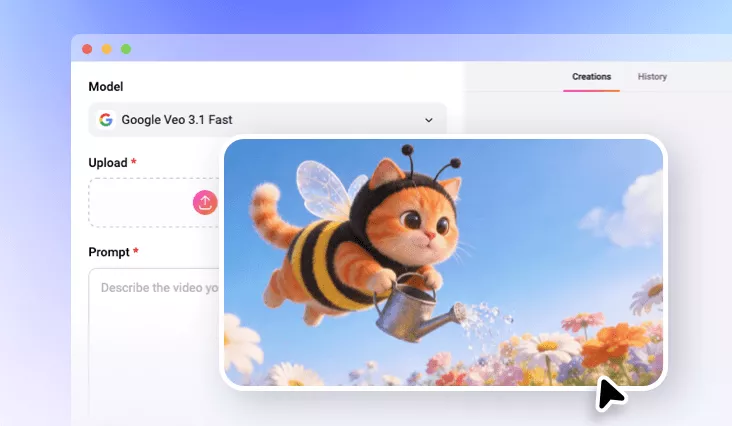
Make your photo move with FlexClip’s AI image animator. With just one click, turn still portraits, landscapes, drawings, or pet photos into dynamic videos that add depth and motion.
TRUSTED BY
Why Choose FlexClip AI Image Animator?

Smooth Animation with AI
Transform your static images into fluid, dynamic videos with natural expressions, smooth motion, and lifelike scenes—bringing your pictures to life with AI.

Instant Generation
Your time matters. FlexClip quickly analyzes your uploads and generates AI-powered image animations in just minutes.

Privacy Protection
We take your privacy seriously. Unless you make it public, all the uploads and generated contents will be kept confidentially and securely.
Make Photos Move in Your Way with Prompts
Want to animate photos your way? Simply enter a prompt and let FlexClip transform your static image into a dynamic animation based on your description. Whether it’s a portrait, landscape, building, pet, anime, or more, this AI tool brings images to life with smooth, natural-looking motion.
Swap Video Animation to Your Image with One Click
Replicate the animation of a reference video in just one click. Simply upload your image and the reference video, click Generate, and the AI image animator will recreate matching facial expressions, body movements, and gestures with remarkable accuracy.
Various AI Models and Styles to Explore
Discover endless AI image animation possibilities with a variety of AI models and styles. Whether you want realistic motion, a cartoon look, or an artistic touch, our AI animation generator offers a wide range of models to experiment with—giving you a fun and flexible playground to bring your photos to life.
Edit Your Animated Video Like a Pro
Elevate your generated video with FlexClip’s built-in editor. Add text, filters, logos, watermarks, music, or any personal touch to make it uniquely yours. Even without advanced editing skills, you can transform your raw animation into a polished, professional-quality video in just a few clicks.
How to Animate a Photo with FlexClip
- 1
Upload Your Photo
Choose any image you want to bring to life—whether it’s a portrait, cartoon character, pet, or other subject.
- 2
Enter a Prompt
Describe the motion you want to see: facial expressions, body movements, or even camera angles. Be as creative as you like!
- 3
Generate and Download
Click Generate and let the AI work its magic. In seconds, you’ll have a dynamic, animated video ready to preview. Download your creation and share your animated project effortlessly.