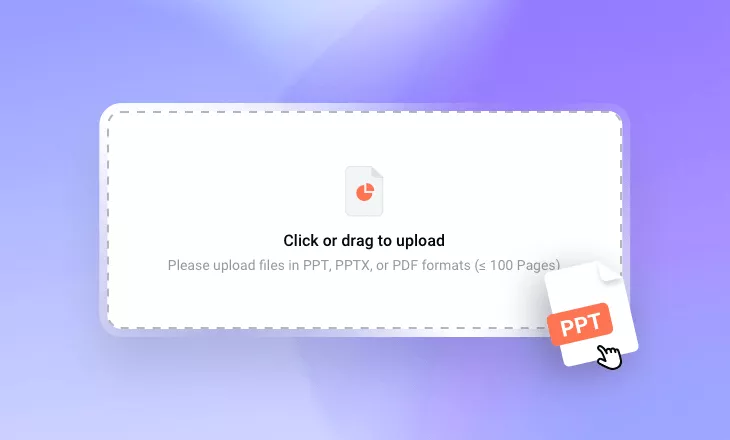
AI Presentation Video Maker
Upload your slides, choose an AI avatar presenter, and transform your PowerPoint or PDF files into engaging presentation videos — with AI-powered narration in 80+ languages, no camera or recording needed.
TRUSTED BY
Why Use FlexClip’s AI Presentation Video Maker?

Easy & Powerful AI
FlexClip’s slide-to-presentation video tool uses AI to streamline the entire process, eliminating the need for manual script writing and time-consuming edits.

Fast Processing
No matter how large or complex your files are, FlexClip AI instantly analyzes your document, condenses lengthy content into a concise script, and generates captivating videos in minutes.

Information Security
Your file and data remain secure and private throughout the conversion process. We’re using strict policy to prevent any unauthorized access or misuse.
Convert Slides to Presentation Videos in Seconds
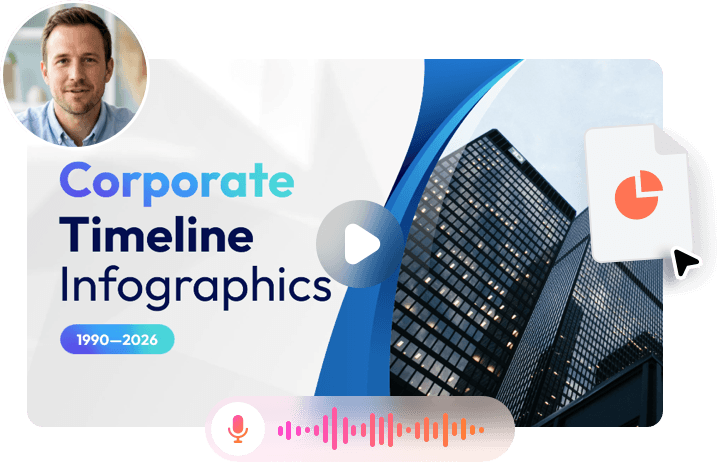
Skip the hassle of recording yourself narrating slides! With FlexClip’s AI presentation video maker, you can turn documents into polished presentation videos in just a few clicks. Simply upload your slides, choose an AI avatar presenter, and let AI transform your content into a dynamic, accessible, and engaging video that captures your audience’s attention.
Automatically Generate Presentation Scripts
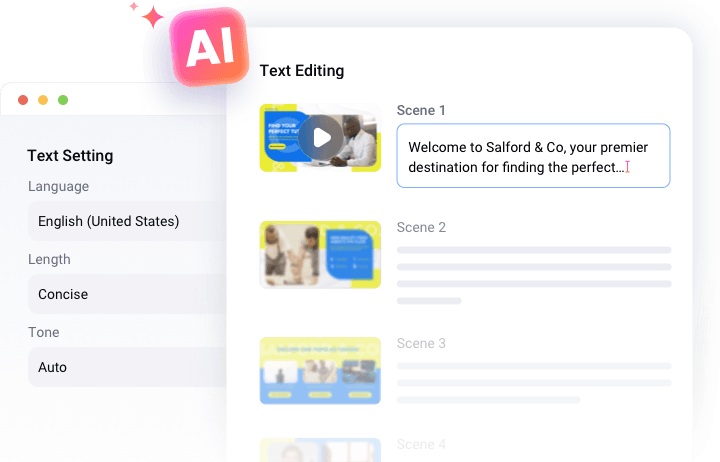
Save time on manual script writing and input. FlexClip’s slides-to-presentation video converter uses AI to generate scripts based on your topic, audience, and goals. You can customize the wording, tone, and length to ensure the final presentation aligns with your message.
Natural Voiceovers in 80+ Languages
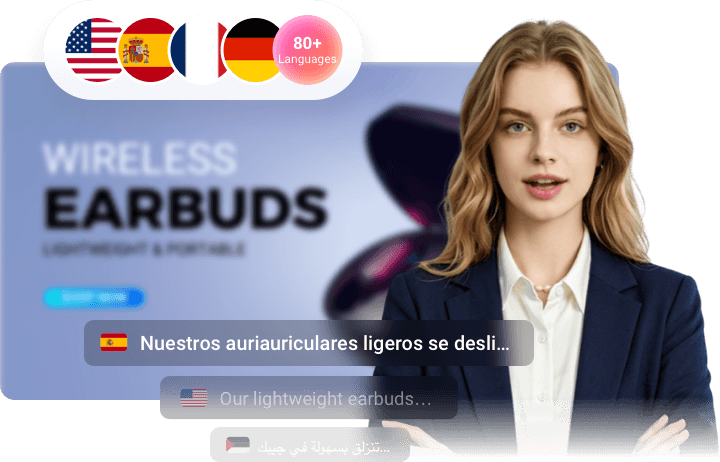
Create presentation videos with natural-sounding AI voiceovers that sync perfectly with the presenter’s lip movements, facial expressions, and gestures. With support for 80+ languages, you can easily localize your slides and share engaging presentations with audiences worldwide. Plus, automatically generated subtitles make your content easier to follow and understand.
Customize AI Presentation Videos with Your Own Style
Add a personal touch to every AI-generated video with FlexClip’s built-in editor. Enhance your presentation by adding a company logo watermark, applying smooth transitions for a professional flow, and including background music to create a more immersive viewing experience. With flexible editing tools, you can fine-tune every detail and turn your ideas into polished, engaging presentation videos.

How to Turn Slides into Presentation Video with AI?
- 1
Upload Your Slides File
Upload your PowerPoint, PDF, or document file and let AI transform your content into an engaging presentation video.
- 2
Generate Script & Voiceover
Choose your preferred language, video length, and tone to guide AI in creating an editable script. Then select an AI avatar and voice to narrate your presentation with lifelike delivery.
- 3
Preview, Edit & Share
Your AI-generated presentation video will be ready to preview in seconds. Make any final edits, then download it, share it on social media, or save it to your cloud storage.