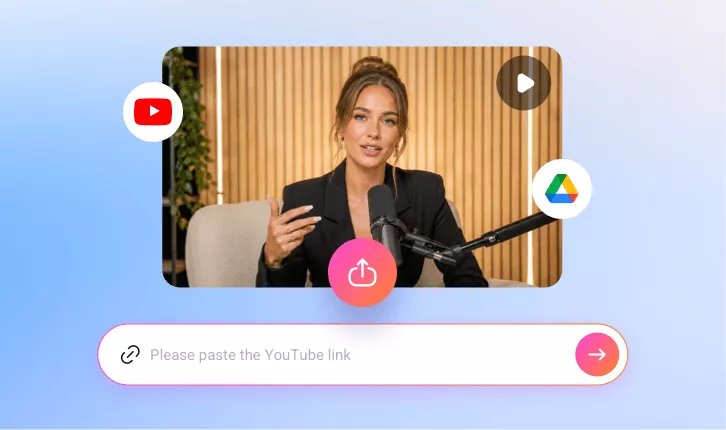
AI YouTube Shorts Maker
Create YouTube Shorts with FlexClip featuring AI auto-clipping, subtitle generation, manual editing, and instant sharing.
TRUSTED BY
How FlexClip Makes YouTube Shorts Generation Easier

AI Clip Detection
FlexClip’s AI Long to Shorts removes the need for manual scrubbing. It recognizes speech patterns, scene changes, then cuts the long video into several clips for YouTube Shorts.

Online Generation
Create YouTube Shorts directly in the browser without downloading any software. Everything runs in the cloud, making the entire process fast, flexible, and convenient.

User-Friendly Interface
FlexClip’s YouTube Shorts generator is designed with simplicity in mind. Its clean layout makes it extremely easy to upload, trim, and change aspect ratio for an engaging YouTube Shorts.
Generate Spread-Worthy YouTube Shorts
FlexClip’s Long to Shorts tool is your shortcut to going viral. Its AI analyzes your long video, detects the key moments and produces several short-form clips. If you are going from horizontal to vertical, FlexClip will even detect the speaker and put it in the center of the frame. In a word, FlexClip is ideal for influencers, marketers, and businesses aiming to maximize visibility and engagement on YouTube.
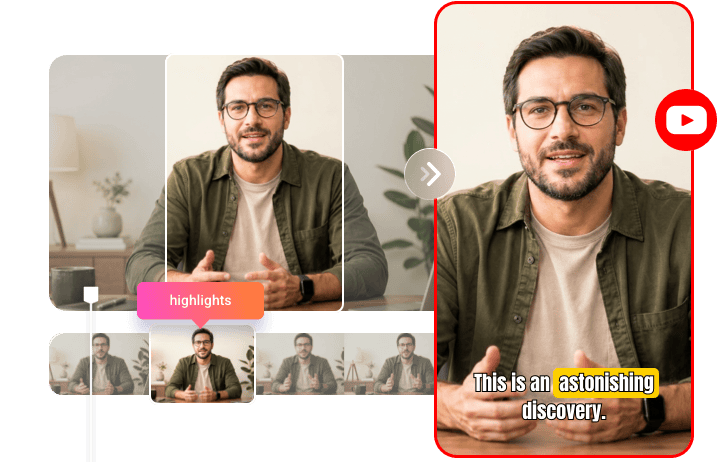
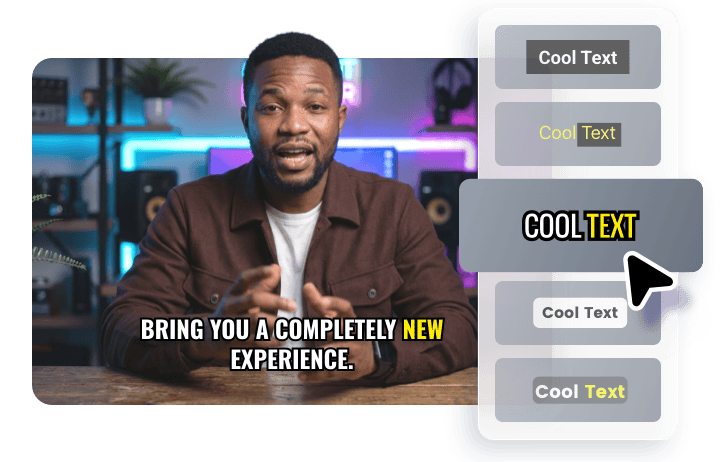
Dynamic Captions that Are Eye-Catching
Cutting and aspect ratio changing are not all about FlexClip. It also generates captions that are synced perfectly with speech. Additionally, you can choose among 20 dynamic subtitle styles to emphasize key information for improved readability and retention. You are also able to render among different text fonts, size, color.
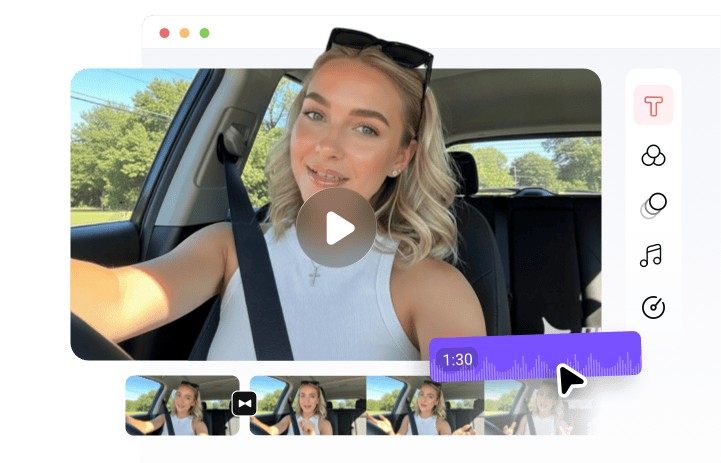
Manual Editing Tools to Polish Your YouTube Shorts
FlexClip doesn’t let AI control all. It comes with a timeline-based editor where anyone can easily trim, merge clips, add transitions, insert overlays, refine captions, bring in background music, etc. Embrace the flexibility to perfect every detail before publishing high-quality Shorts.
Instantly Share as YouTube Shorts & More
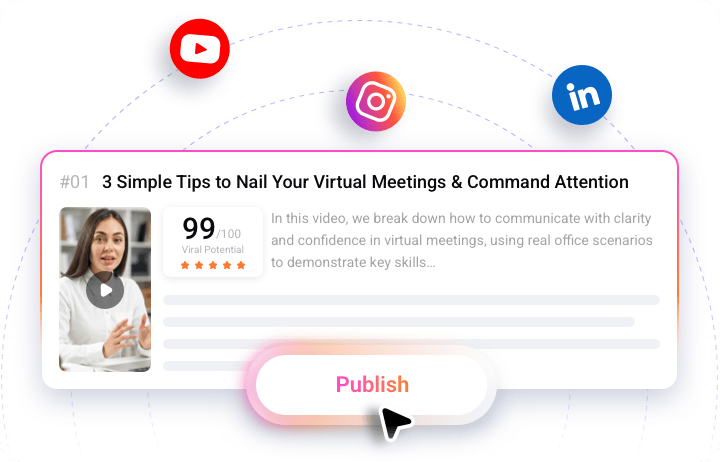
FlexClip enables users to instantly share created clips directly as YouTube Shorts, Instagram Reels, and LinkedIn. Boost productivity and maximum reach without extra formatting or conversion steps.
How to Generate YouTube Shorts Fast with FlexClip
- 1
Upload Your Video
Access FlexClip’s Long to Shorts tool, upload a long video from a local folder, Google Drive, or paste a YouTube link.
- 2
Generate Viral Clips
AI will analyze your video, turn it into several clips with dynamic captions, potential scores. Pick the one you love most.
- 3
Export or Publish
Save the short clip you love most to a local folder. If necessary, connect your social media accounts, use AI to generate titles, description, then post to YouTube.