


Clipchamp is a video editing tool owned by Microsoft. It offers a wide range of templates to help users quickly create various types of videos, such as for social media, business, and education.
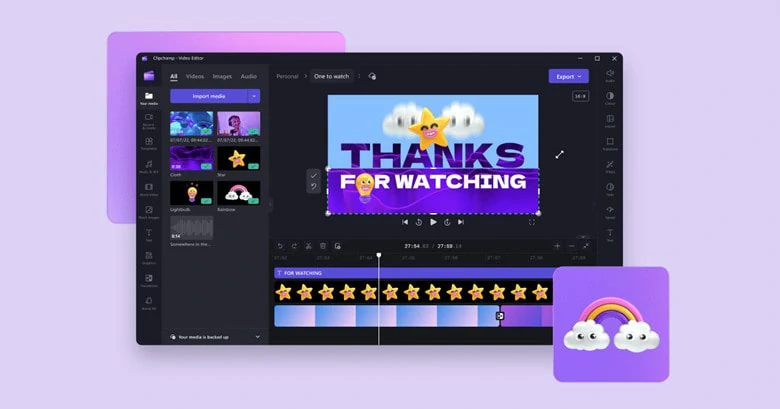
The Interface of Clipchamp Video Editor
Are you planning to explore Clipchamp templates and pick your favorite option to edit? You’re in the right place! This article provides a comprehensive guide to Clipchamp templates, along with an alternative designed to streamline the video creation workflow. Let’s get started.
Table of Contents:
Captivating and Engaging AI Video Templates to Try:


Directly Pick a Ready-made Template to Make Your Video>>
Also Interested: How Clipchamp Exports Audio as MP3>>
A Quick Overview of Clipchamp’s Templates
Want a quick summary of Clipchamp’s templates to scan at a glance? Below is key information we’ve compiled for you.
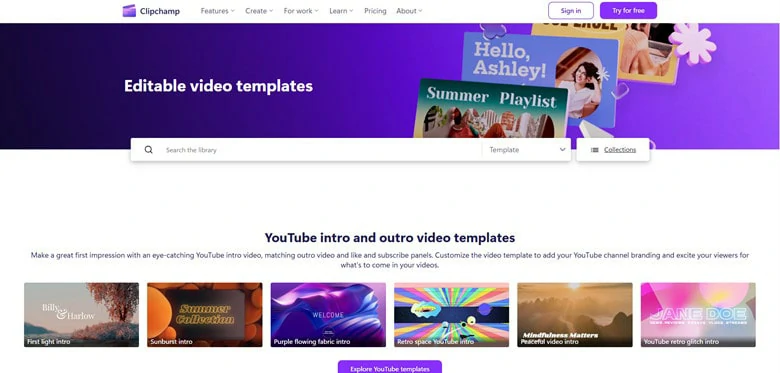
The Overview Look of Clipchamp Templates Page
Understanding key features alone isn’t enough to get the full picture. Don’t worry! We’re breaking down the drawbacks of Clipchamp’s templates that could impact your editing experience.
Clipchamp templates are great for quick, simple videos, but if you need variety, versatile AI tools or cross-platform support, check out the alternative to Clipchamp below.
The Best Alternative to Clipchamp Templates
Looking for a Clipchamp alternative that outperforms in video editing with templates? If so, FlexClip, an AI-powered video editor with templates, is what you need.
FlexClip revolutionizes template-based video creation by elevating basic drag-and-drop replacements into an AI-powered recreation process. Its advanced AI algorithms analyze your uploaded content and reimagine resources, automatically adding suitable text and effects that align with your theme and unique story. No editing skills required! No downloads needed! With FlexClip’s templates, creating professional-level videos has never been easier.
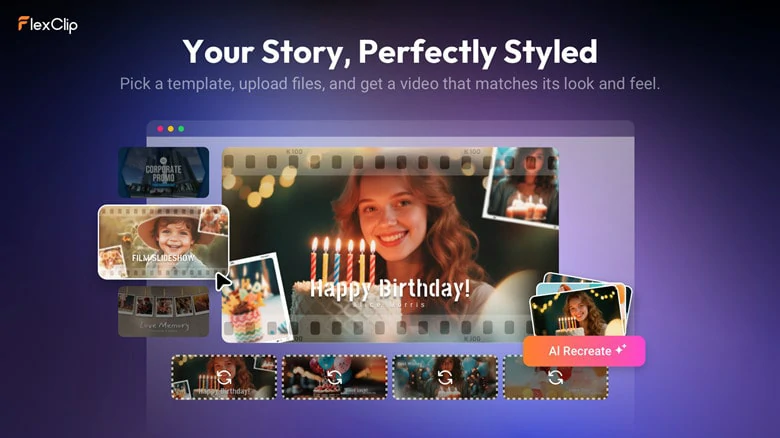
The Best Alternative to Clipchamp Templates with AI Recreate
Key Features of FlexClip’s Templates
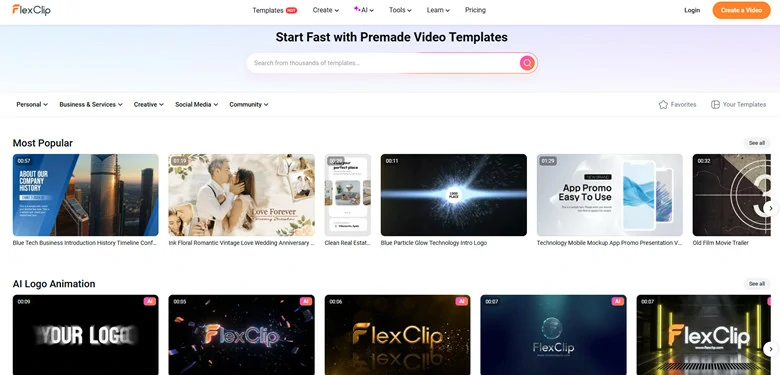
Extensive Library of Templates in FlexClip
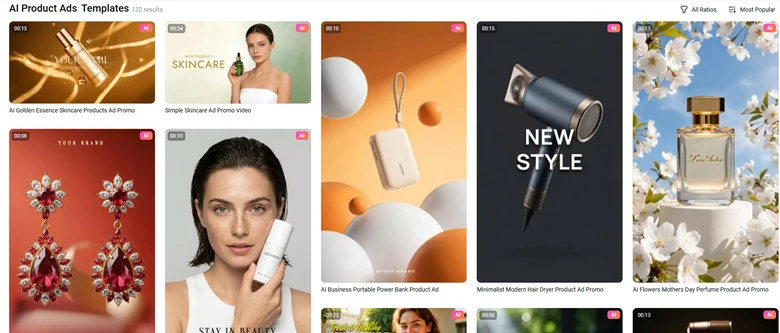
AI-powered Templates for Tailored Content Generation
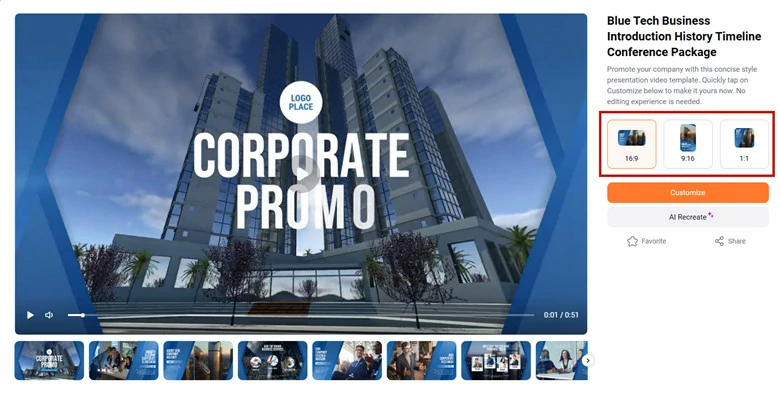
Different Aspect Ratio Support of Each Template in FlexClip
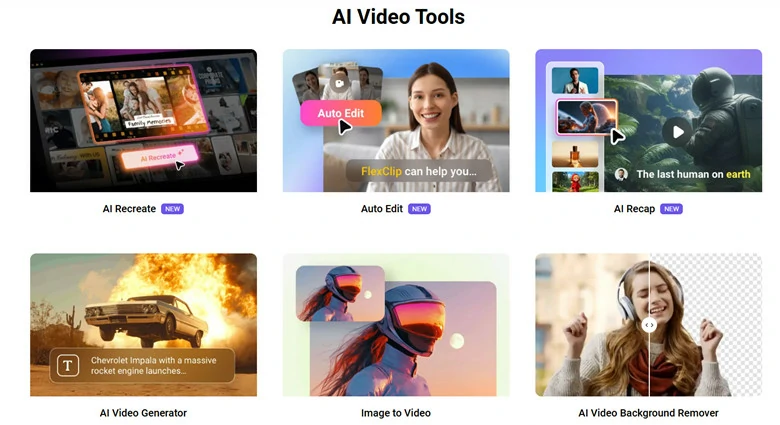
AI-driven Tools of FlexClip to Speed up Video Creation
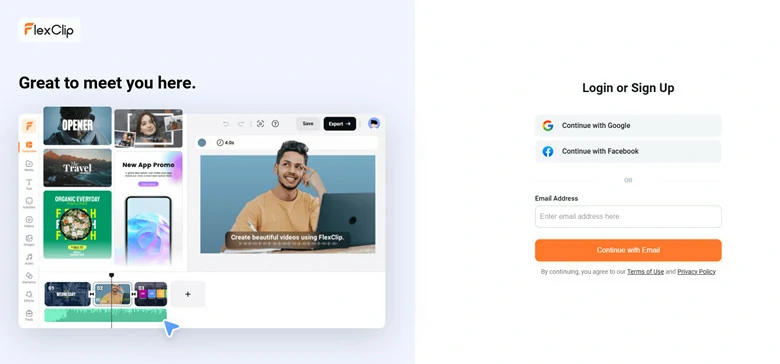
Multiple Ways to Access FlexClip for Project Creation with Templates
FlexClip Extensive Tools to Simplify Your Template-based Video Creation
How to Edit Video with FlexClip’s Templates?
Step 1: Pick a Preferred Video Template
Begin by accessing FlexClip’s extensive library of templates, enter keyword to instantly circle your theme options and then pick your favorite template to start.
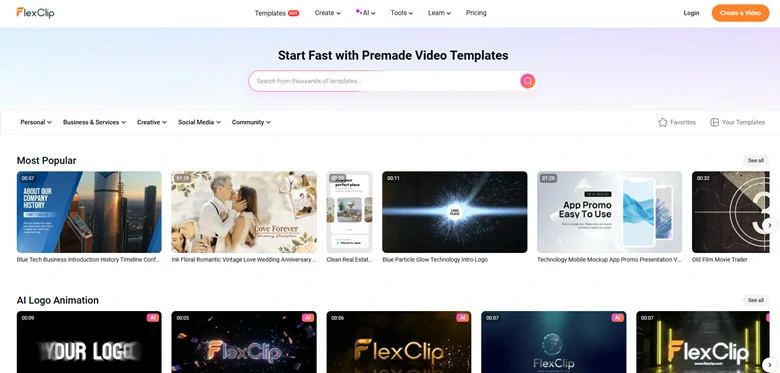
Access FlexClip's Templates Stock and Pick a Preferred Video Template
Step 2: Customize Template with AI Recreate
Click on AI Recreate button below and you’ll be led to the setup interface. The selected template appears on the left for you to preview and check.
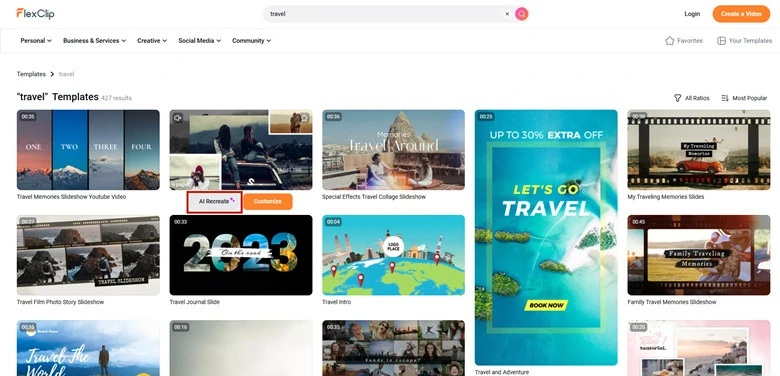
Use AI Recreate Feature and Customize this Template with AI
On the right section, customize the language, tone and theme(Auto, Formal, Casual or Humorous) for AI to analyze and rebuild, then upload photos and clips related to the theme.
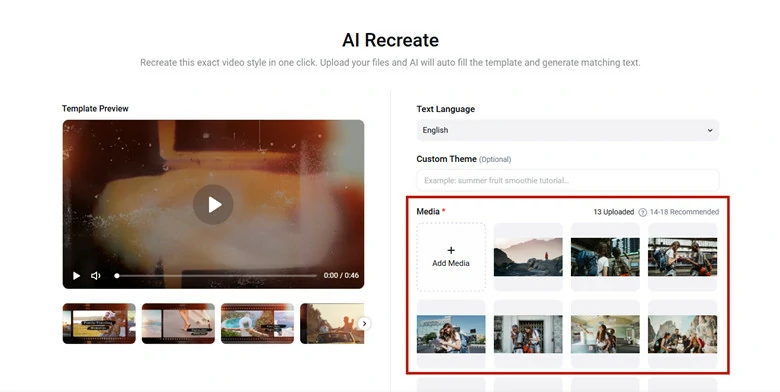
Upload Your Photos and Customize Settings of Your Upcoming Video
Step 3: Generate and Preview
Hit on Generate button to get started. Then AI recognizes and analyzes the visuals and audios in the uploaded media, then generates appropriate text to match on video theme and visuals, finally it combines the visuals, text and effects to produce the final video.
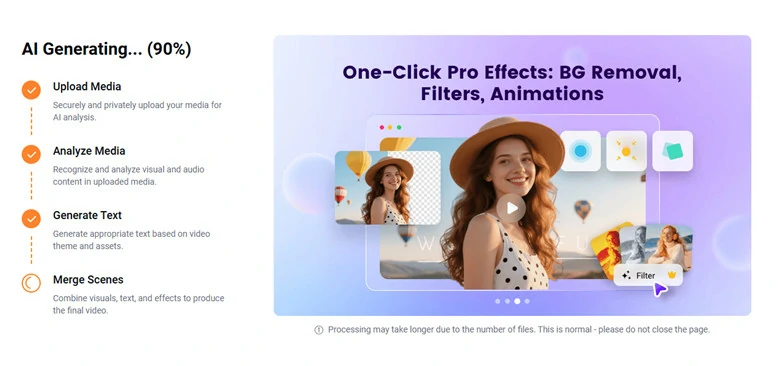
Generate AI Recreate Process and AI Rebuilds the Template for You
In just a few seconds, your tailored video will be ready to preview. Here you can add more personal flair by changing default music, adjusting playback speed and applying additional AI tools to make it truly shine.
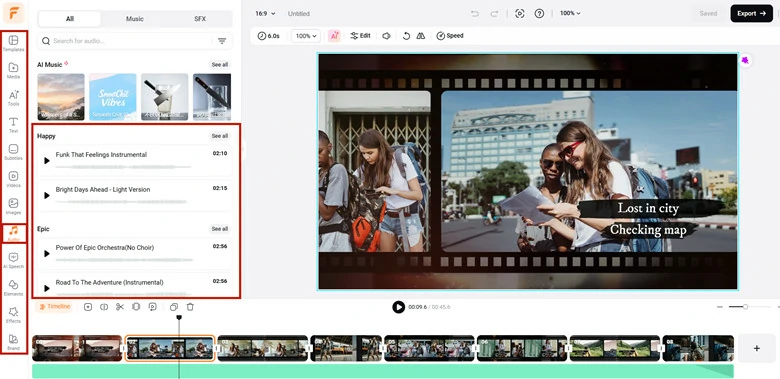
Preview the Video and Add Personal Touches
Step 4: Download and Share
When you’re satisfied with the result, click the Export button to either download the video or share it instantly with others to co-create the gift.
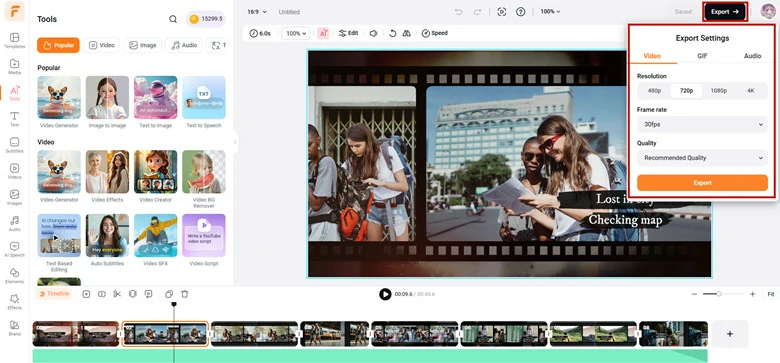
Download and Share the Edited Video
FAQs Related to Video Creation with Templates
1.Will my video be unique if I choose to create video with templates?
Absolutely! Though the template design is fixed, the visuals are made by your resources. Additionally, some AI-powered video editor with templates like FlexClip can analyze and generate one-of-a-kind video that 100% based on your resources.
2.Do templates work for business branding?
Yes. Many templates support brand kits where you can apply your logo, fonts, and brand colors consistently across your videos.
3.Do templates support AI features?
Yes. Some modern editors now like FlexClip integrate AI tools (e.g., text-to-video, auto-captioning, AI music) within template workflows to speed up creation.
The Bottom Line
That’s all message about Clipchamp’s templates with its features and drawbacks. Meanwhile, an alternative to Clipchamp called FlexClip is also recommended. If you need variety, versatile AI tools or cross-platform support, just give this alternative option a try.




FlexClip AI Video Maker
Reach professional-quality videos faster with easy editing tools, templates, and smart AI.
Start Now for Free
Hot & Trending
-

Best Ways to Find Music in YouTube Videos
-

Instagram Story Video Quality Bad After Upload? Fix It!
-

How to Repost Video on TikTok & How to Remove TikTok Repost
-

Improve Video Quality Online: 3 AI Video Quality Enhancers You Can't Miss
-

4K Convert to HD 1080p without Watermark: Best 4k Video Converters
-

Best 8 Free Video Editors - No Download Required
-

Top 13 Birthday Video Makers with Music and Effects Free
-

How to Search Filters on TikTok & Use a Filter You See - TikTok Filter Guide




