There's an old saying: "Don't judge a book by its cover." Yet, when it comes to choosing a book, the cover still plays a crucial role in capturing readers' attention. No matter how informative, engaging, or valuable your book is, readers are less likely to pick it up if the cover design is dull. That’s why an eye-catching cover has become a hallmark of a successful, marketable book today. So, how to make a captivating book cover?
Traditionally, you’d hire a professional designer, which can be costly. But what if you’re on a budget and want to design a cover for your self-published book or eBook? No worries! In this post, we’ll introduce you to an AI-powered book cover maker that lets you effortlessly create a unique, beautiful cover—even without any prior editing experience. Ready to get started? Let’s dive in!
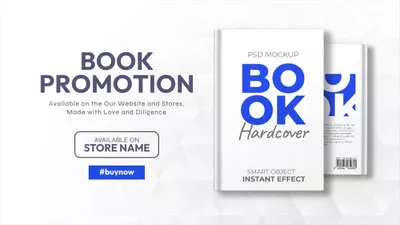
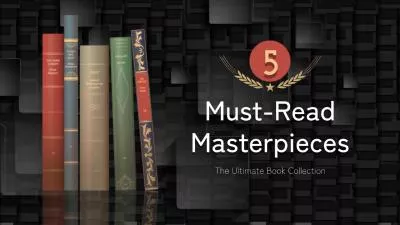
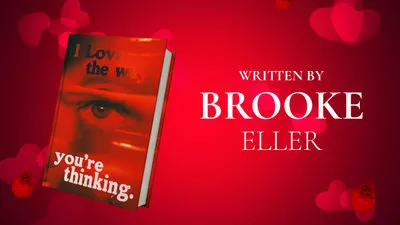
Free and Customizable Book Video Templates for You:

Also Interested in: How to Easily Create Compelling Book Trailers>>
Part 1. An AI Book Cover Maker to Create Eye-catching Designs Online
FlexClip’s book cover maker is one of the best tools available today to create a compelling cover maker with ease. It drives AI technology to instantly turn your concepts into attention-grabbing covers, with a wide range of styles and aspect ratios to choose from. While if you're unsure how to describe your vision, simply upload a reference image, and this AI cover maker will create a brand-new design inspired by it. Then, you can further customize your cover to the next level with features like BG Remover, 3D Motion Converter, Image Upscaler, and more.
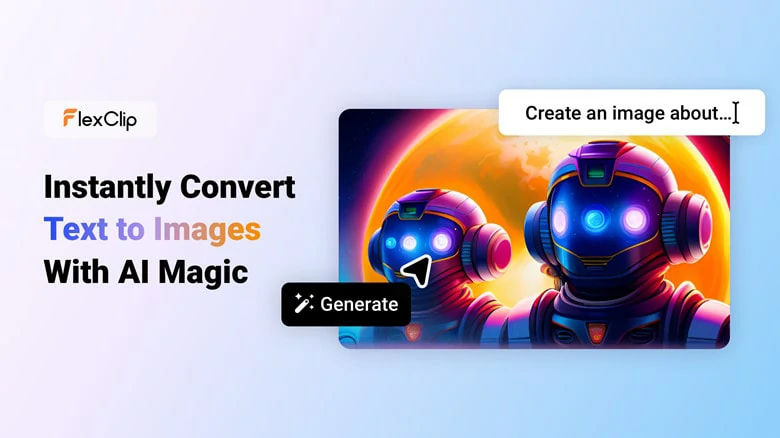
Make Awesome Book Covers with FlexClip's Book Cover Maker
For creating covers from existing images, FlexClip offers even more options. With hundreds of pre-designed templates across genres and styles, plus a vast stock of media assets, you can design a cover that suits your needs and personality in just a few clicks—no editing experience or installation required! Once you're satisfied with the design, you can download it in high resolution, share it directly on social media, or generate a shareable link to showcase your cover instantly.
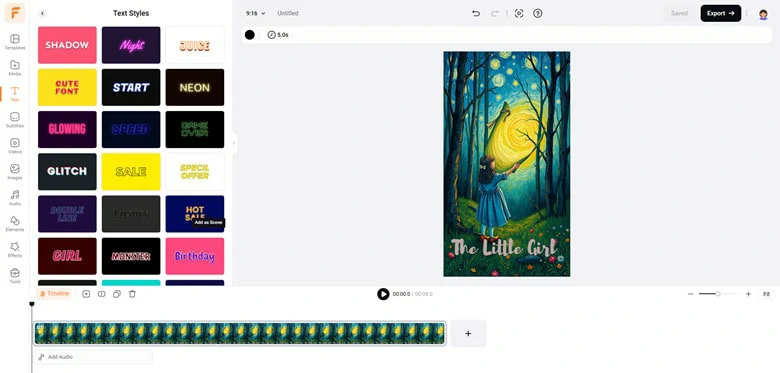
Make Captivating Book Cover with Existing Picture Using FlexClip
However, FlexClip is not just for a book cover design—it's a versatile tool that can assist you throughout your book publishing and promotion process. Here’s how:
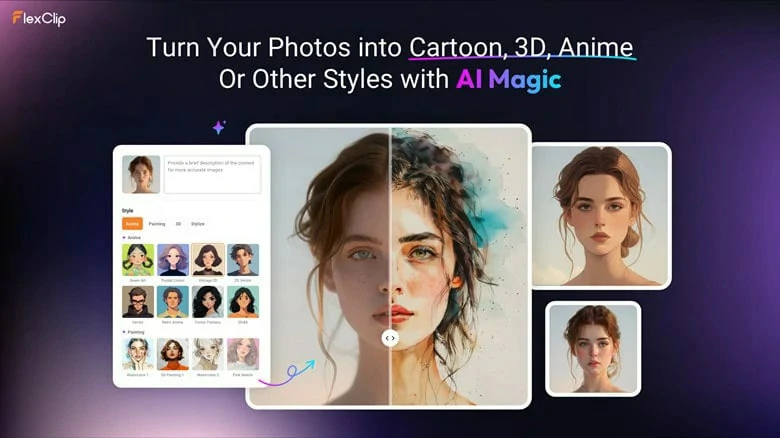
Revamp Book Cover with Diverse Styles in FlexClip

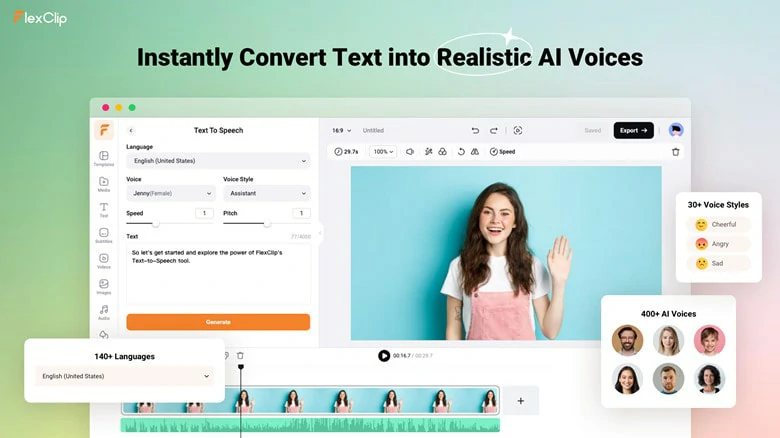
Convert Your Book into An Ebook with FlexClip
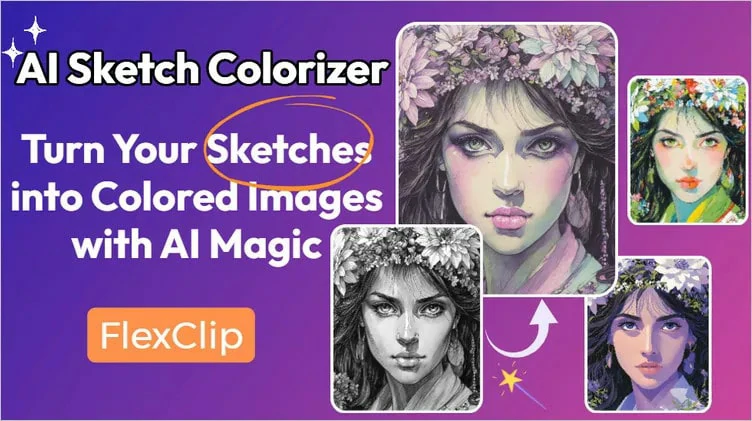
Use FlexClip to Automatically Colorize Your Sketch
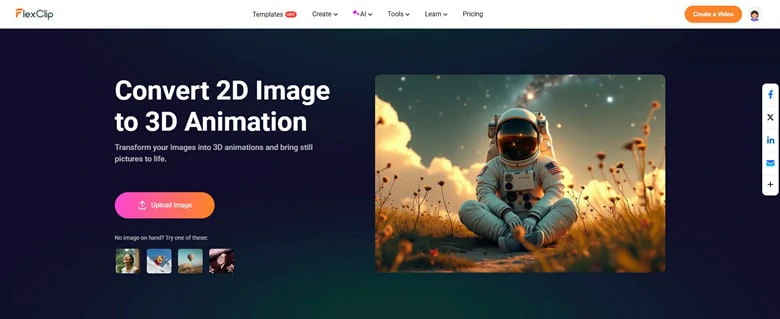
Transform Your 2D Cover into a 3D Animated Design
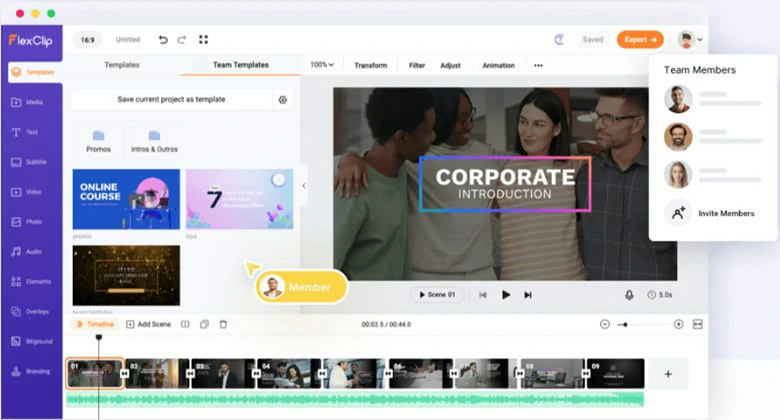
Team Collaboration in Real-time Using FlexClip
...
If you can choose only one tool to assist with book cover creation, FlexClip is the top recommendation—it’s fast, versatile, and easy to use. Now that you’re familiar with this AI-powered tool, let’s explore how to create a stunning book cover with it.
How to Make a Book Cover Online Using FlexClip
1) Create a Unique Cover with the AI Book Cover Maker
Designing a beautiful and captivating book cover is simple with FlexClip’s AI book cover generator. Here’s how:
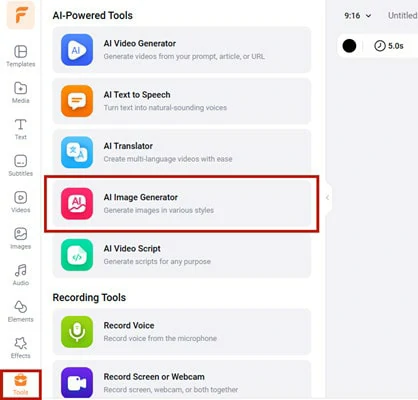
Go to FlexClip and Select AI Image Generator for Making Stunning Book Covers
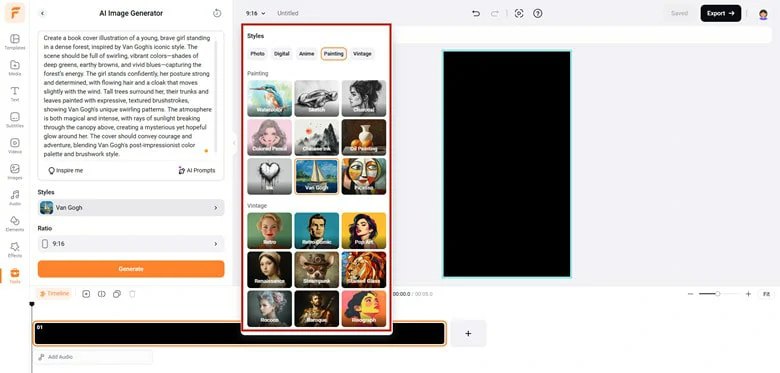
Make Settings for the AI Book Cover Generation
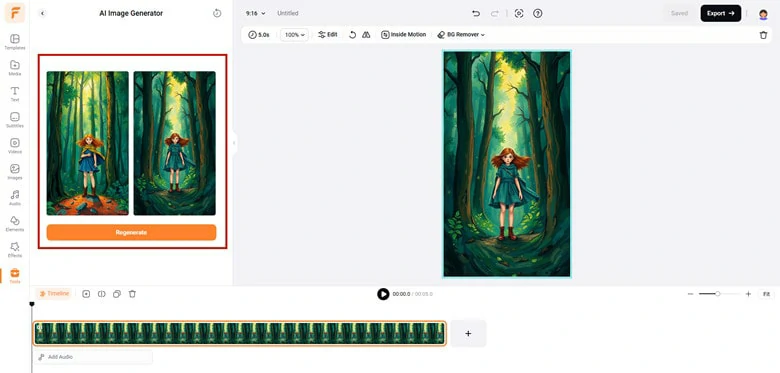
Launch the Book Cover Generation Process
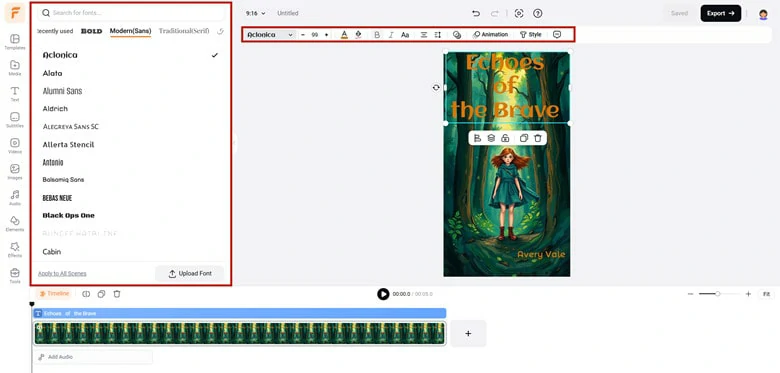
Add Title and Author's Name to the Generated Book Cover
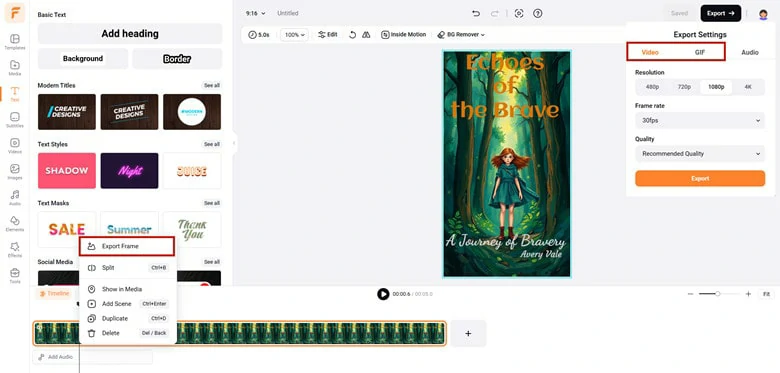
Save and Export the Edited Book Cover
2)Create a Book Cover with Existing Pictures
Sometimes, you may want to use existing photos, like a portrait, to bring out your personality in a creative design. No worries! FlexClip makes it easy with these steps:
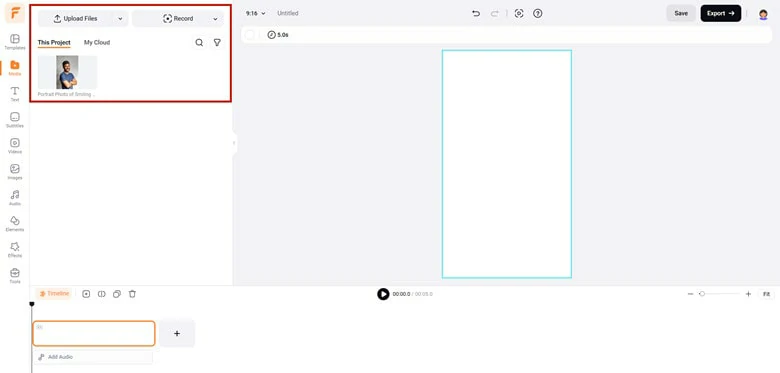
Upload Your Existing Photo to FlexClip
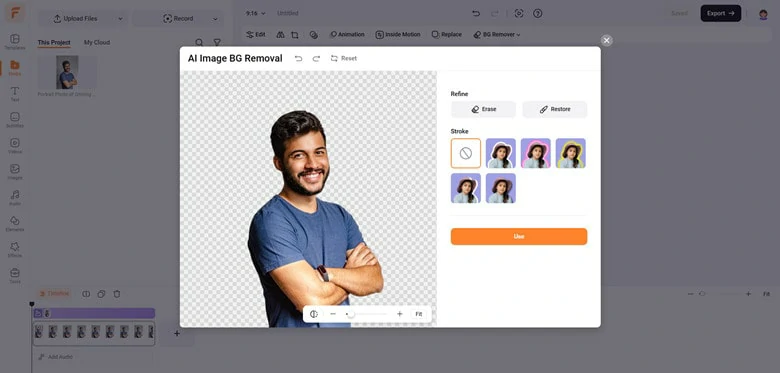
Add Your Portrait Photo as a Layer and Make Background Transparent
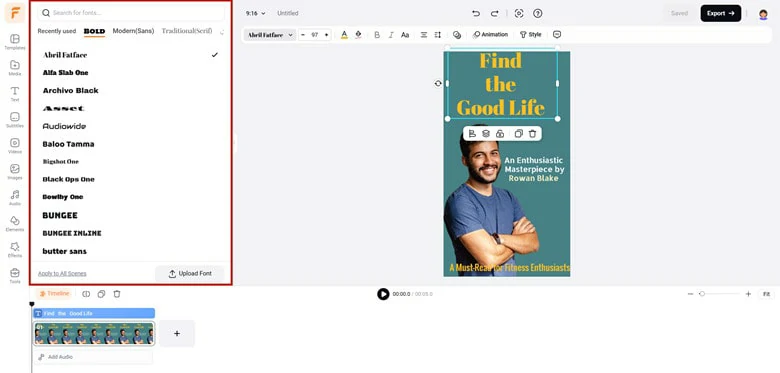
Personalize the Book Cover as You Like
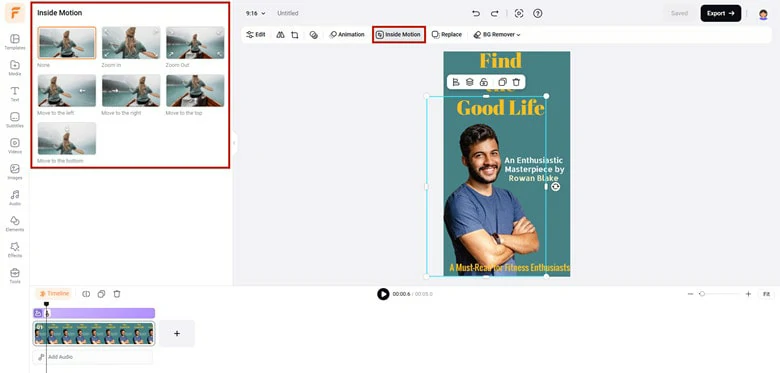
Add Animation to YOur Book Cover
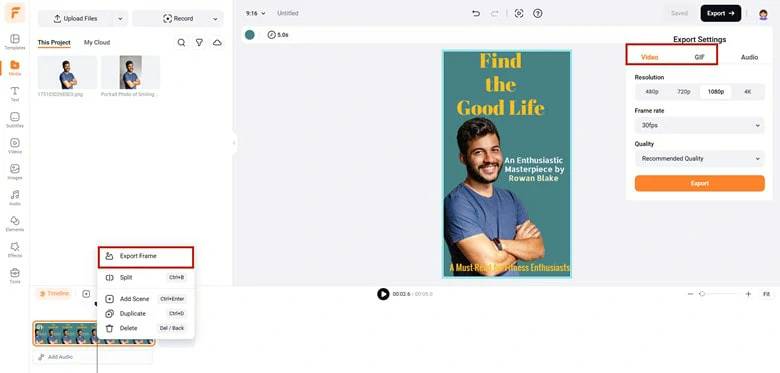
Save the Book Cover in the Format You Like
The Bottom Line
A compelling book cover is key to attracting readers and boosting sales. We’ve shown you how to create a captivating design using FlexClip’s versatile AI book cover maker. Ready to start? Click "Get Started Now" and bring your vision to life!




FlexClip AI Video Maker
Reach professional-quality videos faster with easy editing tools, templates, and smart AI.
Start Now for Free
Hot & Trending
-

Best Ways to Find Music in YouTube Videos
-

Instagram Story Video Quality Bad After Upload? Fix It!
-

How to Repost Video on TikTok & How to Remove TikTok Repost
-

Improve Video Quality Online: 3 AI Video Quality Enhancers You Can't Miss
-

4K Convert to HD 1080p without Watermark: Best 4k Video Converters
-

Best 8 Free Video Editors - No Download Required
-

Top 13 Birthday Video Makers with Music and Effects Free
-

How to Search Filters on TikTok & Use a Filter You See - TikTok Filter Guide