A book report doesn’t necessarily have to be in written form or an oral presentation. With a creative twist, you can create a compelling video book report to make your book review far more engaging and entertaining.
So, in this tutorial, we will walk you through how to easily make a great video book report online and offer you tons of actionable video book report ideas. Let’s get started, now!
Here is what you will learn:
Why Makes a Video Book Report
Compared with traditional written or oral book reports, a video book report can easily engage viewers with eye-catching images, videos, audio, and animated elements. Whether you are a K-12 student, a teacher, or a booktuber on YouTube, creating a video book report can be a game changer for your book review.
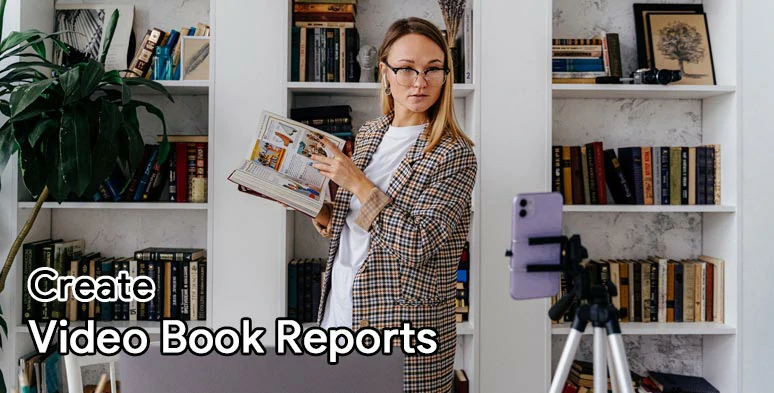
Benefits of creating a video book report for students, teachers, and booktubers.
Also, read the top 6 online educational video makers.
How to Prepare for a Video Book Report
1. Gather Your Thoughts
Creating a video book report is somewhat identical to writing a book report. First and foremost, you need to cover the following essentials for your book reviews:

Summarize the book and offer your thoughts and recommendations.
2. Record the Book Report
Start gathering the images, video footage, and audio related to the book you are about to review. If you plan to record a video of yourself reviewing the book, please pay attention to the following things:
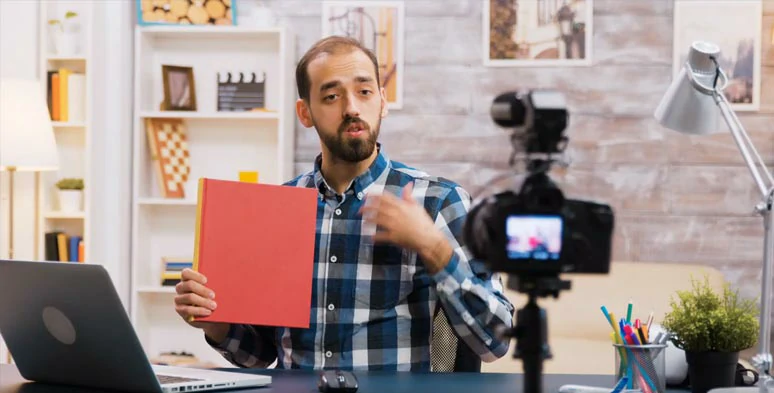
Record the book report at home.
How to Easily Create a Great Video Book Report Online
Now, you have everything prepared for making a video book report. It’s time to edit all the images and footage into a captivating video book report. For students, teachers, and booktubers who are new to video editing, a versatile tool you can use is FlexClip, an easy-to-use, and feature-packed online video maker.
Use FlexClip online video maker to make a video book report.

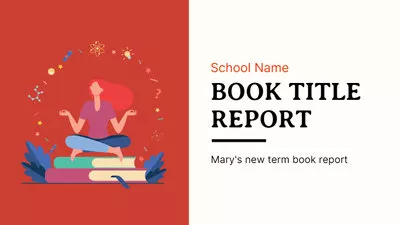
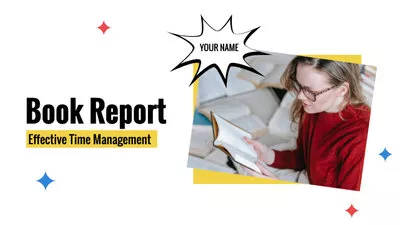
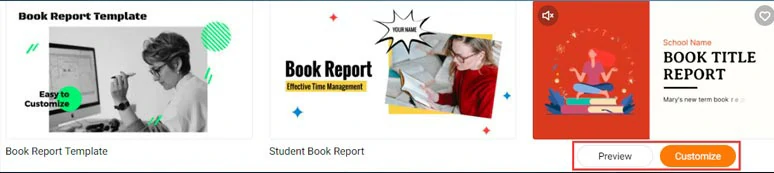
Select a book report video template.
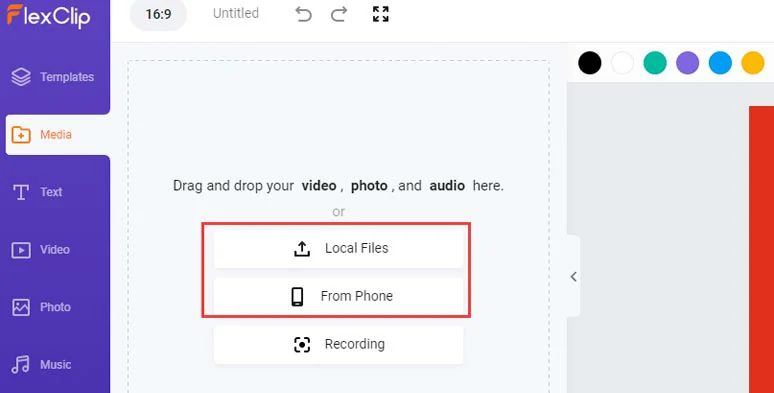
Upload your footage and images to FlexClip.
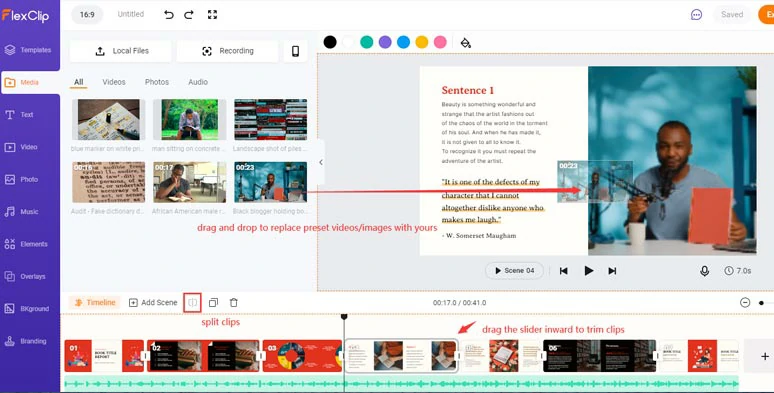
Drag and drop to replace premade videos and images with yours and do the rough cut.
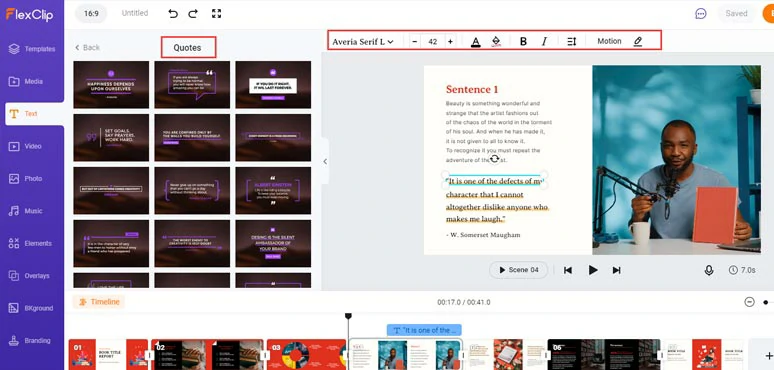
Customize the texts, text animations, and styles.
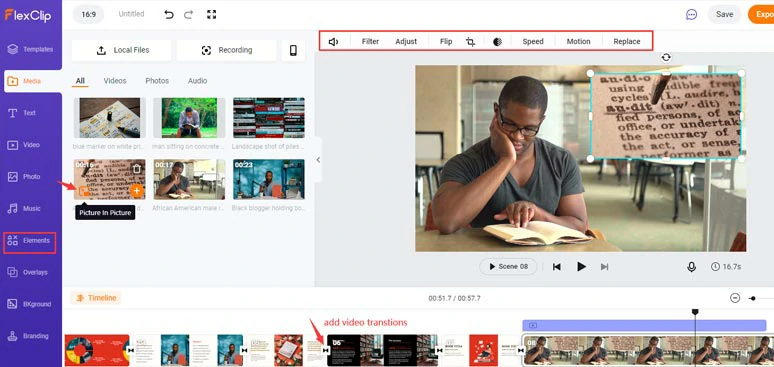
Spice up the video book report with picture-in-picture effects, transitions, etc.
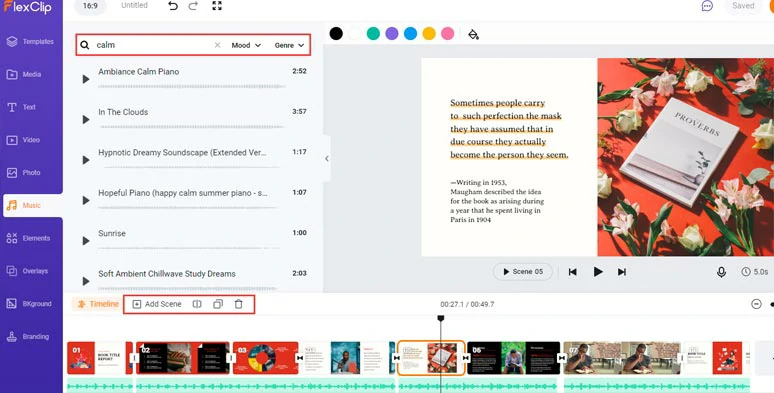
Add multiple royalty-free music and sound effects to your book report.
8 Creative Video Book Report Ideas You Need
Knowing how to create a video book report online is one thing; Making it stand out from the crowd is another, esp. on YouTube.
So, here we would also like to share you with some of the most trendy video book report ideas mastered by one of the most charismatic booktubers—Jack Edwards, who has 1M+ subscribers on YouTube so far and is definitely a mentor for your video book reviews or book reports.
Jack reviewed all 164 books he has read in 2021. Each book with one sentence.
Here are some of the actionable video book report ideas you can use:
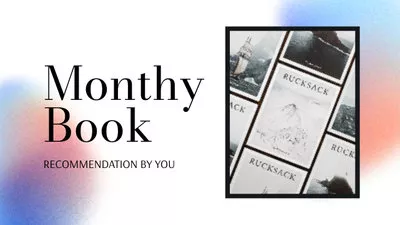
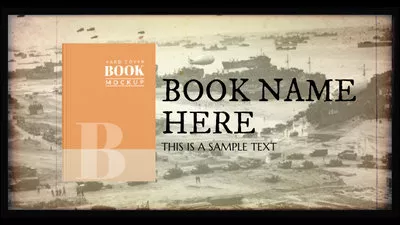
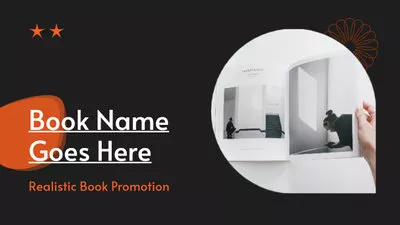
Now, It's Your Move
Creating a video book report is a great way to share your thoughts on interesting books you’ve read lately with better engagement. Hopefully, you can create a compelling video book report with the help of FlexCLip and the tips and video book review ideas we’ve mentioned. If you find this helpful, don’t forget to share it with friends on Facebook and Twitter and leave your comments for us. Much appreciated!




FlexClip AI Video Maker
Reach professional-quality videos faster with easy editing tools, templates, and smart AI.
Start Now for Free
Hot & Trending
-

Best Ways to Find Music in YouTube Videos
-

Instagram Story Video Quality Bad After Upload? Fix It!
-

How to Repost Video on TikTok & How to Remove TikTok Repost
-

Improve Video Quality Online: 3 AI Video Quality Enhancers You Can't Miss
-

4K Convert to HD 1080p without Watermark: Best 4k Video Converters
-

Top 13 Birthday Video Makers with Music and Effects Free
-

How to Search Filters on TikTok & Use a Filter You See - TikTok Filter Guide
-

Large Collection of Creative and Funny Birthday Video Ideas for Ones You Care