


Want to say bye-bye to photobombers in your photos? Many people will have this situation when taking photos at scenic spots - many unexpected photobombers in their shots. If you have a photo with a lot of tourists in the background, are you helpless? Like this:

The Original Photo Example - FlexClip
Don’t let any unwanted person ruin your perfect shot again. We know what you need! Therefore, we will recommend an excellent tool for you to remove person from photo with AI in just a few simple clicks so that you can quickly highlight yourself in the crowded tourist scenes. With FlexClip’s help, you can easily get photos with clean backgrounds. For example:

Generated Photo Example - FlexClip
Also read: How to Cleanup Your Pictures Online >>
The AI Person Remover from Photos - FlexClip
Looking for an online tool to help you remove person from your photo? We will recommend one of the strongest AI-powered person removers from photos - FlexClip. FlexClip’s AI person remover allows you to easily remove person from a photo like a photo eraser. Whether you want to remove strangers or passersby in your photo to get a cleaner result or remove people from landscapes, architecture, and travel photos to enjoy the specific beauty of a scene, our AI person remover will help a lot. You don't need complex software such as Adobe Photoshop anymore.
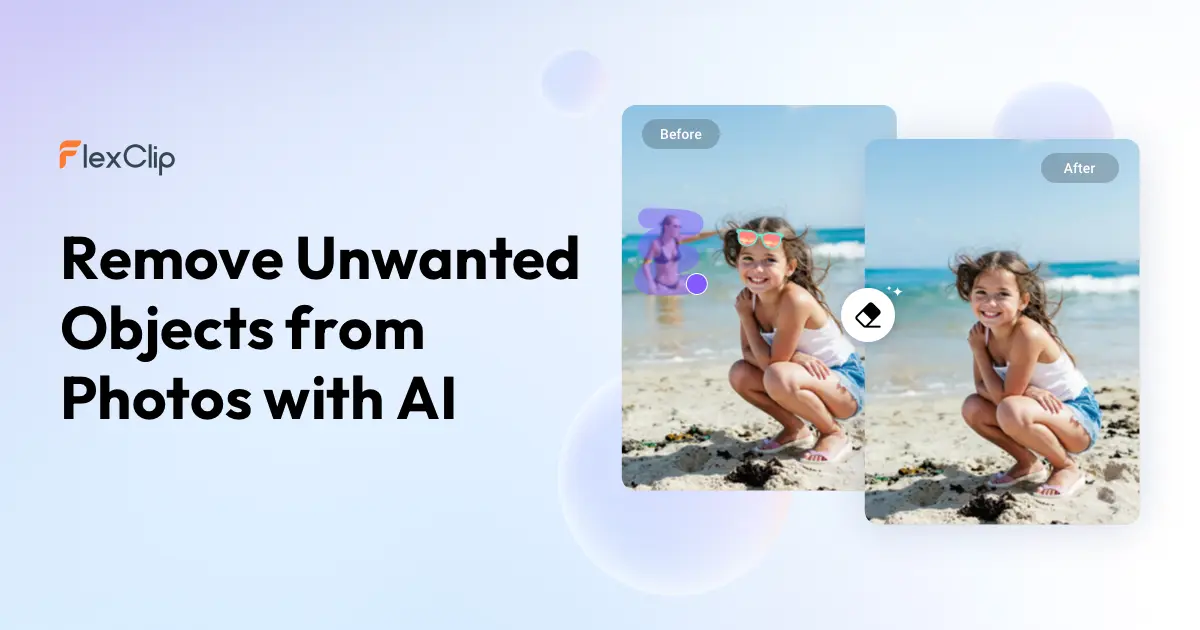
The AI-powered Person Remover from Photos - FlexClip
FlexClip’s online tool makes it easy to eliminate distractions, ensuring that the person in the photo remains the focal point. FlexClip is perfect for social media enthusiasts who aim to create clean, professional-looking photos without the hassle of complex editing software. Powered by cutting-edge AI technology, it can easily recognize people in the background and their surroundings in your photo and separate them so that you can click to choose the person you want to remove. You don’t have to worry about the removal looking unnatural. You’ll get a high-quality photo that looks as if the people were never there. Aside from removing person from photo, FlexClip also allows you to remove object from photo effortlessly in a matter of seconds. Once you select the unwanted object in the photo with FlexClip’s AI object remover, it is automatically removed from the photo as if it were never there. You can use it to remove any unwanted content, such as small objects, watermarks, or text.
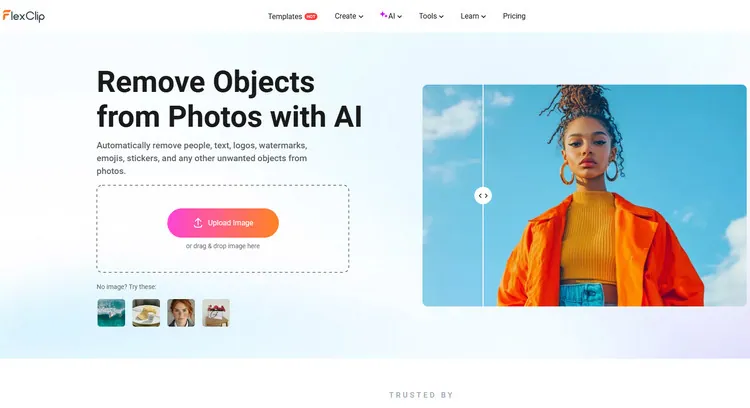
AI Object Remover - FlexClip
And you can also remove person from photo by FlexClip’s prompt removal. Aside from removing person from a photo by custom removal, FlexClip also provides a second way for you to remove person from a photo in a matter of seconds. You can type some prompts to describe the person you want to remove from the photo, and FlexClip will remove the person from photo quickly.
And FlexClip also provides an easier way for you to remove person from photo. Its AI photo editor allows you to utilize AI to remove person from your uploaded photo easily with text prompts. You can type some prompts to describe the person you want to remove from the photo, and let AI automatically remove it as if it were never there. Not only can it be removed from the photo, but FlexClip's AI photo editor can also automatically edit the photo according to your text prompt.
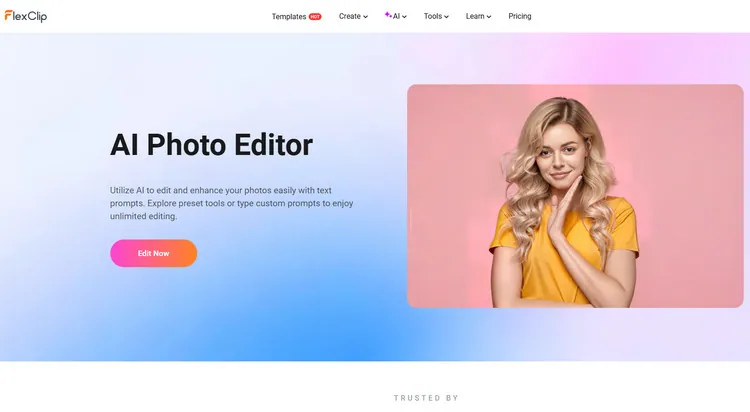
AI Photo Editor - FlexClip
FlexClip also provides many AI image editing tools to accelerate your photo creation process. For example, its AI image extender can easily expand your images beyond boundaries to get a bigger background or adjust the aspect ratio while preserving the original parts. You can broaden your image to any ratio for different platforms. Its 2D image to 3D animation converter can transform your images into 3D animations and bring still pictures to life. There are more possibilities waiting for you to explore.
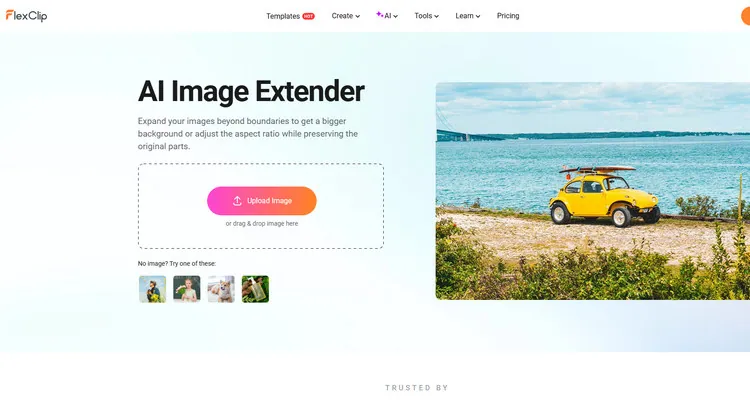
AI Image Extender - FlexClip
How to Remove Person from Your Photos in FlexClip
Can't wait to remove a person from a photo with FlexClip already? Therefore, we will introduce you to how to remove a person from a photo in 2 different methods step by step. Follow the prompts below to remove person from photo right now. Let’s begin!

Method 1 Remove Person from Photo by AI Object Remover
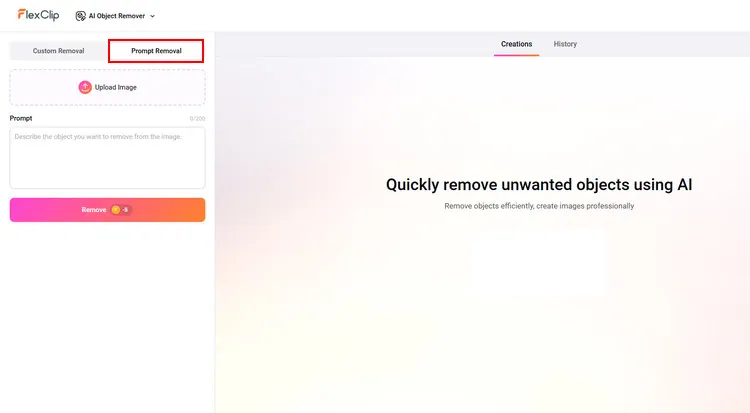
Prepare the Photo You Want to Remove Person - FlexClip
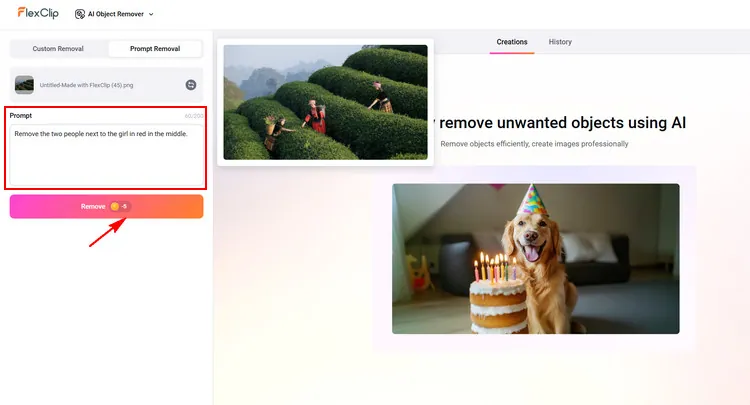
Remove Person from Photo - FlexClip
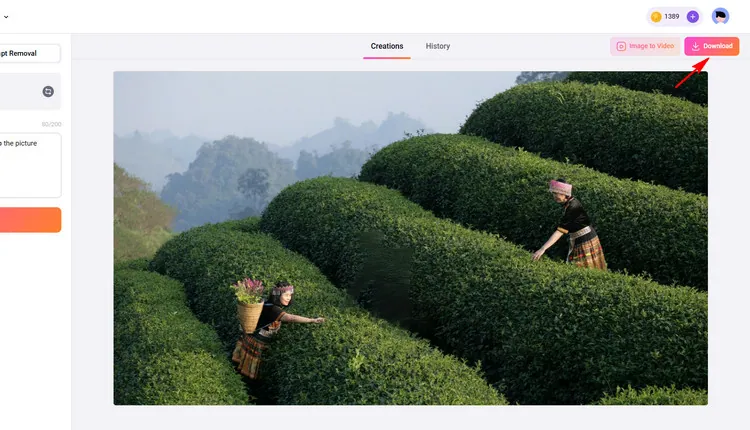
Download & Share Your Generated Photo - FlexClip
Method 2 Remove Person from Photo by AI Photo Editor
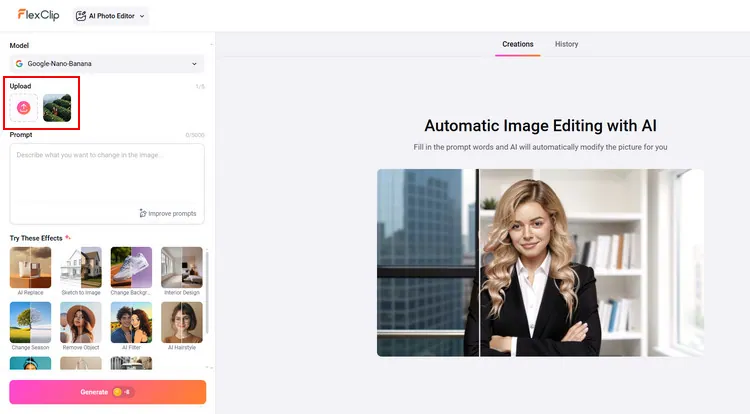
Prepare the Photo You Want to Remove Person - FlexClip
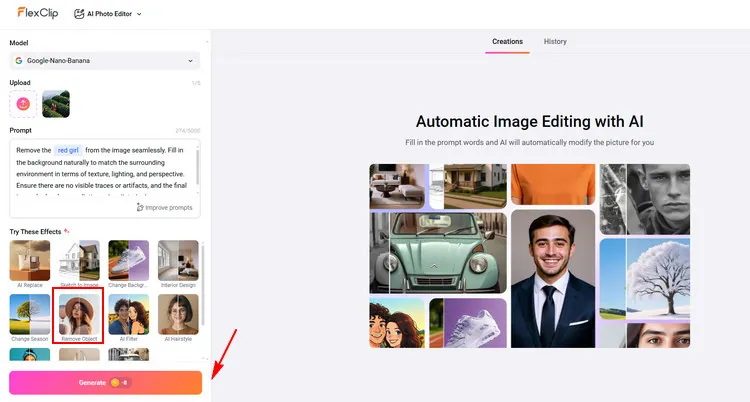
Remove Person from Photo - FlexClip
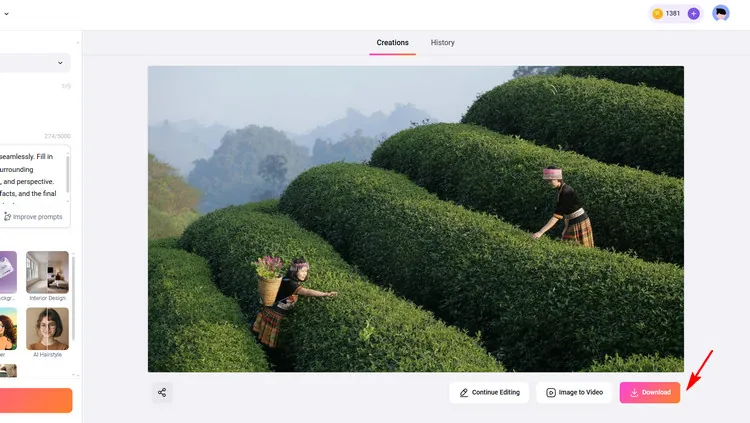
Download & Share Your Generated Photo - FlexClip
Below is a newly generated image with FlexClip:

Generated Photo Example - FlexClip
The Final Words
In this guide, we hope that you have learned how to remove person from your photos easily. FlexClip also provides many video/image creation functions for you to explore, like restoring old photos, removing backgrounds, and so on. Let’s try it!




FlexClip AI Video Maker
Reach professional-quality videos faster with easy editing tools, templates, and smart AI.
Start Now for Free
Hot & Trending
-

Best Ways to Find Music in YouTube Videos
-

Instagram Story Video Quality Bad After Upload? Fix It!
-

How to Repost Video on TikTok & How to Remove TikTok Repost
-

Improve Video Quality Online: 3 AI Video Quality Enhancers You Can't Miss
-

4K Convert to HD 1080p without Watermark: Best 4k Video Converters
-

Best 8 Free Video Editors - No Download Required
-

Top 13 Birthday Video Makers with Music and Effects Free
-

How to Search Filters on TikTok & Use a Filter You See - TikTok Filter Guide




