


Pixelation will ruin the clarity and quality of your images. Want to say goodbye to pixelation and get a crystal clear image in high resolution and definition? You can try to unpixelate your portraits or travel images with beautiful scenes and sights. Moreover, pixelation and blurriness will affect the viewers’ attention to product images. To display your product images with the best view, you should make sure you have an HD quality image and background.
Therefore, we will recommend some user-friendly editing tools for you to unpixelate image. And there are some examples using FlexClip to unpixelate images.
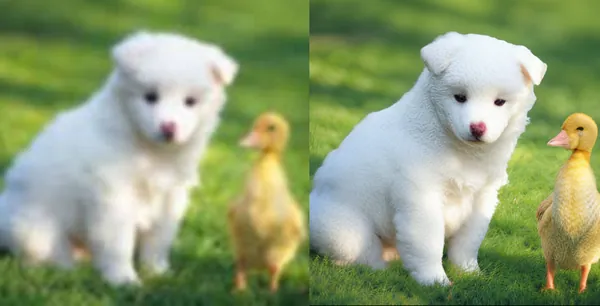
Image Example - FlexClip
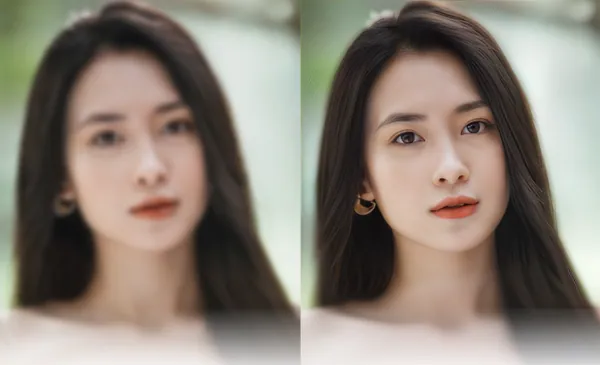
Image Example - FlexClip
Part 1 How to Unpixelate Your Image in Photoshop Effortlessly
Pixelation can be difficult to fix, especially if it’s heavy, but you can easily improve the resolution of your images with Adobe Photoshop. If your images get pixelated and if you want to get back those into original pixels or high resolution images, you can do it yourself using Photoshop. Photoshop has a suite of tools designed to unpixelate images. The unpixelate tools available in both Photoshop and Camera RAW help you manually unpixelate images to create higher-resolution images.
Photoshop harnesses the power of AI to fix pixelated pictures with machine learning. Just use the image size features to automatically increase the resolution of an image. Besides, once you have finished pixellating your images, you can also customize them for different social media.
Part 2 How to Unpixelate Your Image in FlexClip Effortlessly
If you feel annoyed about the complicated steps of Photoshop to unpixelate your images. We’ll recommend a better online alternative for Photoshop to unpixelate images.
FlexClip’s AI image upscaler lets you unpixelate images to enhance the overall quality of your images. Its intuitive, fast-processing AI can detect and remove pixels from your images automatically. With FlexClip, you don’t have to manually unpixelate your images. Just upload a photo and wait for the AI to remove pixels from your images instantly. You can explore the endless possibilities that make your photo unique.
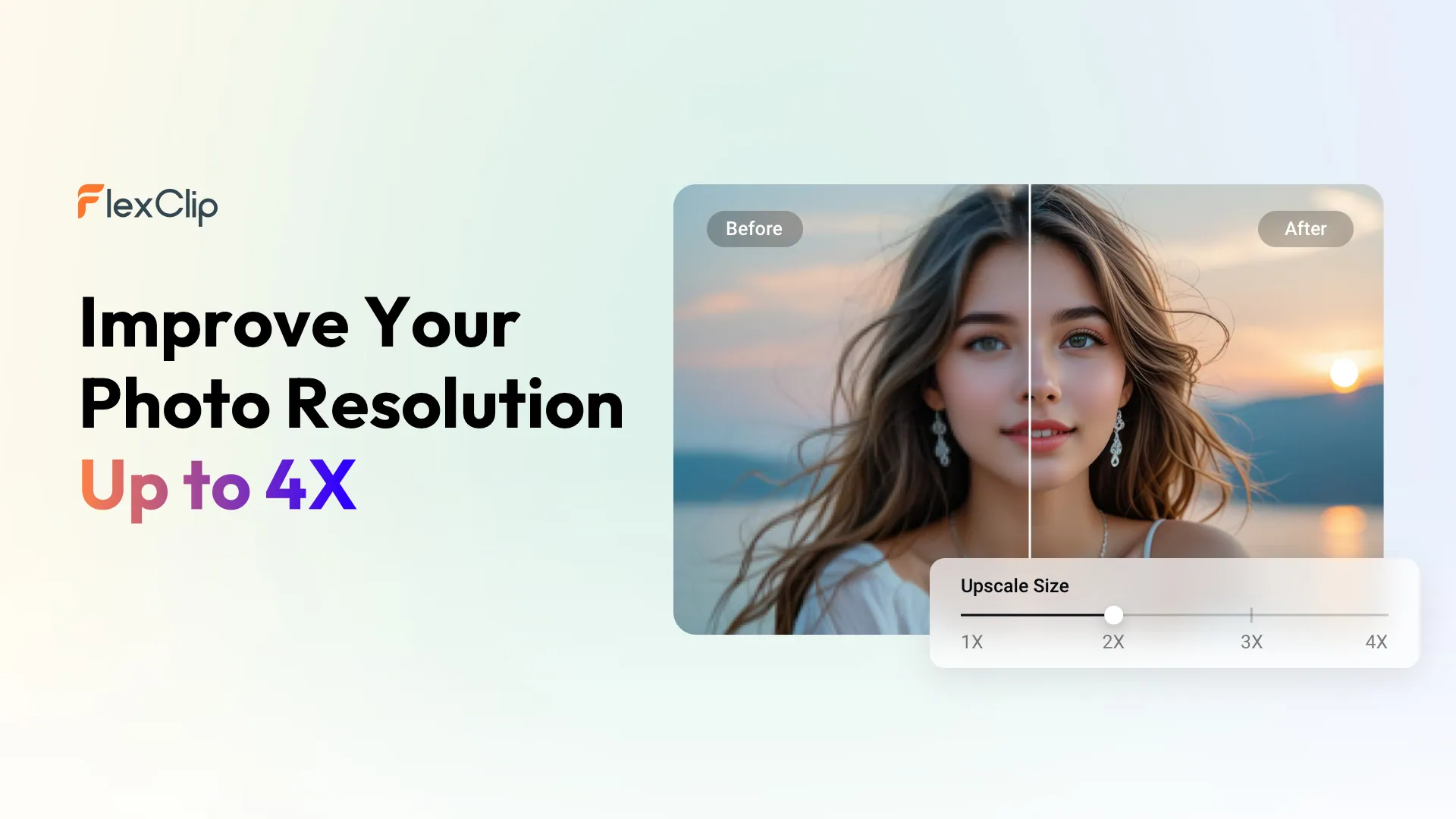
Remove Blur from Image - FlexClip
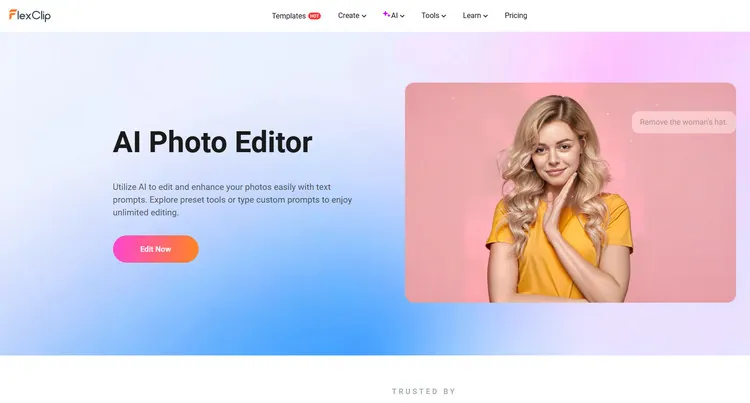
AI Photo Editor - FlexClip
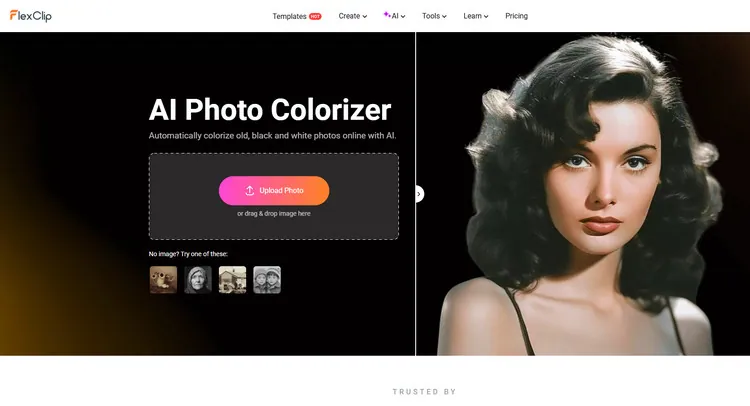
AI Photo Colorizer - FlexClip

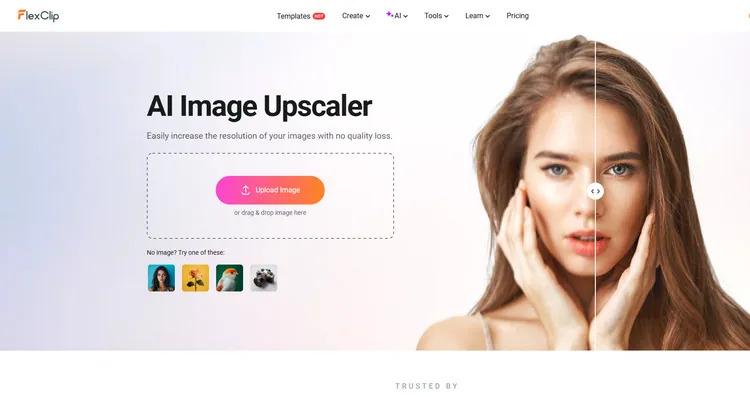
Picture Blur Remover - FlexClip
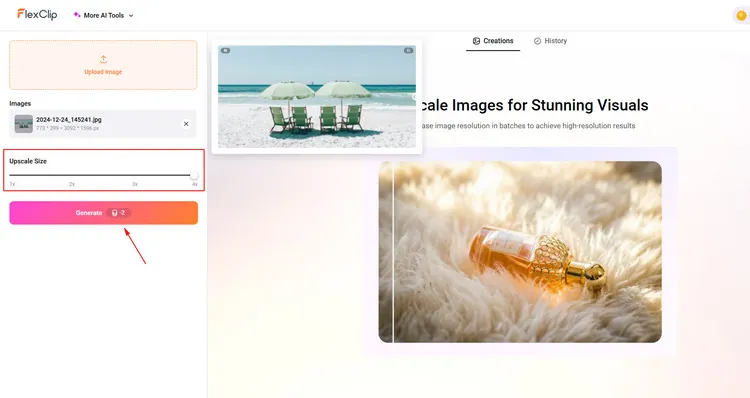
Remove Blur from Image - FlexClip
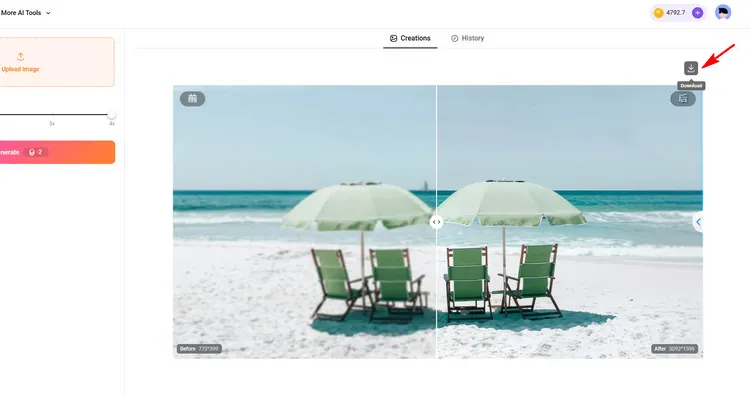
Download Your Photo - FlexClip
The Bottom Line
Hope you’ve learned how to effortlessly unpixelate your image in Photoshop and its alternative - FlexClip. And FlexClip also provides many video/image creation functions for you to explore. Now, it’s your move!




FlexClip AI Video Maker
Reach professional-quality videos faster with easy editing tools, templates, and smart AI.
Start Now for Free
Hot & Trending
-

Best Ways to Find Music in YouTube Videos
-

Instagram Story Video Quality Bad After Upload? Fix It!
-

How to Repost Video on TikTok & How to Remove TikTok Repost
-

Improve Video Quality Online: 3 AI Video Quality Enhancers You Can't Miss
-

4K Convert to HD 1080p without Watermark: Best 4k Video Converters
-

Best 8 Free Video Editors - No Download Required
-

Top 13 Birthday Video Makers with Music and Effects Free
-

How to Search Filters on TikTok & Use a Filter You See - TikTok Filter Guide




