Your profile picture is the first thing people notice on LinkedIn. A professional photo leaves a strong impression, helps you connect with your audience, and showcases your credibility in your industry.
In fact, LinkedIn data shows profiles with a quality photo are 14 times more likely to be viewed—helping your personal brand stand out among potential employers and business partners.
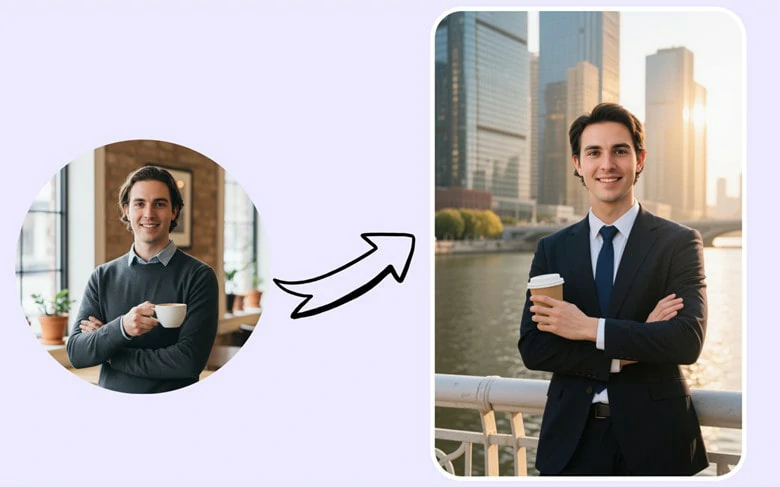
Comparison Between a Casual and Professional LinkedIn Profile
But how do you get a professional headshot if you're camera-shy or on a budget? Tradition photography requires long embarrassing session with high cost you upwards of $1000. No worries, that's where AI LinkedIn Headshot Generator comes in, letting you create studio-quality headshots right from home. Ready to upgrade your LinkedIn profile? Explore our top 3 AI LinkedIn headshot generators below and make the process effortless. Let’s go!
Directly Generate Pro-looking LinkedIn Profile Picture in Clicks>>
Also Interested in: 5 Best Cartoon Profile Picture Makers Online>>
#1 AI LinkedIn Profile Picture Maker - FlexClip
FlexClip is a user-friendly AI LinkedIn headshot generator that lets you create professional-level headshots in minutes. You just need to upload a selfie or casual photo, clicks to setup, then you'll get dozens of studio-quality portraits that truly resemble yourself for your LinkedIn profile.
Meanwhile, it goes beyond simple headshot generation by allowing you to customize the layout, career, scenario, hairstyle, and more to portray your ideal persona. Powered by advanced AI, it accurately detects and analyzes your facial features, preserves every detail, and enhances lighting and overall realism for a refined, lifelike result.
AI LinkedIn Profile Picture Maker - FlexClip

Key Features of FlexClip’s AI LinkedIn Profile Photo Maker:
Cons:
#2 LinkedIn Photo Generator - Media.io
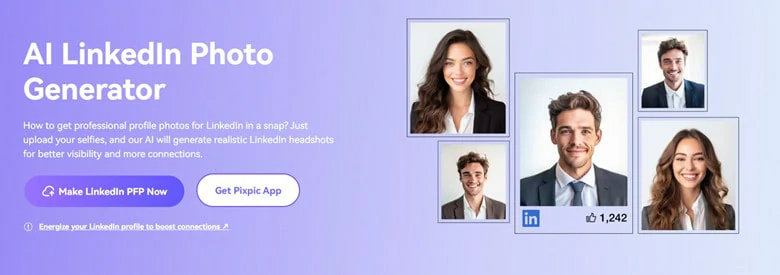
Want a professional LinkedIn headshot without the hassle? Try Media.io's AI Photo Generator. This smart tool creates occupation-perfect profile pictures - whether you're a police officer, business professional, or recent grad. Simply upload some selfies or lifestyle photos, and its AI will generate realistic, LinkedIn-ready headshots in minutes.
However, this AI LinkedIn profile generator works randomly, which means you can’t customize the body language, outfit styles, posing or any other personal styles. So if you need full control for personality, this LinkedIn profile picture maker may not be your best pick.
AI LinkedIn Profile Picture Maker Online - Media.io
Key Features of Media.io’s LinkedIn Photo Generator
Cons:
#3 LinkedIn Profile Picture Creator -Canva
Creating a stunning LinkedIn headshot to impress your viewers is easy using Canva’s LinkedIn photo generator. Whether it’s used for seeking employment or establishing your brand presence, directly upload a selfie or portrait, indicate your identify and Canva will generate a professional photo with natural lighting and seamless backgrounds that is ready to impress your network. Additionally, the one-click upload feature makes updating your LinkedIn profile a breeze
However, there are a few limitations: you can’t customize business attire styles, poses, or specific gestures. Additionally, selecting your correct identity is crucial—otherwise, the generated result may not accurately represent you, potentially misleading viewers and costing you valuable opportunities.
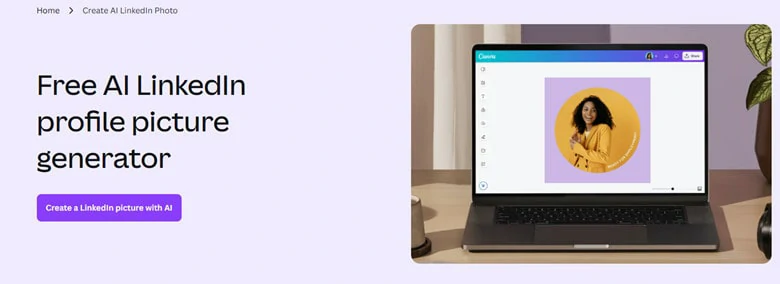
AI LinkedIn Profile Picture Maker Online - Canva
Key Features of Canva’s AI LinkedIn’s Profile Picture Maker
Cons:
How to Generate Impressive LinkedIn Profile Picture Using FlexClip
Now that you have a general idea of recommended LinkedIn profile picture maker, let’s walk through the step-by-step process of generating professional LinkedIn headshots using FlexClip as an example.
Step 1: Go to FlexClip's AI LinkedIn Headshot Generator
Begin by accessing FlexClip's AI LinkedIn profile picture generator. No extra download is required. Just open your browser and enter.
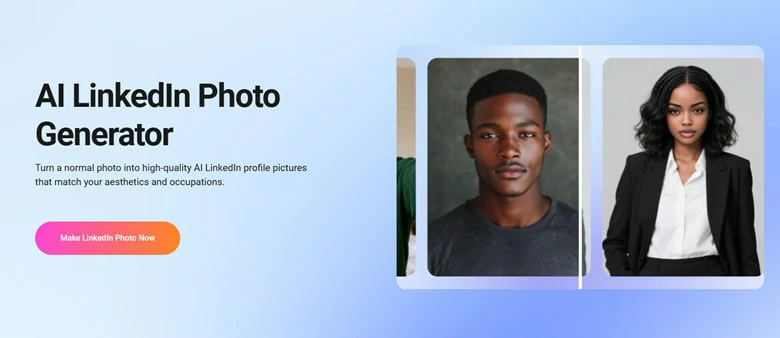
Go to FlexClip's AI LinkedIn Headshot Generator
Step 2: Select Your LinkedIn Headshot Style
Choose styles from professional, occupational, magazine, wedding and more according to your career. Then follow prompt to set up gender, hair length & color, attire, background and ratio or optionally choose style presets to start.
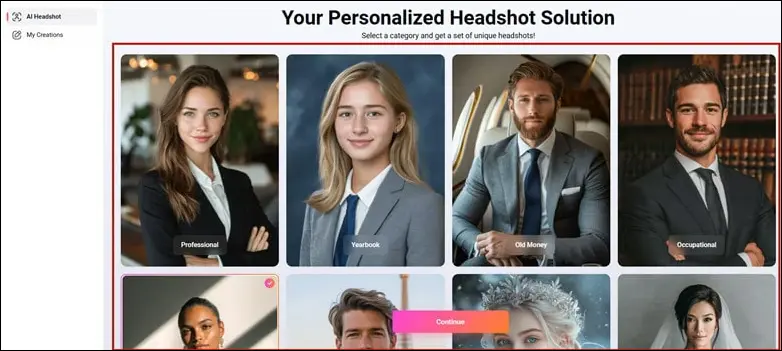
Select Your LinkedIn Headshot Style
Step 3: Upload Your Normal Photo
Upload a portrait of single person and hit on Generate button to launch the headshot generation.
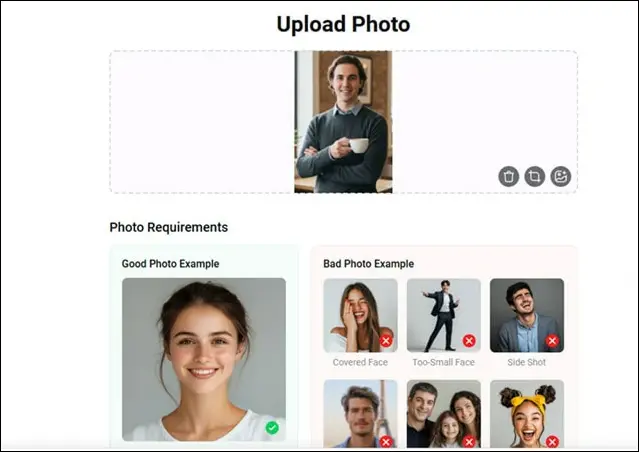
Upload Your Normal Photo
Step 4: Download Generated LinkedIn Profile Picture
Your LinkedIn portraits will be done within minutes. Download and use them on your LinkedIn accounts in no time.
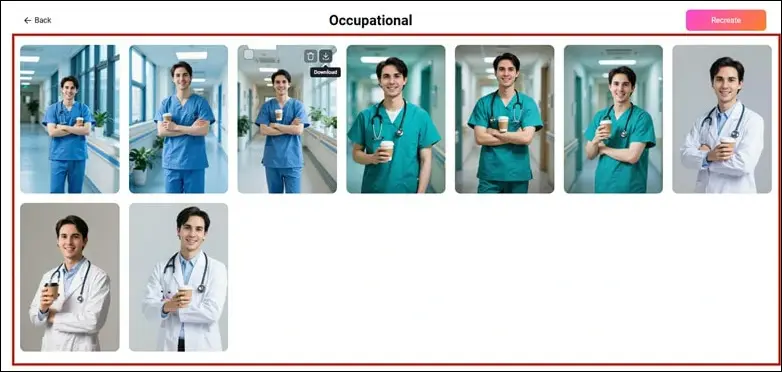
Download Generated LinkedIn Profile Picture
Besides smooth LinkedIn headshots generation, FlexClip can boost your business with additional features like below:
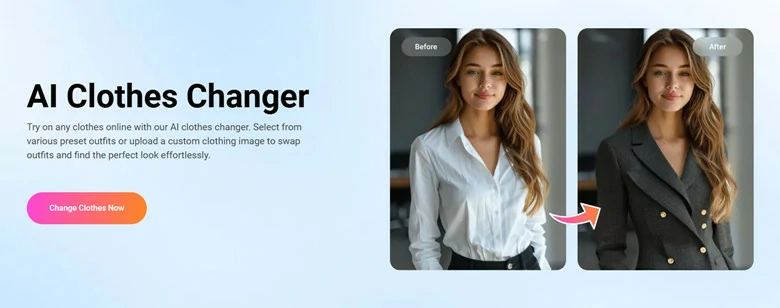
Use FlexClip to Change Your Headshot Outfit
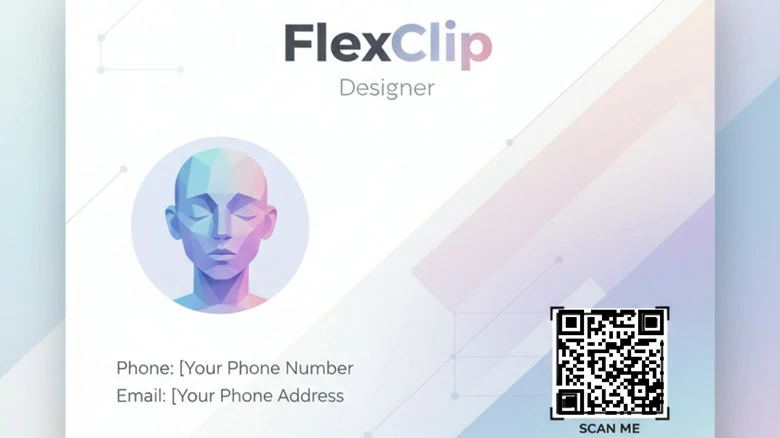
Create Digital Business Card with QR Code Using FlexClip
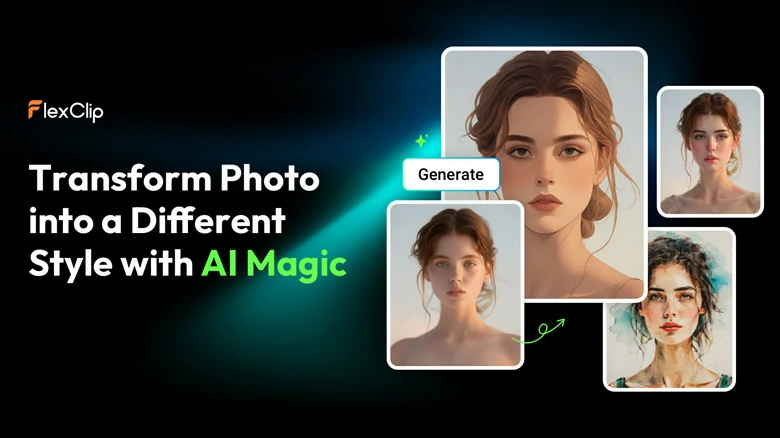
Create Create Profile Picture for Your LinkedIn Accounts



FAQs About LinkedIn Profile Picture Maker
1. What is a LinkedIn profile picture maker?
A LinkedIn profile picture maker is a tool that utilizes AI to create or enhance your professional headshot. It can adjust lighting, background, outfit, and even facial expressions to make your photo look polished and career-ready.
2. Can I change outfit in the photo?
Of course! Let's take FlexClip as an example. It can not only replace casual clothing with business attire but also support outfit change with your uploaded picture to help you appear more professional on LinkedIn.
3. What types of photo works best?
Most LinkedIn headshot generator works on almost pictures. However, for the best results, clear and front-facing portraits are suggested to preserve your facial features while enhancing image quality, lighting, and overall realism.
4. Is my uploaded photo data secure?
Absolutely! Your uploaded photos are processed with highest level of security and confidentiality. Just generate LinkedIn profile picture with peace of mind.
5. Can I use it for other platforms besides LinkedIn?
Of course! The AI headshots you create can also be used for resumes, portfolios, company profiles, or any other professional platforms.




FlexClip AI Video Maker
Reach professional-quality videos faster with easy editing tools, templates, and smart AI.
Start Now for Free
Hot & Trending
-

Best Ways to Find Music in YouTube Videos
-

Instagram Story Video Quality Bad After Upload? Fix It!
-

How to Repost Video on TikTok & How to Remove TikTok Repost
-

Improve Video Quality Online: 3 AI Video Quality Enhancers You Can't Miss
-

4K Convert to HD 1080p without Watermark: Best 4k Video Converters
-

Best 8 Free Video Editors - No Download Required
-

Top 13 Birthday Video Makers with Music and Effects Free
-

How to Search Filters on TikTok & Use a Filter You See - TikTok Filter Guide