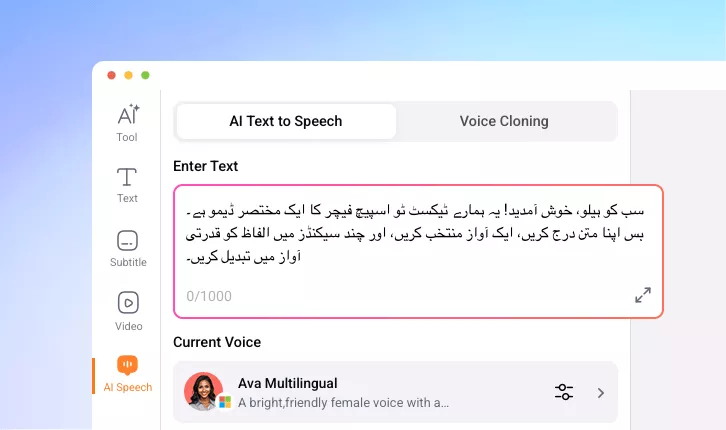
Urdu Text to Speech Converter
Turn your Urdu text into expressive speech in just a few clicks. Deliver your message with a clear, authentic Pakistani voiceover that truly connects.
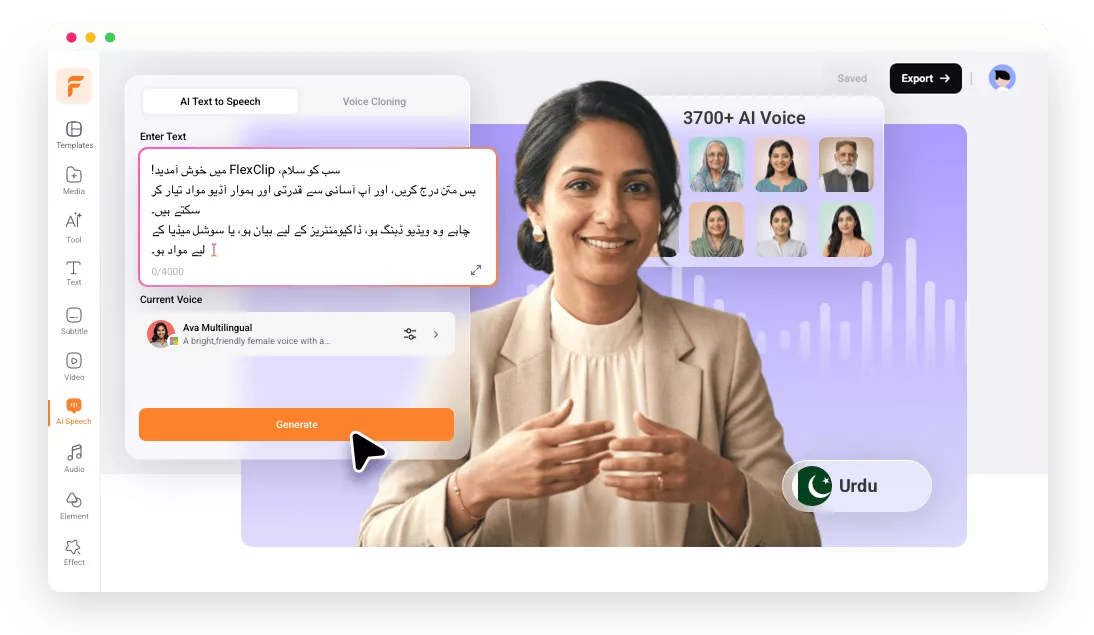
Why Use FlexClip to Convert Urdu Text into Speech?

Online Urdu TTS Tool
Open your browser and directly convert your Urdu words into natural-sounding voiceover at anywhere, anytime.

High Accuracy
FlexClip’s Urdu TTS converter delivers realistic, highly accurate Pakistani voiceovers, helping you share your message in natural Urdu sound within seconds.

Safe & Secure
Your privacy comes first. From Urdu text-to-speech conversion to post-generation editing, your data stays protected every step of the way.
please input title
Real Pakistani Sound with High Accuracy
Powered by advanced AI recognition and transcription technology, FlexClip’s Urdu TTS converter delivers lifelike, highly accurate speech with up to 95% audio accuracy. No need to record Pakistani voiceovers yourself or hire professional voice actors at high cost—just enter your Urdu text and let FlexClip generate natural, human-like voiceovers in seconds.
Convert Urdu Text to Speech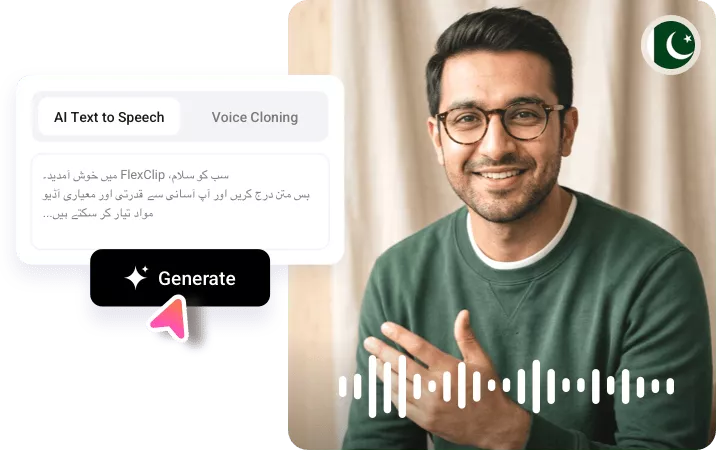
Various Urdu Voices & Style to Pick
Explore voices from youthful to mature, with tones ranging from casual to formal, and options for both male and female speakers—making it easy to find the perfect Urdu voice for your target audience. You can also use the voice cloning feature to create a unique, personalized Urdu speaker that captures your own personality, emotion, and tone.
Convert Urdu Text to Speech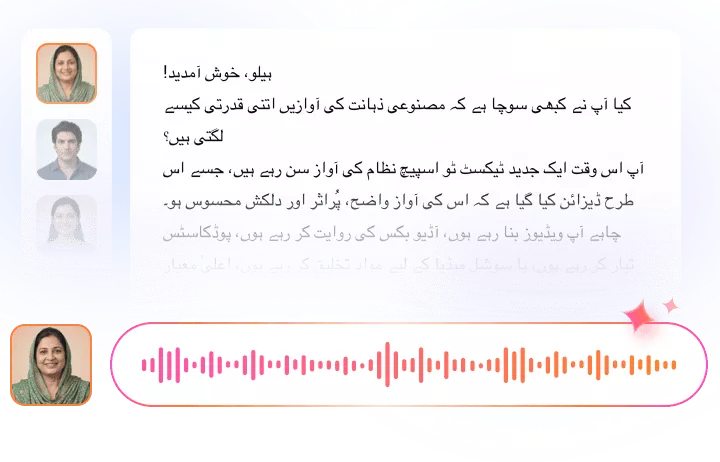
Realistic Urdu Speech for Every Need
Whether you need Urdu audio for language learning, navigation, audiobooks, advertising, announcements, customer support, or accessibility services, FlexClip’s Urdu TTS converter has you covered. It delivers expressive, lifelike speech that helps you connect with audiences across Pakistan’s vibrant media and entertainment landscape.
Convert Urdu Text to Speech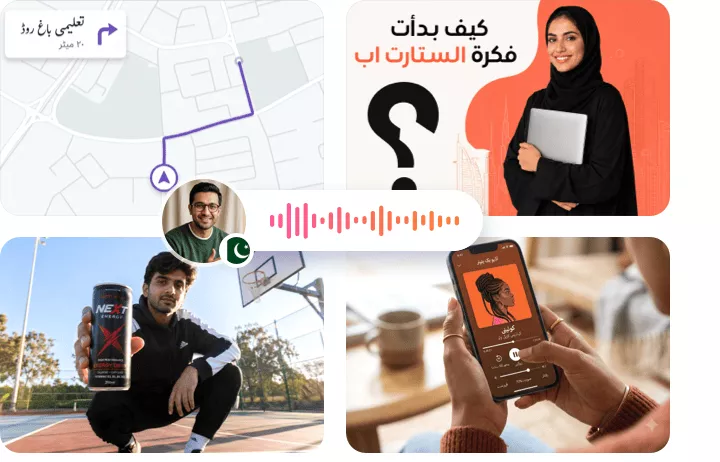
Flexible Voice Options
The Urdu TTS tool lets you fully customize the voice to suit your needs. You can adjust speaking speed and pitch to match different use cases. After generation, easily add the voice to your video project, fine-tune the volume, trim the audio, and apply fade-in or fade-out effects for a polished final result.
Convert Urdu Text to Speech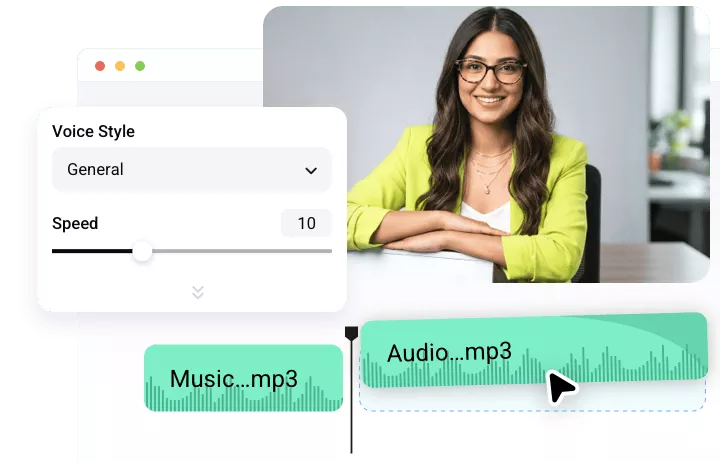
How to Convert Urdu Text to Audio
- 1
Enter Your Urdu Text
Open FlexClip’s AI Speech tool and type or paste your text in Urdu language.
- 2
Select Language & Urdu Speaker
Set the language to Urdu and choose the speaker that matches your style. Voice samples can help you decide the perfect voice.
- 3
Generate and Download
Click Generate, and FlexClip will create an expressive Pakistani voiceover in minutes. You can then download it or sync it directly with your video.