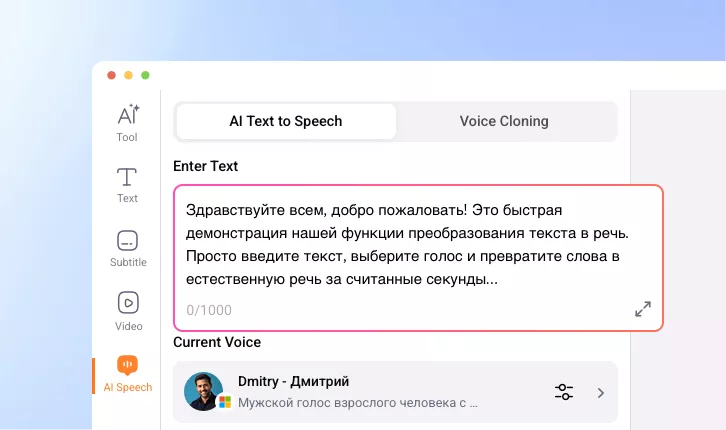
Russian Text to Speech
Generate Russian voiceovers from simple text featuring accurate punctuation, natural pacing and pauses, as well as multiple accents.
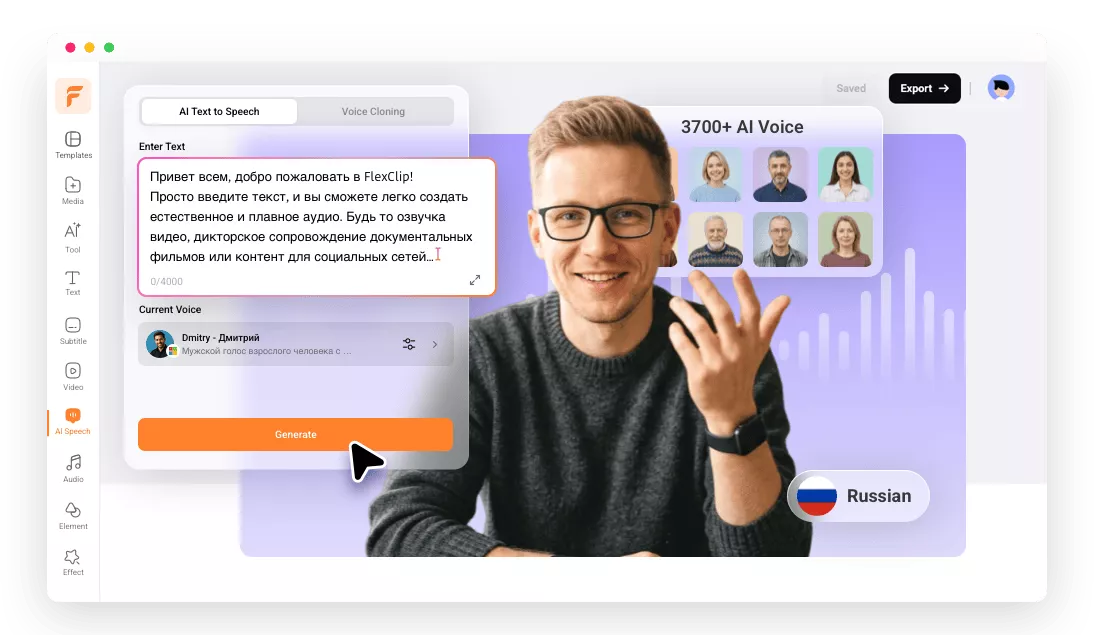
FlexClip: Your Must-Try Russian TTS Tool

Powerful AI
FlexClip’s Russian text-to-speech tool understands complex linguistic patterns, and delivers highly realistic voice generation featuring natural pronunciation and smoothness speech flow.

Real-Time Generation
FlexClip offers real-time generation for Russian voice generation, allowing all to instantly convert written Russian scripts into audio without long waiting.

Top Security
Feel safe dealing with your confidential Russian scripts. All your information, personal inputs, and generated outputs are handled with strict privacy standards to prevent unauthorized access.
please input title
Voice Variety and Control
Sick of limited voice options? FlexClip has a large voice library containing models from Microsoft, Google, Minimax, ElevenLabs. You can choose from over 100 male and female voices, then adjust voice pitch and speed. Whether you need a formal narration, casual dialogue, or energetic marketing voice, you can always find the right one.
Russian Text to Speech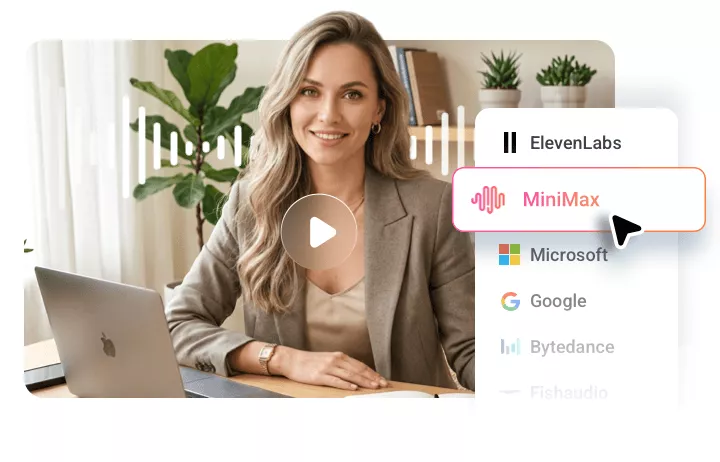
Build Your Own Voice Model
Not a fan of default voices? Then build your own voice model of your own. Upload any Russian voice file, AI will automatically study the voice features like tone, speed, and even accent. This enables you to create custom Russian voice models to maintain branding consistency, eliminate the need for repeated recordings.
Create Russian Voice Model
Put Russian Voiceover for Further Use
FlexClip makes it easy for you to use generated Russian voiceovers in further projects. Once your Russian audio is created, you can edit the audio, seamlessly sync it with the visuals, or even translate into other languages. Head over to FlexClip’s timeline editor and get started!
Use Russian Voiceover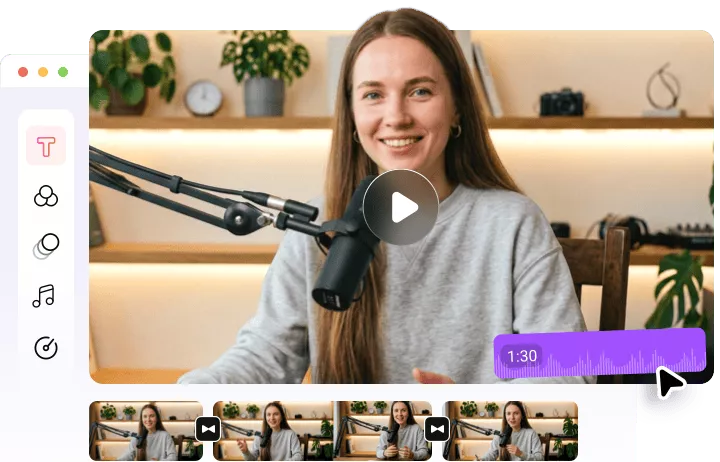
How to Convert Russian Text to Speech Using FlexClip
- 1
Enter Text
Access FlexClip’s Text to Speech tool, enter Russian text you want to convert to speech.
- 2
Select a Voice
By default, you are on a multilingual voice model. Click on it, switch the language to Russian, find a voice you love.
- 3
Use Your Russian Voiceover
Hit Generate, a Russian voiceover will be done within several seconds. Save it as an MP3 file, or use it for your video project.