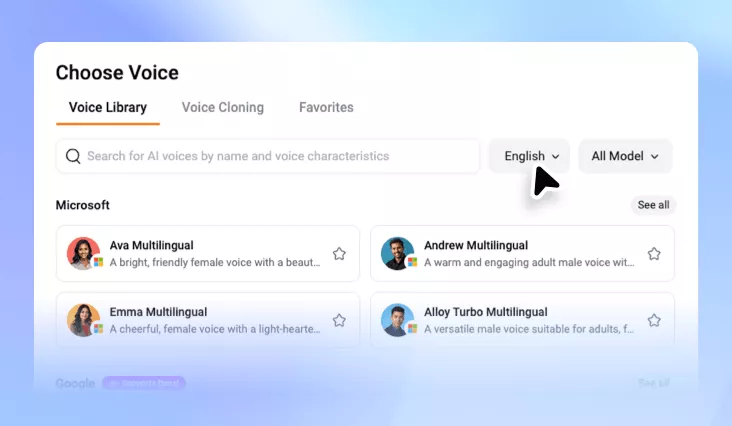
Sports Announcer Voice Generator
Generate high-energy, inspiring sports announcer voiceover for sports commentary, match recaps, and event hosting.
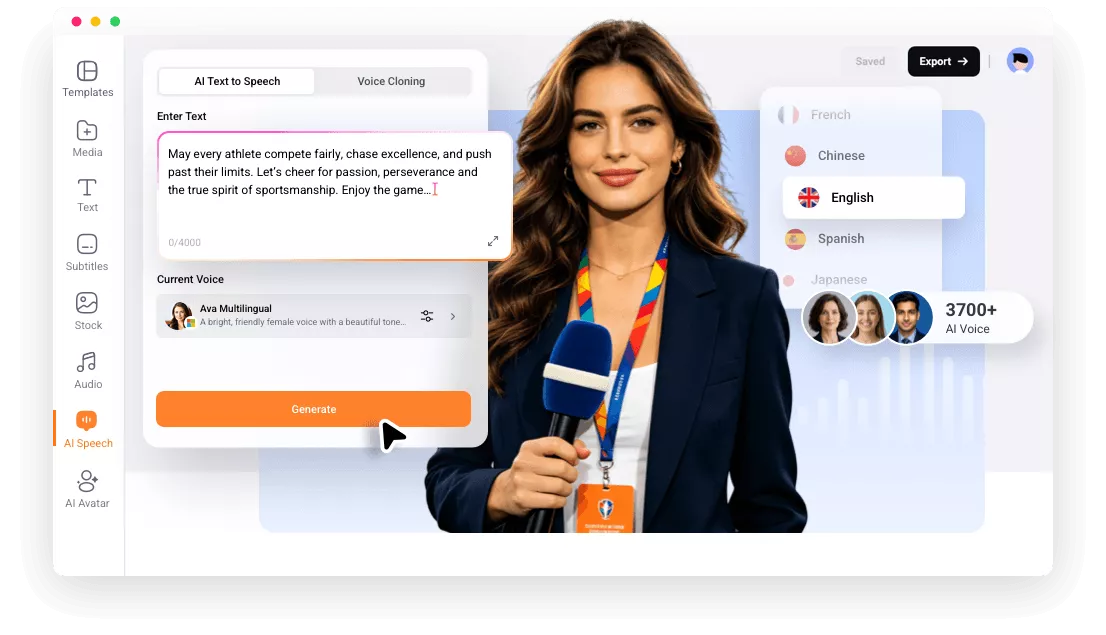
FlexClip: Create Exciting Sports Announcer Voices At Ease

Powerful AI
Instead of offering you robotic narration, FlexClip uses powerful AI technology to generate sports announcer videos that sound energetic, natural, and engaging.

Instant Voiceover
With FlexClip, you can generate instant sports announcer voiceovers without recording audio yourself. Paste your script and get output in seconds.

Online Convenience
FlexClip works completely online, so you don’t need to download or install any software to create sports announcer voiceovers.
please input title
3000+ Voices, 80+ Languages for You to Choose
Different sports matches should go with different voices. FlexClip gets it! It offers 3000+ voices, making it easier to render different voice styles for different sports. FlexClip also helps you localize sports content. It understands 80+ languages, saving you from the trouble of hiring multiple voice actors.
Generate Sports Announcer Voice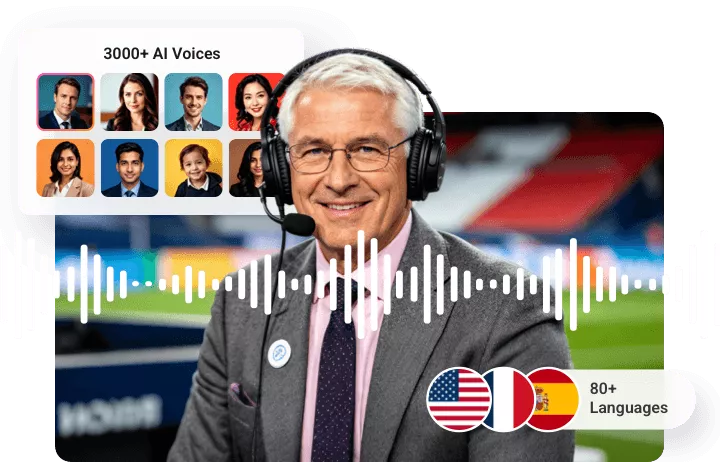
Adjustment on Tone, Speed, Pitch
Great sports announcer voices are about professionalism as well as energy. FlexClip offers you tons of customization options that give users control over the final voiceover. By adjusting the tone, you can make the voice sound more powerful, speed controls help match commentary with video timing, while pitch adjustment allow for different announcer styles. Generate unique announcer voices that match different sports videos.
Generate Sports Announcer Voice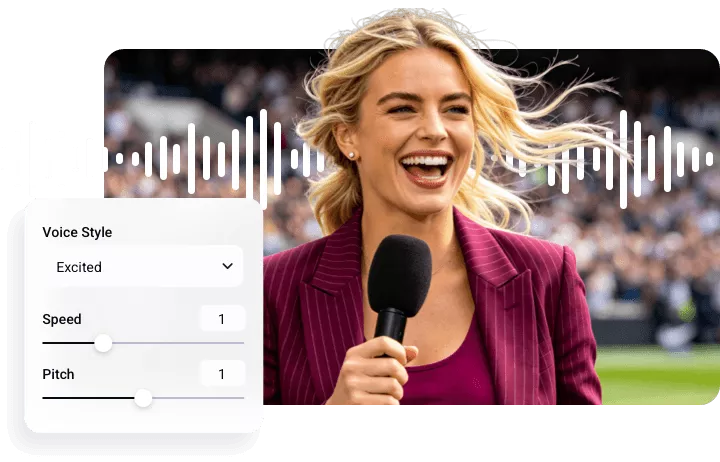
Be the Commentator Yourself
Feeling like a personalized sports commentary for sports videos? You can simply upload your voice, type in the commentary, FlexClip can generate sports announcer audios in your voice. Similarly, you have the option to adjust the speed and the pitch to make the output more professional.
Clone Your Voice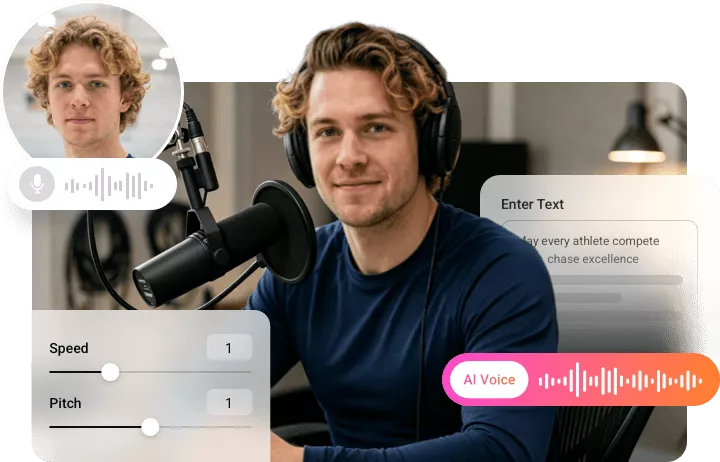
Merge Sports Announcer Voice with Video
After generating a satisfying sports announcer voice, you can easily apply it to the sports video using FlexClip. Drag and drop them to the easy timeline then sync them in seconds. Even those who don’t have any editing experience can achieve a perfect result.
Merge Audio & Video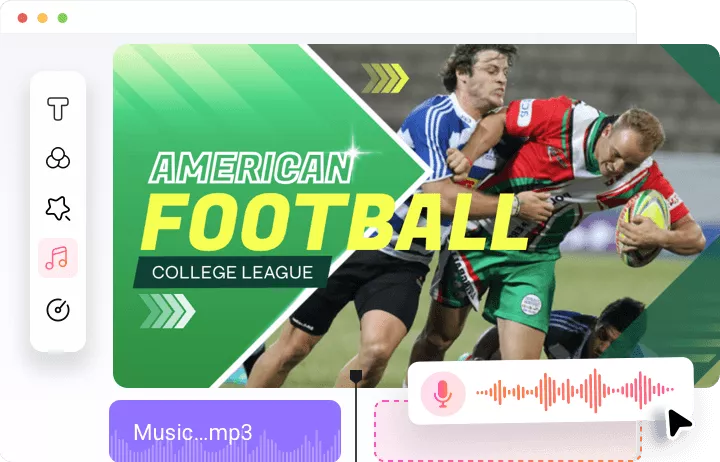
How to Generate Professional-Quality Sports Announcer Voice
- 1
Pick a Voice
Access FlexClip’s Text to Speech tool, choose among 400+ voices and 140+ languages to get started.
- 2
Enter Script
Enter your sports announcer script, render different speed, pitches, and tones.
- 3
Preview & Export
Once you are satisfied with the sports announcer audio output, save it to a local folder, or use it for your video project.