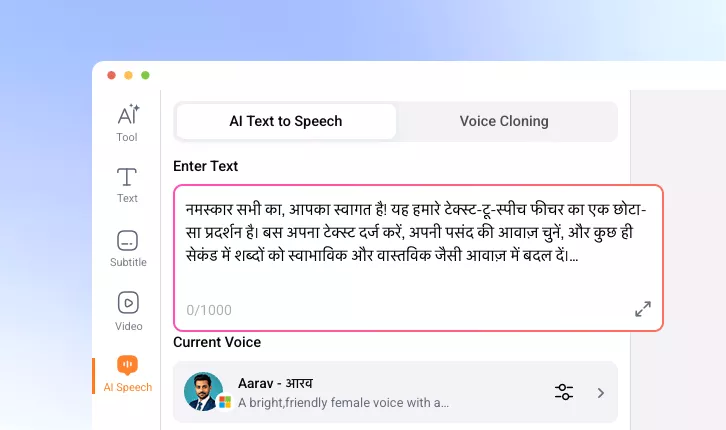
Hindi Text to Speech Converter
Convert Hindi text scripts into high-quality voiceovers. Easy, fast, and perfect for modern digital content creation.
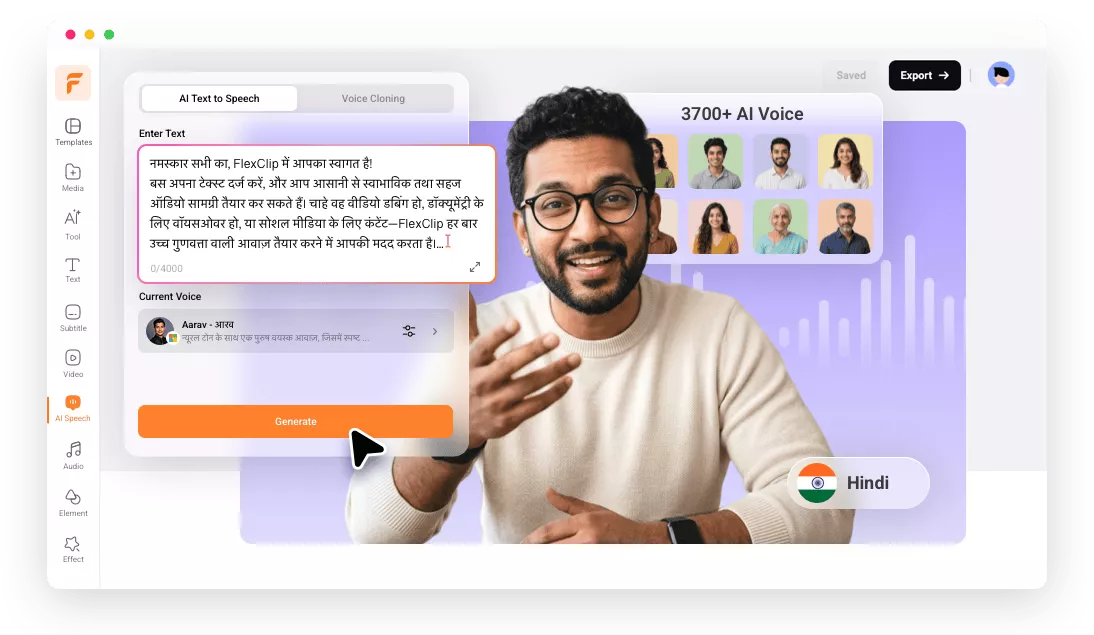
Why Use FlexClip’s Hindi Text to Audio Converter

Easy of Use
FlexClip’s Hindi TTS tool eliminates complicated steps. You can simply paste Hindi text, choose a voice, then generate audio instantly. No technical skills are required.

Fast Generation
FlexClip is ideal for creators who need quick generation. The powerful AI delivers clear and natural-sounding Hindi voiceovers in seconds.

Information Security
Your scripts, Hindi audio files, and personal data are handled with strict privacy measures to prevent unauthorized access or misuse. Feel safe using FlexClip to handle your confidential projects.
please input title
Powerful AI, Natural Hindi Voices
Backed by powerful AI voice models, FlexClip delivers high-quality, realistic Hindi speech output. The AI understands the nuances of Hindi pronunciation and sentence flow, ensuring accurate and smooth delivery. Enhance overall content impact and connect your audiences better with FlexClip.
Hindi Text to Speech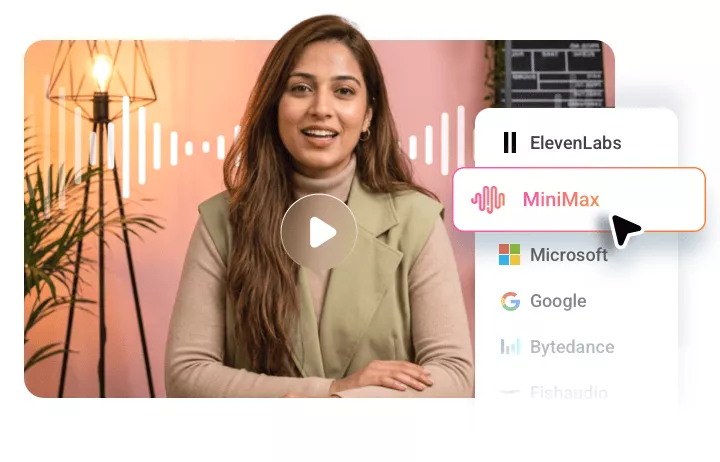
Clone Any Voices
FlexClip helps create personalized Hindi voiceovers. Its AI can automatically create a model that replicates the tone, style, and speaking patterns of any uploaded voice. This is especially useful for branding, storytelling, and content creators who need a recognizable, consistent voice across the video.
Generate Hindi Voices
Edit Your Hindi Audio
You have full control over your voiceovers. In FlexClip, you can trim, adjust timing, and refine audio to perfectly match your video visuals, subtitles, and even background music. Whether you want to make quick adjustments or fine-tune details in a professional way, FlexClip gets you covered and ensures your Hindi voiceovers ready for publishing across various platforms.
Edit Your Hindi Audio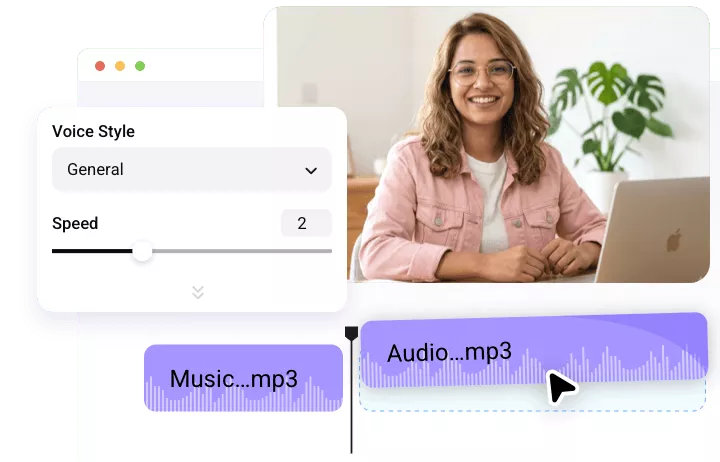
How to Convert Hindi Text to Audio
- 1
Enter Hindi Text Script
Enter FlexClip’s editor, move to the AI Text to Speech section. Copy and paste your Hindi text script into the empty box.
- 2
Pick a Voice
By default, you are using a multilingual voice model. Click on it, switch the language to Hindi. Pick a voice that you like.
- 3
Generate Hindi Audio
Click Generate. A Hindi audio file will be generated within several seconds. Save it as an MP3 file to a local folder, or use it on your video project.