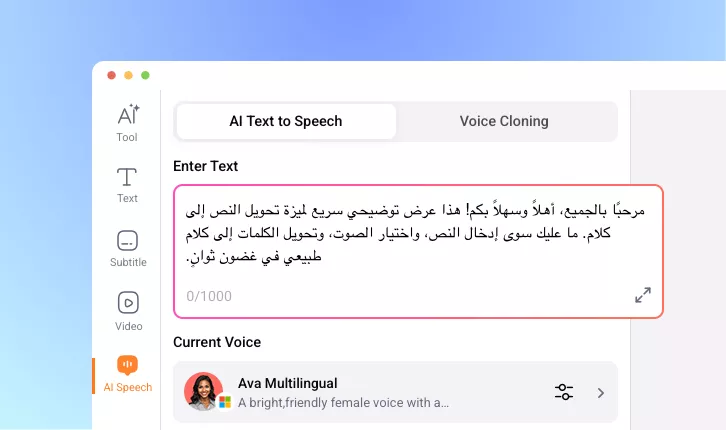
Arabic Text to Speech Converter
Turn Arabic text into natural-sounding speech with authentic intonation and rhythm. Perfect for voiceovers, e-learning, audiobooks, marketing videos, accessibility tools, virtual assistants, and more.
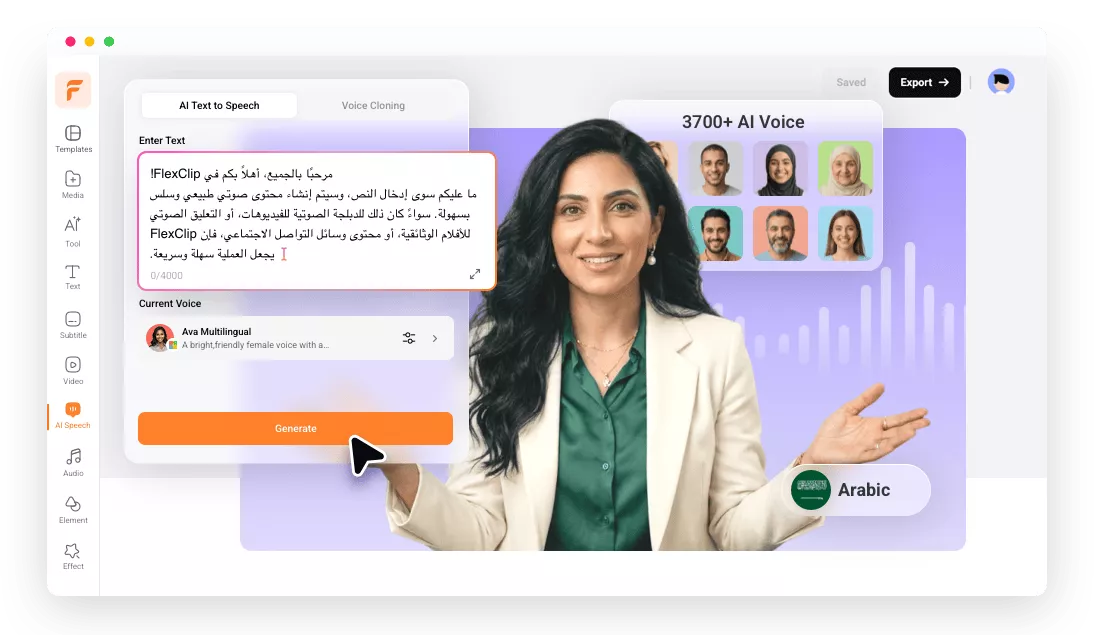
Why Use FlexClip to Convert Arabic Text to Speech?

Smart AI TTS
Advanced AI technology ensures natural and accurate Arabic pronunciation with authentic intonation and rhythm.

Multi-device Support
Start converting Arabic text to speech directly on your smartphone, tablet, or desktop across any browser.

Fast Generation
Quick Arabic text-to-speech conversion with high accuracy and minimal processing time, letting you generate and share standard Arabic sound in seconds.
please input title
Accurate & Real Arabic Speech in one Tap
No more recording your own voice or hiring professional Arabic voice actors. With FlexClip’s Arabic TTS converter, turning text into natural-sounding speech is just one click away. Powered by advanced AI, it delivers realistic Arabic pronunciation while seamlessly handling script complexities and diacritics with smooth, authentic intonation.
Convert Arabic Text to Speech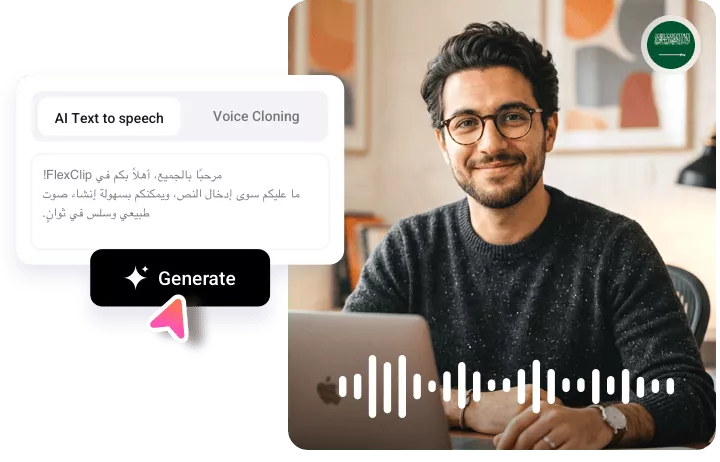
Various Arabic Voices & Styles to Pick
Choose from a wide range of Arabic voices—from youthful to mature, casual to formal—with both male and female options and distinct personalities. Easily find the perfect voice to match your audience and use case, and deliver your message with a clear, authentic Arabic voiceover that truly connects.
Convert Arabic Text to Speech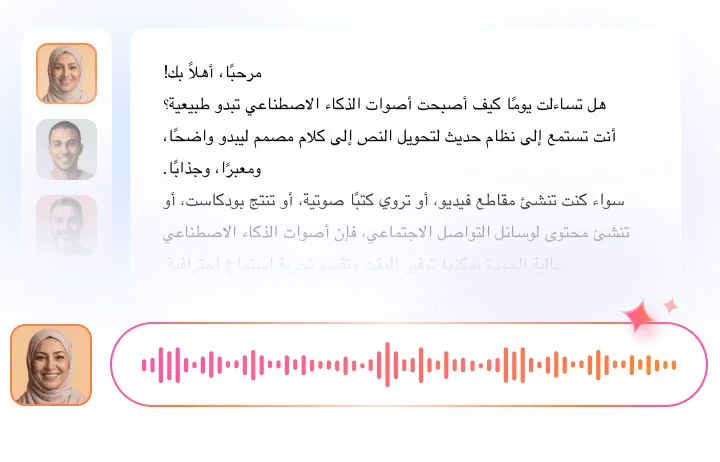
Customize the Arabic Audio at Will
FlexClip gives you full control over Arabic voice settings, including gender, speed, tone, and pitch. It also offers voice cloning for a more personalized experience. Whether you’re creating audio for language learning, navigation, audiobooks, or customer support, you can easily tailor the voice to fit your needs.
Convert Arabic Text to Speech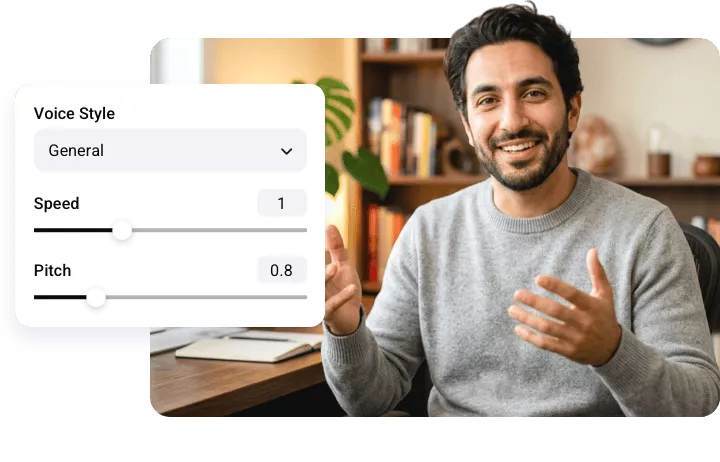
Edit Generated Arabic Audio Like a Pro
FlexClip goes beyond Arabic audio generation—it’s also a powerful editor. Easily trim clips, add background music, apply sound effects, or sync audio with video. No experience needed—just drag and drop to perfect your Arabic audio in minutes.
Convert Arabic Text to Speech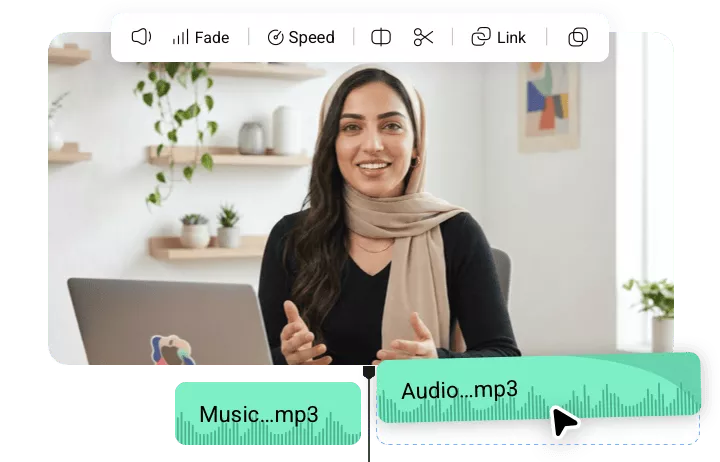
How to Use FlexClip’s Arabic TTS Tool?
- 1
Enter Your Arabic Text
Open FlexClip’s AI Speech tool and type or paste your text in Arabic language.
- 2
Select Language & Arabic Speaker
Set the language to Arabic and choose the speaker that matches your style. Voice samples can help you decide the perfect voice.
- 3
Generate and Download
Click Generate, and FlexClip will create a natural Arabic voiceover in minutes. You can then download it or sync it directly with your video.