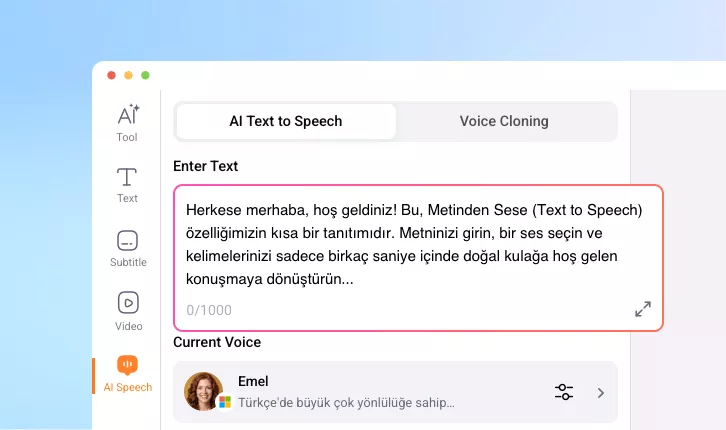
Turkish Text to Speech
Convert text into clear, human-like Turkish voices in clicks at FlexClip. Perfect for video production, tutorials, and business promo.
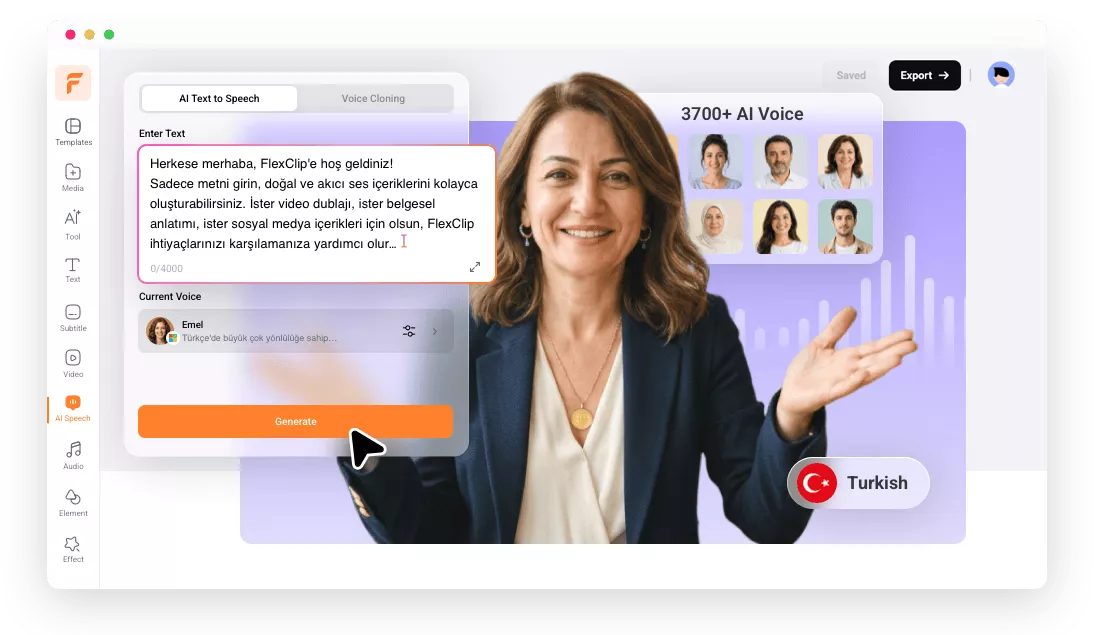
Why Use FlexClip’s Turkish Text to Speech Tool

Powerful AI
FlexClip’s Turkish text-to-speech tool is powered by advanced AI models from Microsoft, Google, Minimax, and Elevenlabs. They will always deliver highly realistic and accurate voice generation.

Easy to Use
Anyone, even beginners with no technical background can use FlexClip’s Turkish text-to-speech tool. Paste your Turkish text, select a voice, a clear, natural-sounding voiceover is ready for use.

Fast Generation
Speed matters when creating content. FlexClip turns 4000-word Turkish sentences into audio file in just several seconds. This rapid processing is ideal for tight deadlines, or quick revisions.
please input title
High-Quality Turkish Voiceover
You don’t need expensive recording equipment or voice actors to achieve premium results. FlexClip provides Turkish voiceovers that sound natural, clear, and engaging. All AI voice models are designed to replicate real human speech,with proper pronunciation, customized pitch and speed. Embrace an efficient and affordable way of creating polished Turkish voiceovers.
Generate Turkish Voiceover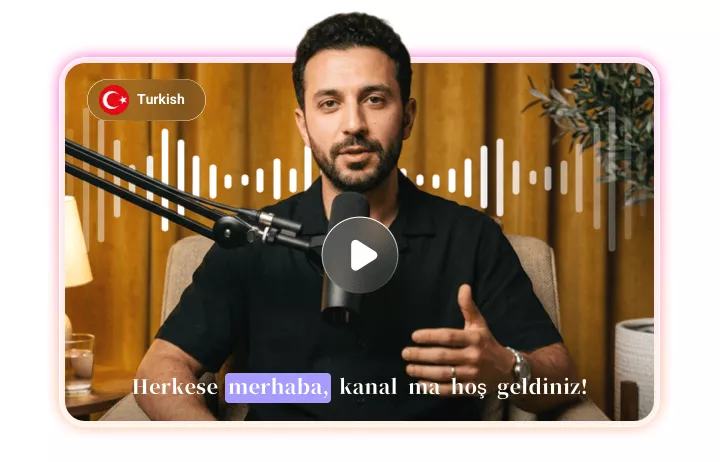
Voice Clone, Create Customized AI Voice Model
Ever imagine creating unique AI voice models for Turkish text-to-speech projects using your voice? FlexClip makes it possible for anyone. Upload a voice file, AI will automatically study your tone, pitch, and speaking patterns. This feature is extremely useful for creating content that matches your brand identity or personal style.
Create Your Voice Model
Use Turkish Voiceover in Your Video Project
FlexClip makes it seamless to use Turkish voiceovers directly in your video projects. After generating your audio, you can easily integrate it into your video in FlexClip’s timeline. There are also customization options like syncing, adding subtitles, bringing in more background music, etc.
Add Turkish Voiceover to Video
How to Convert Turkish Text to Speech
- 1
Input Text
Access FlexClip’s AI Text to Speech tool. Copy and paste Turkish text in the Enter Text section.
- 2
Choose a Voice
By default, you are using a multilingual voice model. Click to enter a voice library. Switch the language to Turkish, and pick a Turkish voice model.
- 3
Generate
Make other setups like speed, pitch, hit Generate. By default, the Turkish voice file will be downloaded as MP3.