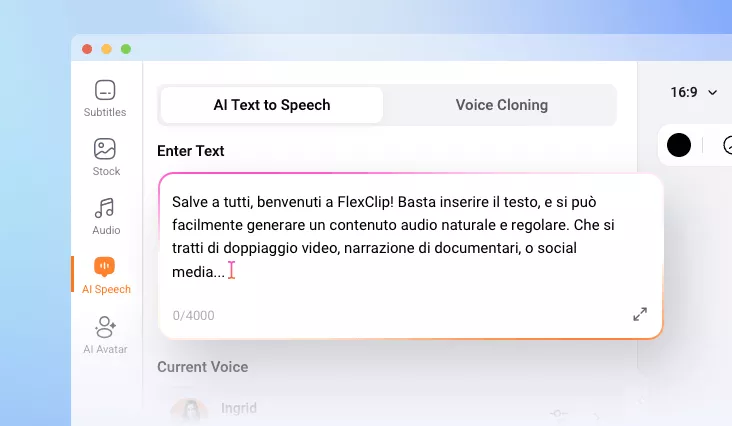
Italian Text to Speech
Generate natural-sounding AI Italian voiceovers for videos, marketing content, social media, etc.
Why Use FlexClip’s Italian Voice Generator

Online Italian TTS
No need to download complicated software. FlexClip’s Italian voice generator works right in your browser. Embrace an easier, more beginner-friendly way to do text-to-speech conversion.

Accurate TTS
Accuracy defines how natural and professional the voice sounds. FlexClip integrates AI models that correctly pronounce Italian words, handle double consonants, and place the right stress on syllables.

Information Security
FlexClip is a renowned online Italian TTS tool. It doesn’t share your personal information, input text, or generated audio with any third parties. Feel safe using FlexClip to handle confidential projects.
please input title
Unparalleled Italian Voice Realism
FlexClip’s Italian text-to-speech tool is designed to replicate natural human speech. It integrates with around 100 voice models, all capturing the true musicality of Italian, including smart rhythm, accurate pronunciation, and expressive intonation. Additionally, they understand linguistic context, ensuring the speech sounds authentic rather than robotic.
Italian Text to Speech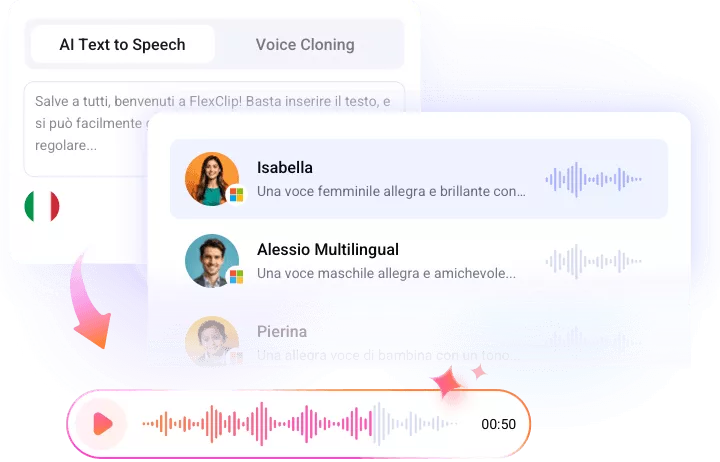
Create Unique Voice Models of Yourself
Feel like replicating a specific voice for Italian TTS? FlexClip is there to help! The Voice Clone feature lets you create an AI voice that reflects your own tone, style, or brand identity. All you need is a simple voice sample. Once created, the custom voice can generate consistent Italian voiceovers across all your content, ensuring a recognizable and professional audio presence.
Clone Your Voice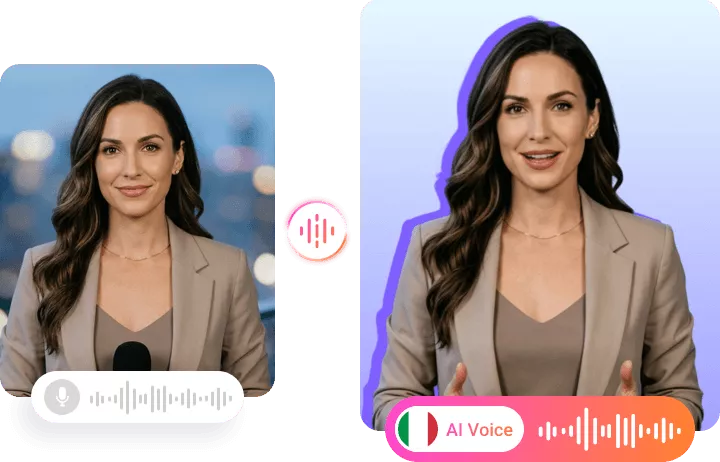
Enjoy the Smooth Production Pipeline
After generating a satisfying Italian voiceover, you can directly make edits on the audio track like trimming, splitting, merging, applying background, etc. You are also able to sync the audio with visuals for an eye-catching video.
Edit Italian Voiceover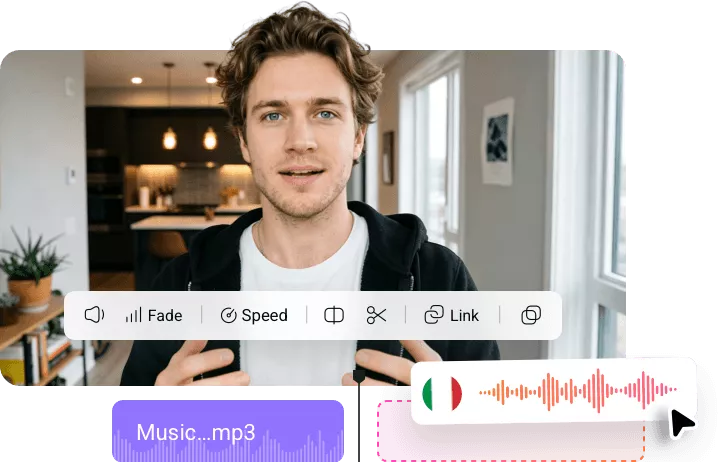
How to Generate Italian Voice Using FlexClip
- 1
Enter Italian Text
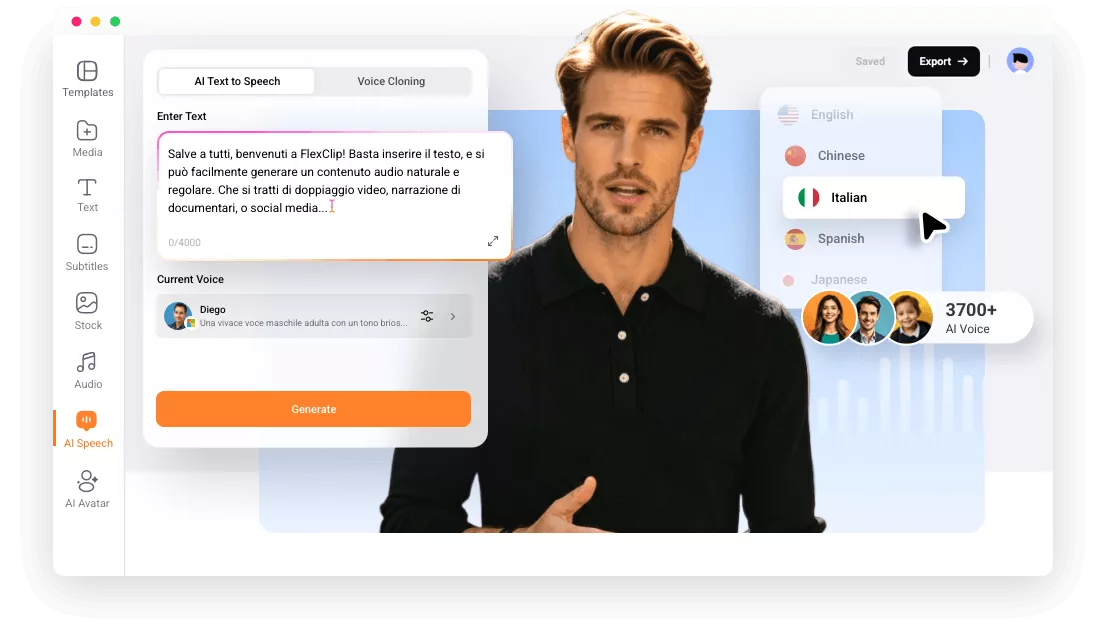
Access FlexClip’s editor, switch to the AI Text to Speech part. Copy and paste the Italian text into the empty box.
- 2
Pick a Voice
By default, you are using a multilingual voice model. Click on it, switch the language to Italian, pick a voice you like.
- 3
Generate Voice
Hit Generate. A natural-sounding Italian audio will be ready in seconds. Download it to a local folder, or use it for your video project.