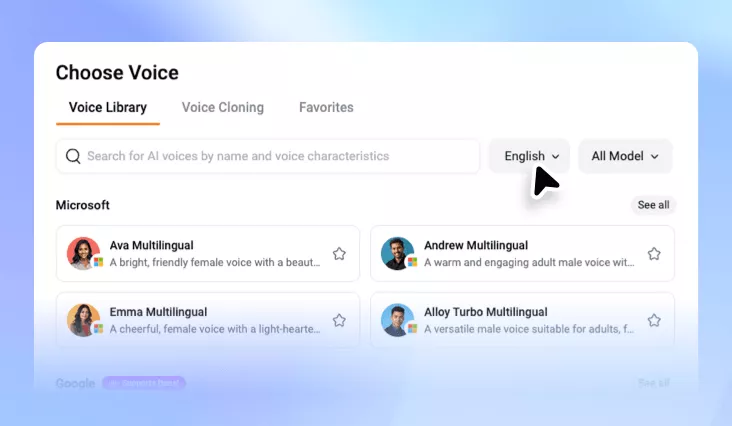
Commercial Voice Generator
Generate natural, professional, and engaging AI voices for marketing videos, social media ads, e-learning courses, product demos, corporate training, and more.
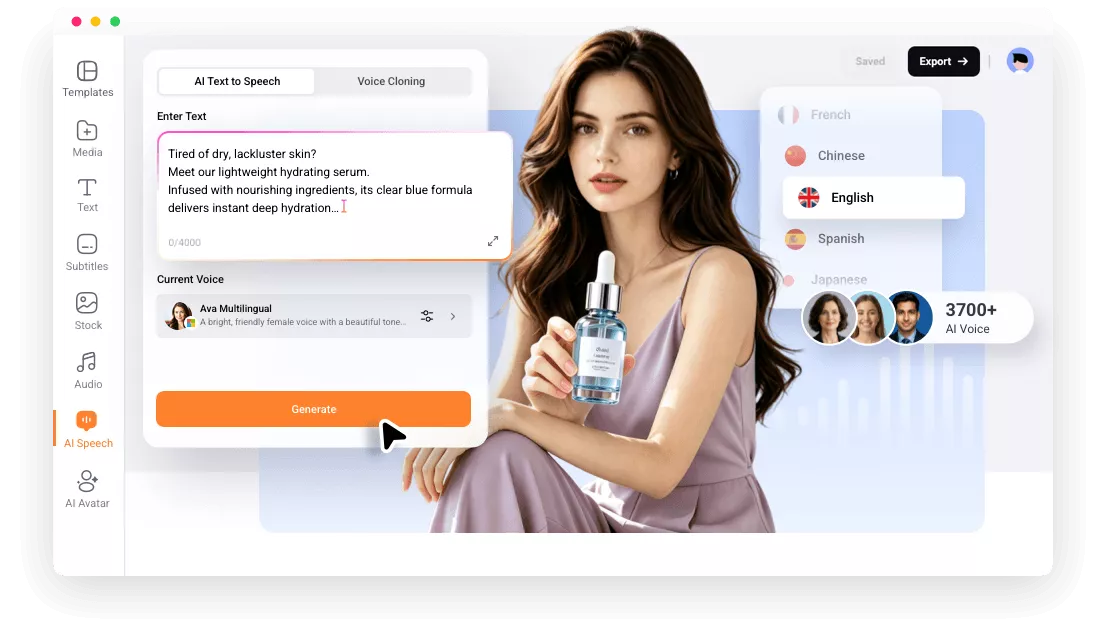
Why Choose FlexClip Commercial Voice Generator?

Online TTS
FlexClip's commercial voice generator works entirely online, so you don’t need to download or install any software to create advertising voiceovers.

Powerful AI
Instead of producing robotic voices, FlexClip uses powerful AI technology to generate advertising voiceover that sound natural, professional and engaging.

Instant Voiceover
With FlexClip, you can generate instant advertising voiceovers without recording audio yourself. Paste your script and get output in seconds.
please input title
400+ Voices, 140+ Languages to Choose from
Every marketing project needs a different voice. That's why FlexClip offers 400+ AI voices, making it easy to find the perfect style for your brand and campaign. With support for 140+ languages, you can also create natural-sounding localized voiceovers for global audiences—without hiring multiple voice actors.
Generate Advertising Voiceover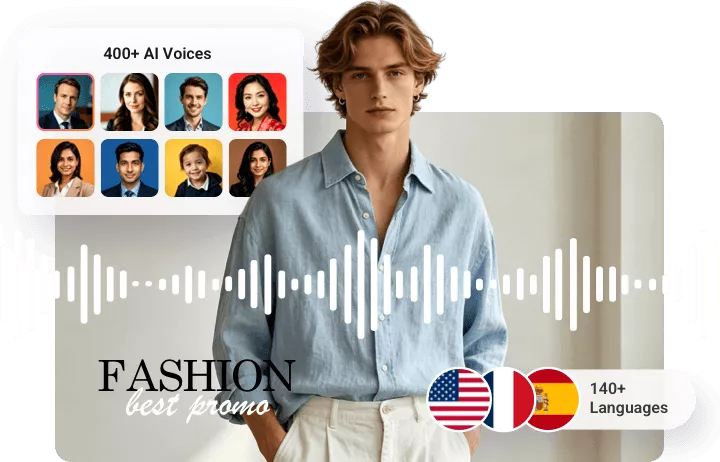
Customize Tone, Speed, Pitch as Needed
FlexClip handles the AI voice generation while giving you full control over the final result. By adjusting the tone, you can make the voice sound more powerful, speed controls help match lines with video timing, while pitch adjustment allow for different voice styles. Produce professional, advertising-ready voiceovers that sound polished and engaging.
Generate Advertising Voiceover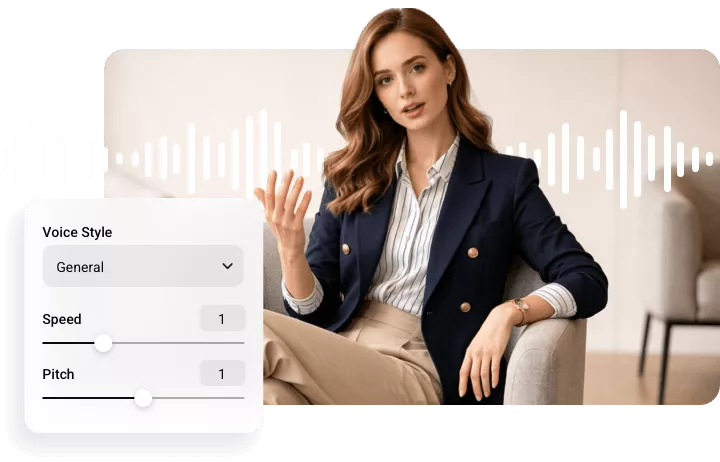
Professional Commercial Sounds for Every Need
Whether you're creating voiceovers for e-learning courses, podcasts, audiobooks, marketing campaigns, or accessibility content, FlexClip helps you produce natural, professional-quality audio in seconds. Simply enter your text, choose your preferred AI voice, and instantly generate realistic, commercial-ready voiceovers for any project.
Generate Advertising Voiceover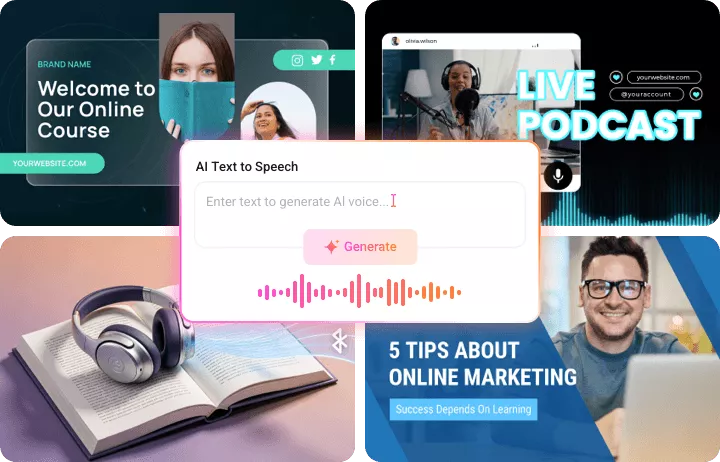
Merge Advertising Voice with Video
After generating a satisfying advertising voice, you can easily apply it to the commercial video using FlexClip's built-in video editor. Drag and drop them to the timeline to sync them with your footage, and edit everything in one workflow.
Generate Advertising Voice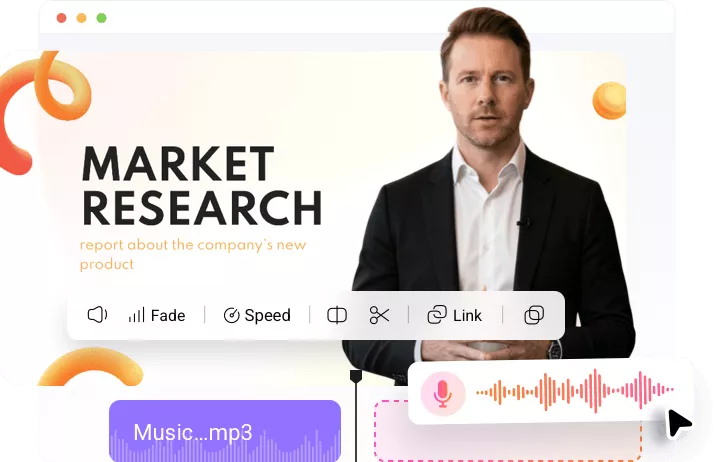
How to Create Professional Advertising Voiceover?
- 1
Pick a Voice
Access FlexClip’s Text to Speech tool, choose among 400+ voices and 140+ languages to get started.
- 2
Enter Script
Enter your commercial script, render different speed, pitches, and tones.
- 3
Preview & Export
Once you're satisfied with the advertising voiceover output, save it to a local folder, or use it for your video project.