Portuguese Text to Speech
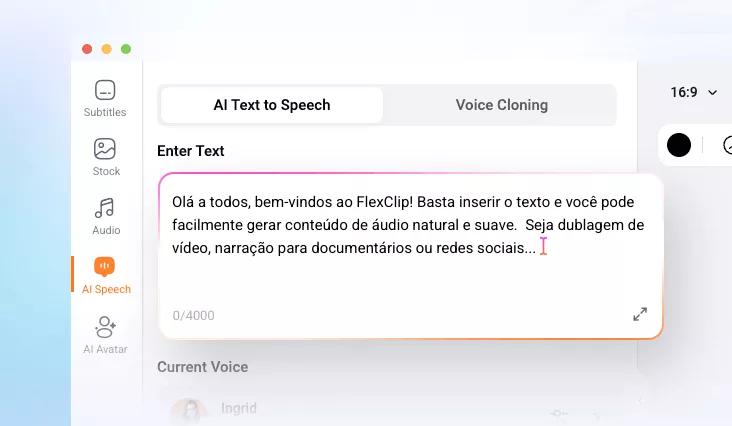
Try FlexClip’s Portuguese text-to-speech tool to convert your Portuguese text into lifelike audio using advanced AI technology. You can enable your message to reach a global or native audience.
Why Use FlexClip to Convert Portuguese Text to Speech?

Online TTS Software
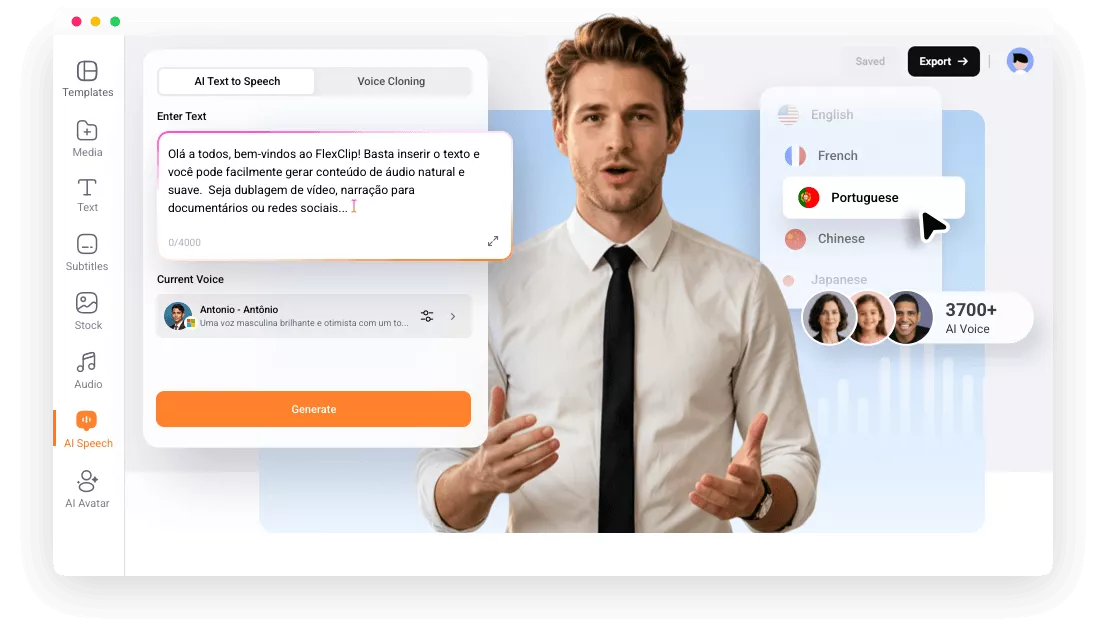
FlexClip’s AI-powered Portuguese text-to-speech tool runs directly in your browser, making it convenient and easy for anyone to use.

Fast Generation
Portuguese text can be converted into natural, realistic speech in minutes—so you can instantly add, edit, and share standard Portuguese voiceovers.

Safe & Secure
Your privacy comes first. From Portuguese text-to-speech conversion to post-generation editing, your data stays protected every step of the way.
please input title
Natural-sounding Voiceover
FlexClip’s Portuguese text-to-speech tool will deliver a highly natural and clear Portuguese voice according to your text, offering various accents to match the user's preference and needs. It can capture rhythm, pitch, and emotional tone, so your generated Portuguese audio sounds alive, not robotic. You can easily convert Portuguese text to natural-sounding voices that closely resemble human speech.
Convert Portuguese Text to Speech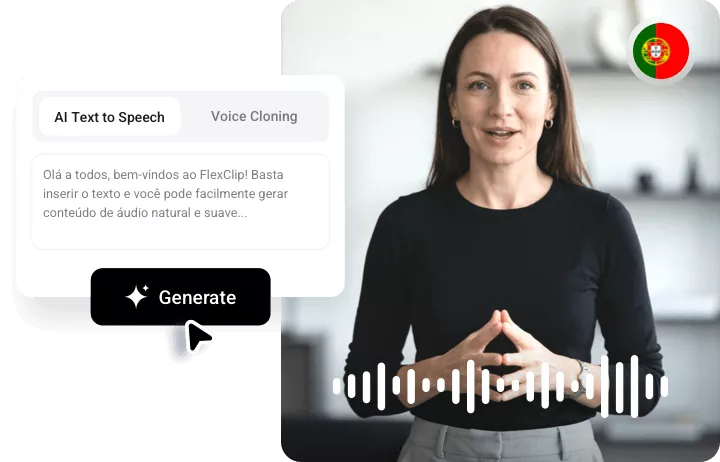
Customizable Speech Speed
FlexClip allows users to adjust the speed and pitch of the speech, providing more flexibility to suit different listening preferences or specific accessibility needs. This feature gives users full control over how the Portuguese TTS tool sounds by allowing them to adjust both the speed and pitch of the generated speech. Users can increase or decrease the speed to make the speech faster or slower, catering to their specific listening pace.
Convert Portuguese Text to Speech
Multilingual Support
In addition to Portuguese, the tool offers robust support for a wide variety of languages, ensuring that users can generate high-quality text-to-speech output in multiple languages without sacrificing accuracy or naturalness. Whether it's for European or Brazilian Portuguese, Spanish, English, French, German, or other popular languages, this feature makes the tool an indispensable asset for users across the globe.
Convert Portuguese Text to Speech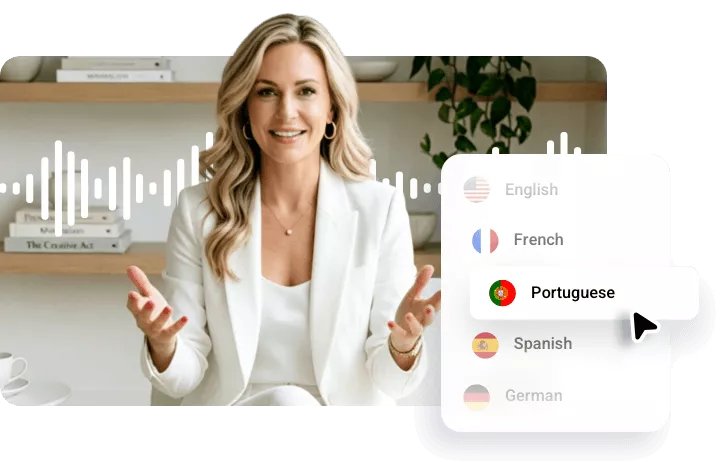
How to Convert Portuguese Text to Speech Online?
- 1
Paste Your Portuguese Text
Go to FlexClip’s Portuguese text-to-speech tool and paste your Japanese text.
- 2
Select Language
Set the language to Portuguese and choose the speaker that matches your style.
- 3
Export & Share
Download this voice directly, and you can apply it anywhere.