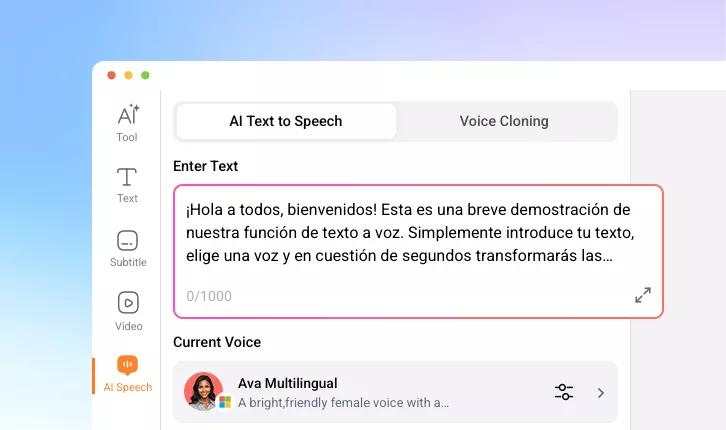
Spanish Text to Speech
Bring Spanish text to life with voices that reflect your tone, personality and emotion. Share your content with clarity and true-to-life sound.
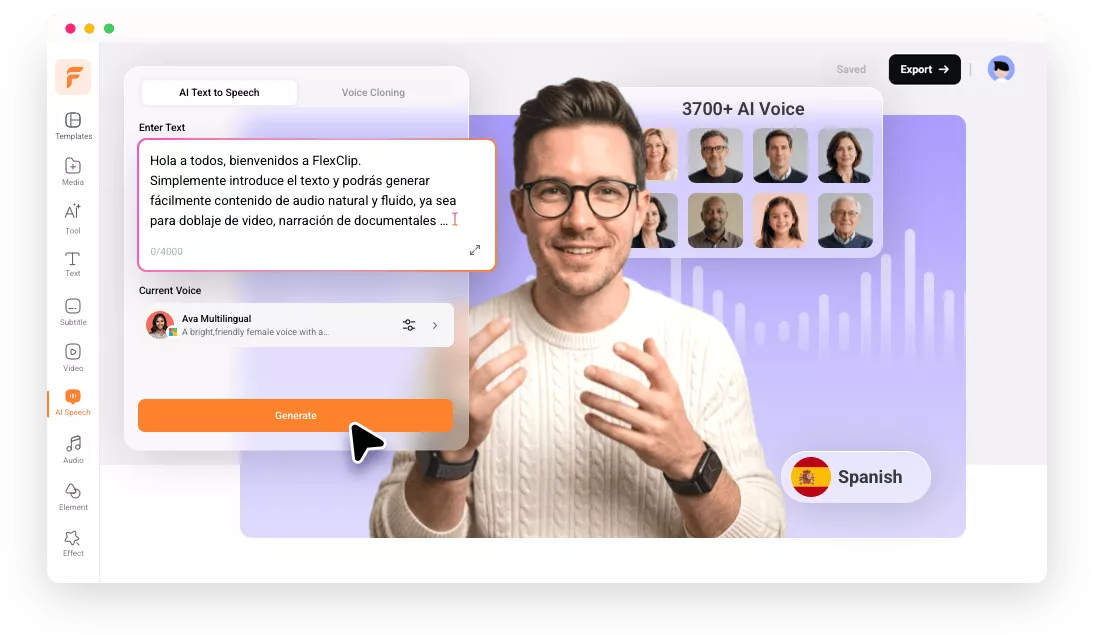
Why Choose FlexClip’s Spanish Text to Speech Tool?

100% Online
Open your browser and directly convert your Spanish words into natural-sounding voiceover at anywhere, anytime.

Natural Spanish Voices
Our Spanish text to speech converter gives you realistic human voice as an output and you’ll get different options to choose the voice's gender or accent.

Fast Generation
No more long waits—turn Spanish text into lifelike speech in minutes, with voices that capture natural tone and emotion.
please input title
Bring Spanish Text to Life with Real Voices
Convert Spanish text into lifelike speech with a diverse range of voices that capture the rich expressiveness of Latin American film and music. Designed to sound truly human, these voices can accurately reflect your tone, personality, and emotion.
Convert Spanish Text to Speech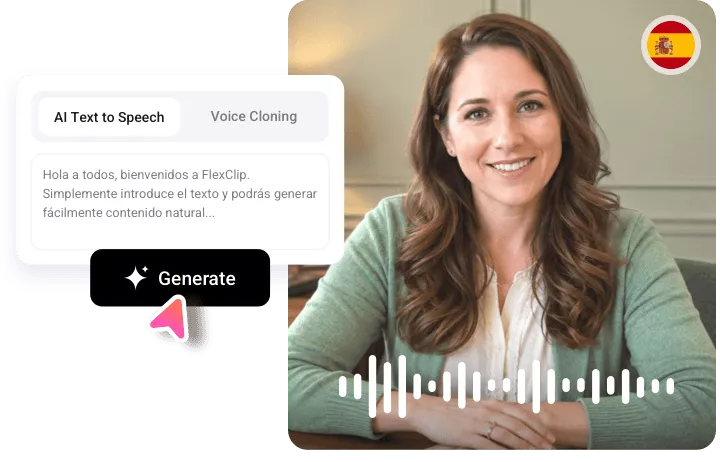
Satisfied with Various Voices & Accents
Explore from Castilian to Latin American Spanish accents, from youthful to mature voices, casual to formal tones, and in both male and female options—so you can easily find the perfect voice to match your target audience.
Convert Spanish Text to Speech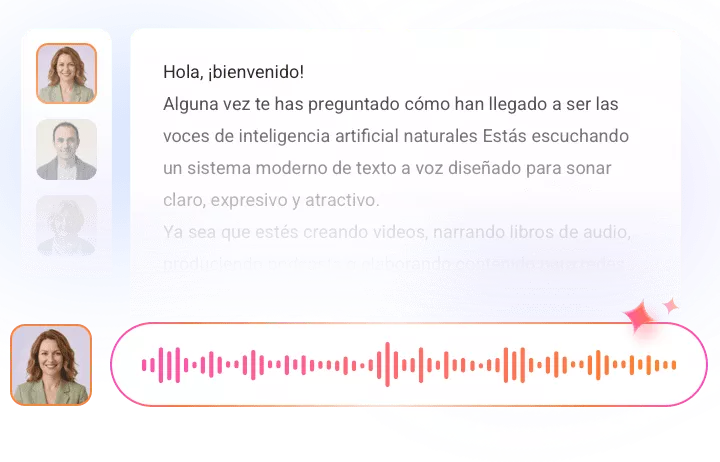
Popular Spanish Voices in One Place
FlexClip brings together Spanish voices from leading TTS platforms—including Microsoft, Google, MiniMax, ElevenLabs, Fish Audio, Qwen, and ByteDance—into one seamless tool. Easily preview, compare, and switch between voices in seconds, allowing you to create high-quality Spanish voiceovers without the hassle of manual testing or platform switching.
Convert Spanish Text to Speech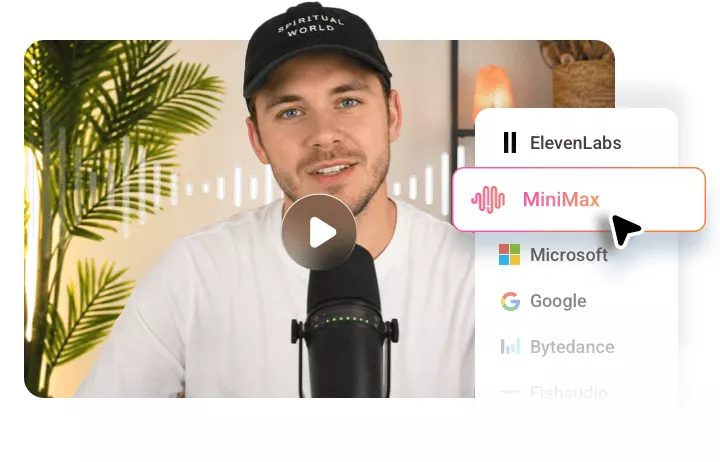
Flexible Editing for Spanish Speech
Beyond preset voices, FlexClip lets you clone your own Spanish voice to bring your text to life. Easily add AI-generated Spanish audio to marketing videos or combine multiple Latin American voices for audiobooks and more. Whatever your goal, FlexClip’s flexible editing tools make the process simple and efficient.
Convert Spanish Text to Speech
How to Convert Spanish Text to Speech
- 1
Enter Spanish Text
Open FlexClip’s AI Speech tool and enter the Spanish text you want to convert into speech.
- 2
Select Spanish Voice & Generate
Set the language to Spanish and choose a voice that matches your use case. Then click Generate to start.
- 3
Download or Use in Projects
Download your natural-sounding Spanish voiceover to your device or seamlessly integrate it into your e-learning videos, promotional content, or other projects.