


Want to expand your photo that already taken and ensure that nothing important is cropped out at the same time? We will recommend you to try 2 different online zoom out photo editors to achieve this goal. It’s an effective way to analyze the photo’s elements and generate missing parts to seamlessly expand the image while preserving the original details. This is an example image below using FlexClip’s AI zoom out photo editor.
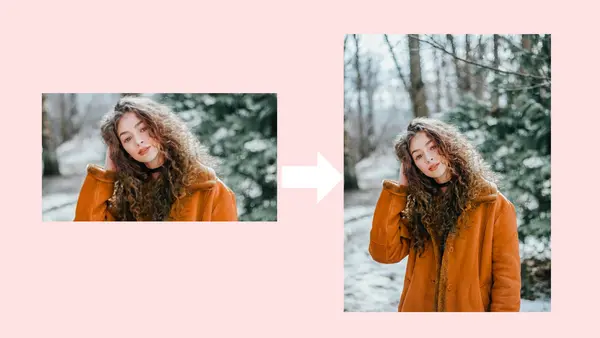
Example Image - FlexClip
Customizable Slideshow Templates You Can Edit:


#1 Online Zoom Out Photo Editor - FlexClip
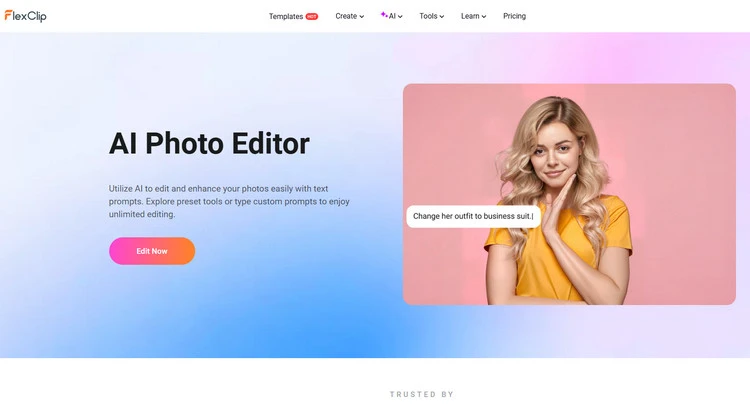
FlexClip’s zoom out photo editor is a new tool for you to optimize and edit the image aspect ratio. You can choose it to frame your image in 2 different ways according to your needs. FlexClip uses cutting-edge AI technology to ensure that you can get perfect image results. And there is no download or installation requirement. FlexClip can zoom out an image without losing quality on your browser.
AI Photo Editor - FlexClip
Zoom out your photo as you need - Zoom out image means that you can expand your images beyond boundaries to get a bigger background while preserving the original parts. FlexClip currently provides some AI models like Google Nano Banana, Flux Kontext, OpenAI, and so on. Google Nano Banana, which is known for precise character consistency, is ideal for users to zoom out their photo while keeping all the details. You can easily upload a photo and type text descriptions to zoom it out as much as you like. Its AI-powered zoom out photo editor allows you to simply zoom out of your photo automatically. FlexClip’s advanced AI technology can help you effortlessly zoom out an image and get the best clarity and quality at the same time.
Zoom in on your photo as you need - In addition to zooming out of your image, FlexClip also allows you to zoom in on part of your photo as you need. Zooming in picture means that you can increase the size of an image in a way that makes its details clearer. You can notice every little detail you’d previously missed in your photos. You can get a zoom image without sparing any effort. Just pick the right model, upload your image, and let AI do the rest. Let’s see every small detail clearly in a brand new sight for viewers.
How to Zoom Out on a Picture in FlexClip?
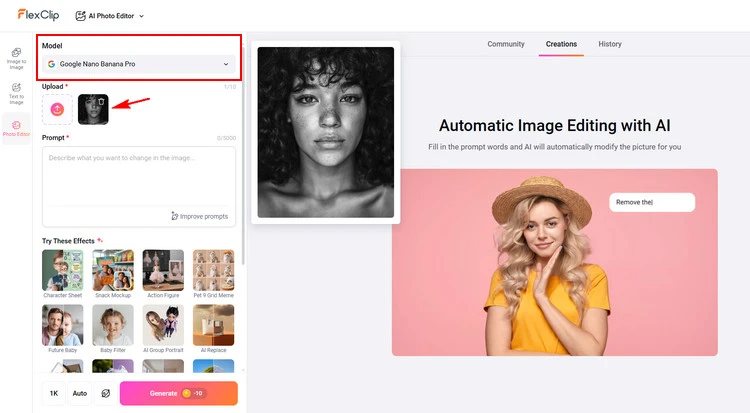
Upload Photo - FlexClip
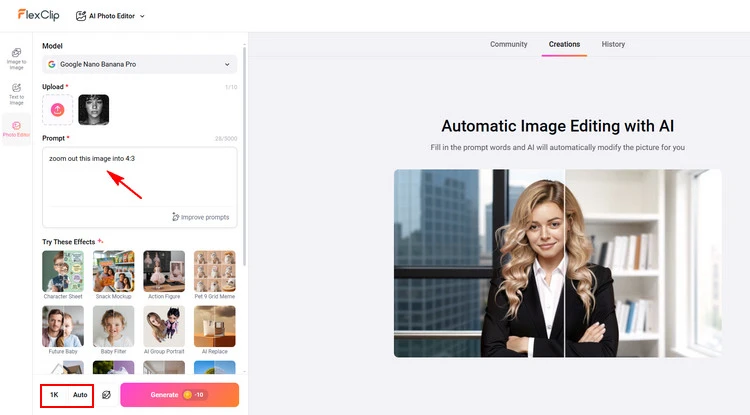
Type Text Prompt - FlexClip
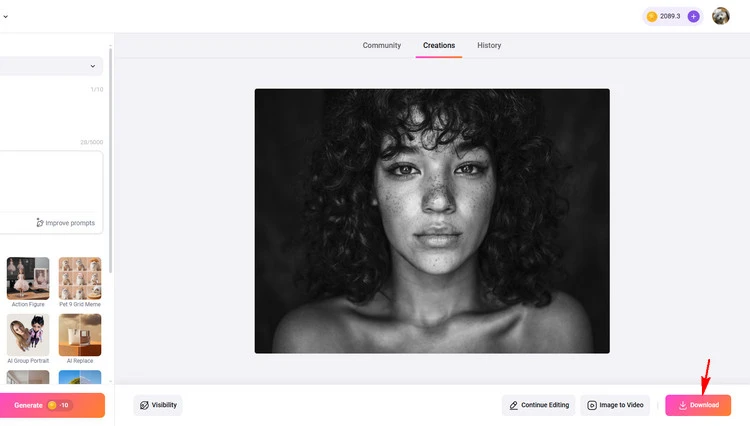
Download Photo - FlexClip
#2 Online Zoom Out Photo Editor - X-Design
X-Design’s AI-powered tools can help you zoom out a picture with ease. You can simply upload your image, and its AI will automatically adjust the composition, allowing you to expand the background or reduce the central focus while maintaining visual harmony. The process is effortless and precise, enabling you to adjust your photo as needed.
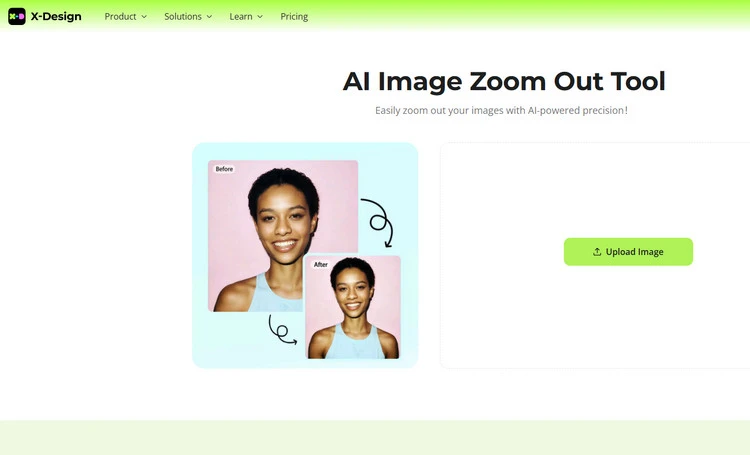
Online Zoom Out Photo Editor - X-Design
X-Design will provide a seamless zoom out experience for you. You can effortlessly zoom out your images with this AI-powered tool. Using advanced algorithms, it expands your image without losing essential details, making it perfect for both personal and professional projects.
And it can leverage AI technology to enhance your image's quality as you zoom out. This tool optimizes clarity and sharpness, ensuring your photos remain crisp and clear, even at larger dimensions. You can adjust your image size easily while retaining natural clarity, giving you control over every pixel in your visual.
How to Zoom Out on a Picture in X-Design?
Conclusion
To sum up, there are 2 great ways for you to zoom out image online - FlexClip and X-Design. If you find this tutorial helpful, do share it on your Facebook or Twitter and leave your take with us. Let’s try it!




FlexClip AI Video Maker
Reach professional-quality videos faster with easy editing tools, templates, and smart AI.
Start Now for Free
Hot & Trending
-

Best Ways to Find Music in YouTube Videos
-

Instagram Story Video Quality Bad After Upload? Fix It!
-

How to Repost Video on TikTok & How to Remove TikTok Repost
-

Improve Video Quality Online: 3 AI Video Quality Enhancers You Can't Miss
-

4K Convert to HD 1080p without Watermark: Best 4k Video Converters
-

Best 8 Free Video Editors - No Download Required
-

Top 13 Birthday Video Makers with Music and Effects Free
-

How to Search Filters on TikTok & Use a Filter You See - TikTok Filter Guide




