


Perhaps you have wanted to try to sharpen an image in one of the best image editing tools - Photoshop, but are tired of these complicated editing steps? You don't have to. In this article, we will recommend 2 excellent image sharpening options for you to explore - online editing tool and software. With the help of these easy tools, you can sharpen your images in a breeze.
And there are some eye-catching templates for you to display your sharpening images. Try it!
Contents:




Part 1 Online Image Sharpening Option for You to Explore - FlexClip
FlexClip, as one of the best online image sharpening tools, can give your images a new life and make them look clearer. With FlexClip, you don’t have to manually adjust the sharpening intensity and so on. Just upload a photo and wait for the AI to make your image clearer instantly. You can explore the endless possibilities that make your photo unique.

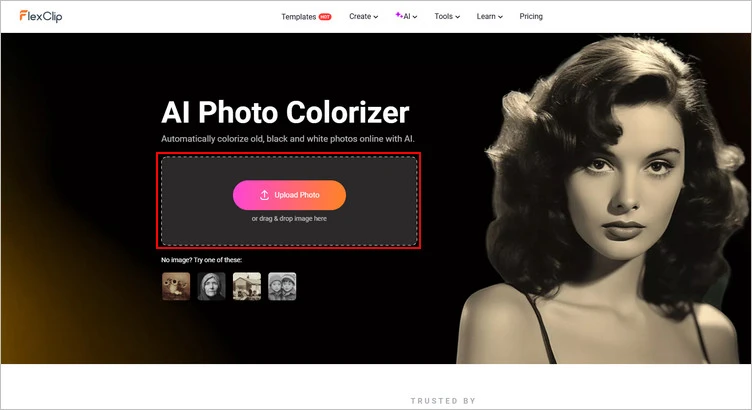
Sharpen Your Image with FlexClip - Upload
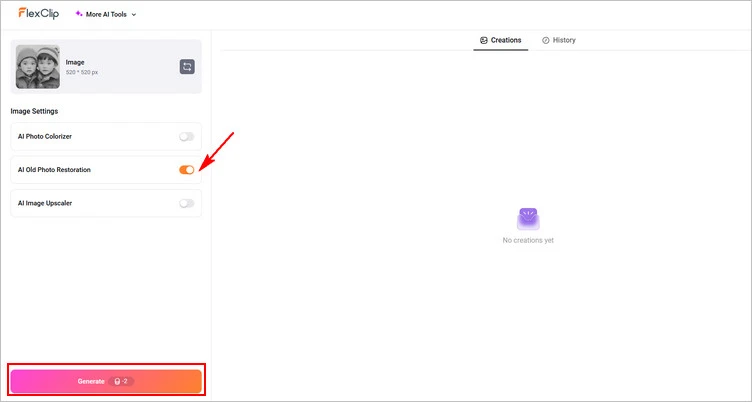
Sharpen Your Image with FlexClip - Sharpen Image
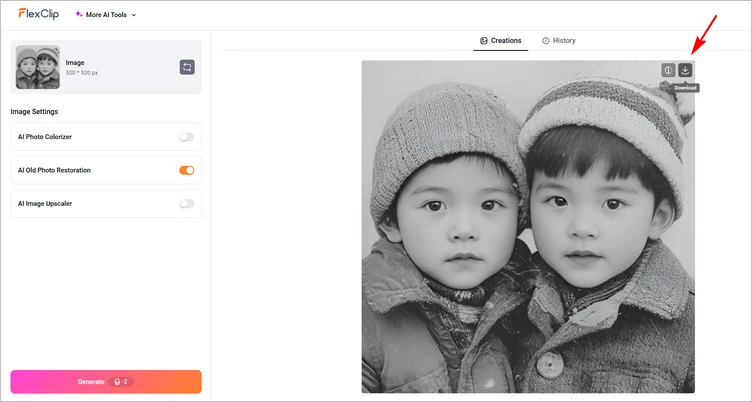
Sharpen Your Image with FlexClip - Download
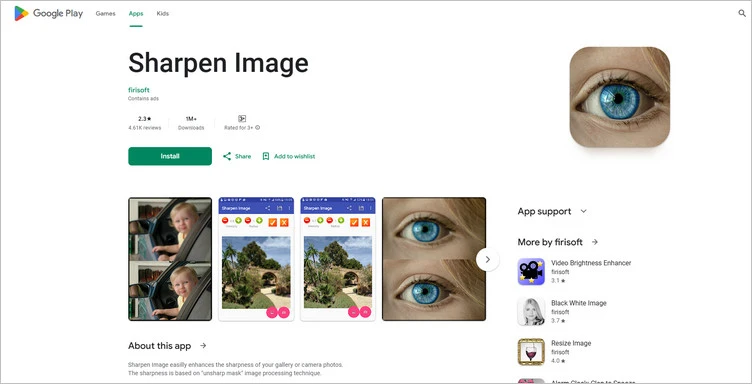
Part 2 Image Sharpening Software for You to Explore - Sharpen Image
Sharpen Image is a image sharpening software that you must download it before using it. It can easily enhance the sharpness of your gallery or camera photos. The sharpness is based on the "unsharp mask” image processing technique. All you have to do is play with two parameters: 1. Radius - the filter size in pixels 2. Intensity - how strong the sharpness is going to be. The process of Sharpen Image software to sharpen image only takes less than 1 second. You can save the sharpened photo or share it via Facebook, WhatsApp, Gmail, and more.
But you should notice that sharpening too much might increase noise in the picture, so play with the parameters wisely.
Conclusion
So, that’s how you can sharpen the image with 2 different kinds of image editing tools. Just pick your favorite one and start working on your project right now!




FlexClip AI Video Maker
Reach professional-quality videos faster with easy editing tools, templates, and smart AI.
Start Now for Free
Hot & Trending
-

Best Ways to Find Music in YouTube Videos
-

Instagram Story Video Quality Bad After Upload? Fix It!
-

How to Repost Video on TikTok & How to Remove TikTok Repost
-

Improve Video Quality Online: 3 AI Video Quality Enhancers You Can't Miss
-

4K Convert to HD 1080p without Watermark: Best 4k Video Converters
-

Best 8 Free Video Editors - No Download Required
-

Top 13 Birthday Video Makers with Music and Effects Free
-

How to Search Filters on TikTok & Use a Filter You See - TikTok Filter Guide




