


Retirement is more than a milestone—it’s a moment to honor years of hard work, dedication, and heart, as one chapter ends and an exciting new one begins.
Are you planning a heartfelt retirement celebration for a beloved teacher, family member, or colleague? Nothing captures appreciation and well wishes quite like a personalized retirement video.
In this guide, we’ll walk you through the simplest way to create a one-of-a-kind retirement video using an online editor. Let’s get started!


Directly Create a Retirement Video to Surprise the Retiree Right Now>>
Also Interested: How to Compile Your Group Message in a Touching Farewell Video>>
The Only Tool You Need for a Professional-level Retirement Video
Making a retirement video is much easier than you think with FlexClip. It’s packed with a huge library of templates that not only spark ideas but also deliver quick solutions for any retirement video need. Whether you need a retirement party invitation, a warm farewell video for a coworker, or a heartfelt tribute to a family member who’s retiring, you’ll easily find a template that matches your style perfectly.


Additionally, it goes beyond basic drag-and-drop replacement. An AI Recreate feature can rebuild the template based on uploaded files and make it truly fit your story and style. No prior editing skills needed. Just upload and AI will do the rest.
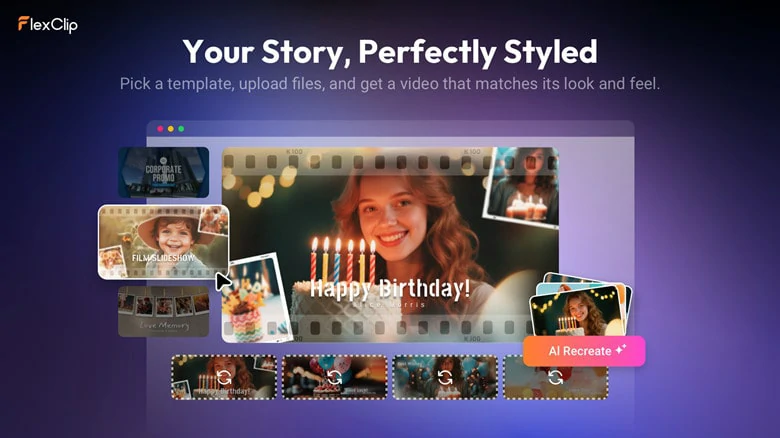
FlexClip's AI Recreate Feature to Make Retirement Video with Template
How to Make a Memorable Retirement Video with FlexClip
Step 1: Pick a Retirement Video Template
Begin by accessing FlexClip’s extensive library of templates, enter keywords Retirement to preview all retirement-related options and then pick your favorite template to start.
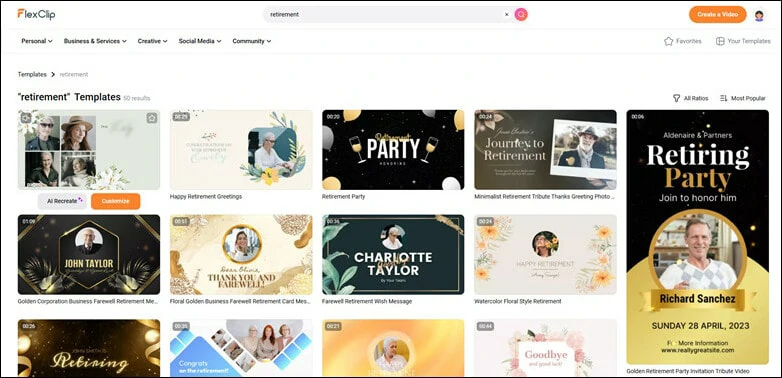
Pick a Retirement Video Template from FlexClip's Stock
Step 2: Customize Retirement Template with AI Recreate Feature
Click on AI Recreate button below and you’ll be led to the setup interface. The selected template appears on the left for you to preview and check. On the right section, customize the language, tone and theme(Auto, Formal, Casual or Humorous) for AI to analyze and rebuild, then upload photos and clips related to the retirement theme.
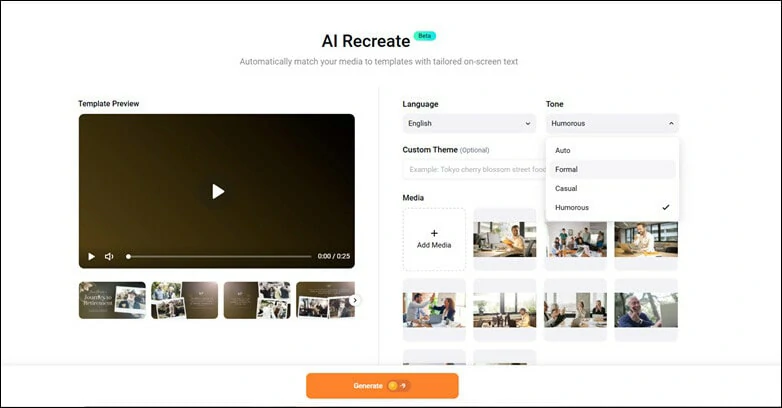
Customize Retirement Template with AI Recreate Feature
Step 3: Preview the AI-generated Retirement Video
In just a few seconds, your tailored retirement video will be ready to preview. AI works fast, but it’s not flawless—occasionally, you may need a quick drag-and-drop tweak to adjust if a subject ends up outside the frame.
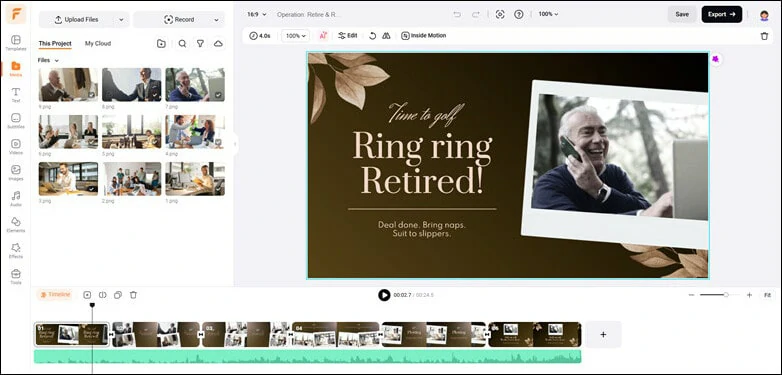
Preview the AI-generated Retirement Video
Step 4: Download and Share
If the default music doesn’t fit, replace it with a track that resonates with your shared meaningful moments. When you’re satisfied with the result, click the Export button to either download the video or share it instantly with others to co-create the gift.
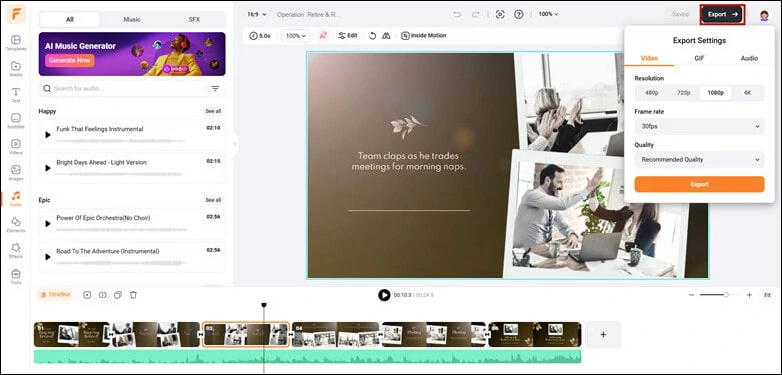
Download the Edited Retirement Video and Share
Bonus Tips: FlexClip offers more to simplify retirement video creation and below are features we listed for you:
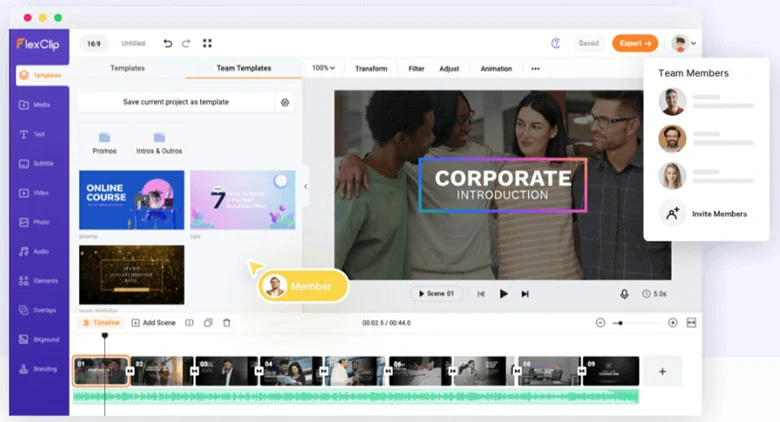
Collaboration Feature to Create Retirement Video Together
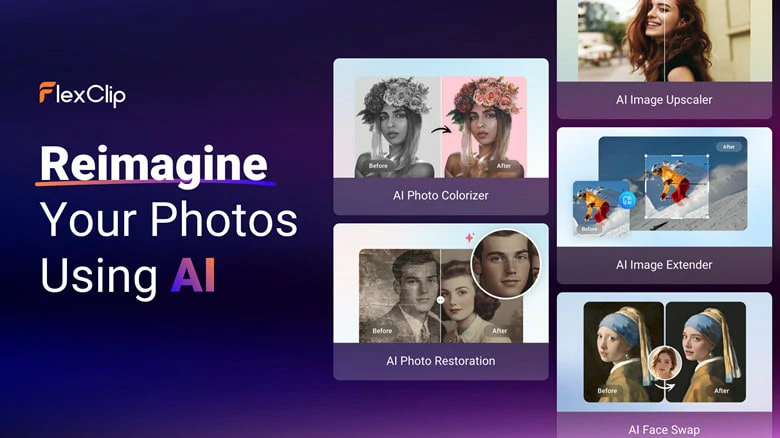
A List of AI Tools to Refine Photos of the Retiree
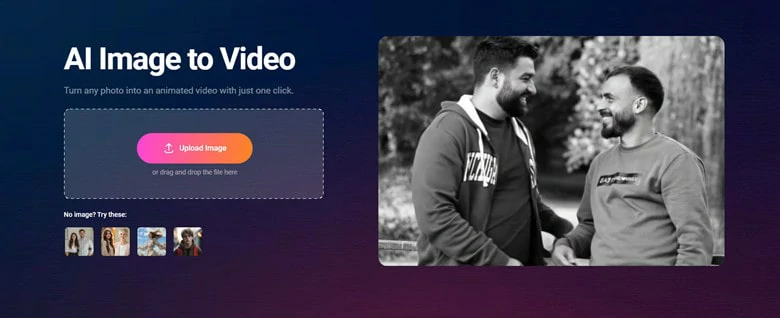
Make AI-generated Retirement Video with Image-to-video Tool
More Creative Retirement Video Ideas to Inspire You:
Beside formal tribute video, there are many ways to make a memorable retirement video. Below are some ideas to inspire you:
One of the most touching moments of retirement is receiving message from colleague, family and people who knows the retiree most:
Let the retiree share what they have learned through years of career journey. This type of video turns working experience into valuable career and lifetime advice for the younger coworkers or even family.
Recording a retiree’s final working day is a meaningful gesture, as it allows them to cherish those memories and look back fondly on their career even years later.
Farewell isn’t always just related to grave! Spice up the retirement event with funny Q&A interview.
The Bottom Line
That’s all for how to create a warm retirement video to celebrate the new chapter of the retiree. Now open FlexClip’s template library and pick your favorite one to make a touching moment.




FlexClip AI Video Maker
Reach professional-quality videos faster with easy editing tools, templates, and smart AI.
Start Now for Free
Hot & Trending
-

Best Ways to Find Music in YouTube Videos
-

Instagram Story Video Quality Bad After Upload? Fix It!
-

How to Repost Video on TikTok & How to Remove TikTok Repost
-

Improve Video Quality Online: 3 AI Video Quality Enhancers You Can't Miss
-

4K Convert to HD 1080p without Watermark: Best 4k Video Converters
-

Best 8 Free Video Editors - No Download Required
-

Top 13 Birthday Video Makers with Music and Effects Free
-

How to Search Filters on TikTok & Use a Filter You See - TikTok Filter Guide




