


If you want to solve all your face problems in one stop, FlexClip’s face shape editor is your best choice to reshape your face easily and quickly. It offers various face editing features for you to effortlessly tweak your appearance in photos.
Below are some example images using FlexClip’s AI face reshape editor.
Remove Facial Blemishes in Your Portrait
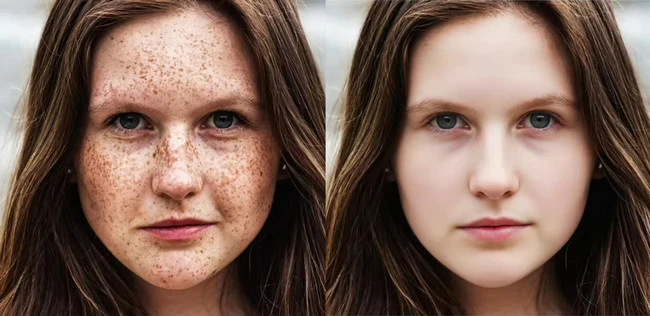
Remove Facial Blemishes Example - FlexClip
Remove Double Chin in Your Portrait

Remove Double Chin Example - FlexClip
Whiten Teeth in Your Portrait

Whiten Teeth Example - FlexClip
Enlarge Eyes in Your Portrait

Enlarge Eyes Example - FlexClip
Part 1 Online Face Reshape Editor - FlexClip
Face reshape editing isn’t a tedious process for users anymore. Backed up by advanced AI technology, FlexClip’s face shape editor allows you to tweak your appearance as you like with ease. You can say goodbye to the unsatisfactory facial features, such as yellow teeth or facial spot and so on. Try to precisely adjust each facial feature to achieve the desired look.
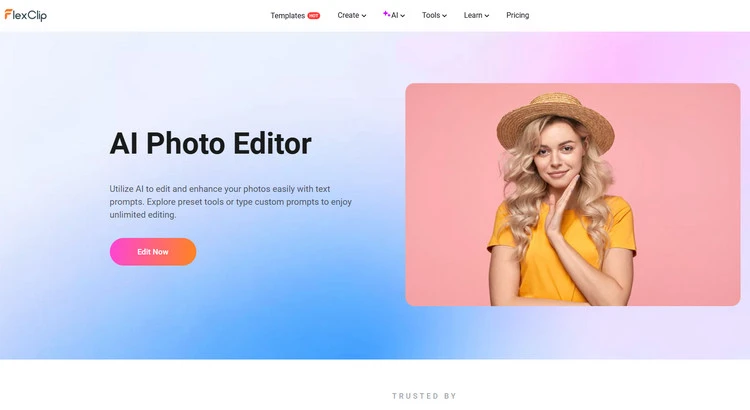
Face Reshape Editor - FlexClip
Even if you are new to AI, FlexClip’s simple interface can let you reshape faces in photos with lightning speed. Everything works fast and feels easy, even if you're new to face reshape editing. You just need to upload your portrait and enter a text prompt, then its strong AI will begin the creation automatically.
FlexClip’s face shape editor can help you experiment with new looks effortlessly. With the help of it, you can choose to remove facial spots, remove a double chin, or adjust your facial expression, and so on, as you need. We have given just a few face reshape examples here, and FlexClip can do more than you think. The possibilities in FlexClip are endless. Come to FlexClip and explore more face reshape possibilities.
Some Face Reshape Prompt Examples
Here are some face reshape editing prompts for you to choose from. You can upload a portrait and copy and paste one of these text descriptions below into the prompt box directly, then you can get a new photo of yourself.
Part 2 How to Use FlexClip's Face Reshape Editor Online
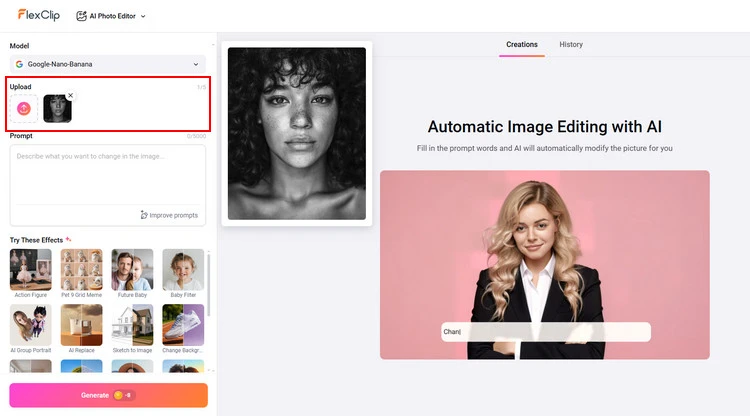
Upload Single Photo - FlexClip
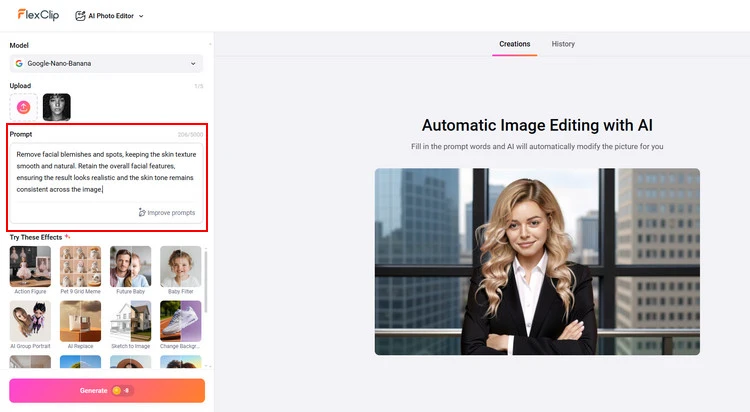
Type Prompts - FlexClip
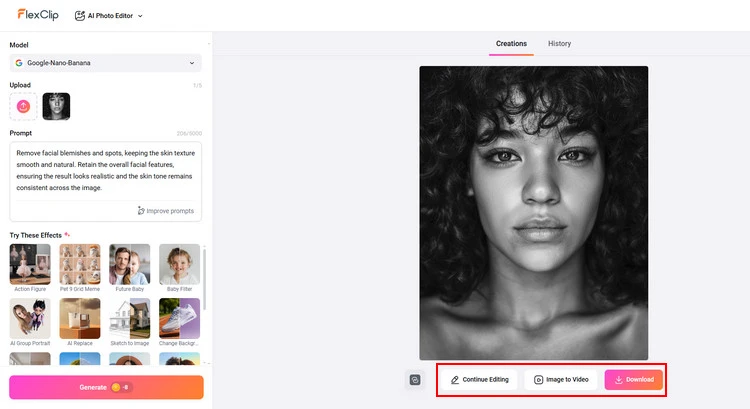
Download New Photo - FlexClip
Bonus: Except for Face Reshape, Change Hairstyle is also Breeze
In addition to the face reshape editor, FlexClip also provides diverse hairstyle options for you to touch up your portrait. There are over 30 different kinds of hairstyles in FlexClip’s online hairstyle changer for you to choose from. No matter what hairstyles you prefer, FlexClip’s hairstyle changer will have you covered. FlexClip will help you experiment without a trip to the salon to try on versatile hairstyles on your face many times. Moreover, you can choose to level up your new hairstyle with FlexClip’s vivid hair colors. Whether you want to try out subtle tones like black, brown, or blonde, or bold shades such as pink or white, FlexClip can always satisfy you.
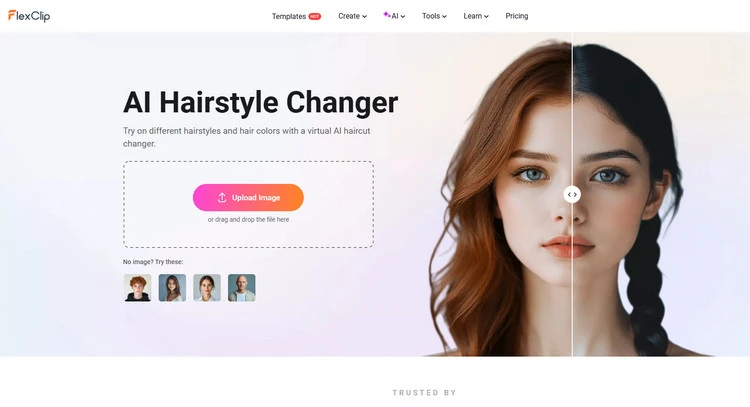
AI Hairstyle Changer - FlexClip
Conclusion
This post talks about how to reshape your facial features effortlessly in FlexClip. With this powerful face shape editor, you can transform your look and get a new photo of yourself in seconds. Let’s have a try!




FlexClip AI Video Maker
Reach professional-quality videos faster with easy editing tools, templates, and smart AI.
Start Now for Free
Hot & Trending
-

Best Ways to Find Music in YouTube Videos
-

Instagram Story Video Quality Bad After Upload? Fix It!
-

How to Repost Video on TikTok & How to Remove TikTok Repost
-

Improve Video Quality Online: 3 AI Video Quality Enhancers You Can't Miss
-

4K Convert to HD 1080p without Watermark: Best 4k Video Converters
-

Best 8 Free Video Editors - No Download Required
-

Top 13 Birthday Video Makers with Music and Effects Free
-

How to Search Filters on TikTok & Use a Filter You See - TikTok Filter Guide




