


Want to convert image to vector art that can bring your vision to life? Vector art is a seemingly simple style that usually takes many hours of experience to achieve. It’s not an easy task since you'd have to go into vector software and design each shape manually. But now, things are easier than you think. You can get perfect vector images every time with our recommended AI photo vectorizer. Whether it's a landscape photo or a portrait, AI can easily turn it into vector art. Don't believe it? There are some vector example images below using FlexClip’s AI image vectorizer. Check them!
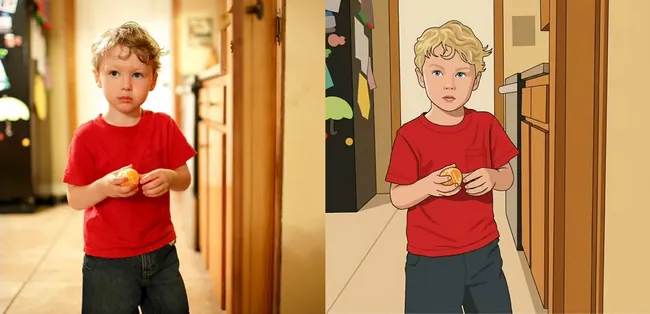
Vector Art Example Image - FlexClip

Vector Art Example Image - FlexClip
Part 1 How to Convert Image into Vector Art in FlexClip
Now that you know the vector art effect achieved by FlexClip, let’s get started and let your creativity flow! Here are some detailed steps about how to convert image to vector art online in FlexClip. Follow these steps below and start photo to vector art.
Method 1 Convert Image into Vector Art with AI Photo Editor
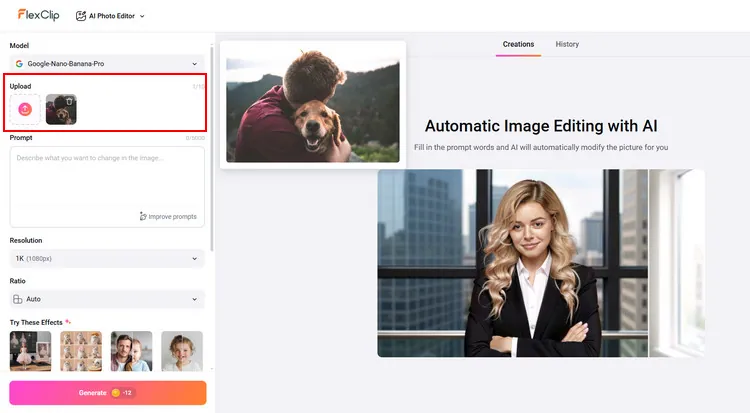
Upload Your Photo - FlexClip
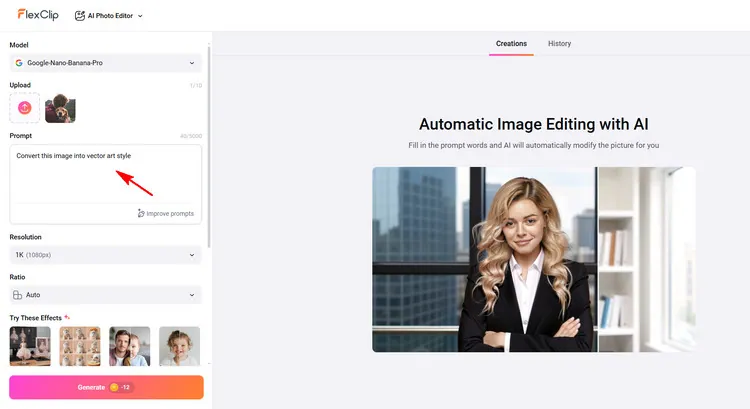
Apply Vector Preset - FlexClip
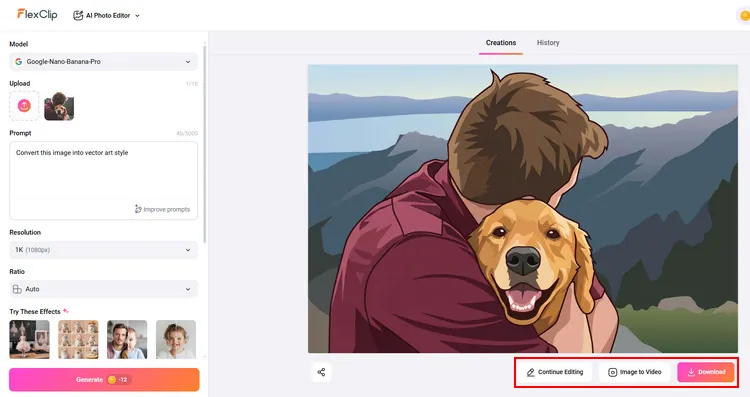
Download Vector-style Photo - FlexClip
Method 2 Convert Image into Vector Art with AI Image to Image
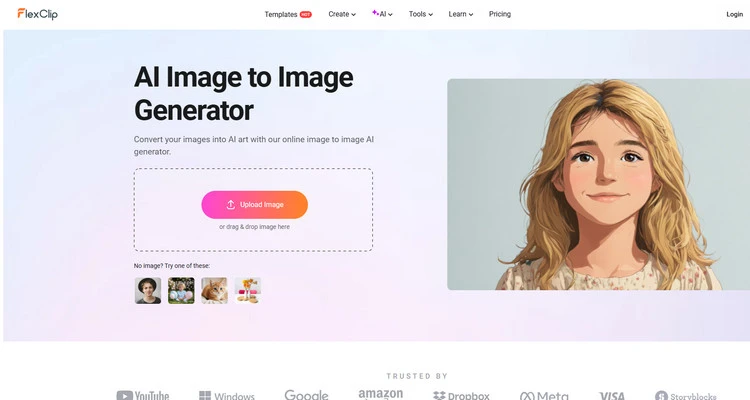
Upload Your Photo - FlexClip
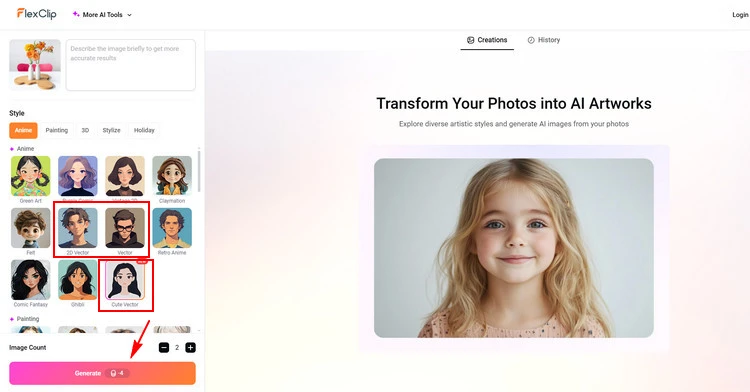
Type Vector Prompt - FlexClip
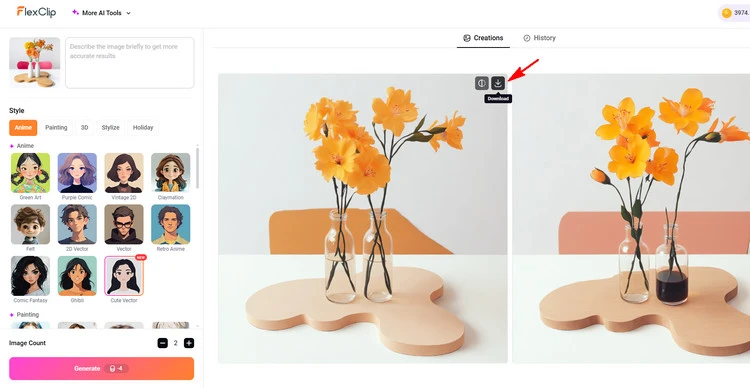
Download Vector-style Photo - FlexClip
Part 2 The Excellent Photo Vectorizer - FlexClip
FlexClip’s AI photo vectorizer allows you to stylize all of your favorite photos, landscape images, pet portraits, and more. It can fine-tune your images during vectorization to control the level of detail you keep. You can opt for FlexClip to add creative flexibility to your vector photo design process.
It offers 2 different ways fot you to convert images into vector art. You can choose 3 different vector styles from its AI image to image tool, such as Vector, Cute Vector, and 2D Vector. With its cutting-edge AI vector styles, you can preserve the original details in photos while also converting image to vector art. Or you can directly type prompts to let FlexClip’s AI photo editor convert image to vector art in no time.
Bonus: Try FlexClip’s More AI Tools
FlexClip also provides many AI image editing tools to accelerate your photo creation process. It has rich AI features that allow you to unleash your creativity. There are more possibilities waiting for you to explore.
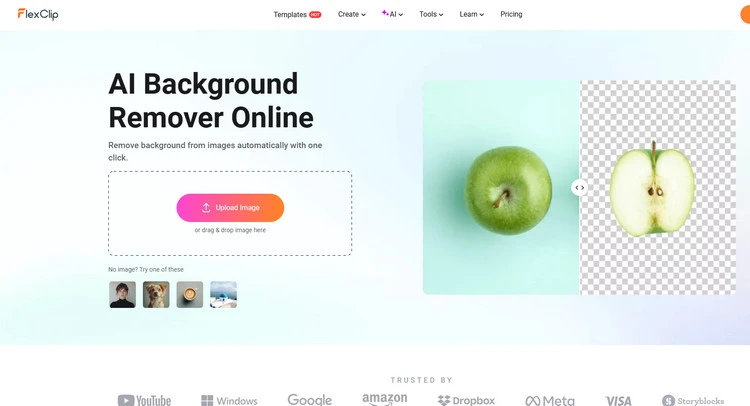
AI Background Remover - FlexClip
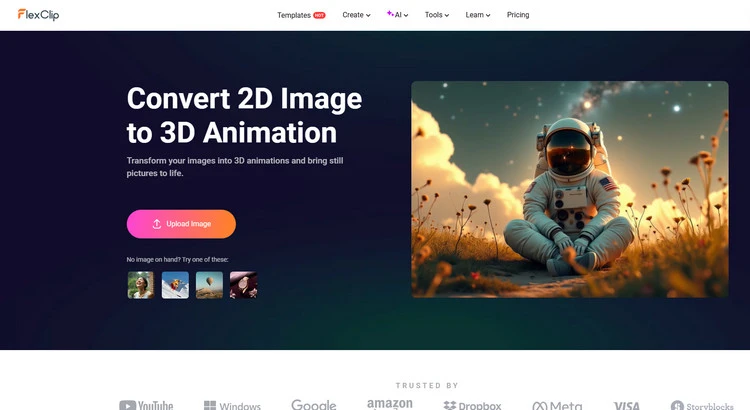
AI 3D Photo Animation - FlexClip
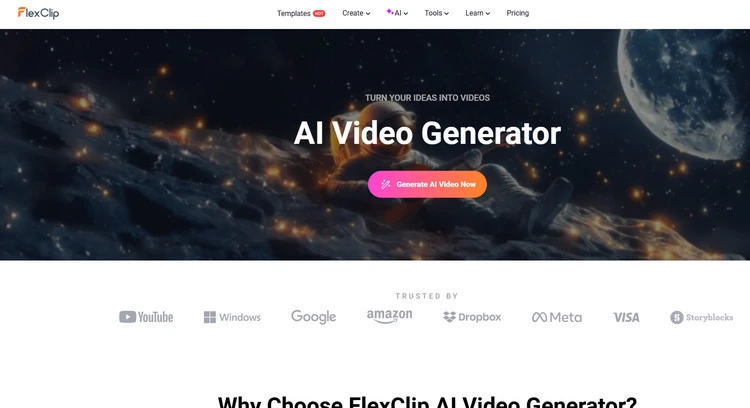
AI Video Generator - FlexClip
The Final Words
In this article, we have discussed the excellent photo vectorizer to convert image to vector art - using FlexClip. If you find this post helpful, please share it with others.




FlexClip AI Video Maker
Reach professional-quality videos faster with easy editing tools, templates, and smart AI.
Start Now for Free
Hot & Trending
-

Best Ways to Find Music in YouTube Videos
-

Instagram Story Video Quality Bad After Upload? Fix It!
-

How to Repost Video on TikTok & How to Remove TikTok Repost
-

Improve Video Quality Online: 3 AI Video Quality Enhancers You Can't Miss
-

4K Convert to HD 1080p without Watermark: Best 4k Video Converters
-

Best 8 Free Video Editors - No Download Required
-

Top 13 Birthday Video Makers with Music and Effects Free
-

How to Search Filters on TikTok & Use a Filter You See - TikTok Filter Guide




