Vertical Video Editor
Easily create or edit vertical videos with FlexClip easy-to-use vertical video editor. Perfect for Shorts, Reels, TikTok and portrait-form video creation.
Why Choose FlexClip’s Vertical Video Editor?

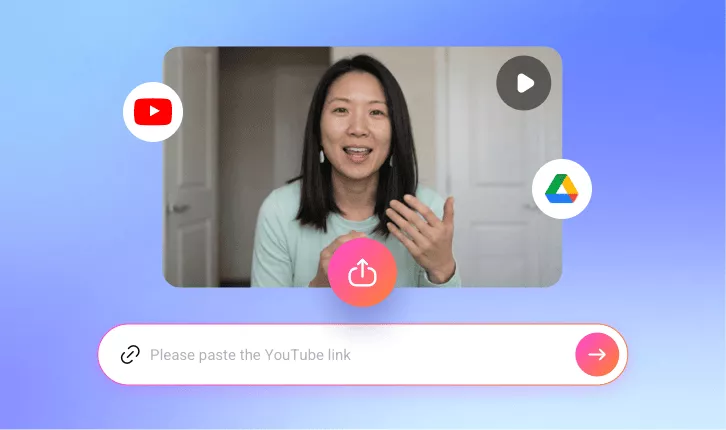
100% Online
Create engaging vertical videos anytime, anywhere directly in your browser — no software installation required.

Fast Speed
Whether you’re resizing a video to vertical format or editing a vertical video, every step is completed instantly with a simple drag-and-drop workflow.

Live Video Preview
Preview your video in real time before exporting, so you know exactly how the final result will look — no unexpected surprises after export.
please input title
Resize Any Video into Vertical Format
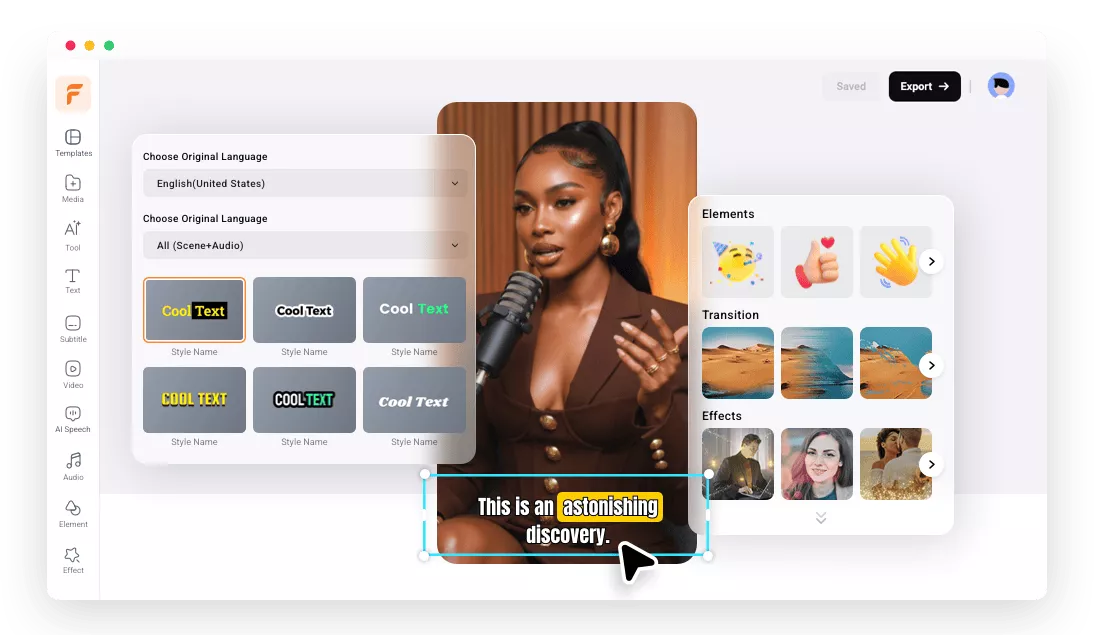
FlexClip makes resizing fast and simple. No matter the original orientation, you can easily convert any video into a vertical format, ready to share on TikTok, Instagram Reels, YouTube Shorts, and other short-form platforms without a complex editing process. Plus, the original clarity and sharpness are preserved.
Create Vertical Video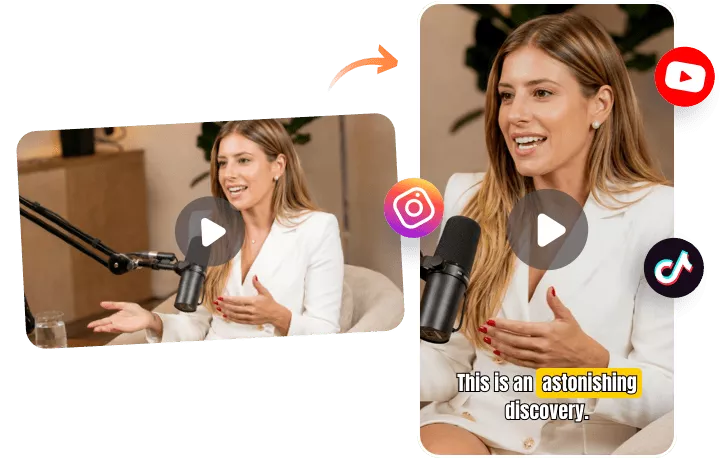
Edit Stunning Vertical Videos Online
Enhance your vertical videos with FlexClip’s powerful editing tools. From adding filters and titles to adjusting speed and applying smooth transitions, FlexClip provides everything you need to transform your portrait videos from ordinary to stunning with an easy, streamlined workflow.
Create Vertical Video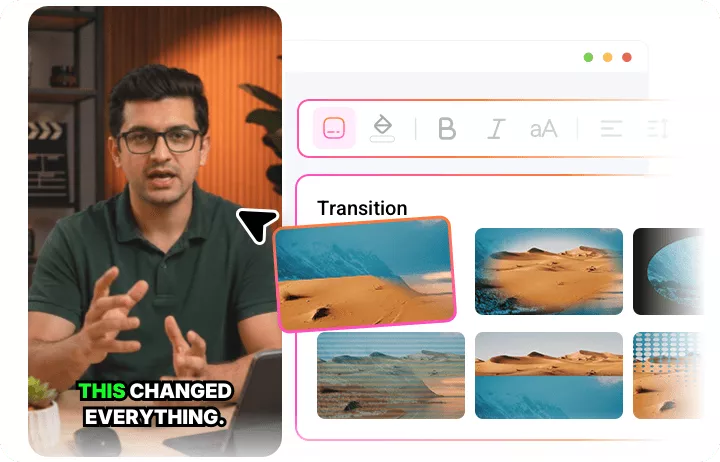
AI Tools for Creative & Efficient Touch
FlexClip balances creativity and efficiency with powerful AI tools. Whether you’re generating automatic subtitles, creating professional videos with AI templates, producing original music and sound effects from text, or adding lifelike voiceovers, you can bring your ideas to life and build high-quality projects in minutes instead of hours of manual editing.
Create Vertical Video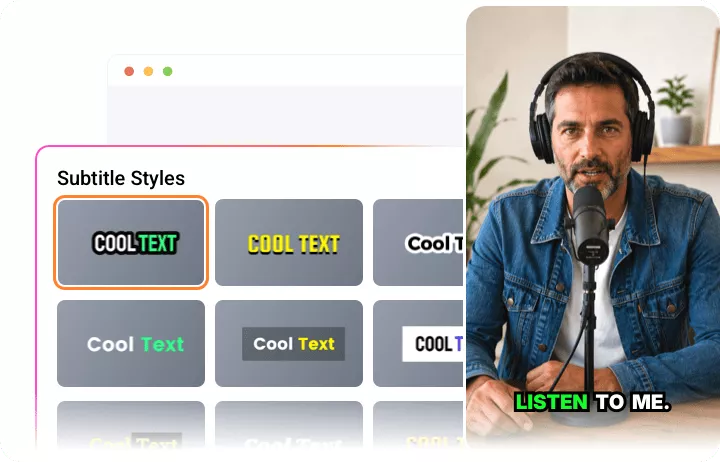
One-Click Download and Share Vertical Content
Download or share your vertical videos with a single click. Save your work in multiple resolutions (up to 4K) or publish directly to social platforms like YouTube, TikTok, and LinkedIn without the hassle of re-uploading. Share your content with the world instantly.
Create Vertical Video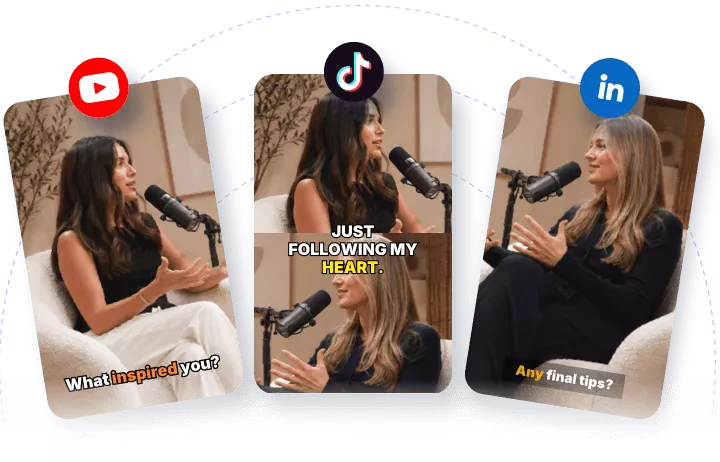
How to Create a Vertical Video Online Using FlexClip?
- 1
Upload a Video
Import a video you want to edit from computer, mobile, Google Drive, Dropbox, etc.
- 2
Create a Vertical Video
Click the format option to switch the aspect ratio to 9:16, then use FlexClip’s powerful editing tools to further enhance your vertical video.
- 3
Preview and Export
Preview how your video looks. Once you’re satisfied, click Export to save it locally or share it directly on social media platforms.