Add Sound Effects to Video
Enhance your videos with the perfect sound effects in seconds. Explore FlexClip’s vast collection of royalty-free SFX or let AI create custom sound effects that match your video’s unique style and needs. Quick, effortless, and efficient for everyone.
Why Choose FlexClip to Add Sound Effects to Video?

100% Online
No downloads required - instantly open your browser and enhance videos with the perfect sound effects in FlexClip.

Powerful Formats Support
Auto transcoding allows us to support more video formats than ever. You can add sound effects to MP4, MOV, M4V, WebM, and more - format is the last thing to consider.

Security Protection
Your privacy is our priority. FlexClip does not collect or share your data, and all uploaded or generated content is accessible only to you. This tool is completely secure and encrypted.
please input title
A Selection of Sound Effects to Bring New Life to Video
Captivate your audience by adding sound effects to your videos. FlexClip offers a vast library of incredible sound effects, categorized by themes, scenes, vibes, feelings, actions, and purposes, making it easy to find the perfect match for any project. Choose the perfect sound effect to enrich your story or revitalize your video clips in clicks.
Add Sound Effects to Video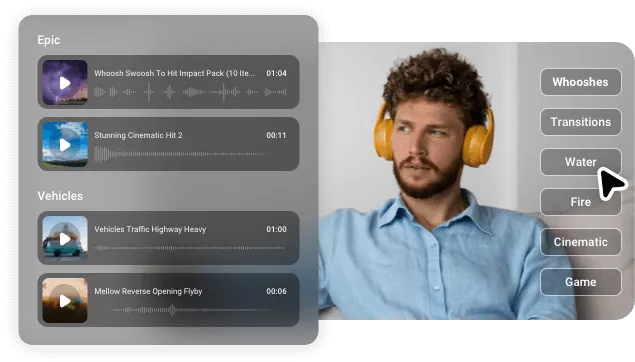
Create Unique & Tailored SFX with Text-based Generation
Less searching, more cinematic sound. Simply describe the sound you imagine, and watch AI transform your text into realistic sound effects. With FlexClip’s AI Sound Effects generator, you can create a wide range of ambient sounds—rain, wind, whooshes, human or animal effects—all accurately mimicking real-world audio and ready for personal or commercial use.
Generate Sound Effects with AI
AI-driven Sound Matching of Your Video
Drop in a video and get instant, perfectly matched sound. FlexClip’s AI Video-to-SFX generator analyzes your video’s motion, transitions, and scene changes to create audio that feels natural and immersive. It understands tone, pacing, and context to automatically add ambience, swipes, footsteps, and more—delivering seamless, professional-quality sound design without any manual adjustments.
Generate Sound Effects Now
More AI Audio Tools to Elevate Your Video
Beyond sound effects generation and adding, FlexClip provides more tools to enrich your audio content. You can reduce background noise from the video, generate an AI song that matches your video’s tone, use TTS to create lifelike voiceover, etc. Plus, you can adjust audio settings like volume, speed, pitch, and fade-in/out duration effortlessly using this online platform. All the operations can be finished in one-click operation.
Add Sound Effects to Video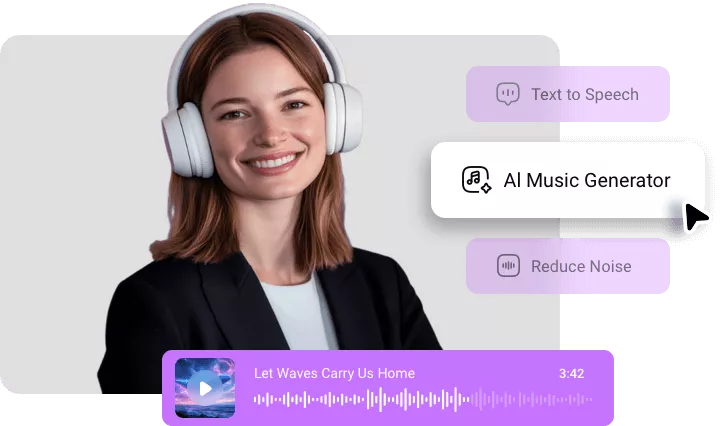
How to Add Sound Effects to Video in FlexClip?
- 1
Upload Your Video
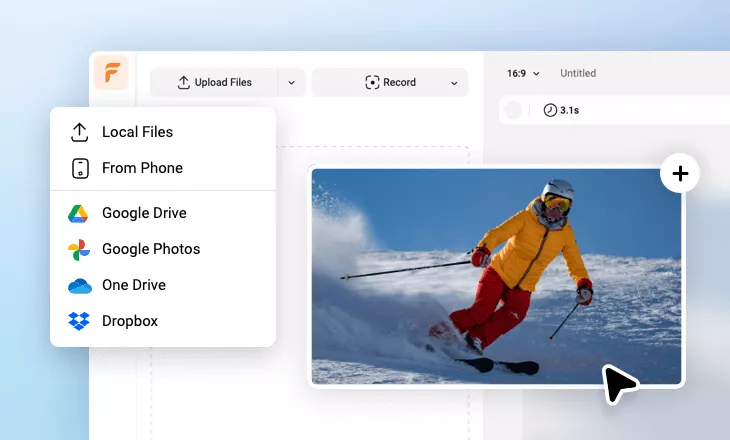
Upload the target video to get started. You can import videos from computer, mobile, Google Drive, One Drive, Dropbox and more.
- 2
Add SFX to Video
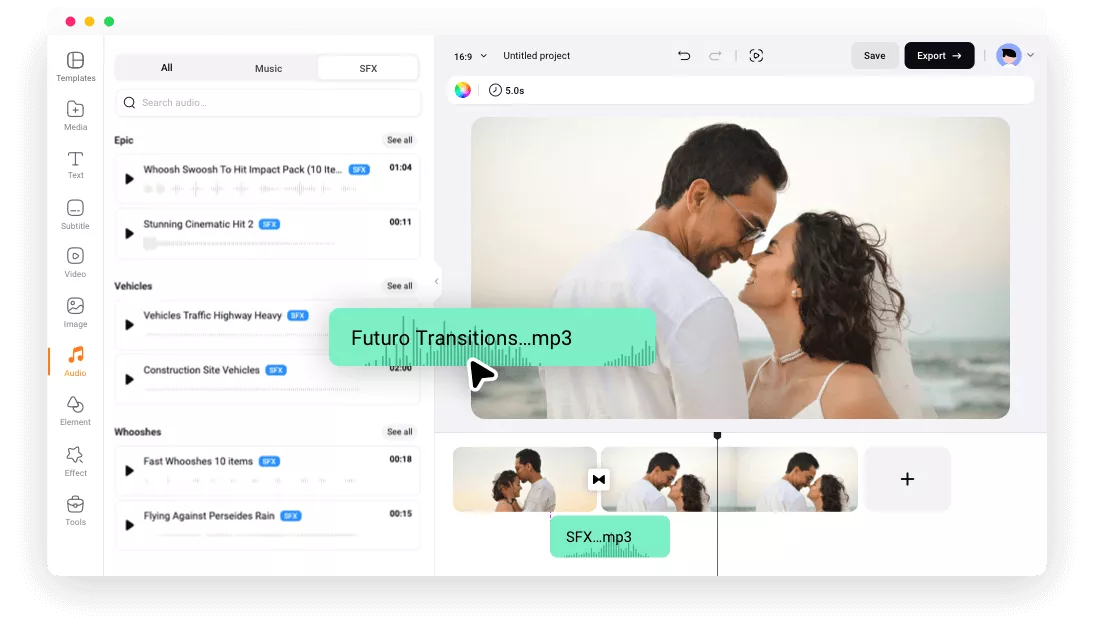
Move to Audio tab on the left sidebar and browse thousands of royalty-free SFX to add to your video. Alternatively, you can describe the sound effects and let AI turn text into SFX.
- 3
Edit and Export
Trim, arrange and edit the sound effects to match your video theme. Once it’s done, click on Export icon to save and render the SFX video.