AI Invitation Maker
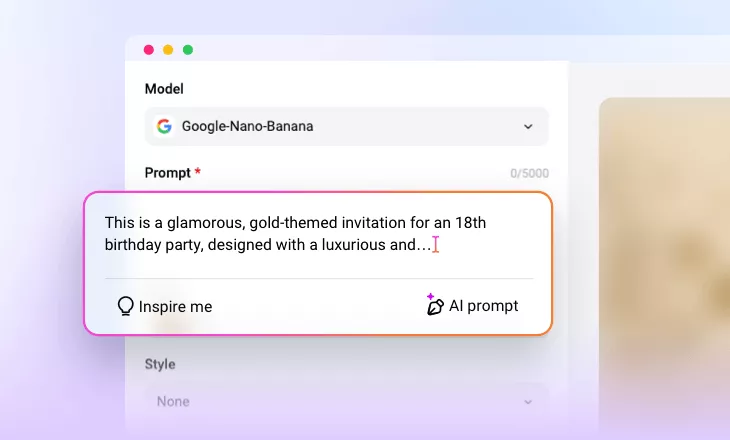
Create eye-catching, custom invitation cards or videos in minutes using simple text prompts. FlexClip’s AI invitation maker is perfect for weddings, parties, corporate events, and more.
Why Use FlexClip’s AI Invitation Generator?

Invitation Maker with AI
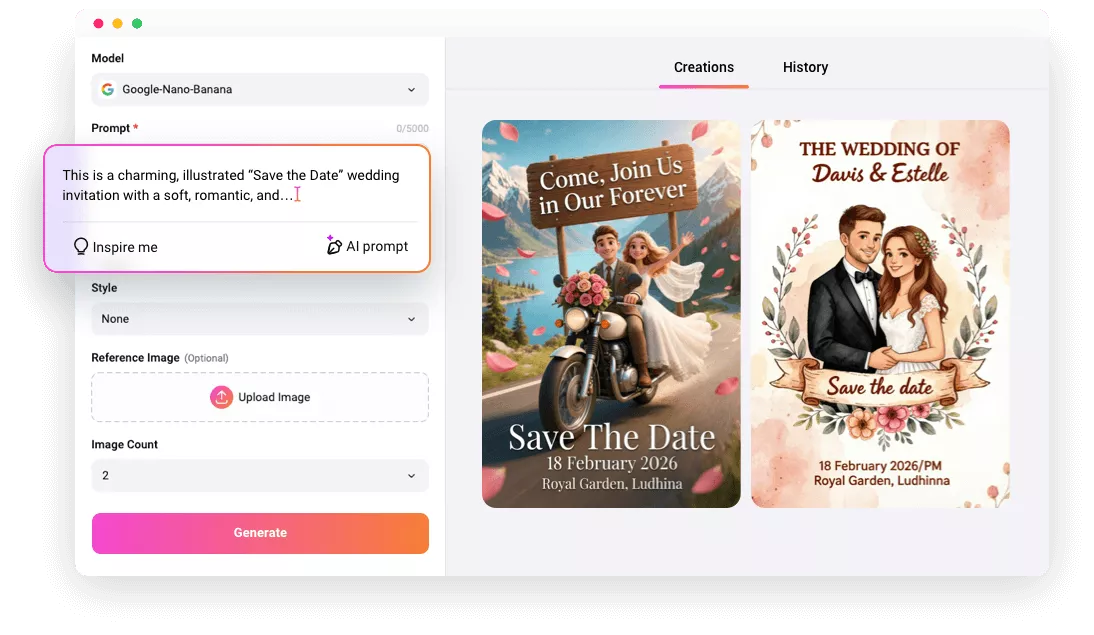
Say goodbye to manual design! Just share your vision with FlexClip’s AI invitation maker, and watch AI bring it to life instantly.

100% Online
FlexClip lets you generate personalized invitations right in your browser, without any software download or curve learning required.

Real-time Generation
No need to guess how it’ll look. You can preview your creative invitation design instantly after entering your prompt.
please input title
Make Custom Invitation Cards with Prompts
Struggling to design invitation cards for your upcoming wedding, party, or graduation ceremony? FlexClip’s AI invitation card maker has you covered. Just enter your event details—theme, date, style, and address—and AI will instantly create a professional, polished invitation with the perfect tone, fonts, and mood to match your taste. It’s ready to download and easy to share anywhere.
Make Invitation Cards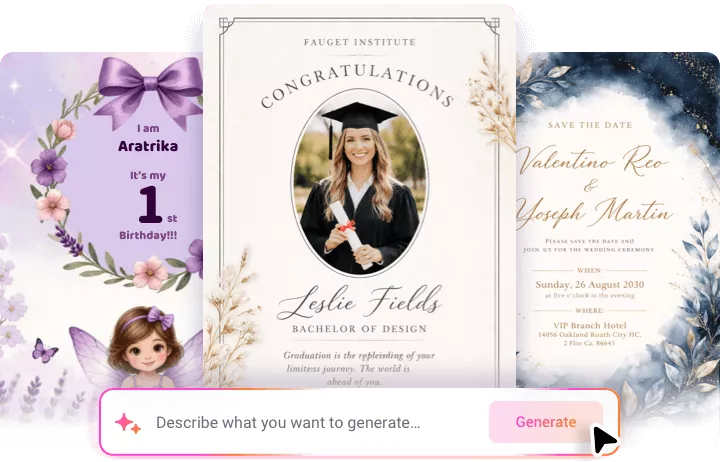
Create Unique Invitation Videos for Various Occasions
Need a dynamic invitation video? FlexClip’s AI invitation video generator makes it easy! Start with a simple prompt and let AI craft your invitation, then customize it with your photos and details. Or choose from 6,000+ ready-made templates and use AI Recreate to make it uniquely yours. You can even upload your own photos and let FlexClip’s AI Auto Edit handle the rest. Whether it’s a housewarming, anniversary, baby shower, or any event, FlexClip delivers the invitation video you’ve been dreaming of.
Create Invitation Videos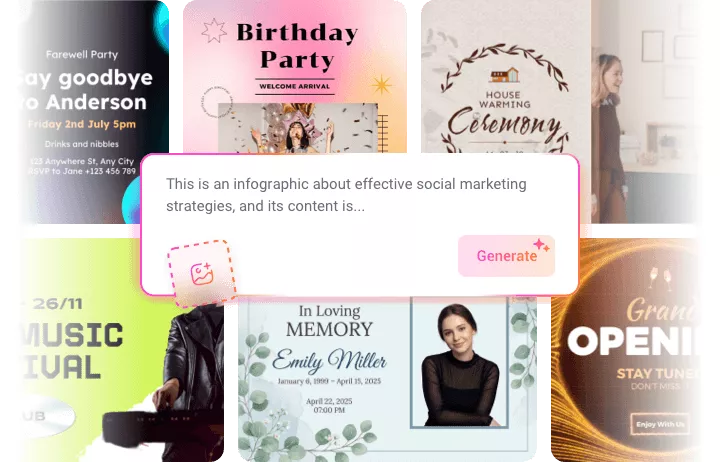
Customize Invitation Design as You Like
While AI speeds up the process, FlexClip lets you customize every detail of your design. Its robust photo and video editor lets you perfect your invitation—add your logo, tweak colors, use your own fonts, or include a personal voiceover—ensuring every design is truly one-of-a-kind. With FlexClip, every detail is under your control.
Generate Invitation Designs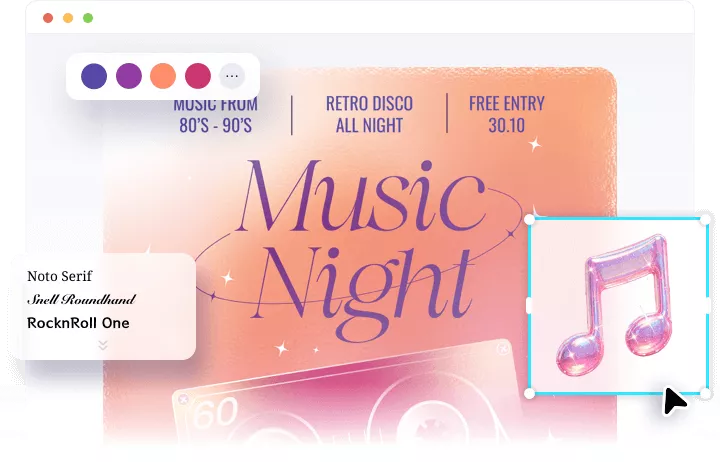
How to Create an Invitation Using AI
- 1
Choose Invitation Maker
Open FlexClip’s AI text-to-image tool to start creating your invitation card. Or access AI text-to-video feature for an invitation video.
- 2
Enter a Prompt
Enter a simple prompt describing your event, theme, date and other details to help AI understand what you want.
- 3
Generate & Download
Click Generate to let AI instantly bring your vision to life. Once you’re happy with the result, download it right away and easily share it on social media, via email, or through messaging apps.