AI YouTube Banner Maker
Impress all your YouTube channel visitors with a perfectly-branded YouTube banner.
Why Use FlexClip’s YouTube Banner Maker

Easy-to-Use Interface
FlexClip is designed with simplicity in mind, making YouTube banner creation accessible to everyone, regardless of their editing skills.

Platform Compatibility
You can create YouTube banner images on both computers and mobile devices. No matter which device you are using, FlexClip delivers a smooth, seamless creation experience.

Fast Results
Speed is essential for content creators. Utilizing the most advanced AI generation models, FlexClip delivers fast results without compromising on quality.
please input title
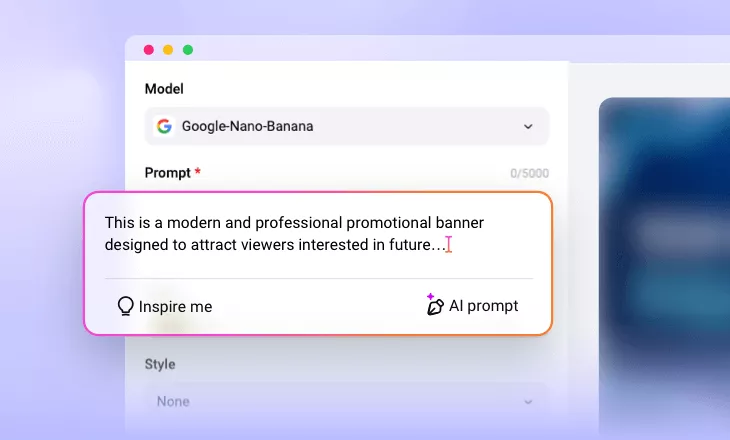
YouTube-Optimized Banner Generation
Not any horizontal images work well as a YouTube banner, because YouTube may crop out key information in the image. FlexClip is built specially to meet YouTube’s technical requirements. All generated results will follow the recommended dimensions (which is 16:9) and safe zones, ensuring important resolution and layout remain visible across all screen sizes.
Create YouTube Banner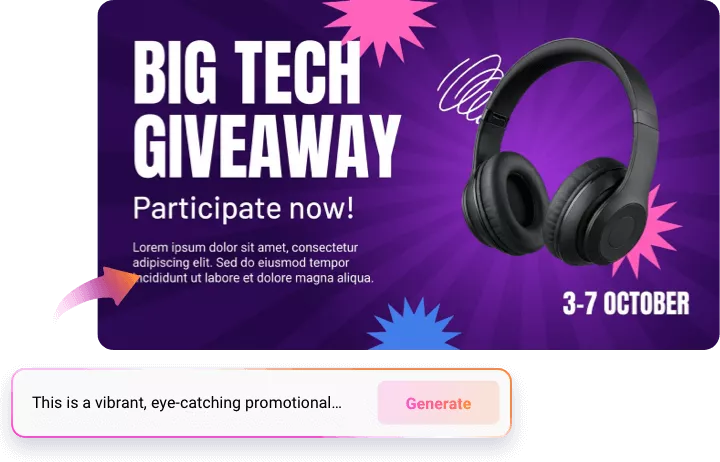
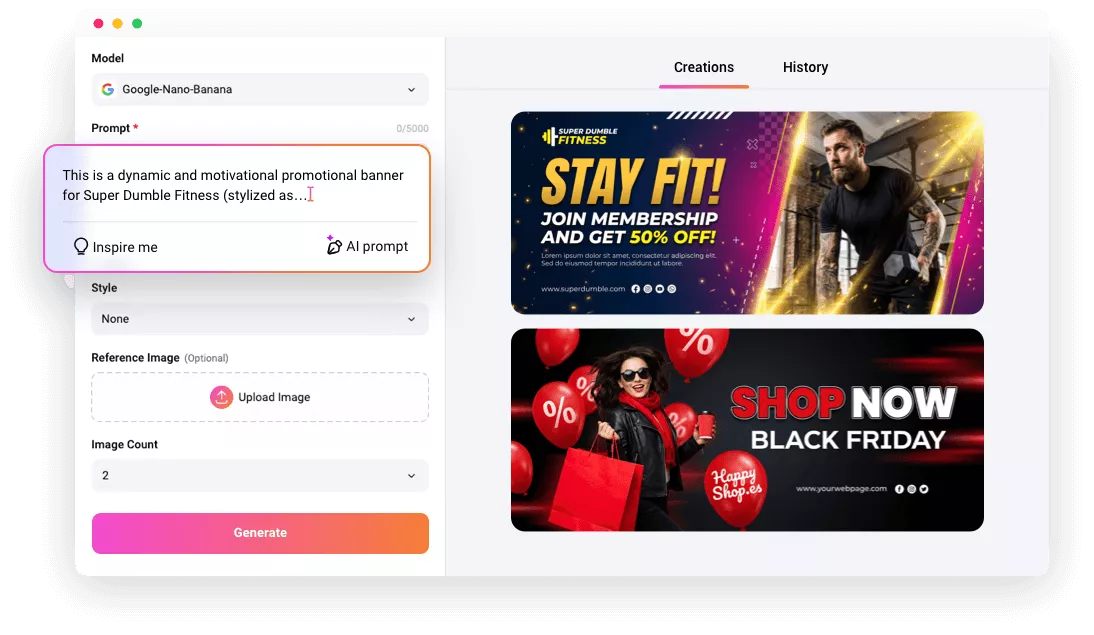
Brand-Consistent Design
FlexClip’s powerful AI generation models help creators maintain visual consistency across all outputs. You can enter a detailed prompt, upload a reference image to apply brand colors, fonts, logos, and visual styles across banners with ease. This consistency builds trust, credibility, and recognition among all viewers, especially for first-time viewers.
Create YouTube Banner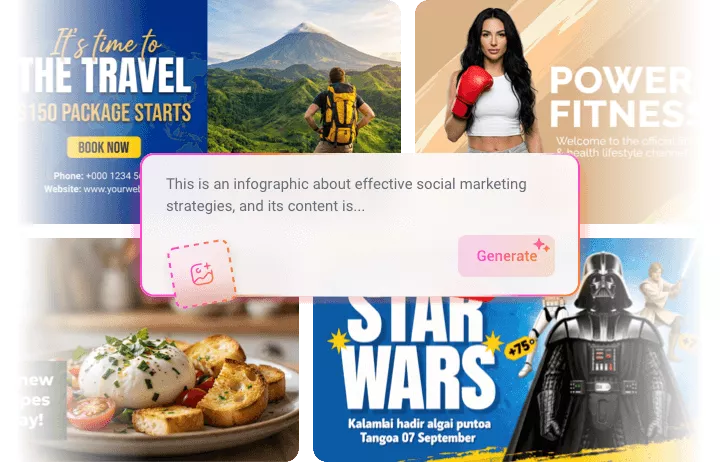
Easy Customization Options
FlexClip creates satisfying YouTube banner images without additional trails. However, it also offers powerful yet simple customization options that give creators full control over their banner designs. You can easily edit text, adjust font styles, change color schemes, replace backgrounds, and upload custom images or logos. Fine-tune your banner designs without overwhelming complexity.
Edit YouTube Banner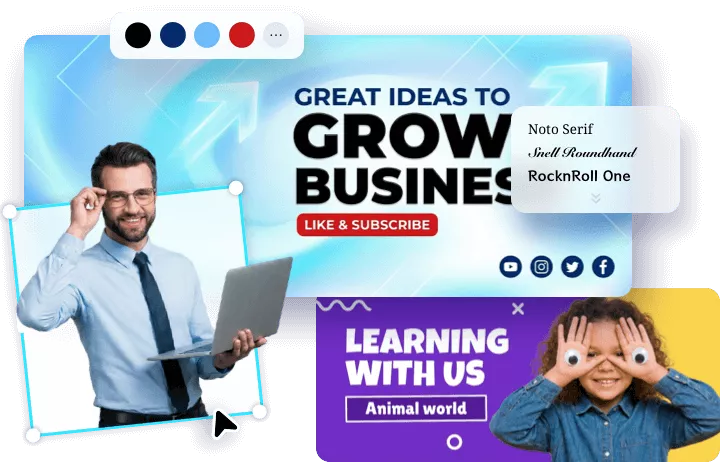
Instant Resize for Social Media Reuse
A smart content creator doesn’t limit all possibilities to one platform. FlexClip gets it, and it allows you to repurpose YouTube banner designs for other social media platforms effortlessly. With just one prompt, banners can be resized for other platforms like Facebook, X, Instagram, or LinkedIn without losing quality or layout integrity. This feature saves time, ensures brand consistency across all channels.
Repurpose YouTube Banner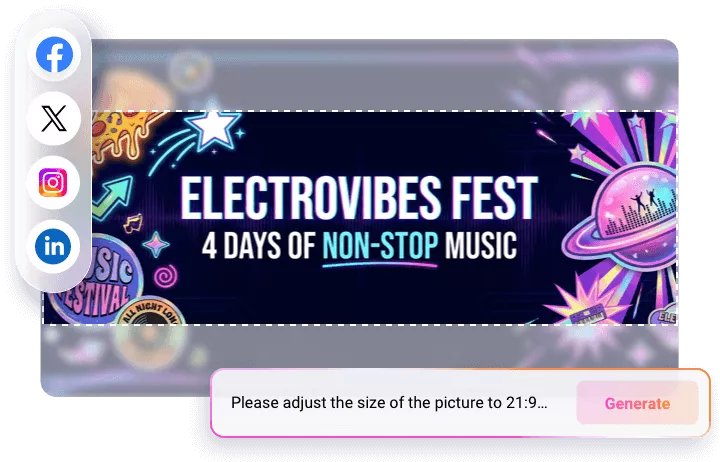
How to Use FlexClip’s YouTube Banner Generator
- 1
Enter a Prompt
Access FlexClip’s Text to Image tool, pick an image generation model, then enter a prompt describing the YouTube banner you need.
- 2
Do Basic Setups
Set the image style, image generation count, image style. As for the image aspect ratio, we suggest you go 16:9.
- 3
Preview & Export
Preview the image. If you are satisfied with the AI-generated YouTube banner, save it to your local folder and use it on your YouTube channel.